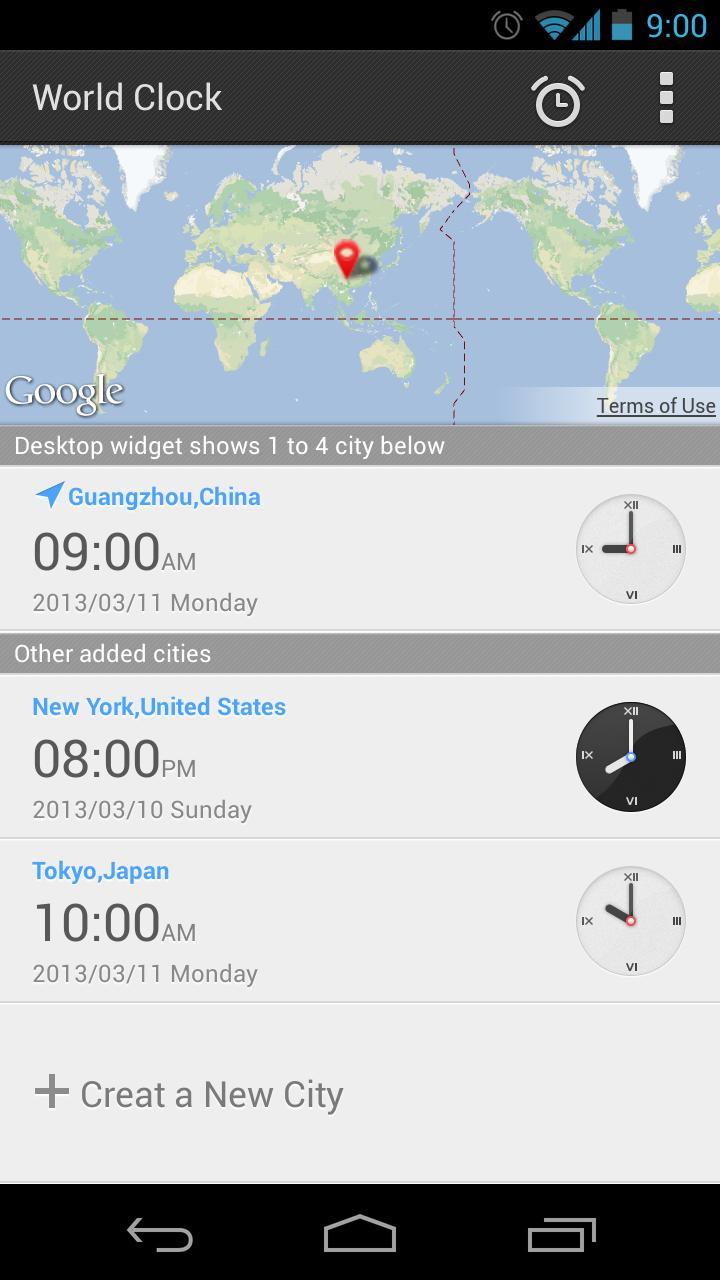
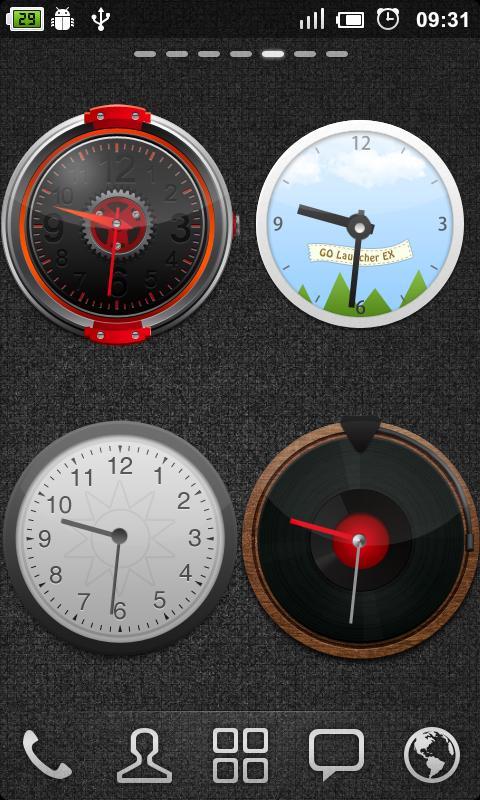
GO Clock Widget is a time browsing tool on homescreen based on GO Launcher EX. Both analog style and digital style are supported. The analog style has two different modes that change at 6:00 and 18:00. Up to 9 different themes are supported!
To make it work, you must install the latest version of GO Launcher EX which is the most popular home launcher app in Android Market.
Available Size:
- 4x2
- 4x1
- 2x2
Actions:
- Set alarms
How to add GOWidget to your home screen?
- Long press on your home screen in GO Launcher EX. Press the GOwidget option and choose the widget you like. Make sure you have enough room for the widget.
Latest Version
2.14Uploaded by
Shaip Kuci
Requires Android
Android 2.0+
Category
Free Productivity AppContent Rating
Everyone
Report
Flag as inappropriateLast updated on Jul 18, 2015
(Fix)Some small bugs






APKPure - A multi-platform app store primarily focused on Android, providing extensive app-related content. Discover the app you want easier, faster, and safer, with quick and efficient downloads and installations.