
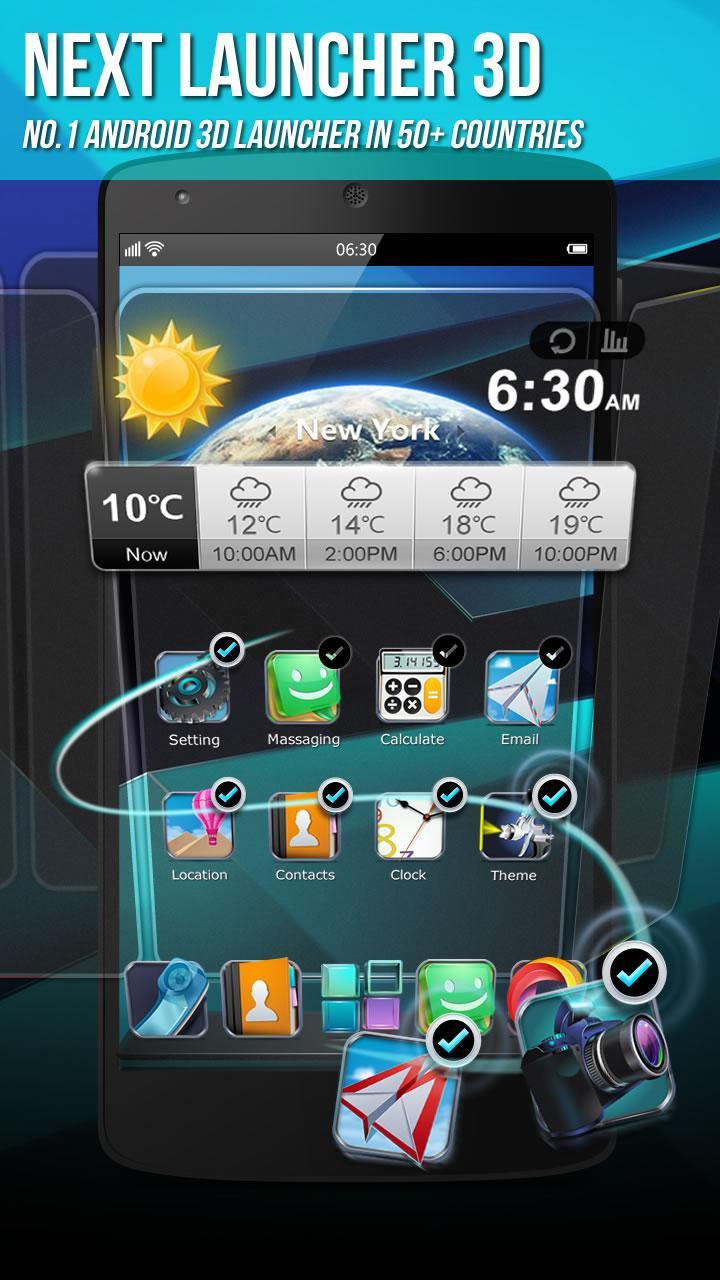
Next Launcher 3D Shell suits users who want a home screen that looks lively and adapts to daily use. It replaces the default layout with animated pages and flexible controls so you can arrange icons and widgets with precision. The interface focuses on motion and clarity, while gestures help you move around faster. As a result, common tasks like opening apps or switching screens feel more fluid. You can get Next Launcher 3D Shell APK to explore these options without changing your existing apps.
Real 3D transitions and preview
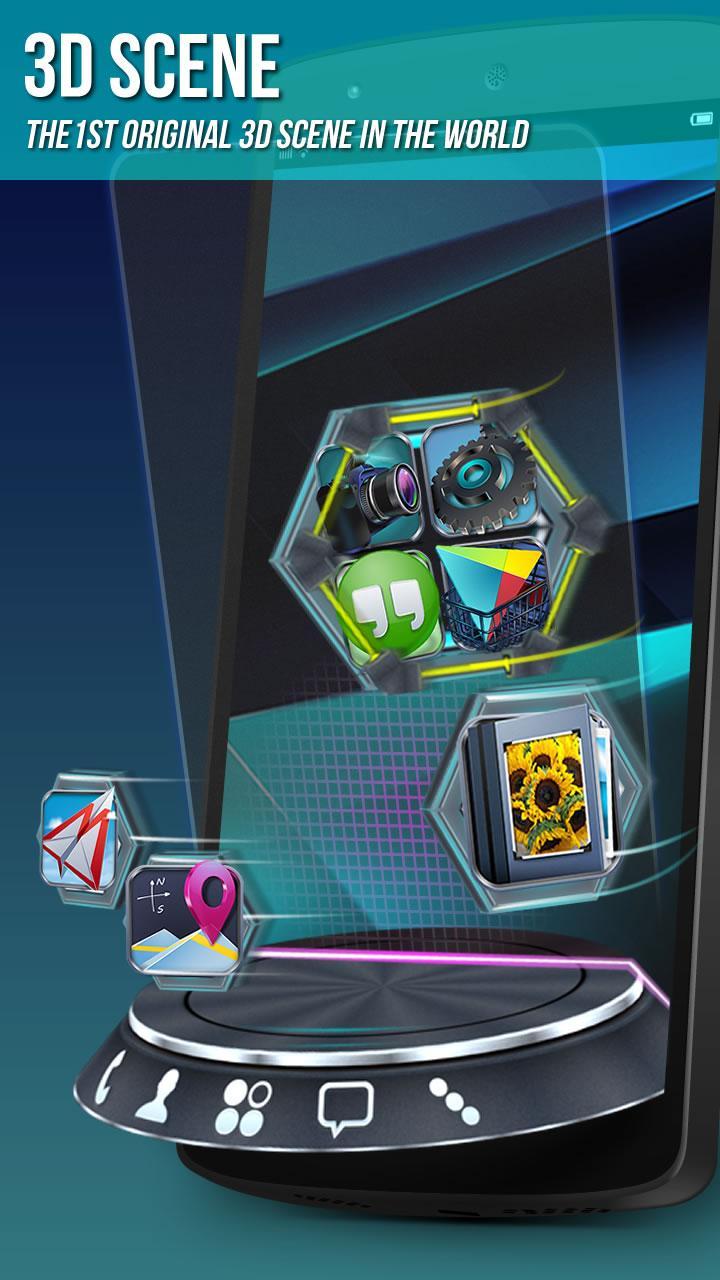
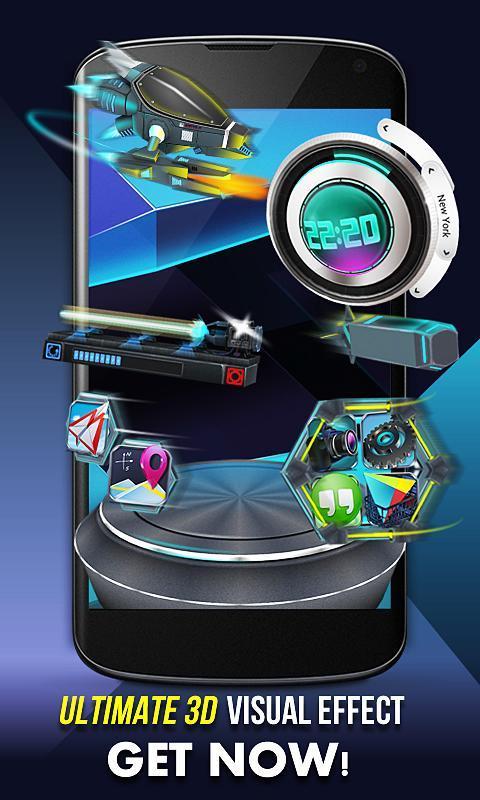
Next Launcher 3D Shell offers real 3D home screen transitions with smooth motion between pages and a full 3D screen preview. The Next Launcher 3D Shell latest version also introduces the UI3.0 update that refreshes layout and interaction details.
Icon Editor for detailed tweaks
Gestures and batch app actions
You can set up to eight gestures on the home screen and in the app drawer. Use them to open apps, switch screens, or run batch actions that organize multiple apps at once.
Theme Mix Mode, widgets, and dock options
Theme Mix Mode lets you combine elements from different themes into one setup. The launcher supports dedicated 3D themes and live wallpapers, and adds enhanced border effects during transitions. The dock can display up to seven rows so more shortcuts stay within reach.
Next Launcher 3D Shell delivers a 3D launcher with flexible layouts, gesture controls, and theme mixing. To try it on your device, download Next Launcher 3D Shell and follow the setup prompts. For smoother loading after restarts, install the app on internal storage instead of an SD card.
Latest Version
3.23Uploaded by
GOMO Limited
Requires Android
Android 2.2+
Category
Free Personalization AppContent Rating
Everyone
Report
Flag as inappropriateLast updated on Nov 29, 2023
Minor bug fixes and improvements. Install or update to the newest version to check it out!




APKPure - A multi-platform app store primarily focused on Android, providing extensive app-related content. Discover the app you want easier, faster, and safer, with quick and efficient downloads and installations.