

Glass Widgets suits users who want a clean, cohesive home and lock screen without extra setup. It focuses on quick placement and simple customization so you can build a consistent look in minutes. The collection works on most Android launchers and provides smooth, timely updates for key information while staying power conscious. It also includes matching glass effect wallpapers to keep the theme consistent across your screens. If you prefer a direct install method, you can find Glass Widgets APK through trusted channels.
Ready to use without extra tools
Glass Widgets works out of the box. You do not need KWGT or any other addon to place and use widgets. Install the app, pick a widget, and place it on your home or lock screen without extra steps.
Large variety of widget types
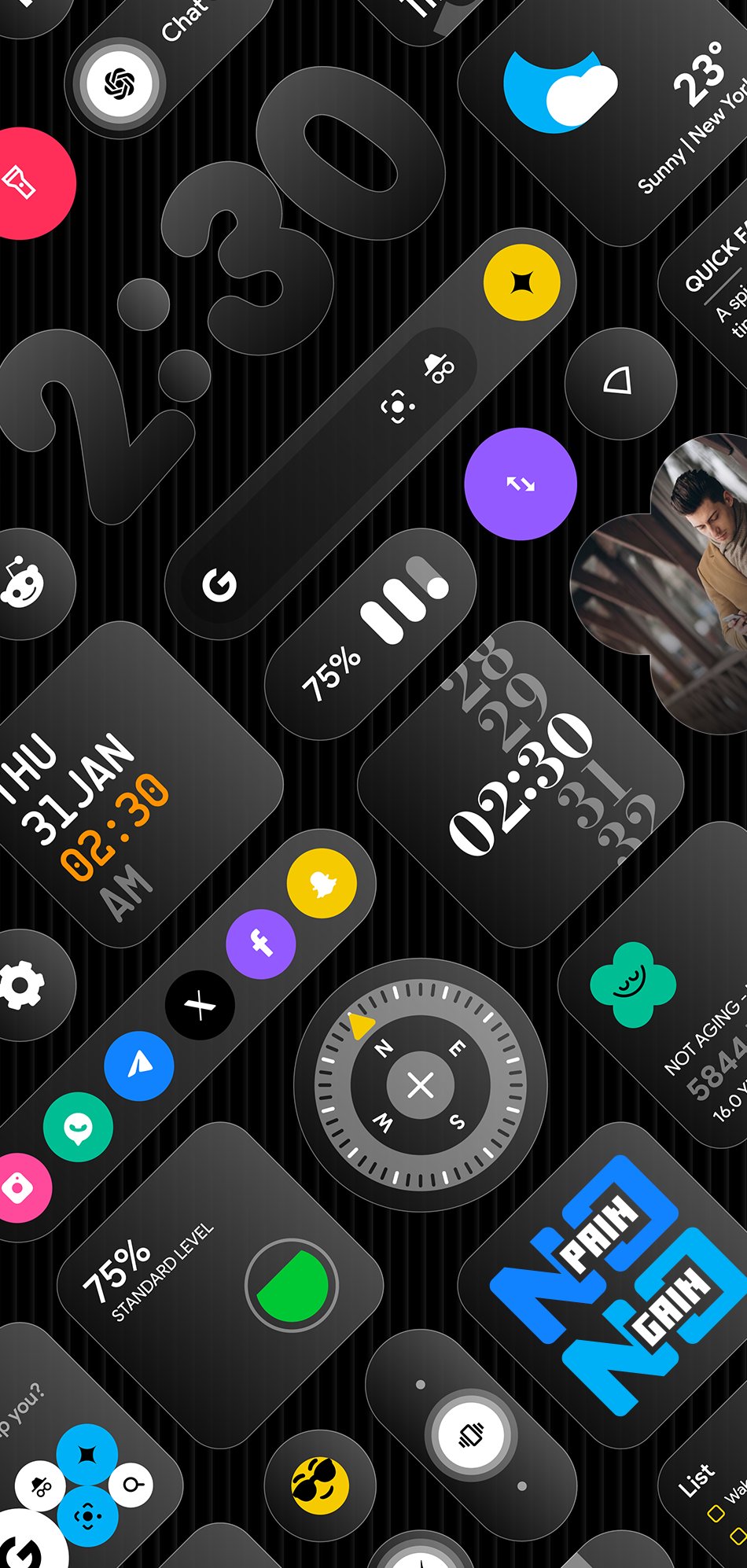
You can choose from clocks, weather, calendar, battery, step counter, quotes, quick settings, photos, contacts, music controls, AI shortcuts, device info, and more. The selection covers everyday needs so you keep important info visible at a glance. This variety makes it easier to build a single style across different screens.
Designed for home and lock screens
Glass Widgets includes sizes and layouts that fit both home screens and supported lock screens. You can place multiple widgets and arrange them into a clean grid or a minimal layout. Matching glass effect wallpapers are available to help align colors and transparency for a coordinated theme.
Color choices and visibility control
Glass Widgets lets you adjust colors so widgets match your wallpaper and icons. If a widget is hard to read on a busy background, switch to an accent color or a lighter or darker variant for better contrast. This simple change improves clarity without changing your setup.
Timely updates with low battery impact
To keep information fresh, Glass Widgets uses a foreground service and exact alarms. This approach helps deliver on time updates for weather, photo rotation, screen time summaries, calendars, and events. The app is designed to be battery friendly and smooth while keeping widgets responsive.
According to the developer, no data is shared with third parties. The app may collect location to refresh local weather. The developer also states that data is not encrypted. Permissions such as location for weather or calendar access for events may be requested when you use related widgets. You can review and manage permissions in your device settings at any time.
For the best readability, place light widgets over darker areas of the wallpaper, or place dark widgets over lighter areas. If the background is very detailed, try one of the included glass effect wallpapers to reduce clutter behind text. When a widget blends in too much, switch to a stronger accent color for titles or icons. If you are looking for glass style icons inside app folders, note that icons are controlled by your launcher. Glass Widgets focuses on widgets and wallpapers rather than icon packs.
If you run into setup issues, have purchase questions, or need a refund review, contact the developer directly. Support is available through the official website and email listed below. The team can also help with visibility advice, permission prompts, and lock screen placement on supported devices.
Getting started is simple and does not require extra tools. If you plan to download Glass Widgets on a new device, set aside a few minutes to place your first widgets and adjust colors. The steps below outline a quick setup on most Android phones.
Glass Widgets offers a large set of glass style widgets that are ready to place and easy to adjust. It supports both home and lock screens and maintains accurate updates with a light footprint. To stay current with improvements, consider installing the Glass Widgets latest version.
For official support and contact details, use the information below.
Latest Version
1.3Requires Android
12
Category
Personalization AppContent Rating
Everyone
Report
Flag as inappropriateLast updated on Jul 26, 2026
This release includes minor bug fixes and general improvements. Update to the latest version for the best experience.




APKPure - A multi-platform app store primarily focused on Android, providing extensive app-related content. Discover the app you want easier, faster, and safer, with quick and efficient downloads and installations.









