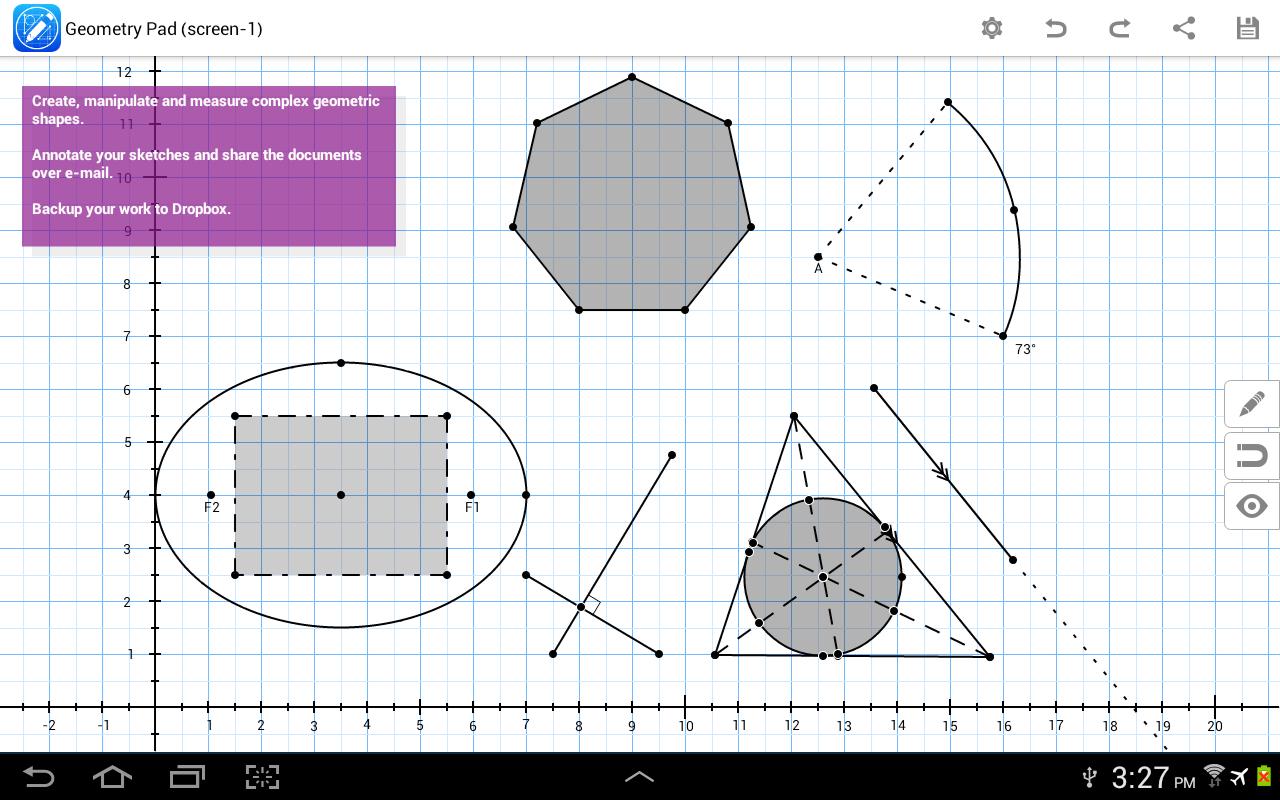
With Geometry Pad you can create fundamental geometric shapes, explore and change their properties, and calculate metrics. The shapes are displayed on a scrollable and zoomable workbook with a rectangular coordinate system.
The following tools are built into the application:
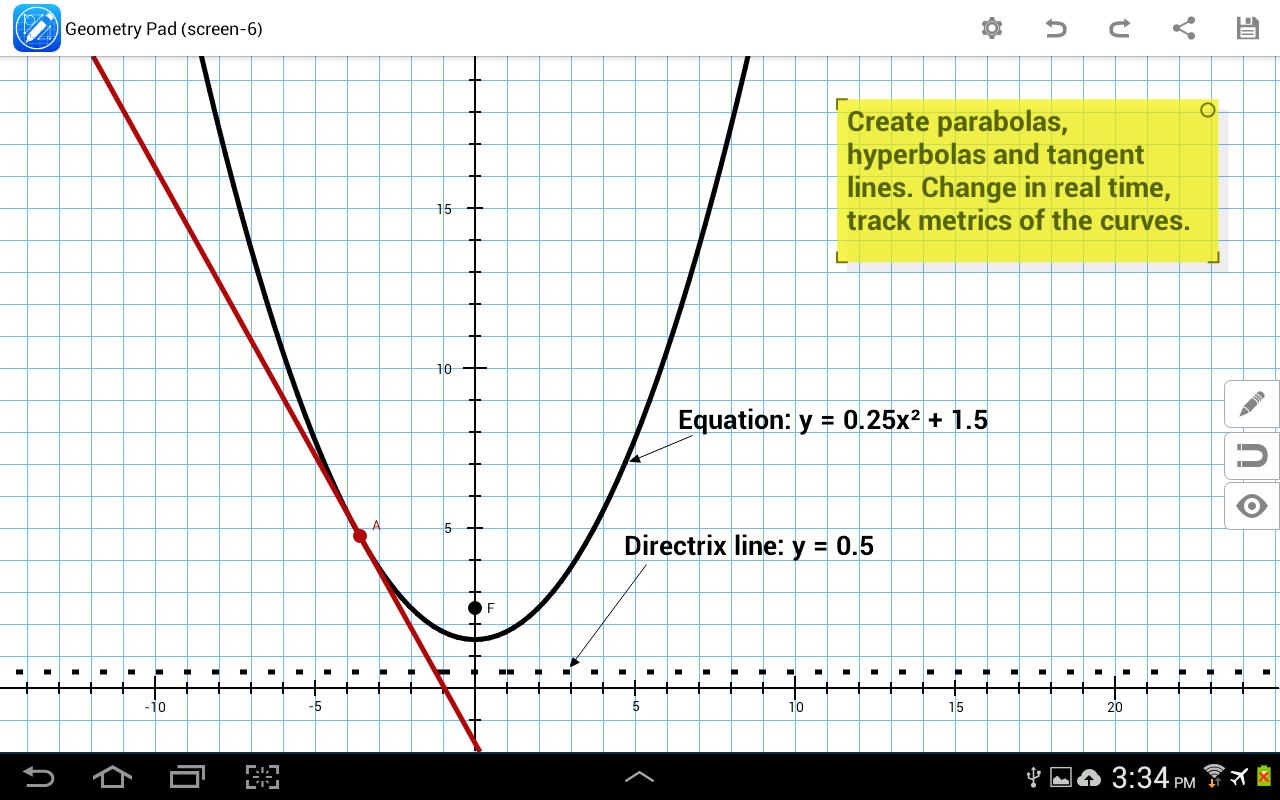
- Point, angle, line, ray, segment, perpendicular bisector, tangent, triangle, quadrilateral, polygon, regular polygon, arc, sector, circle, ellipse, parabola, hyperbola.
- Tools to create medians, altitudes and bisectors in a triangle.
- Tools to create special triangles and quadrilaterals: right, isosceles, equilateral, square, rectangle, parallelogram and rhombus.
- Two additional ways to create an ellipse: by center, end of a major axis, and a point on the ellipse; by focus points, and a point on the ellipse.
- Compass tool to plot arcs with an easily adjustable center and radius.
- Protractor tool to measure and build angles.
- Pencil tool to draw freehand annotations.
- Text annotations and labels with mixed-in metrics such as length, angle, perimeter, equation, etc.
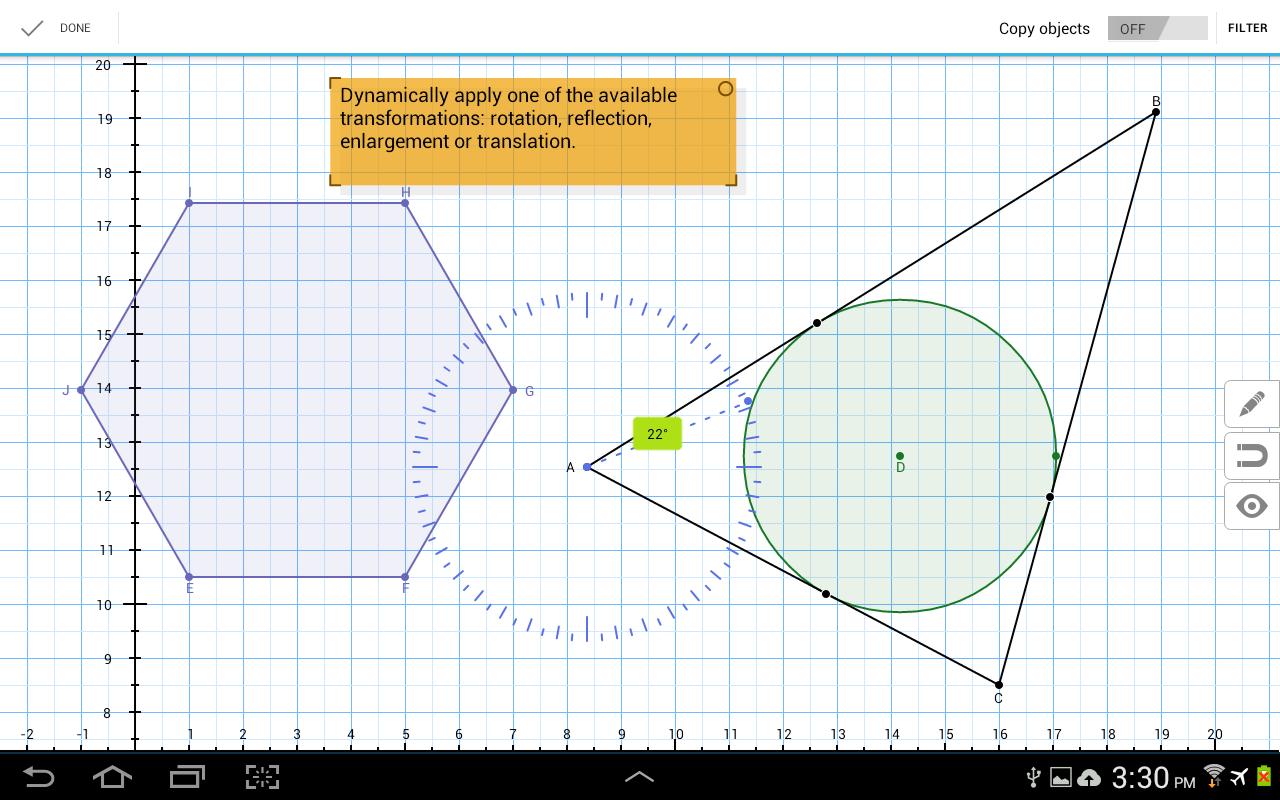
- Transformation tools: rotation, reflection, enlargement, translation.
- Create lines and triangles with predefined parameters such as equation of a line, and angles or sides of a triangle.
- Insert images into the document.
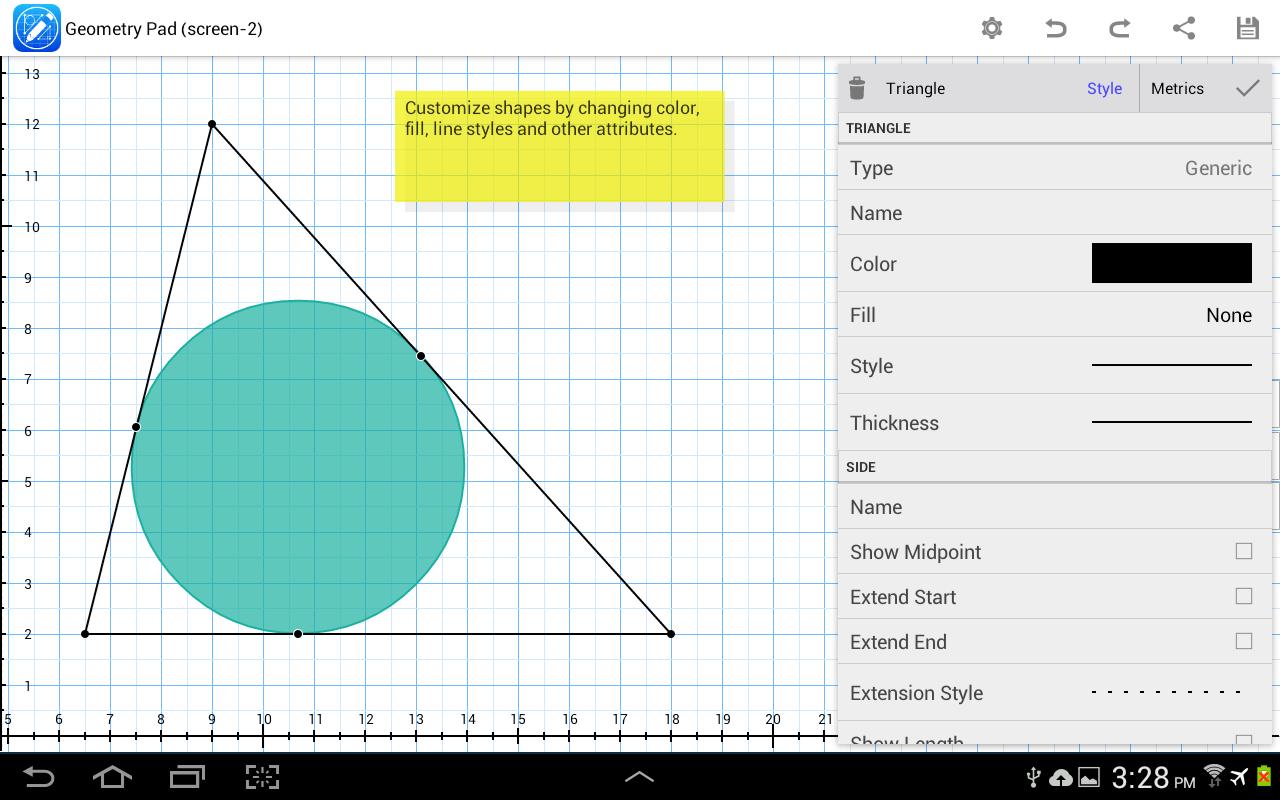
Each shape has a set of customizable properties such as color, width, background, etc. Shape metrics are automatically calculated and presented along with shape properties. Some of them are editable such as point location, line length, circle radius, etc.
Snapping is deeply integrated into the application. Snap-to-grid and snap-to-objects allow for precise constructions. Additionally, lines can snap to parallel, perpendicular and tangent lines. Snapping can be easily turned on/off in the quick snapping settings window.
Documents can be saved to your device, or exported into one of the supported formats: PDF, SVG or image.
Your suggestions are welcomed and appreciated. Just select Feedback under the app menu and write us an e-mail.
Latest Version
2.12.1Uploaded by
Ayu Karyaningsih
Requires Android
Android 5.0+
Category
Free Education AppContent Rating
Everyone
Report
Flag as inappropriateLast updated on Dec 23, 2023
This release includes minor bug fixes and general improvements. Update to the latest version for the best experience.





APKPure - A multi-platform app store primarily focused on Android, providing extensive app-related content. Discover the app you want easier, faster, and safer, with quick and efficient downloads and installations.