
Scan Date:Apr 27, 2026
Show More

Geekbench 6 helps when you want to see if a phone or tablet still feels fast and how it compares with newer models. It runs short performance checks that mirror common tasks, then turns the results into clear scores you can read at a glance. Because the process is guided, you can finish a run without digging into settings. If you need quick answers before upgrading, download Geekbench 6 and review your device scores in context.
Real world workloads
CPU benchmark
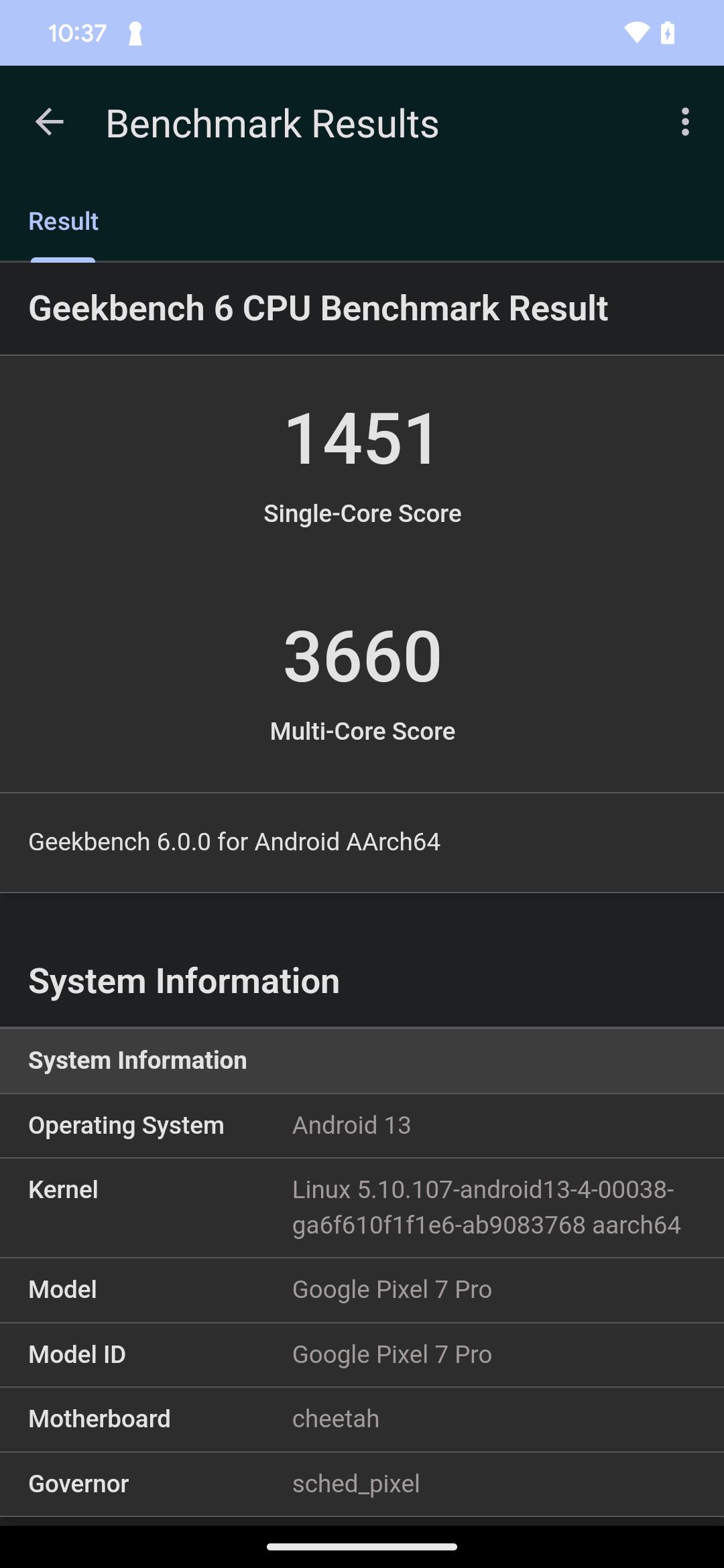
After installing the Geekbench 6 APK, you can run CPU tests that measure single core and multi core performance in areas such as web browsing, photo editing, and gaming. The suite also includes new measurements in areas like artificial intelligence, augmented reality, and machine learning to reflect modern app workloads.
GPU compute benchmark
Geekbench 6 evaluates graphics compute for tasks related to gaming, image processing, and video editing. It supports common APIs such as OpenCL and Vulkan on compatible devices. Version 6 adds machine learning support and aims for more consistent GPU comparisons across different platforms.
Scores and comparisons
Results appear as easy to read numbers and are automatically uploaded to the Geekbench Browser so you can share and compare with recent devices. Cross platform design lets you compare across Android, iOS, macOS, Windows, and Linux, which helps you place your device performance in a wider context.
Geekbench 6 provides clear, comparable scores for everyday tasks and hardware loads. For the most up to date tests and metrics, install the Geekbench 6 latest version and complete a full run before comparing results.
Latest Version
6.7.1Uploaded by
محمود محمود
Requires Android
Android 7.0+
Category
Free Tools AppContent Rating
Everyone
Security Report
Report
Flag as inappropriateLast updated on Apr 27, 2026
Fix connection issues with the Geekbench Browser.





APKPure - A multi-platform app store primarily focused on Android, providing extensive app-related content. Discover the app you want easier, faster, and safer, with quick and efficient downloads and installations.