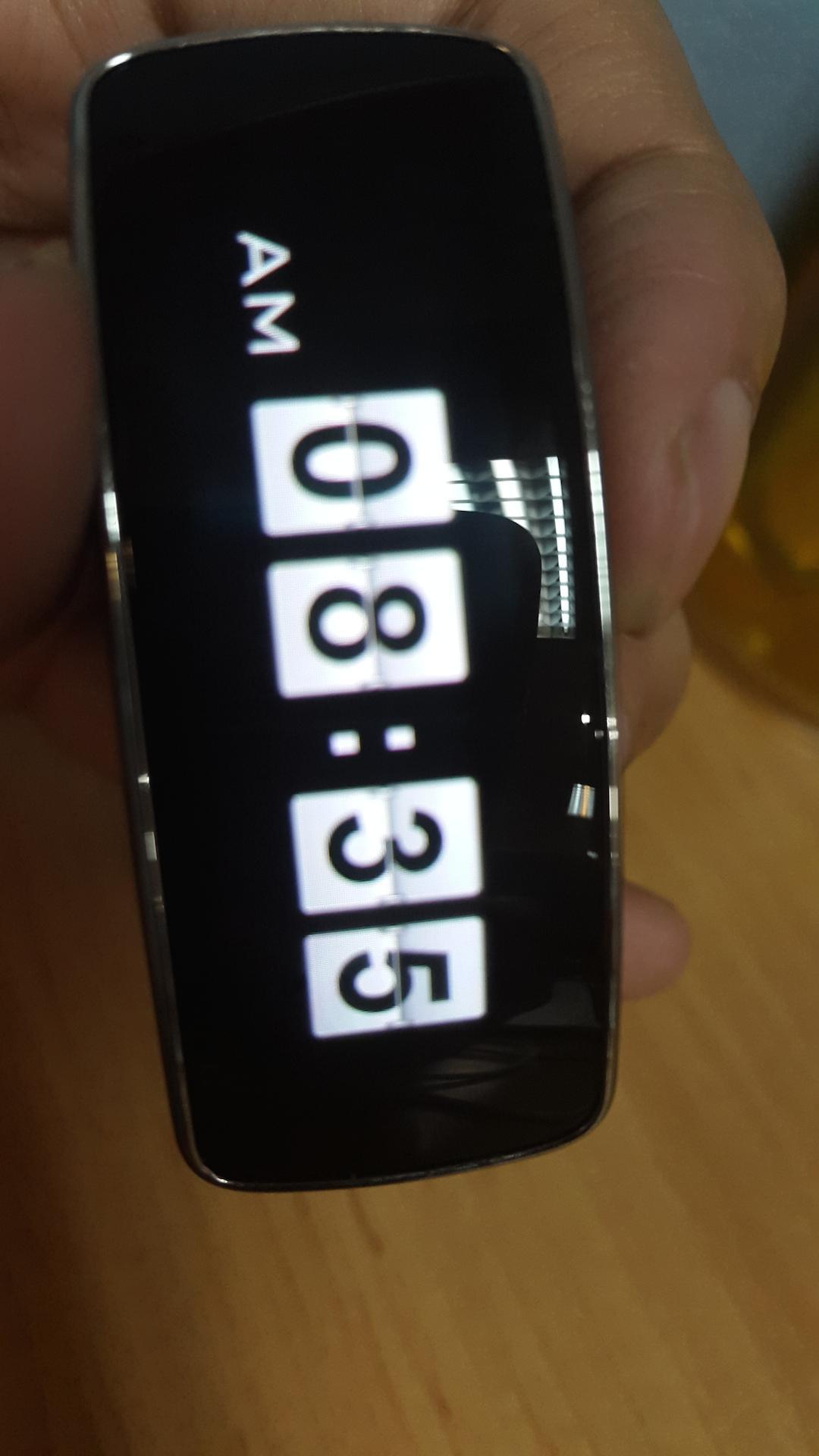
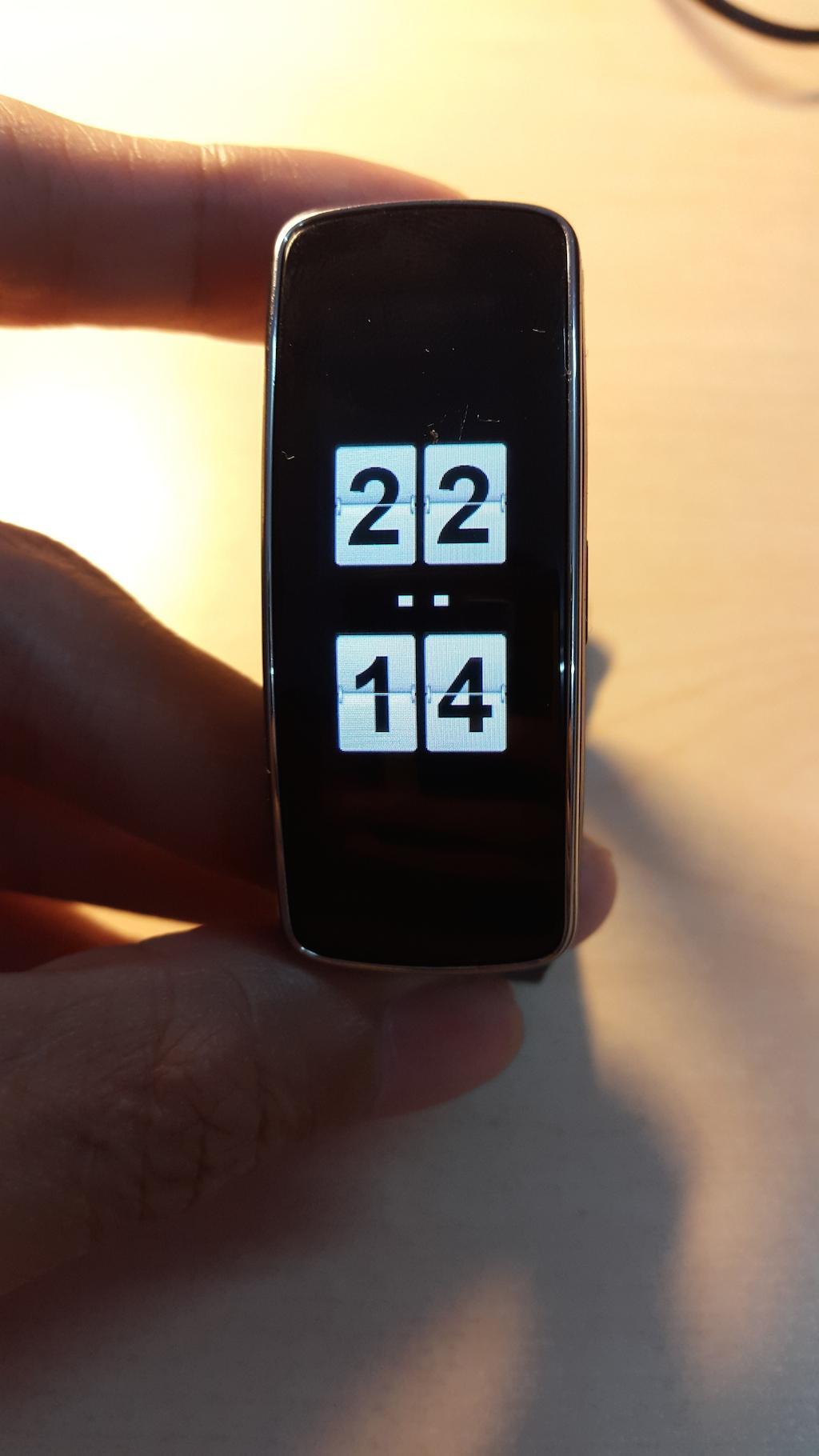
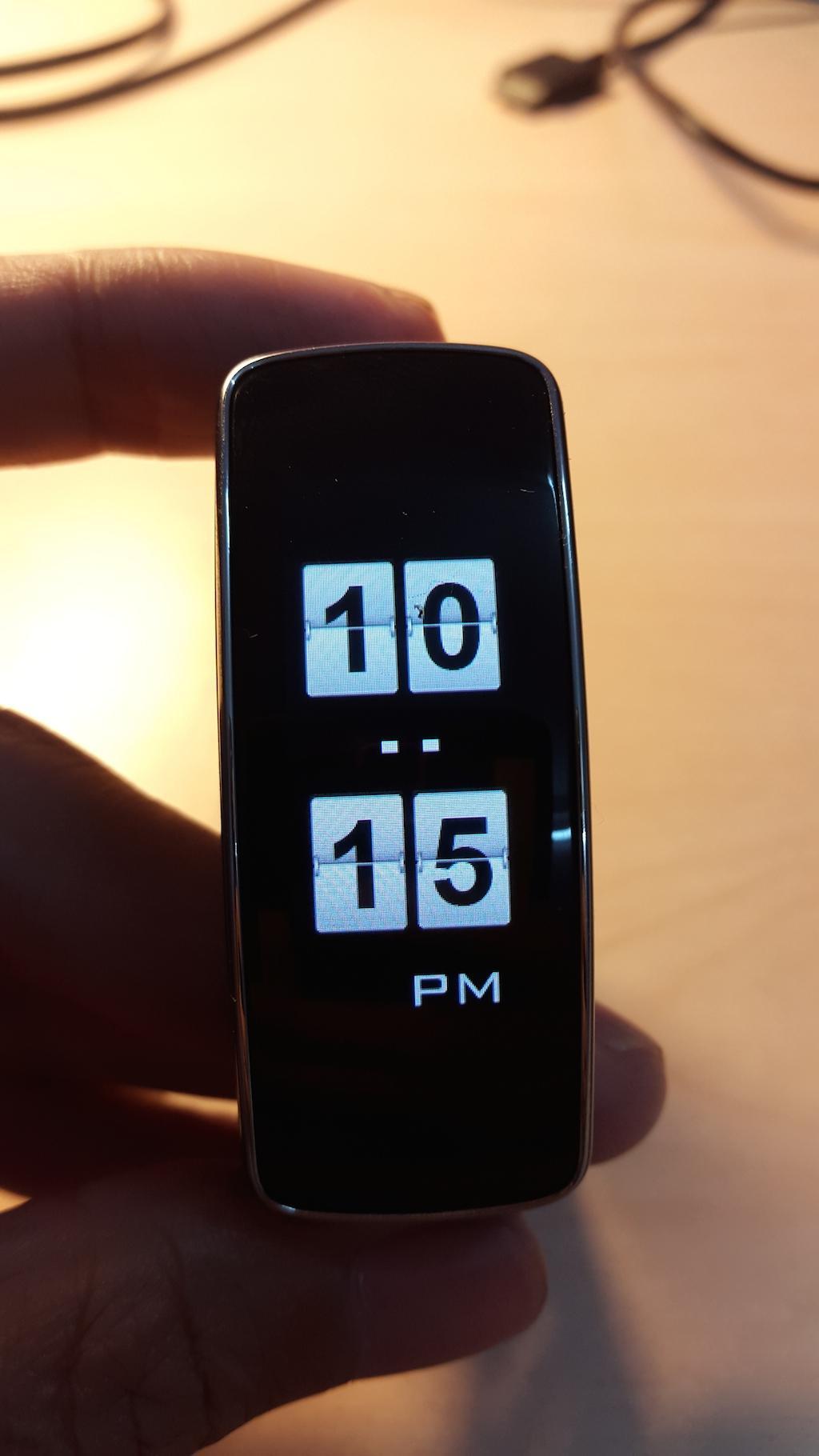
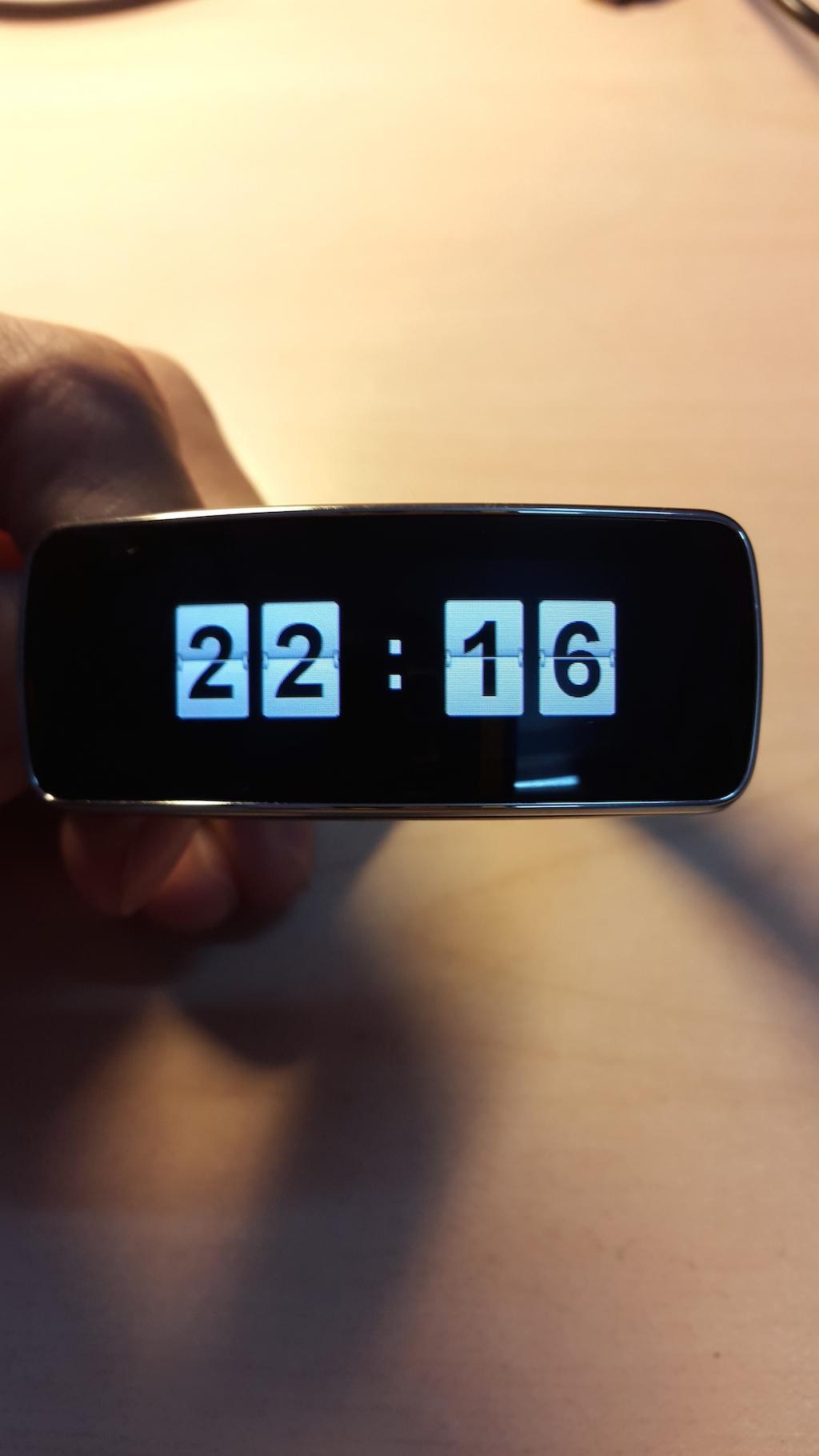
New Modern style for samsung gear fit. It is very nice and modern.
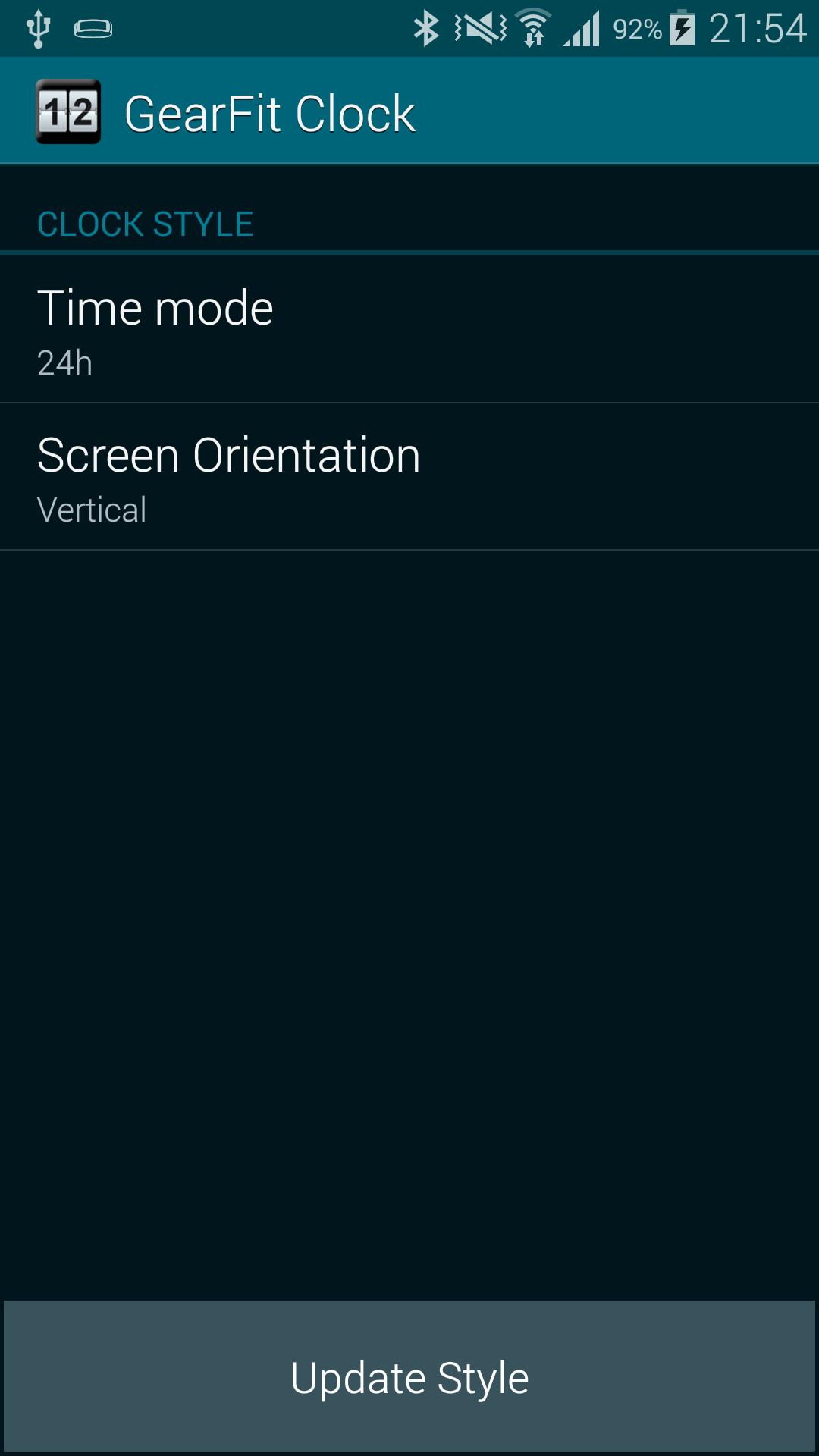
★Support 12h AM/PM, 24h, vertical and horizontal style.★
How to use?
1. Download and install Gear Fit Modern Clock.
2. Run application, select time mode (12h or 24h), screen orientation.
3. Click button [Update Style] -> Open Gear Fit manager(Close Advertising if have)
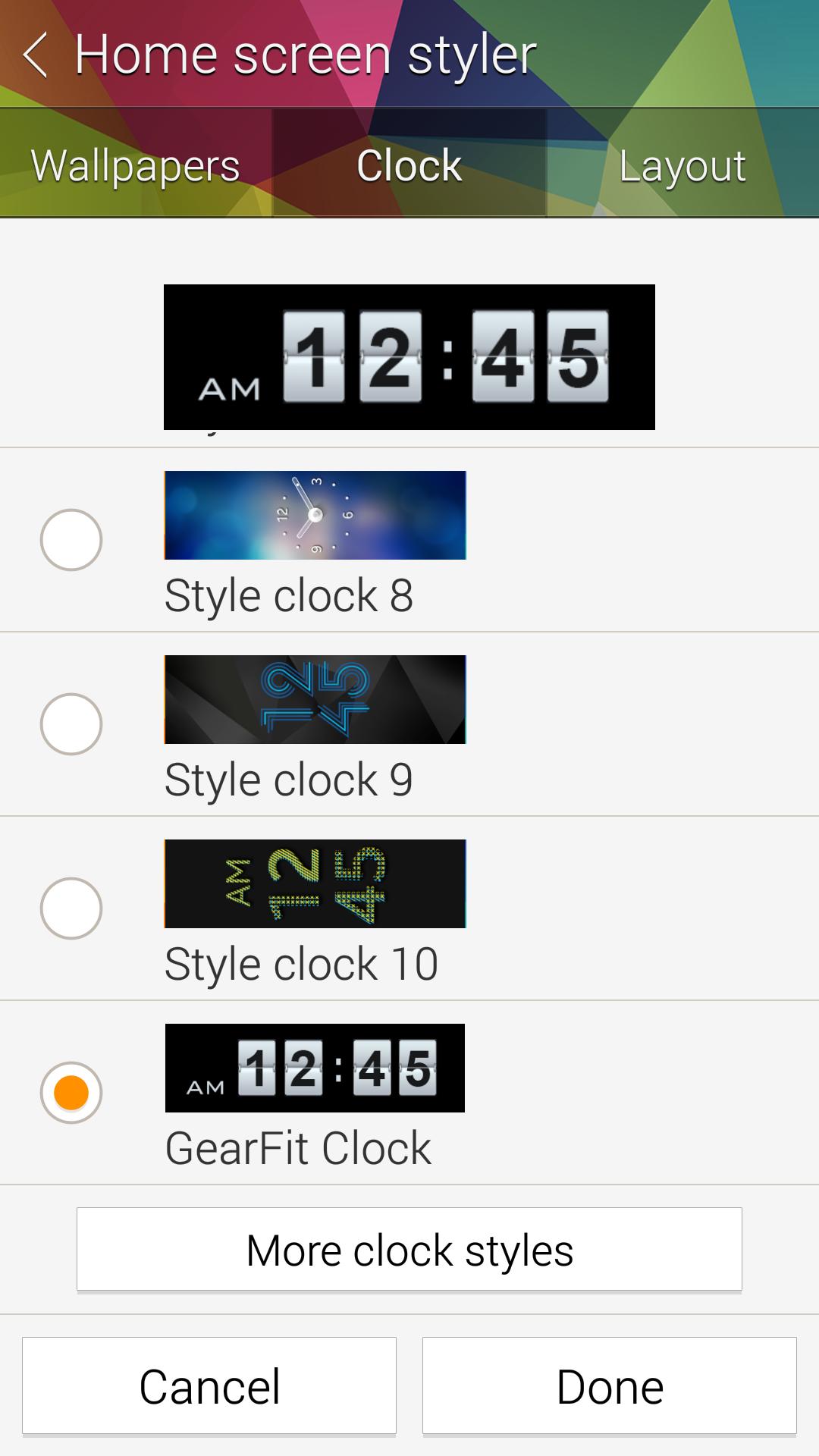
4. Choose Clock Tab, scroll to Gear Clock. You may need switch to other clock and re-select style.
5. Click Done and feeling :)
SAMSUNG_GEAR_FIT_CLOCK
Latest Version
1.2.6Uploaded by
Sadboy Sanju
Requires Android
Android 4.4+
Category
Free Lifestyle AppContent Rating
Everyone
Report
Flag as inappropriateLast updated on Aug 26, 2015
- Support vertical, 24h style.
- Fix Incompatible OS.
- Fix some minor bugs.

APKPure - A multi-platform app store primarily focused on Android, providing extensive app-related content. Discover the app you want easier, faster, and safer, with quick and efficient downloads and installations.