

Game Booster suits users who want a tidy, central place to see and launch installed titles without hunting through folders. It reduces setup time before play, and it keeps routine actions simple. Plus, small comfort tweaks help you settle in faster for any session. If your screen feels cluttered or inconsistent, download Game Booster to make starting a match straightforward and predictable.
Central game hub and quick actions
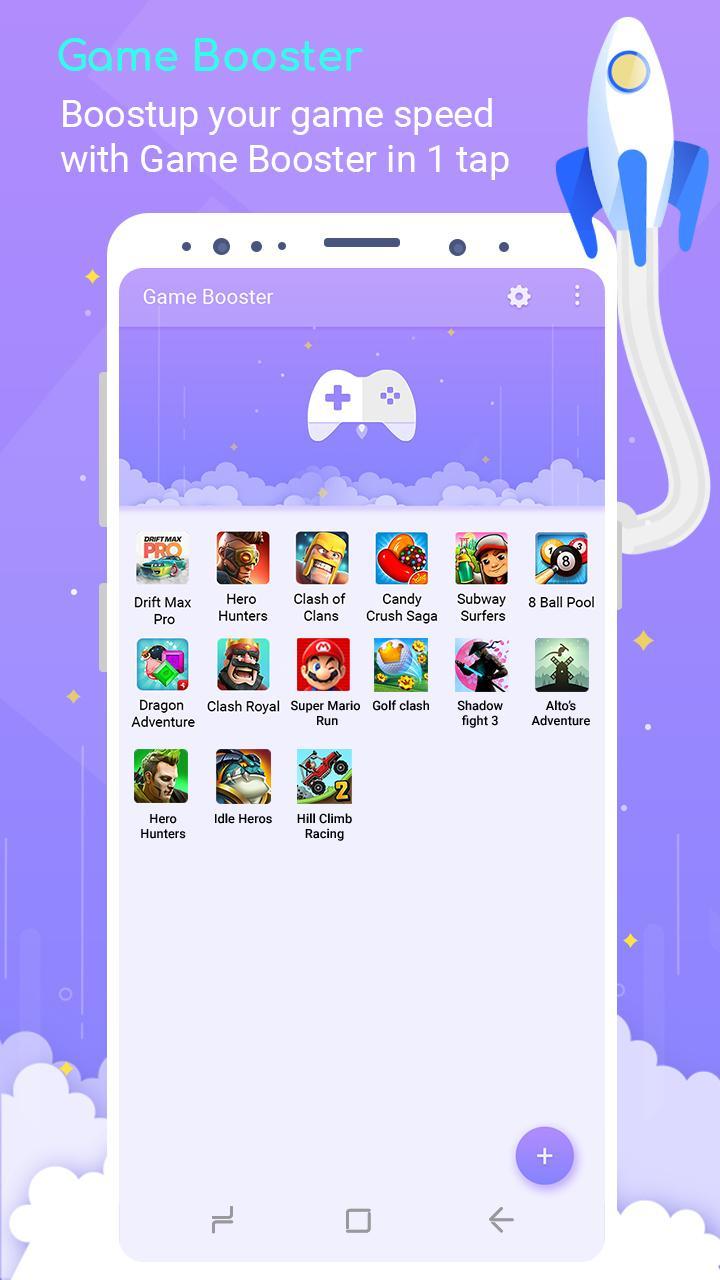
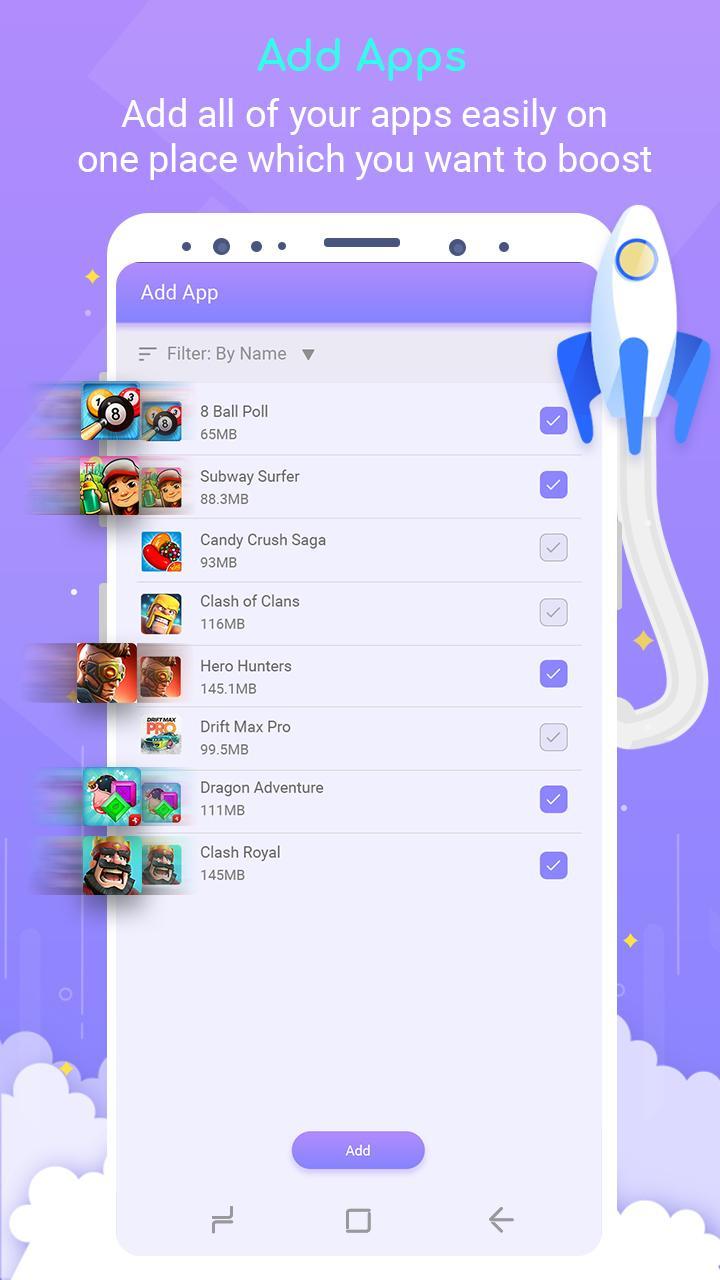
Game Booster APK displays every installed game in a clean grid for fast access. Add titles with the Add Games button, then use a long press to launch or remove items. This keeps your library organized and consistent.
Playtime tracking
Built-in Game Usage groups your time by today, yesterday, week, and month. You can check daily counts or compare trends across intervals to manage habits and plan sessions without extra steps.
Device info in one view
A simple Device Info panel shows key phone details inside the app. When a title stutters, review specs to decide whether to adjust settings or free storage. It does not change graphics or frame rates.
Audio and brightness controls
Before you start, set the mood with quick audio toggles and screen brightness. Lower brightness for night play or mute sound in quiet spaces. These small adjustments help you move into gameplay smoothly.
Game Booster centralizes your collection, tracks usage, and offers small comfort controls that fit everyday play. Install the Game Booster latest version to keep the hub stable and your routine simple from launch to finish.
Latest Version
1.0.41Uploaded by
Photo Tools Lab, Inc.
Requires Android
Android 5.0+
Category
Free Tools AppContent Rating
Everyone
Report
Flag as inappropriateLast updated on Dec 24, 2022
Bugs and crashes are fixed.



APKPure - A multi-platform app store primarily focused on Android, providing extensive app-related content. Discover the app you want easier, faster, and safer, with quick and efficient downloads and installations.