Scan Date:Mar 31, 2026
Show More

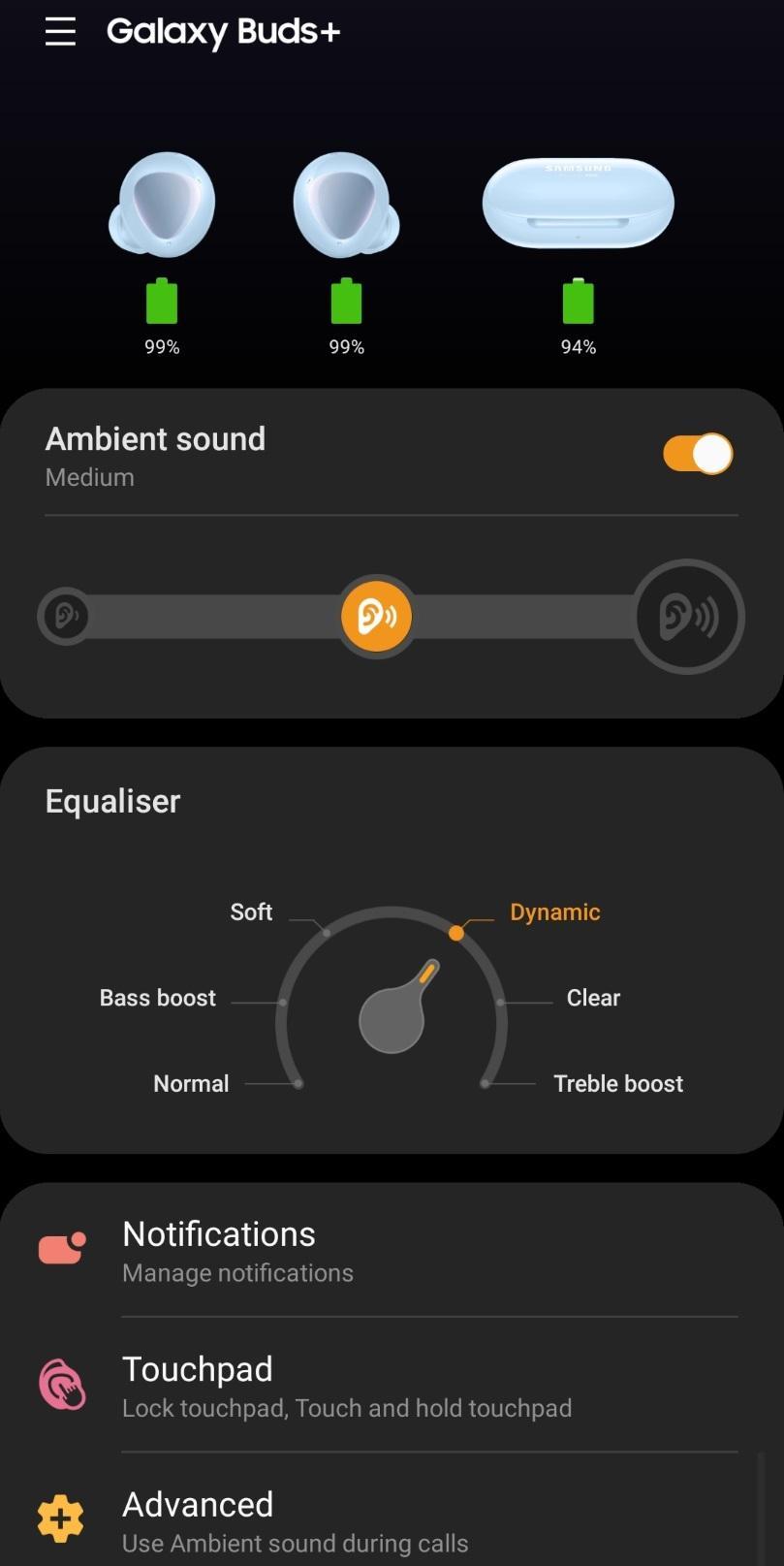
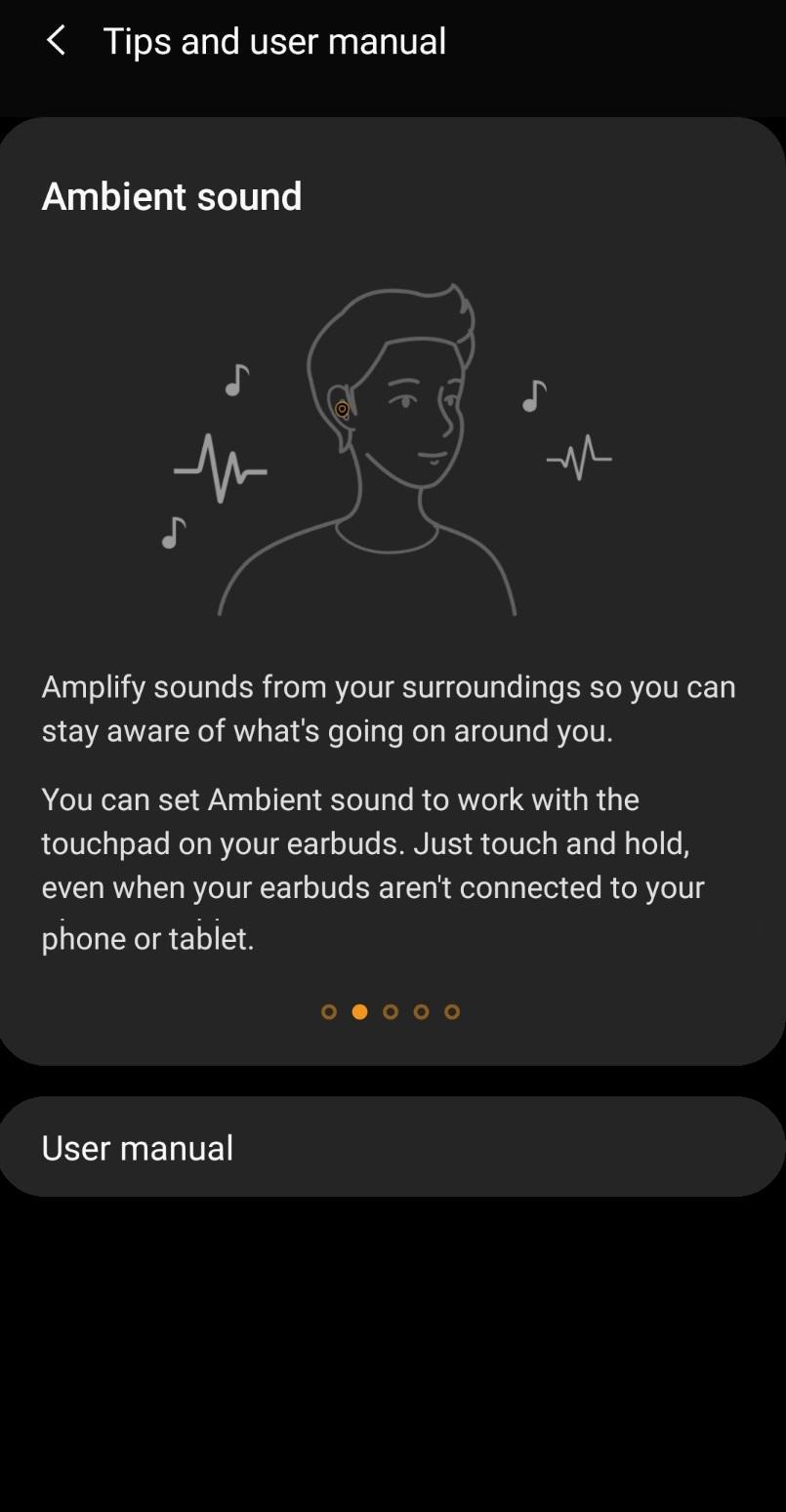
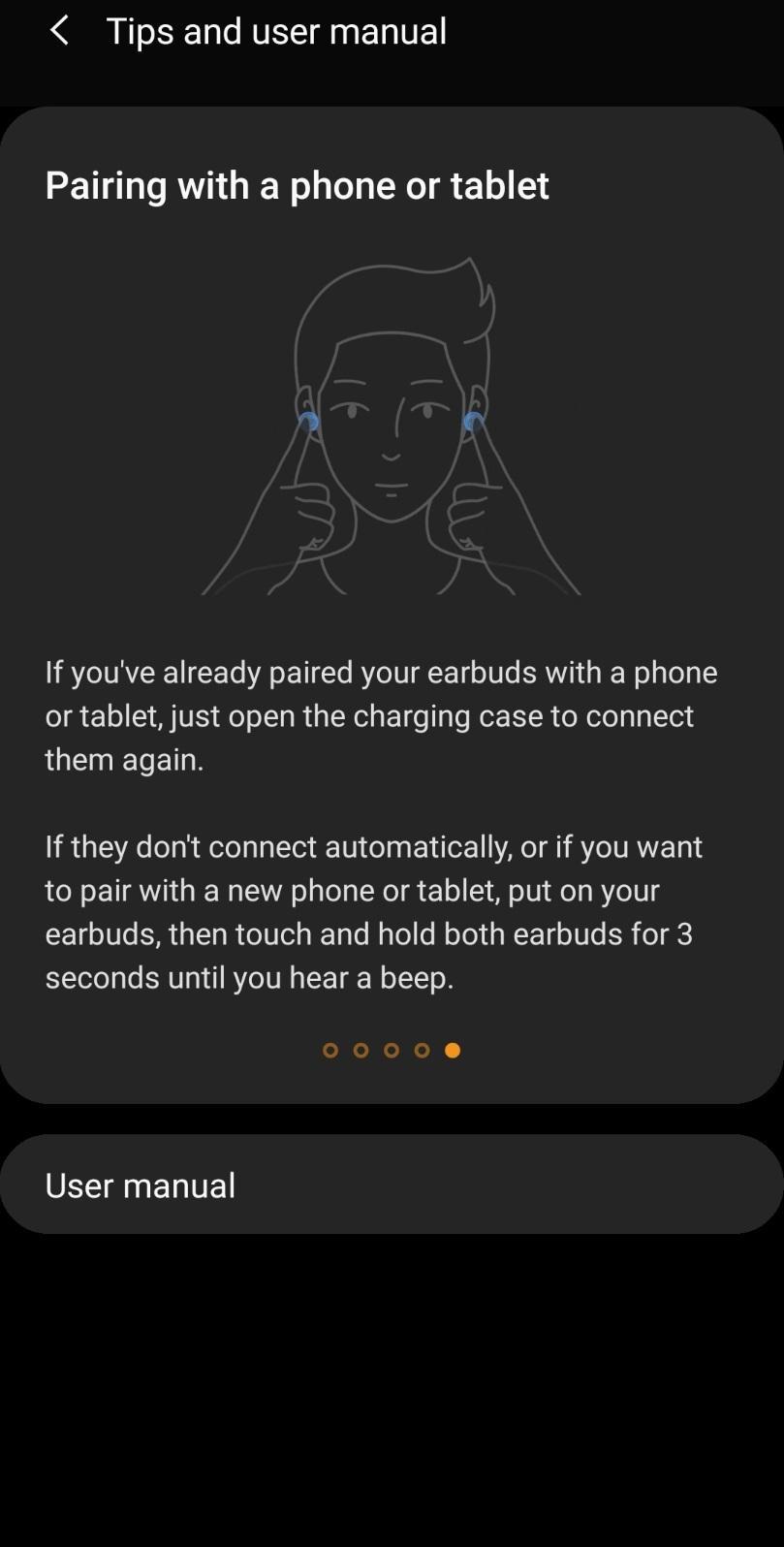
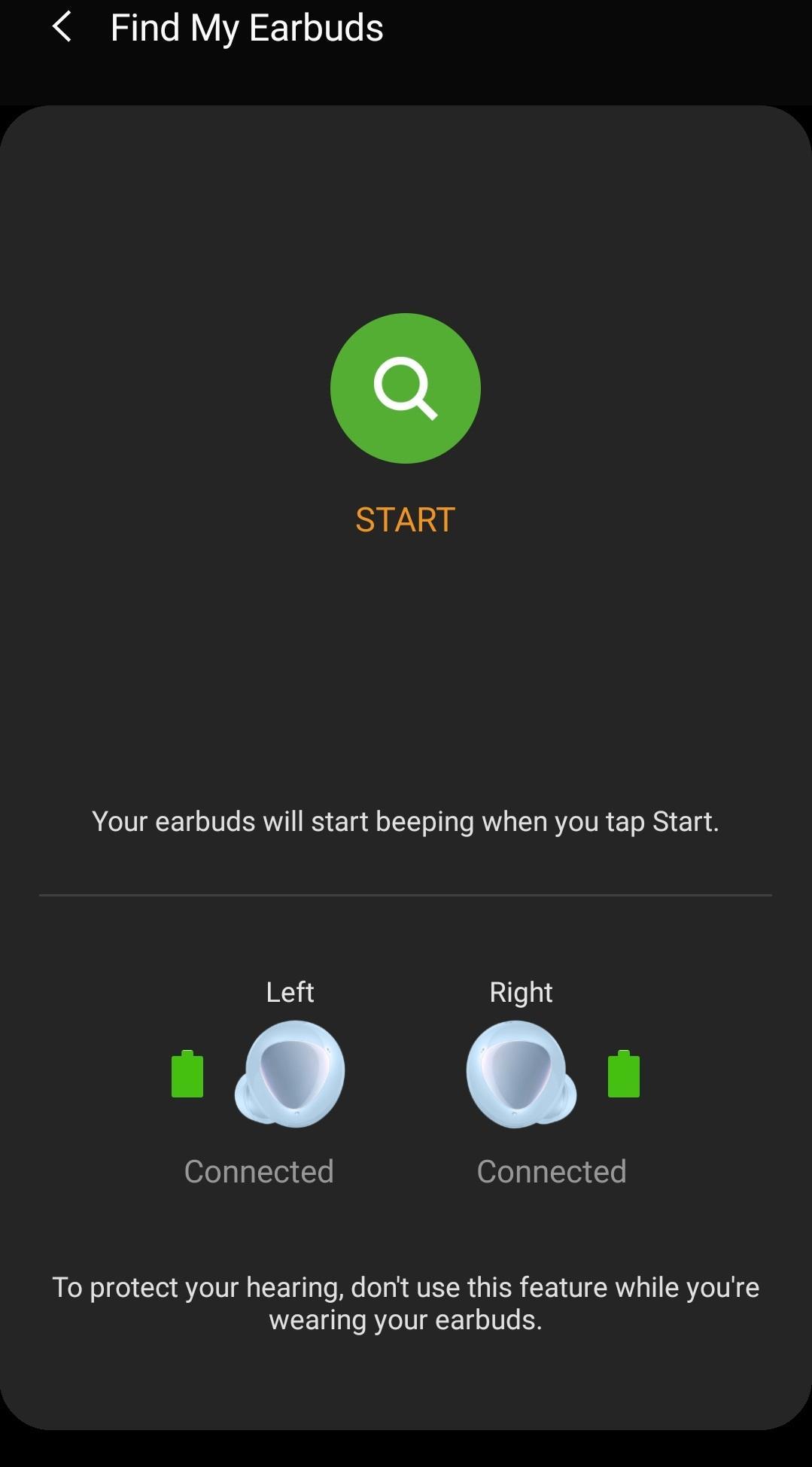
The Galaxy Buds+ Manager allows you to use features such as device settings and status view when connected to a Galaxy Buds+ device.
This application does not work alone because this is a component of the Galaxy Wearable application.
The Galaxy Wearable application has to be installed first for the Galaxy Buds+ Manager application to operate normally.
※ Please allow the permissions of the Galaxy Buds+ Manager in Android Settings to use all the features in Android 6.0 or later.
Settings > Applications > Galaxy Buds+ Manager > Permissions
※ Access permission information
The following permissions are required for the app service. The basic features of the service can be used, even if optional permissions aren't granted.
[Required Permissions]
- Nearby devices : Purpose for confirming to search Buds Devices
[Optional Permissions]
- Phone : Purpose for confirming Contacts information for voice notification function
- Contacts : Purpose for confirming Contacts information for voice notification function
- SMS: Purpose for confirming SMS contents for voice notification
- Calendar : Purpose for checking Calendar information for using voice notification function
- Call logs : Purpose for confirming Call logs information for voice notification function
- Notifications : Purpose for confirming voice notification function
- Files and Media: (Android 12) Used to update earbuds software and save log files
- Storage: (Android 11 or lower) Used to update earbuds software and save log files
If your system software version is lower than Android 6.0, please update the software to configure App permissions.
Previously allowed permissions can be reset on Apps menu in device settings after software update.
Latest Version
6.0.26031351Uploaded by
Adel Mayyada
Requires Android
Android 7.0+
Category
Free Tools AppContent Rating
Everyone
Security Report
Report
Flag as inappropriateLast updated on Apr 1, 2026
Improved system stability and reliability

APKPure - A multi-platform app store primarily focused on Android, providing extensive app-related content. Discover the app you want easier, faster, and safer, with quick and efficient downloads and installations.