Package Name:kas.ftpserverapp
SHA-256:f69680035ce3e091dbfe75305eb9e5580650f2e7a1cc6ec1615c65da1a875283
Show More

FTP Server - Wifi Transfer: The Easiest Way to Move Your Files!
Tired of searching for USB cables or waiting for slow cloud uploads? Turn your Android device into a high-speed FTP Server and transfer files directly to your PC, Mac, or other mobile devices over your local Wifi network.
Whether you need to backup your photos, transfer large 4K videos, or manage your documents, FTP Server - Wifi Transfer provides a seamless, cable-free experience.
🚀 Why Choose FTP Server - Wifi Transfer?
Wireless Simplicity: No cables, no drivers, no complicated setup. Just connect and start transferring.
Lightning Fast: Leverage your local network speed for rapid file movement.
Universal Compatibility: Works with any FTP client (FileZilla, WinSCP, Windows Explorer, macOS Finder, and more).
Privacy First: Your files stay on your local network. No cloud storage, no third-party servers.
🛠️ Powerful Features:
Customizable Settings: Choose your own port (Default: 2221) and configure server settings to suit your needs.
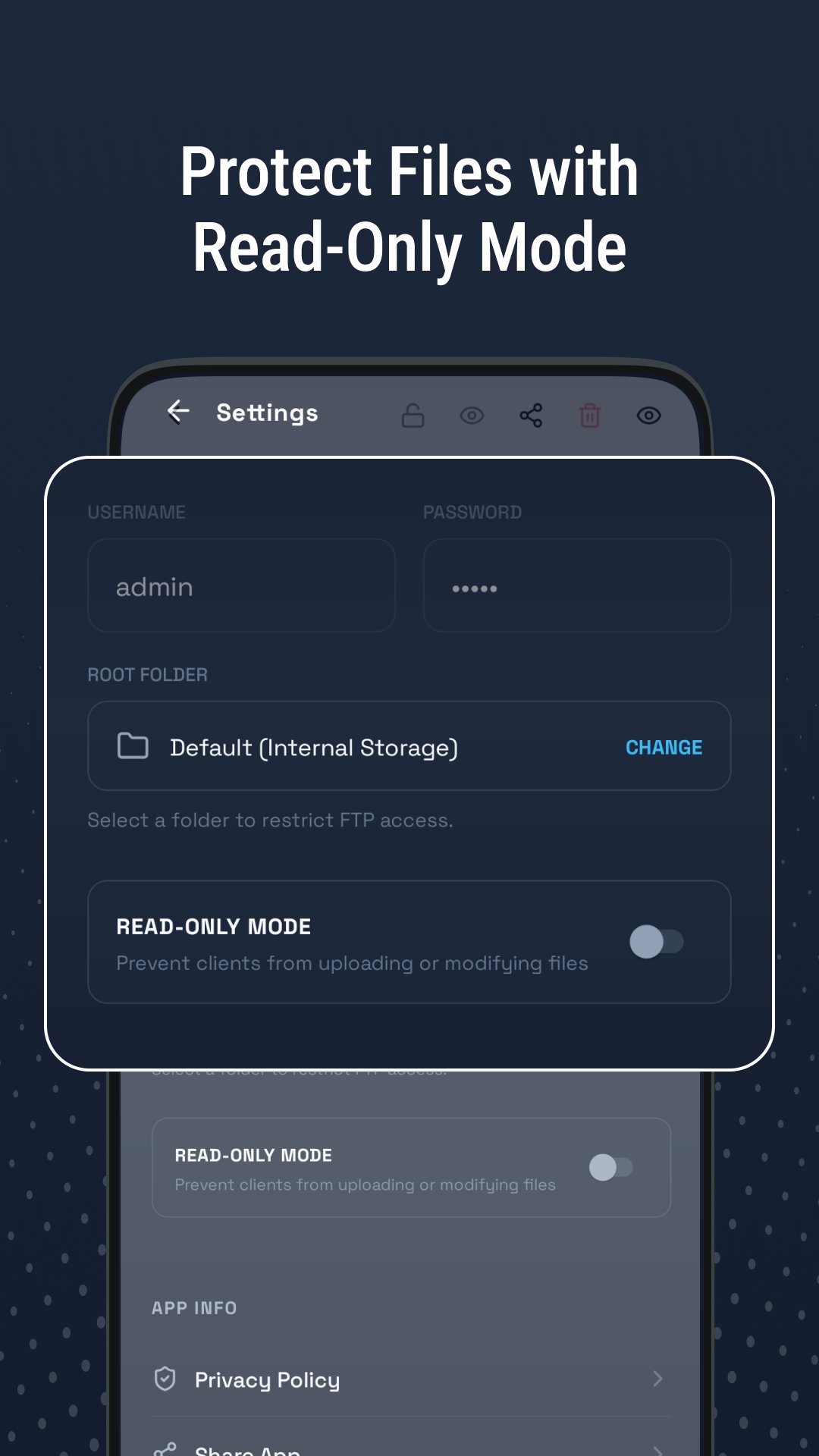
Secure Access: Toggle between Anonymous Access for quick sharing or set a Custom Username & Password for maximum security.
Root Folder Control: You decide what to share. Select specifically which folder the server can access.
Read-Only Mode: Protect your data by enabling "Read-Only," preventing clients from deleting or modifying your files.
Modern Design: A clean, sleek dark interface that looks premium and is easy to navigate.
Background Efficiency: (Optional: check if it runs in background) Reliable performance while you manage your files.
⚡ How to Use:
Connect your phone and PC to the same Wifi network.
Open the app and tap the Power Button to start the server.
Use the displayed IP Address & Port in your PC’s file manager or FTP client.
Start transferring files effortlessly!
📁 Perfect for:
Moving photos/videos from phone to PC.
Transferring music and APK files.
Managing documents without the hassle of cables.
Developers needing quick access to app data folders.
Stop wasting time with slow transfers. Upgrade to FTP Server - Wifi Transfer today and experience the future of wireless file management!
Note: Ensure your device and PC are on the same local network for successful connection
Latest Version
1.0Uploaded by
Fizuli Haciyev
Requires Android
Android 7.0+
Category
Free Tools AppContent Rating
Everyone
Security Report
Check Now
Report
Flag as inappropriateLast updated on Mar 5, 2026
🚀 v1.0.0
Turn your phone into a secure FTP server!
Fast Wifi File Transfer (No USB cables needed)
Customizable Port & Root Folder Selection
Secure access with Custom Username/Password
Anonymous Access for quick sharing
Read-Only Mode to prevent accidental deletions
Premium Dark UI & Real-time Status Monitoring
Experience high-speed, wireless file management. Upgrade your workflow today! 📁✨




APKPure - A multi-platform app store primarily focused on Android, providing extensive app-related content. Discover the app you want easier, faster, and safer, with quick and efficient downloads and installations.