オーディオファイルのみを出力するVOCAです。
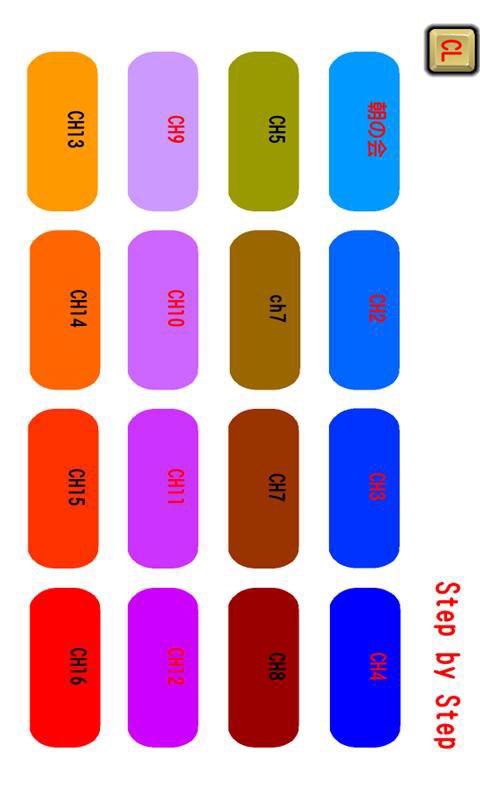
メニューでチャンネル1~6まで設定が可能です。
一つのチャンネルにMP3ファイルをいくつでも登録可能です。
登録した順番にボタンをタップすると再生していきます。
再生中はボタン操作を無効にしています。
順番を戻すときは左上に薄くもどるボタンが表示されます。
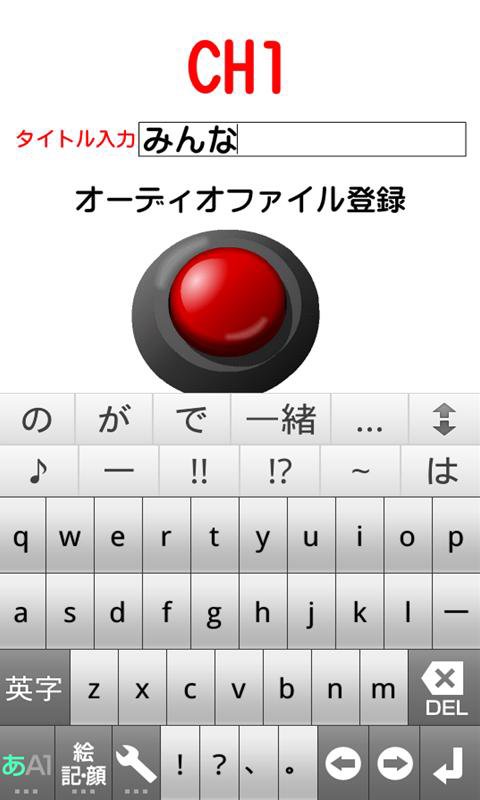
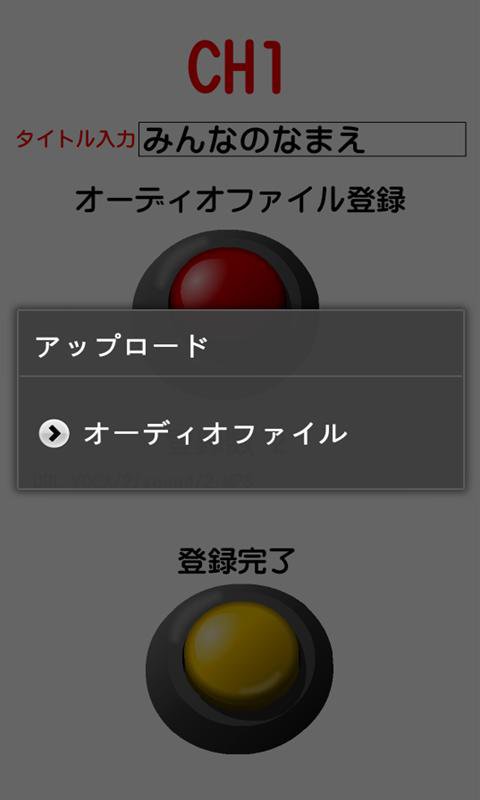
SDカードのmp3のオーディオファイルを読み込み登録することができます。
クリアボタン:CLボタンも設定していますので、適宜活用してください。
特別支援学校で学んでいる障害のある人、発達障害の人たちの学習向けに作成したものです。
①アプリケーションをスタートさせて、メニュー画面のチャンネルボタンを押した段階でスリープ状態になりません。
②戻るボタンを押すとアプリを終了します。
Dernière version
1.0.4Telechargé par
Abhishek Bodare
Nécessite Android
Android 2.2+
Catégories
Gratuit Enseignement APPLICATIONClassification du contenu
UnratedWarning – content has not yet been rated. Unrated apps may potentially contain content appropriate for mature audiences only.Learn More · Unrated
Signaler
Signaler comme inappropriéLast updated on Aug 12, 2016
ver1.0.2
①縦型なのを横型フルスクリーンに変更
②メニューのボタンにコメントをつけられるようにしました。
③CLボタンをクリックして、目的のボタンのテキストやSOUNDの順番のクリアボタンを用意しました。
④設定項目を6パターン→16パターンにチャンネルを増やしました。




APKPure - Une boutique d'applications multi-plateforme principalement axée sur Android, offrant un vaste contenu lié aux applications. Découvrez l'application que vous souhaitez plus facilement, plus rapidement et en toute sécurité, avec des téléchargements et des installations rapides et efficaces.