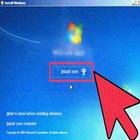
Computer formatting is usually the last operation to be performed when trying to solve an operating system problem (a software malfunction, a Windows tool, slowness, troubleshooting etc.)
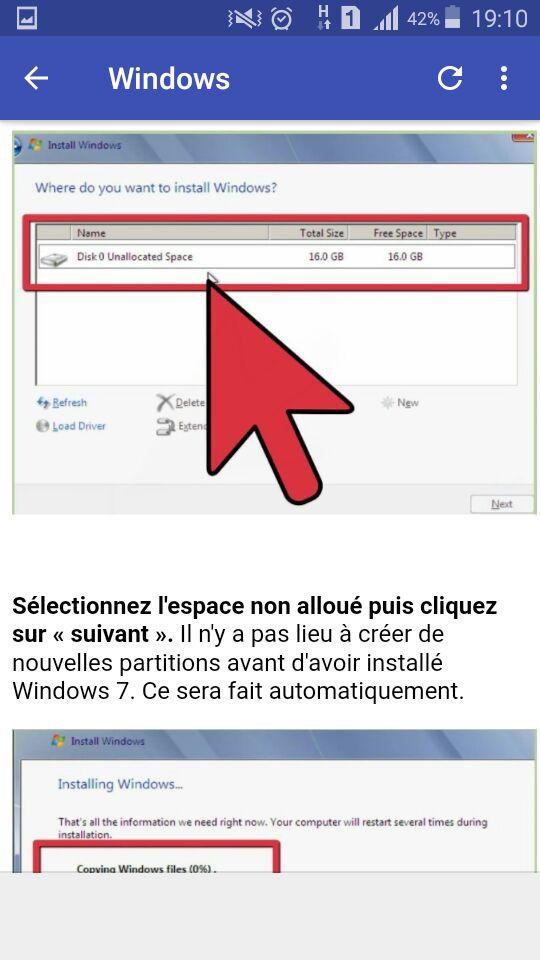
The easiest way to format your computer is to reinstall Windows. During the installation process, you can format or partition your hard disk, this method is probably the fastest, because there is nothing to download or burn to the DVD.
Latest Version
1.3Uploaded by
Hi Hi Hi Hi
Requires Android
Android 4.1+
Category
Free Education AppContent Rating
Everyone
Report
Flag as inappropriateLast updated on Sep 18, 2018
Minor bug fixes and improvements. Install or update to the newest version to check it out!






APKPure - A multi-platform app store primarily focused on Android, providing extensive app-related content. Discover the app you want easier, faster, and safer, with quick and efficient downloads and installations.