
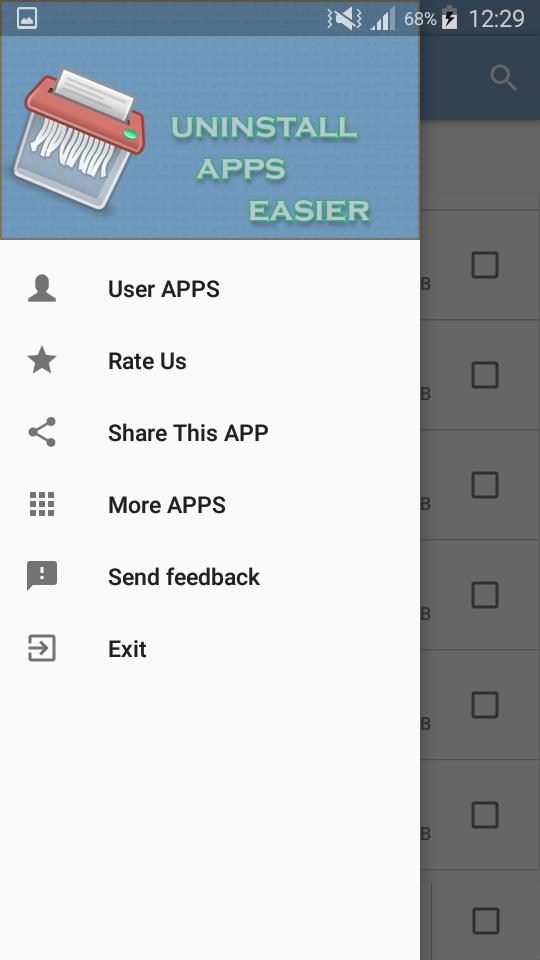
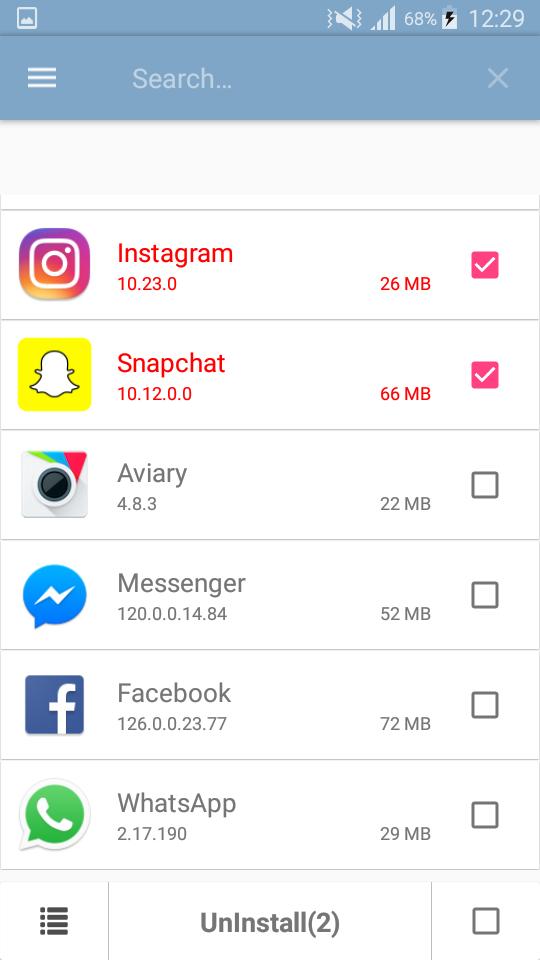
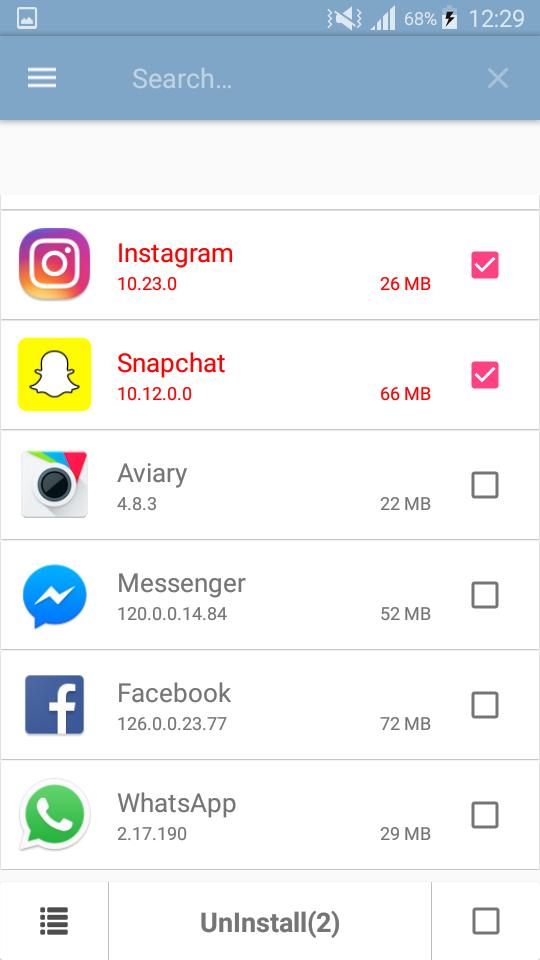
It is very easy to use, you can select multiple apps that you want to uninstall
Fgast uninstall just by one click and you can search app by name.
- AntiVirus
- Virus Scan
- Battery Usage Tracking
- App Usage Tracking
- Batch uninstall
- Fast uninstall by one click
- List all installed apps
- Show app name,version,update time,size
- Search app by name
- Various sort mode
- App share
- Launch app
- Cached app list
- Search in Google Market
- Support Android 1.6-4.x
- Support App2SD
- Uninstall History (Recycle Bin)
- Uninstall Reminder
Latest Version
1.0Uploaded by
Yanntii
Requires Android
Android 4.0.3+
Category
Free Productivity AppContent Rating
Everyone
Report
Flag as inappropriateLast updated on Aug 25, 2017
Change multi-select icon to check-box icon,more easier understand than before




APKPure - A multi-platform app store primarily focused on Android, providing extensive app-related content. Discover the app you want easier, faster, and safer, with quick and efficient downloads and installations.