Scan Date:Feb 25, 2026
Show More


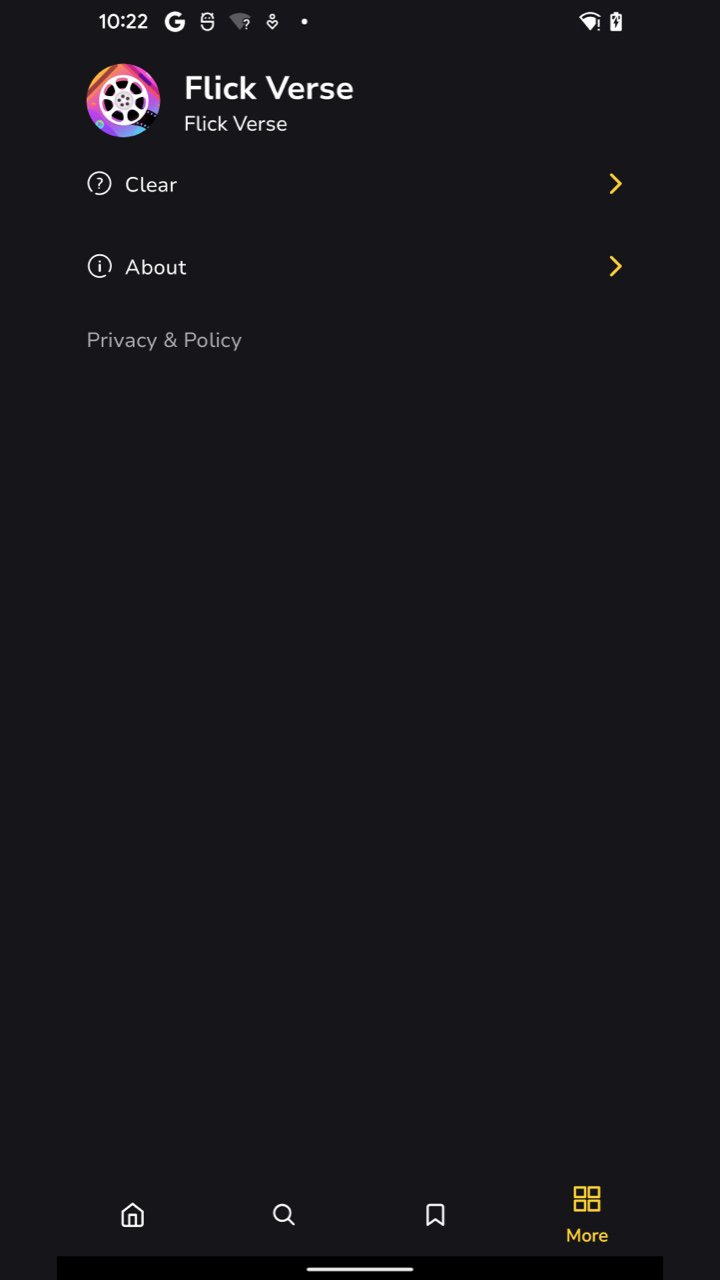
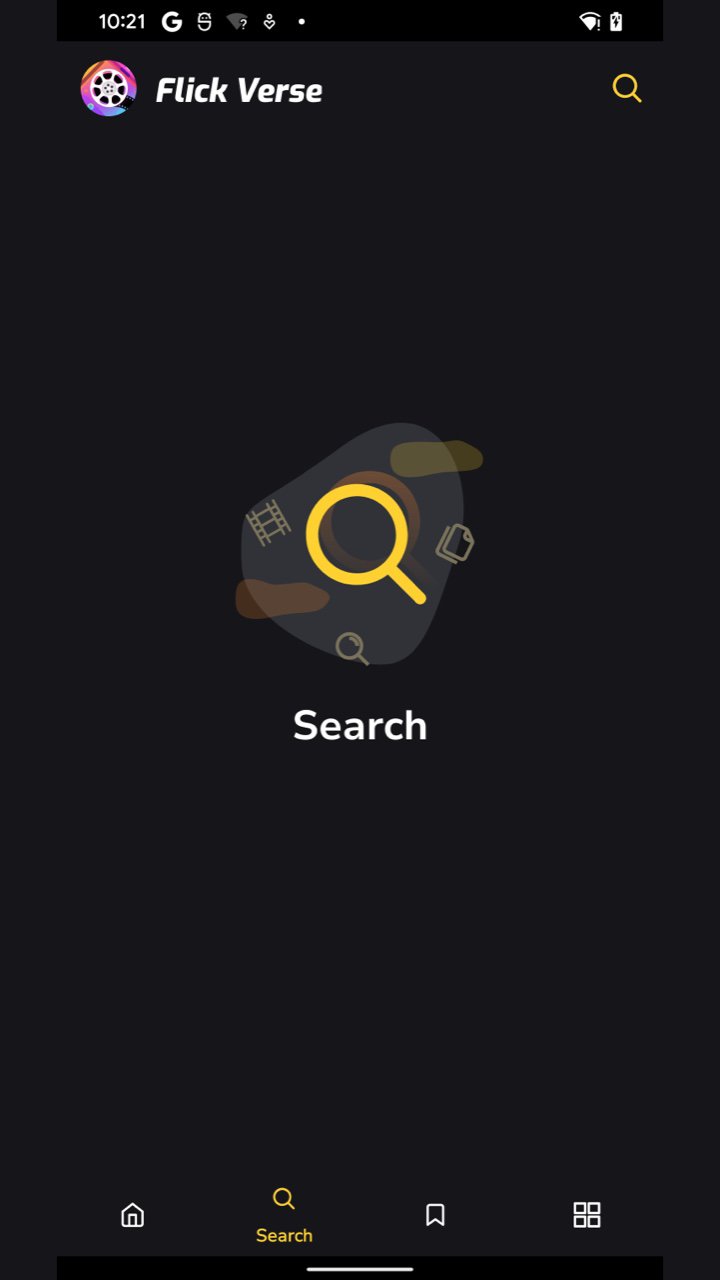
FlickVerse fits those moments when you want a complete story during a commute, lunch break, or before bed. It focuses on compact episodes with clear navigation, so you can jump in and out without losing the thread. The library spans many styles, and recommendations adapt as you watch to help you discover more titles. Many users look for FlickVerse APK when setting up on Android, and the interface is built for quick use on phones with straightforward playback controls.
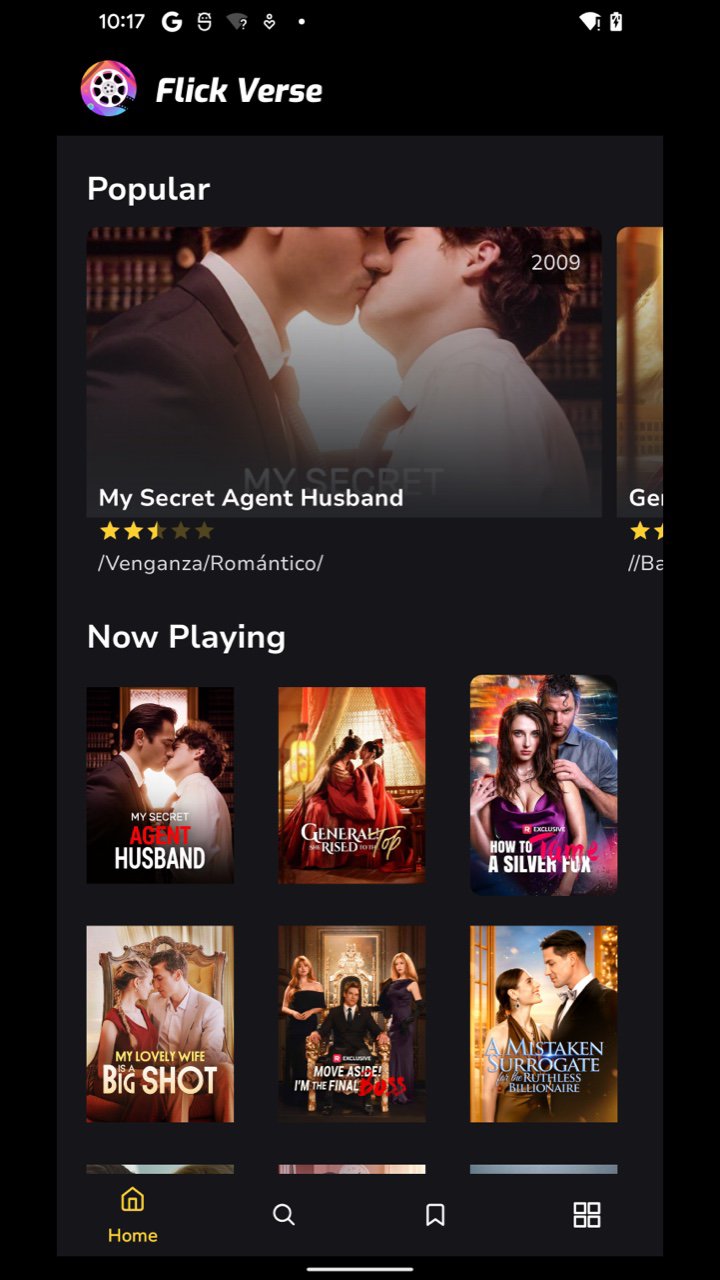
FlickVerse offers a wide range of short dramas and miniseries, with new titles added on a regular cadence. You can find urban romance, historical sweet love, suspense, thrillers, and modern urban dramas in one place, which makes browsing simple when you only have a few minutes. As the library grows, the app highlights fresh additions so you can see what is new without digging through menus.
Short episodes for quick sessionsEpisodes are designed to be brief, so you can finish a chapter while waiting in line or riding the bus. The stories move at a fast pace, which helps you stay engaged even in short gaps of time. This format supports consistent viewing habits without committing to long runtime content.
Personalized discovery that learns from youFlickVerse uses your viewing activity to surface similar shows and related genres over time. After you finish an episode or a series, new suggestions appear that match what you have been watching, so the home screen feels more relevant with each session. If you prefer to explore on your own, you can still browse by genre or title tags at any time.
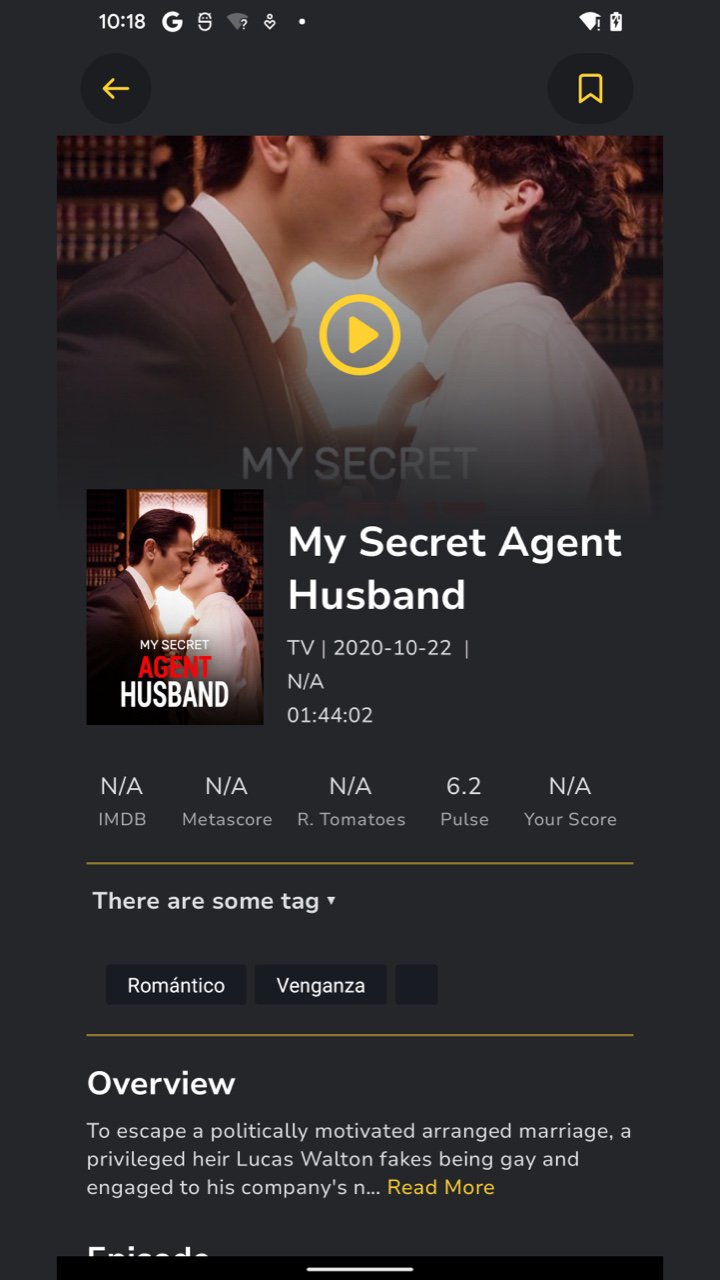
Simple interface and instant playbackThe layout focuses on clean sections and clear thumbnails, making it easy to scan rows and decide what to play. Tapping a title loads its details fast, and playback starts with one touch, which reduces waiting when you only have a short break. Version labels such as FlickVerse V3.0.2 identify the build you install, while the core navigation and controls remain consistent across the FlickVerse app.
Trending and TV Shows hubs for quick discoveryTo make finding your next watch faster, FlickVerse includes dedicated hubs such as Trending and TV Shows on the home screen. These sections surface popular picks and ongoing series, so you can jump straight into what other viewers are enjoying. Recognizable genre tags like romance, suspense, and supernatural help you filter quickly if you have a specific mood in mind.
Mobile friendly viewing for FlickVerse AndroidThe entire experience is tuned for phones, from the vertical browsing flow to the quick start playback. You can start an episode during short gaps, then return later and continue where you left off. This focus on handheld viewing makes it practical to use the app anywhere you carry your device.
This quick guide explains how to start watching short dramas on your phone. After you download FlickVerse, setup is straightforward and you can begin browsing and playing episodes right away.
FlickVerse focuses on short drama miniseries, simple browsing, and fast playback suited to brief viewing windows. If you want the FlickVerse latest version, check the version information on the app page before installing to keep your experience consistent.
For official information and support, visit the developer site:
Latest Version
V3.0.2Uploaded by
ﭑﻟۦﹻۧﺨﹻۧۦﭑۛﻝ ﭑۛﭘﹻۧۦﯡ ﭑۛﻟﹻۧۦﺠﹻۧۦﯡڍ ﭑۛﻟﹻۧۦۦﺴﹻۧۦٷړي
Requires Android
Android 7.0+
Category
Free Entertainment AppContent Rating
Everyone
Security Report
Report
Flag as inappropriateLast updated on Dec 29, 2025
This release includes minor bug fixes and general improvements. Update to the latest version for the best experience.



APKPure - A multi-platform app store primarily focused on Android, providing extensive app-related content. Discover the app you want easier, faster, and safer, with quick and efficient downloads and installations.