
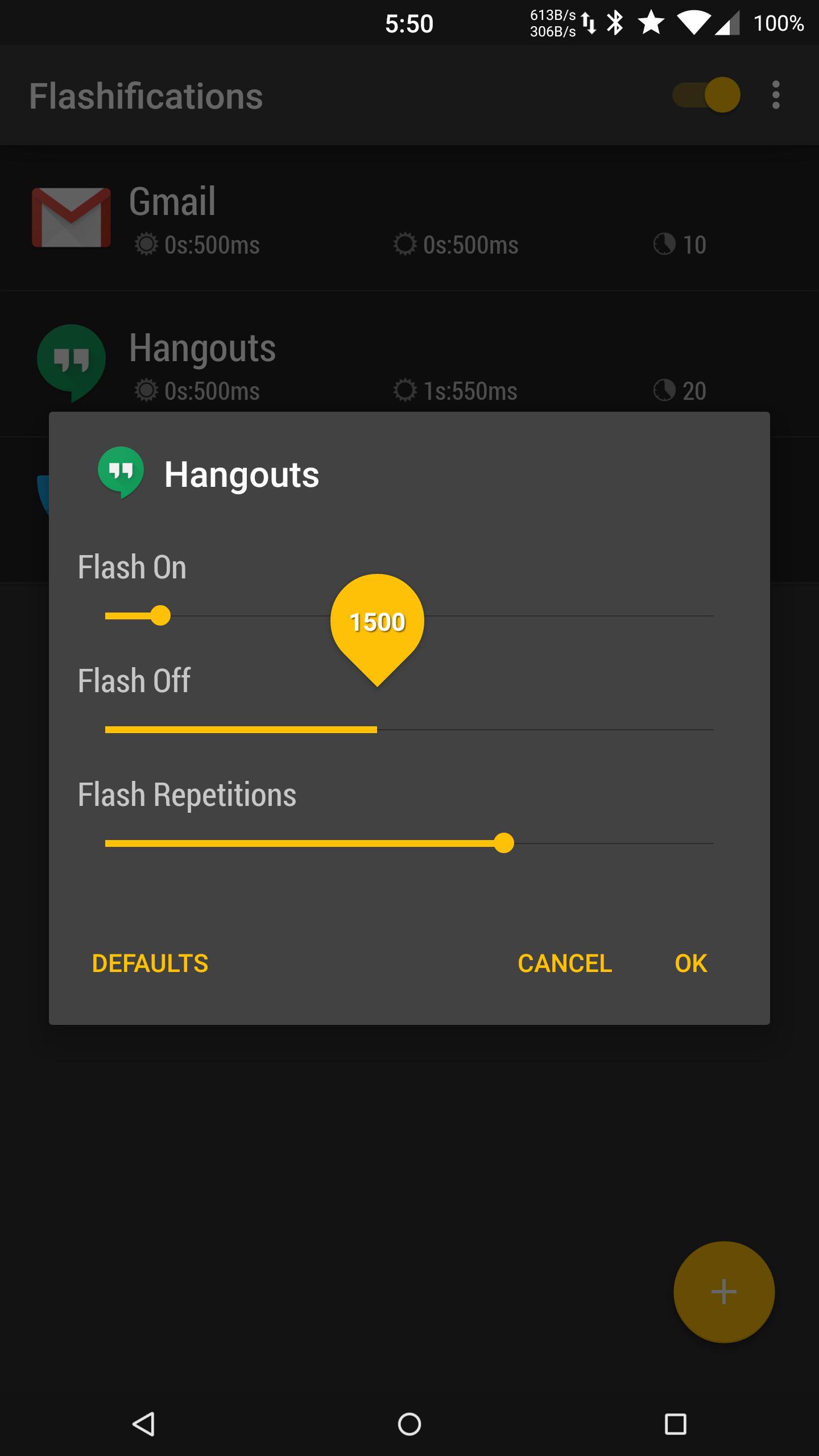
Select an application and set your flash options.
Use your device's camera flash to alert you of new notifications.
Each application rule can specify different flash rates so you can quickly know what app is alerting.
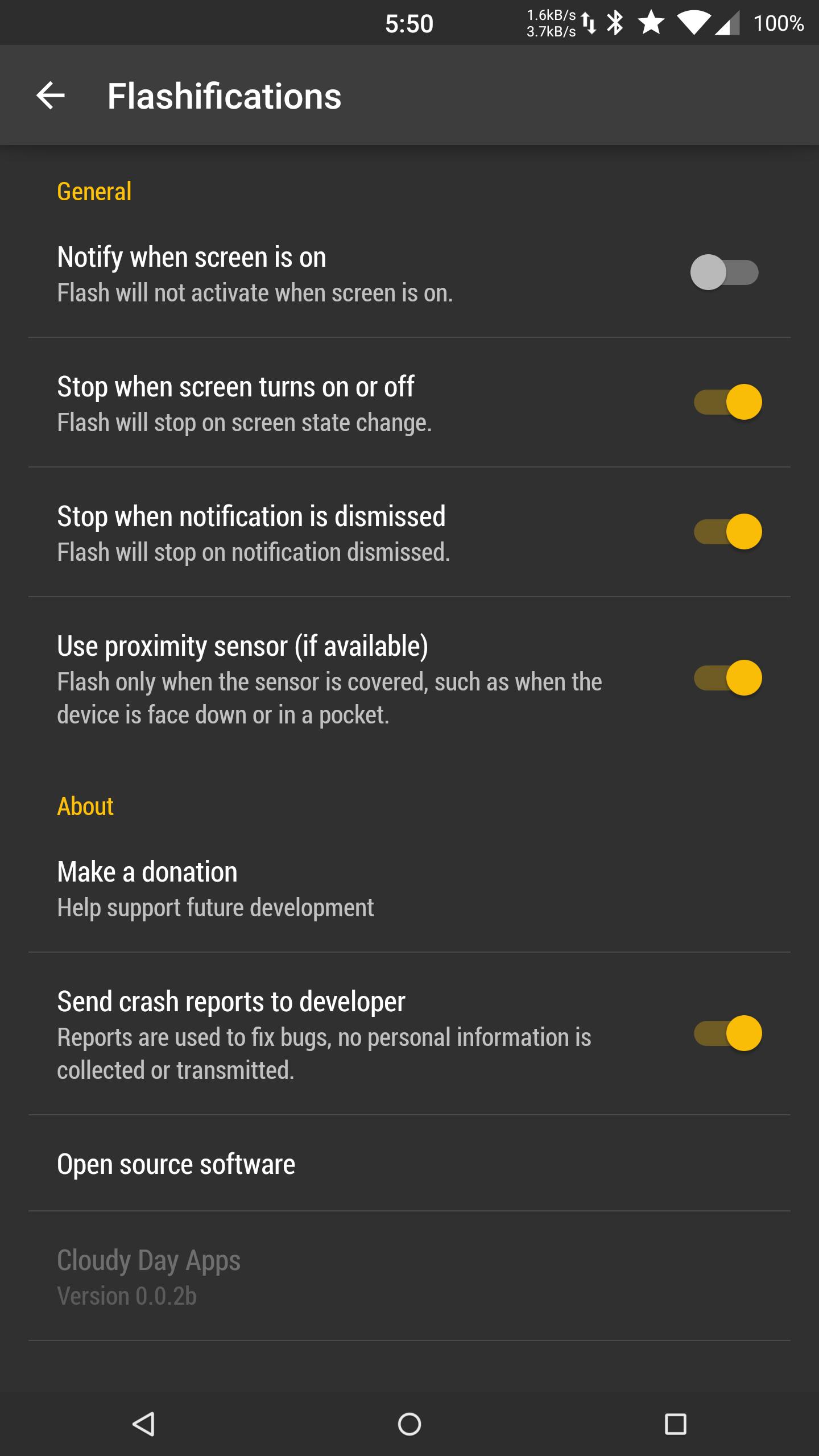
Option to use proximity sensor (if available) in order to avoid disruptive notifications.
Works with any application that posts notifications.
** Tip for Google Reply users: disable "Stop when notification is dismissed" in application settings.
Email us with any issues or feature requests, we will get back to you.
FREE - NO ADVERTISEMENTS
TRANSLATIONS
Want to help translate Flashifications? Check out,
http://www.getlocalization.com/flashifications/
Latest Version
0.0.7Uploaded by
Jane Alam
Requires Android
Android 4.3+
Category
Free Personalization AppContent Rating
Everyone
Report
Flag as inappropriateLast updated on Oct 16, 2019
Updated important libraries




APKPure - A multi-platform app store primarily focused on Android, providing extensive app-related content. Discover the app you want easier, faster, and safer, with quick and efficient downloads and installations.