

Firefox suits users who want a straightforward browser that respects data choices on Android. It reduces tracking by default, helps you keep browsing data separate when needed, and stays familiar if you use it on other devices. Because it is developed by Mozilla, it emphasizes independence and user control across settings. Whether you browse for work or daily tasks, it stays quick and easy to set up. Firefox for Android also supports thoughtful customization so the app fits how you use the web. If you want a trusted way to browse and keep your data under your control, download Firefox apk on APKPure.
Automatic tracking protection
Firefox blocks common trackers, fingerprinters, and cryptominers by default, so you do not have to tune settings to get started. Total Cookie Protection limits each site’s cookies to that site, which reduces cross site tracking during everyday browsing. This runs quietly in the background while you use your favorite sites.
Private browsing with optional lock
When you open a private tab, Firefox does not save history or cookies from that session. If you share your phone or browse in public, you can lock private tabs with fingerprint, face, or a PIN for extra protection. Closing the private session clears its data so your regular tabs stay separate.
Extensions on Android
Firefox supports a range of mobile extensions so you can tailor how pages load and behave. You can add tools like ad blockers, privacy helpers, and productivity extensions to match your routine. This brings desktop style flexibility to your phone without extra steps.
Password manager and selective sync
Firefox can generate strong passwords, save them securely, and autofill them when you return to a site. If you sign in, you can choose what to sync across devices, including tabs, bookmarks, history, and logins. Your data is encrypted during sync, and you control which items travel between devices.
Customization and focus tools
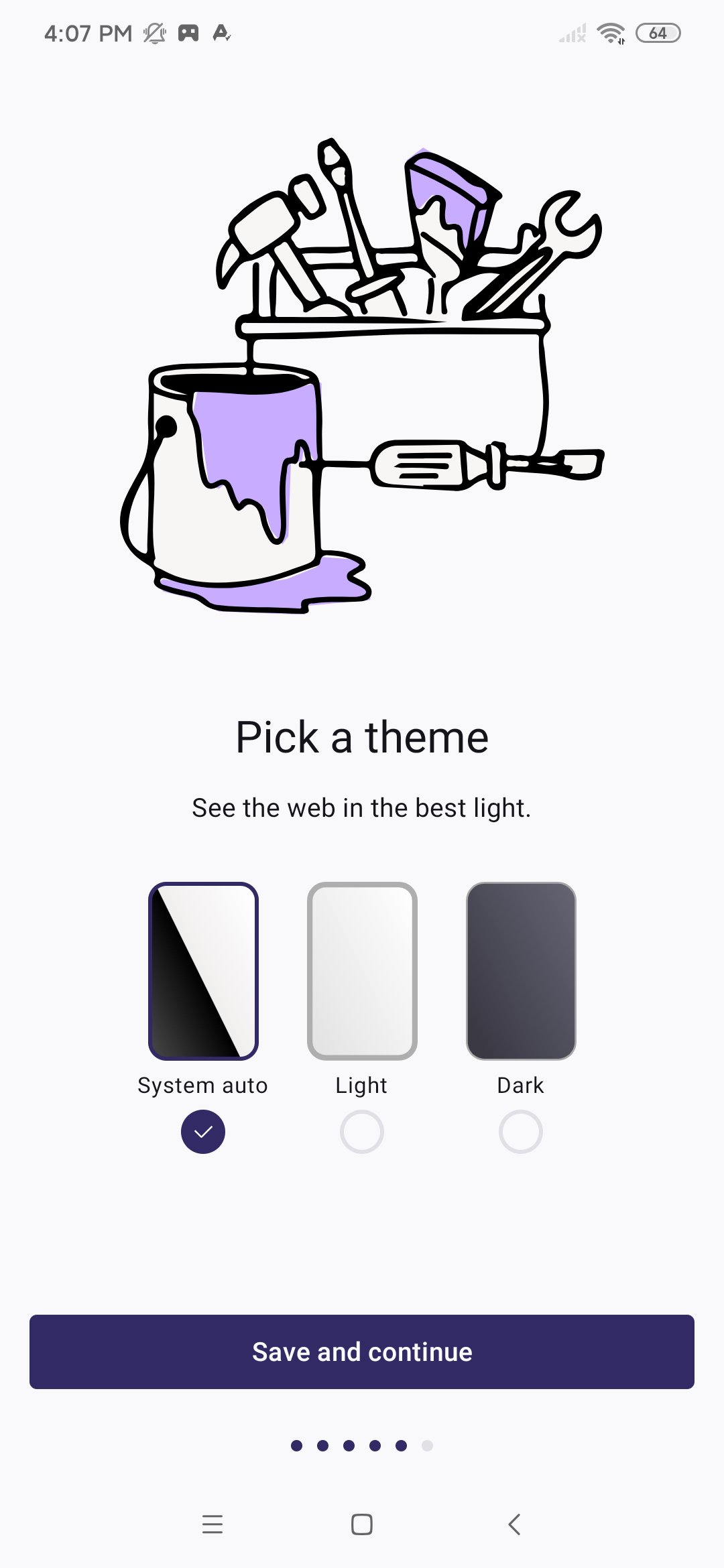
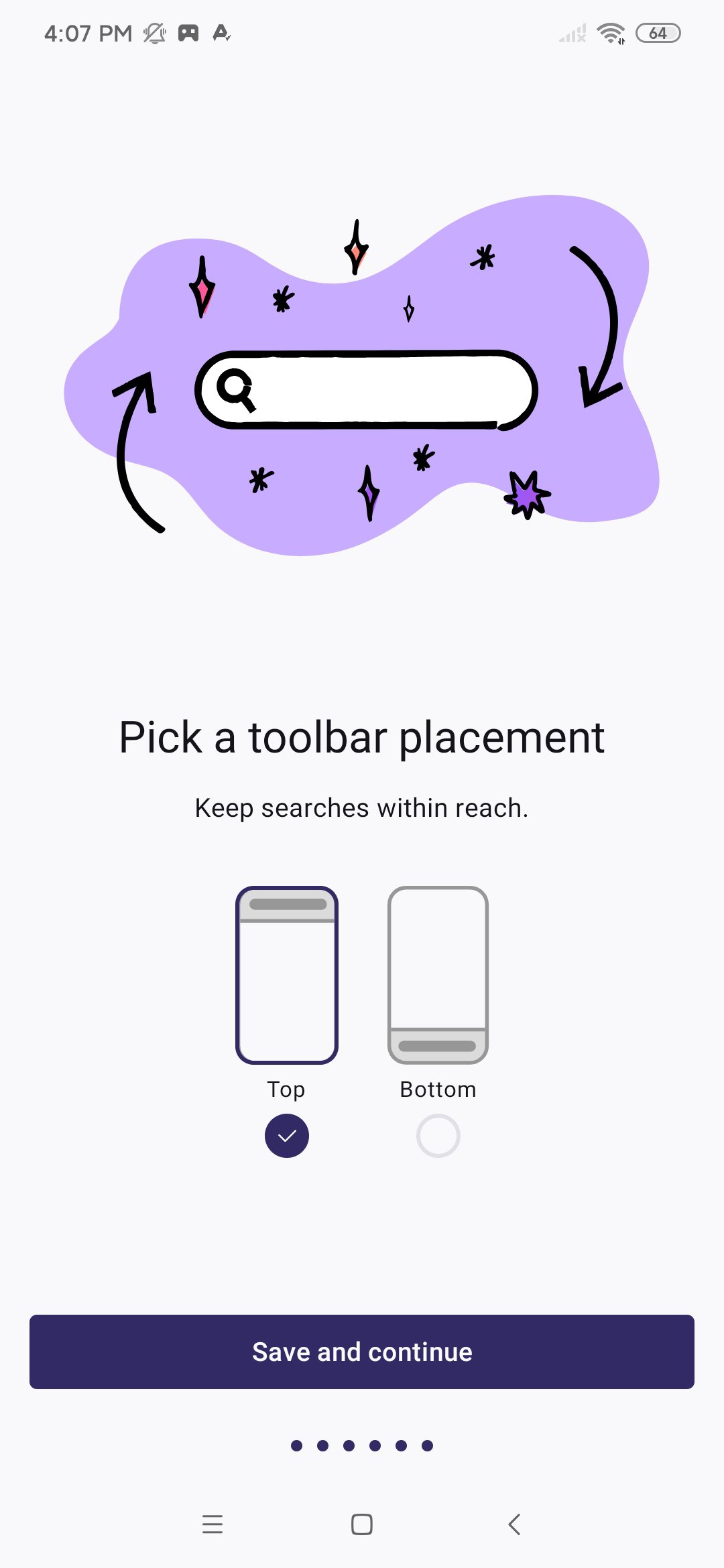
Firefox lets you pick a default search engine, move the address bar, change themes or wallpapers, and add a home screen search widget. Reader Mode clears page clutter for long articles, while picture in picture keeps video playing as you move between apps. Tab groups, pinned tabs, Firefox View, dark mode, and quick sharing help you stay organized as you switch tasks.
On Android, many browsers limit add ons, but Firefox supports mobile extensions so you can keep familiar tools on your phone. If you are moving from another browser, importing bookmarks, passwords, and history is simple during setup. Signing in is optional, and you can select only the items you want to sync. If you need manual installation, the Firefox APK is also available from trusted sources you choose.
Getting started is quick. After you download Firefox on APKPure and open it, the app guides you through key choices so you can begin browsing right away. You can adjust more settings later if you prefer.
Open Firefox, review the welcome screens, then choose your default search engine and where the address bar should appear for easier reach.
Sign in to your Firefox account if you want sync, then select what to sync such as tabs, bookmarks, history, or logins.
Tap the menu, open the add ons section, and install extensions that match your needs, like content blockers or privacy tools.
Start a private tab when you want a separate session, and in settings enable a fingerprint, face, or PIN lock for private tabs if needed.
While browsing, use Reader Mode for long articles, try picture in picture for video, organize pages with tab groups, and pin important tabs for quick return.
Firefox gives you a private, customizable way to browse on Android with helpful tools for daily use. Download Firefox APK latest version on APKPure and start with strong privacy defaults from day one.
For official resources and support, visit the links below.
Website: https://www.firefox.com
Mozilla: https://www.mozilla.org
Latest Version
156.0Uploaded by
Franco D'Aloia
Requires Android
Category
Free Communication AppContent Rating
Everyone
Report
Flag as inappropriateLast updated on Sep 17, 2026
- Built-in VPN: Get 50 GB of protected browsing each month to help hide your IP address and location. Available in select countries, with more coming soon.
- Better media controls: Skip forward or back and use the timeline to find your spot right from the media notification.
- Android sharing: On Android 14 and later, sharing uses the familiar Android share menu, with additional Firefox options like Send tab to device and Scan QR code. Earlier Android versions keep the existing share screen.





APKPure - A multi-platform app store primarily focused on Android, providing extensive app-related content. Discover the app you want easier, faster, and safer, with quick and efficient downloads and installations.