

FileZilla helps when you need to move photos, videos, or documents between your phone and remote servers or a computer. It focuses on reliable connections and clear controls, so you can move data without extra steps. Additionally, it covers everyday transfer needs for personal or work use on mobile. If you prefer a direct installer, the FileZilla APK offers a simple setup on Android.
FTP and SFTP support
FileZilla connects to servers using FTP or SFTP, so you can handle standard or secure transfers as needed.
Site Manager
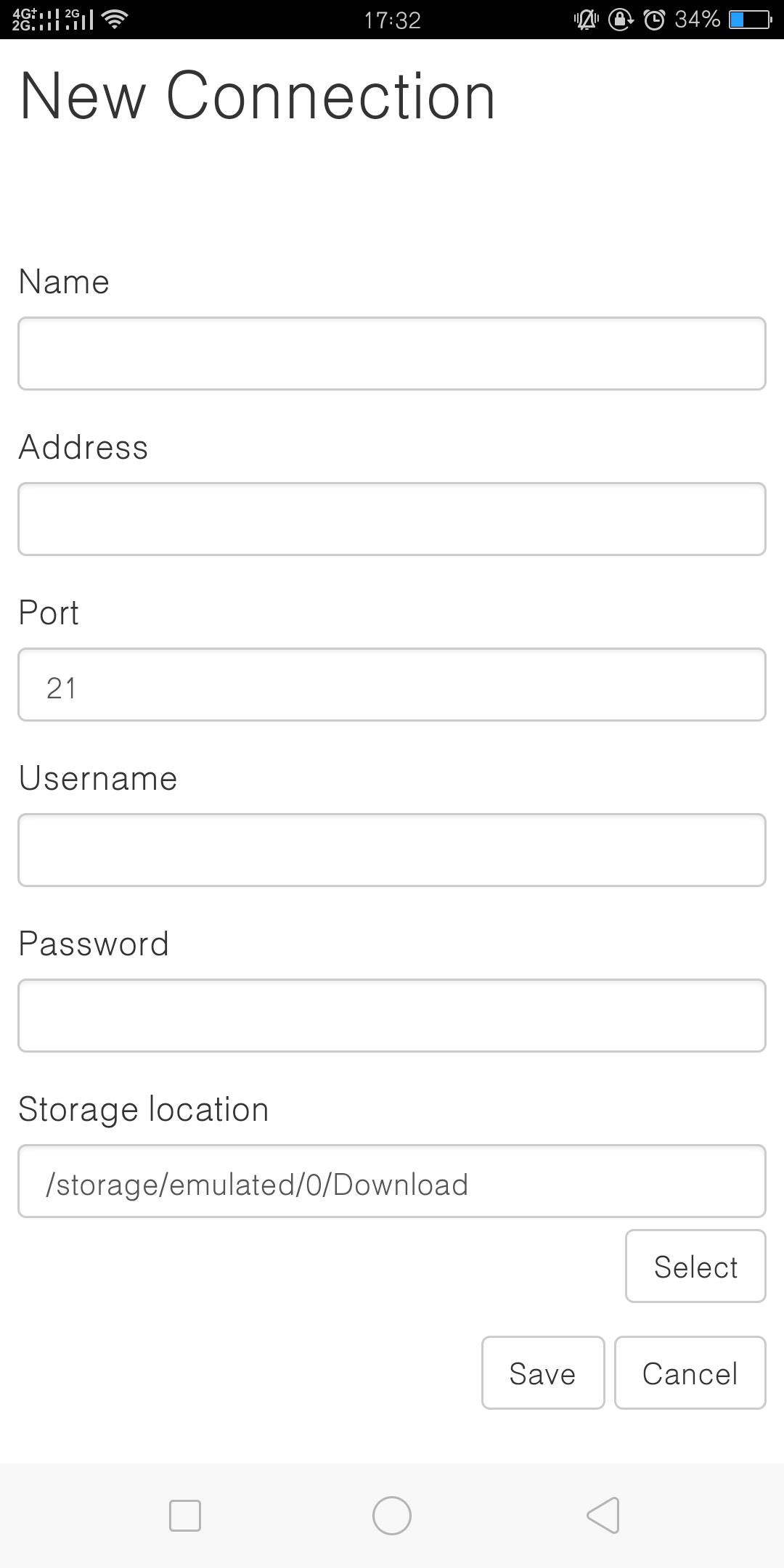
For frequent connections, you can save server entries in Site Manager and open them later without reentering details.
Local filesystem manager
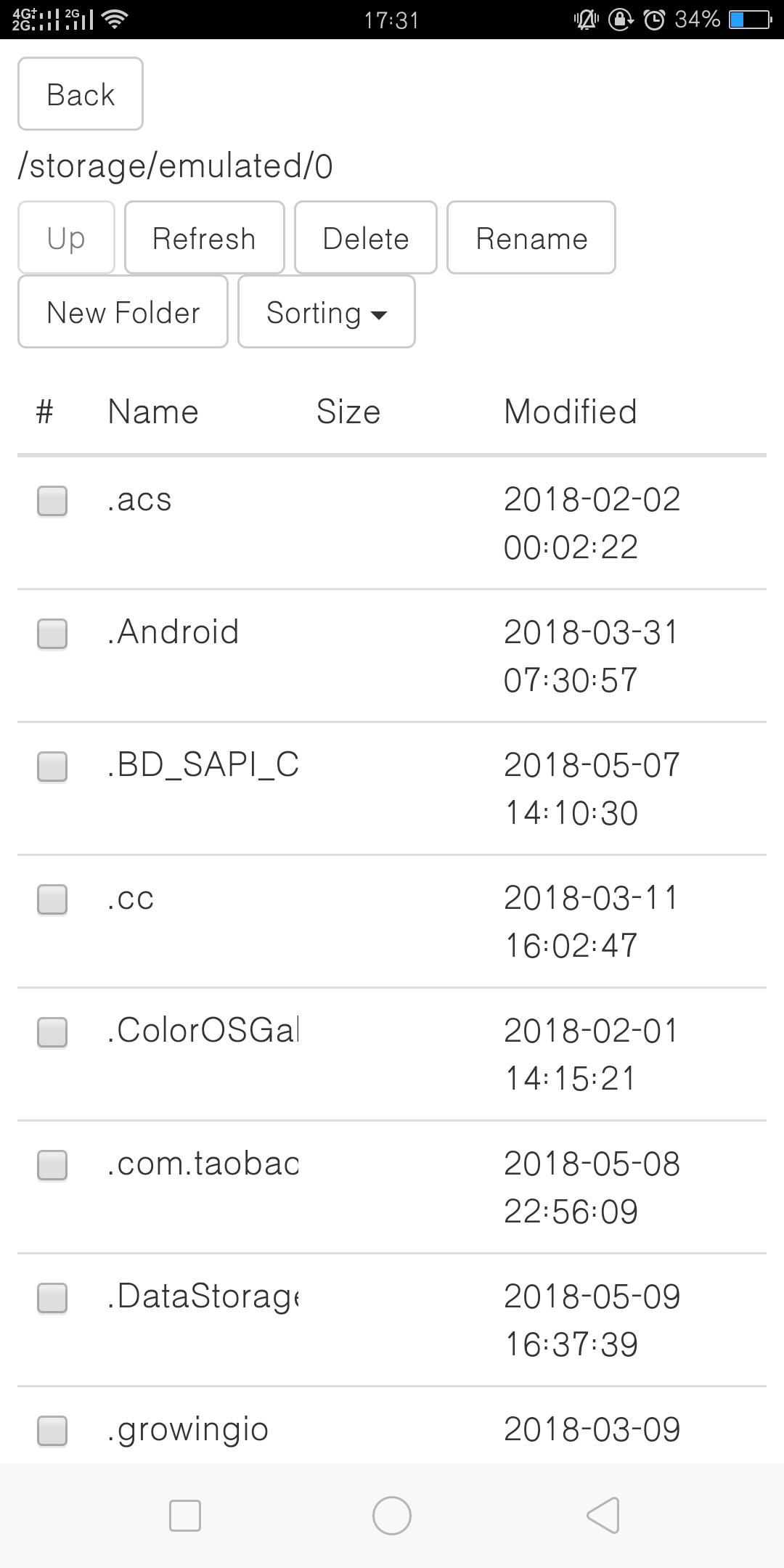
On the device side, FileZilla lets you browse storage, select files or folders, and get them ready for upload or download.
Start FTP service on phone
When a server is not available, you can start an FTP service on the phone and connect from a computer on the same network to move files.
FileZilla provides a clear way to move files between your device, servers, and computers. Set up your connections, use the local manager to pick items, and start transfers with a few taps. To begin, download FileZilla and use the in app prompts to add a site or start an FTP service.
Latest Version
1.12Uploaded by
عبد الله الصيعري
Requires Android
Android 5.0+
Category
Free Tools AppContent Rating
Everyone
Report
Flag as inappropriateLast updated on May 16, 2024
- support file edit



APKPure - A multi-platform app store primarily focused on Android, providing extensive app-related content. Discover the app you want easier, faster, and safer, with quick and efficient downloads and installations.