File Manager 📁 is the best File Explorer for Android devices with powerful features like copy, cut, paste, rename, share, download. Manage your files efficiently and easily with File Manager!
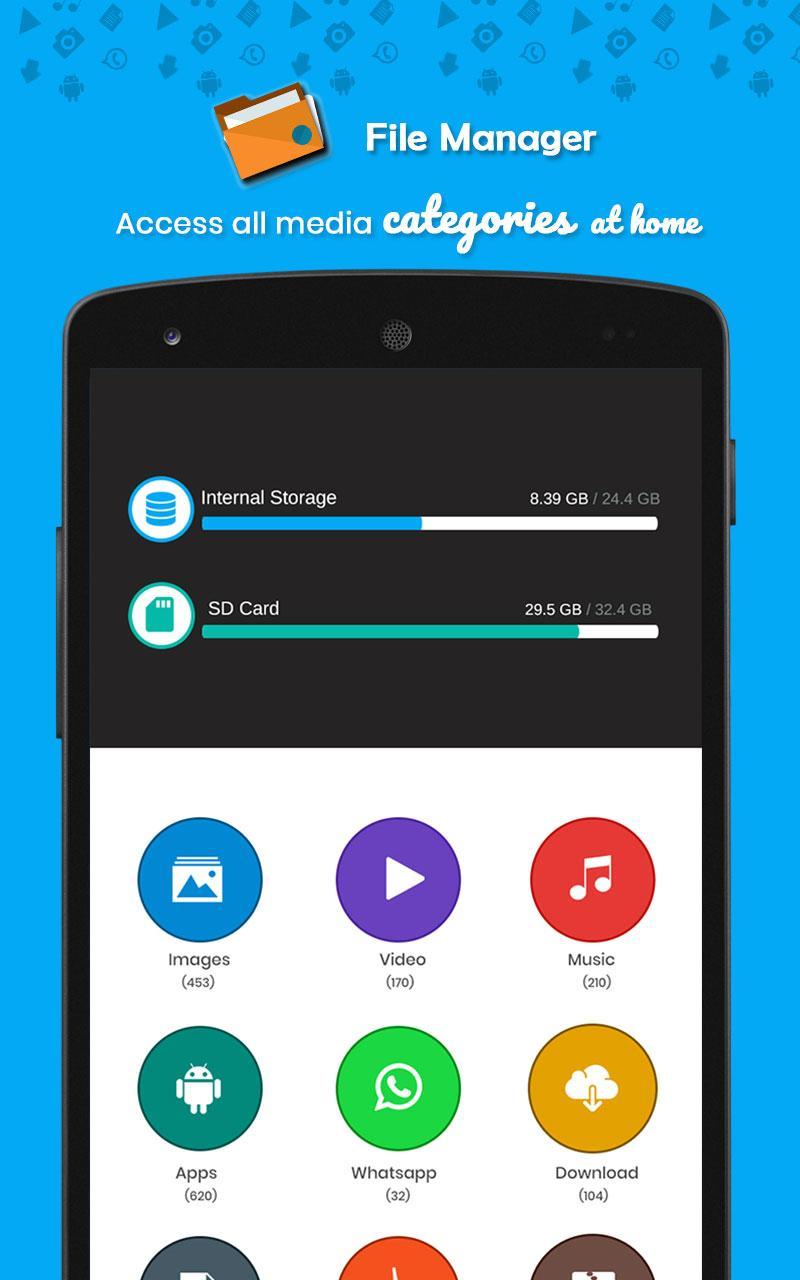
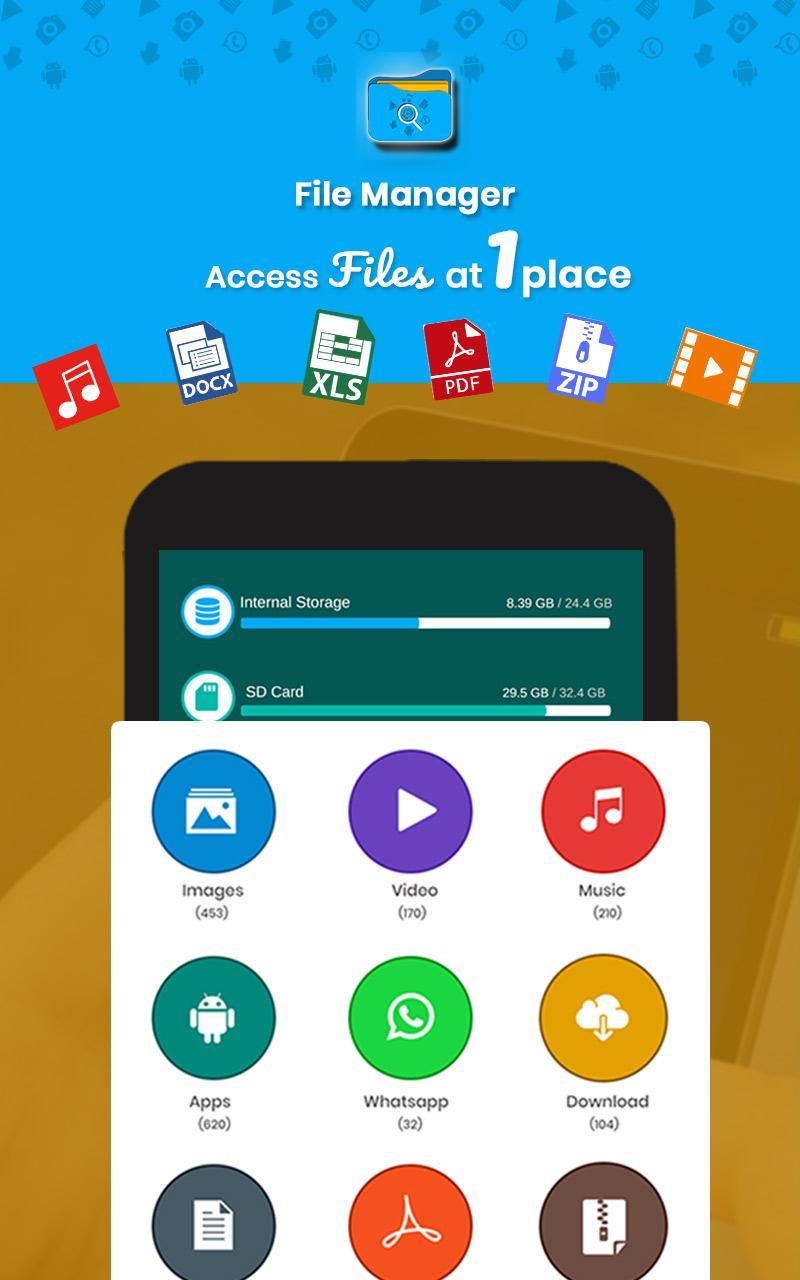
File Manager helps you handle all your all files whether they are stored on your device storage or SD card. View Images, Videos, Music, Apps, Doc, Compressed Files, Downloads, Internal & External Storage details on a single screen.
File Manager also provides the best app backup restore tool in the business. You will never lose your apps again!
The File Manager app is free, fast and full-featured, with a simple UI, really easy to use with file organizer by category: Images, Music, Movies, Documents, Apps,...
Key Features
☞ Manage Files, Folders & Storage with File Manager: You can manage your all files (Audio, Music, Video, Image, Picture, WhatsApp image, Documents, PDF, Downloads & Folders) on your local device storage or your SD Card.
☞App Backup & Restore: No need to download the same apps again and again. Simply take a backup of all the installed apps and install them again whenever you want without the Internet. You can also bulk uninstall your apps through this feature.
Why File Manager
★Small Apk size.
★Free app with no In-app purchases!
★Ultimate UI
★Easy to use
★Light & smooth
★Simple & clean
Latest Version
4.0Uploaded by
คบเเล้ว จะรัก
Requires Android
Android 4.1+
Category
Free Tools AppContent Rating
Everyone
Report
Flag as inappropriateLast updated on Dec 22, 2018
This release includes minor bug fixes and general improvements. Update to the latest version for the best experience.




APKPure - A multi-platform app store primarily focused on Android, providing extensive app-related content. Discover the app you want easier, faster, and safer, with quick and efficient downloads and installations.