

FFH Quatro - Fire Ferramentas supports players who want more consistent aim and smoother control in fast shooters like Free Fire without using cheats. It focuses on customization and device awareness so you can adjust key elements around your playstyle and hardware. With a minimal overlay and quick toggles, it fits short sessions and long matches. Because the interface is straightforward, both mobile and emulator users can apply changes quickly. For easy access, search for FFH Quatro - Fire Ferramentas APK.
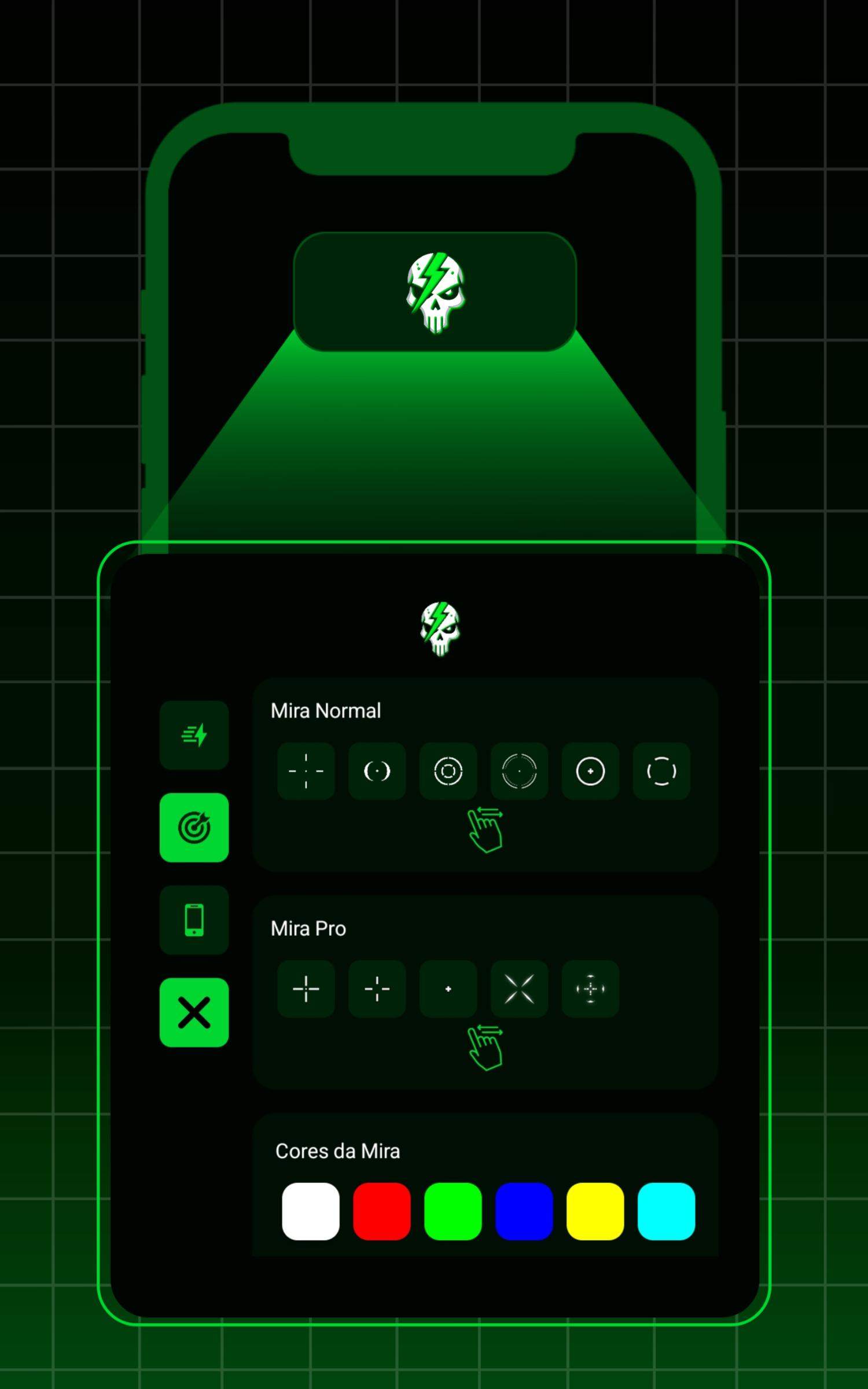
FFH Quatro - Fire Ferramentas offers Normal and Pro crosshair modes to match different play styles. You can choose colors, sizes, and styles that remain visible during movement and recoil in dynamic shooters. This helps you keep focus on targets while keeping the overlay subtle enough to avoid clutter.
Sensitivity profiles and DPIYou can fine tune sensitivity for camera, scope, and movement to suit either mobile or emulator setups. FFH Quatro - Fire Ferramentas supports custom DPI and multiple profiles, which lets you switch quickly between close range and long range scenarios. Because profiles are saved, you can return to a preferred setup anytime without reconfiguring everything.
Custom HUD layoutsFFH Quatro - Fire Ferramentas lets you create and save HUD layouts for two-, three-, or four-finger play. You can align the overlay with your in-game HUD and keep button reach consistent across devices. This approach helps maintain muscle memory when changing screens or moving from mobile to emulator.
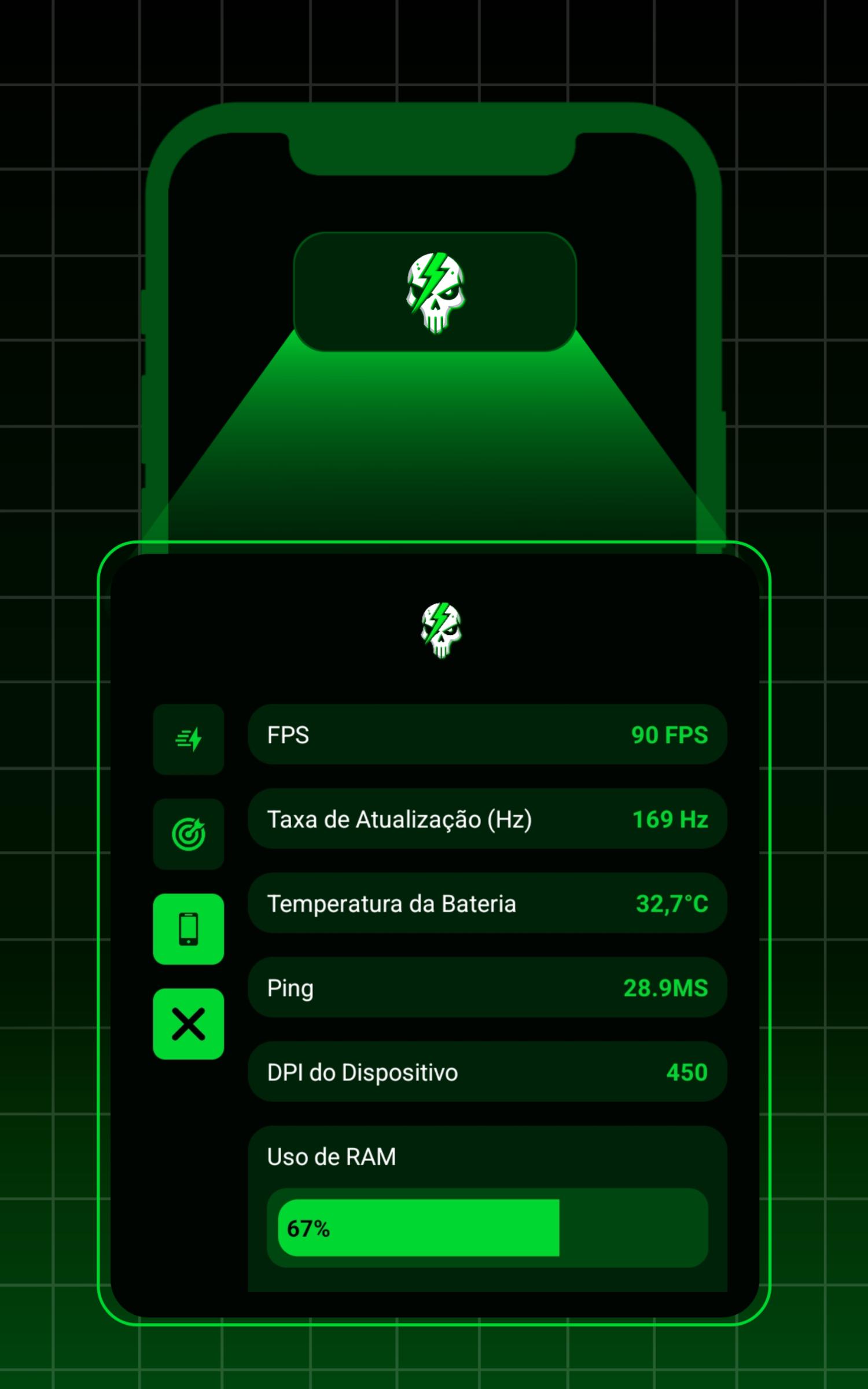
Real-time device monitoringBeyond controls, you can track FPS, refresh rate, ping, RAM, storage, and battery temperature while playing. FFH Quatro - Fire Ferramentas shows this information so users know when performance drops or heat builds up. With that insight, it becomes easier to decide whether to adjust settings or pause for stability.
Fair play and non-affiliationFFH Quatro - Fire Ferramentas avoids hacks and does not modify game files, including shortcuts like FFH4X Hack. It focuses on legitimate tools that complement natural skill development and respects game policies. The app includes a clear non-affiliation notice with game developers, and the FFH Quatro - Fire Ferramentas latest version keeps this fair play stance front and center.
The interface language is Portuguese. New users can rely on simple icons and a clean layout to navigate crosshair, sensitivity, and HUD sections without needing advanced language skills. The app is free and distributed by the developer obamag. It is available in APK and XAPK package formats so you can choose the option that matches your installation preference. If you prefer stability, use the most recent release rather than older versions.
This tool is designed to support ethical play. It does not offer a premium build or any MOD APK variant and does not add cheats or external scripts. Users should keep adjustments within the scope of overlays and input customization, which aligns with fair use. The app is not associated with Free Fire or its developers.
To begin, download FFH Quatro - Fire Ferramentas and open it on your Android device. Setup takes only a few minutes, and you can tweak controls before hopping into a match. Follow the steps below to get a basic configuration ready.
FFH Quatro - Fire Ferramentas focuses on crosshair setup, sensitivity tuning, HUD layouts, and device monitoring to support fair, consistent play. Users who want a cleaner aim and predictable control can follow the steps above and adjust as needed. For reliable updates, check the FFH Quatro - Fire Ferramentas latest version.
Latest Version
7.0Uploaded by
Đinh Phúc
Requires Android
Android 8.0+
Category
Free Tools AppContent Rating
Everyone
Report
Flag as inappropriateLast updated on Jul 19, 2025
Minor bug fixes and improvements. Install or update to the newest version to check it out!




APKPure - A multi-platform app store primarily focused on Android, providing extensive app-related content. Discover the app you want easier, faster, and safer, with quick and efficient downloads and installations.










