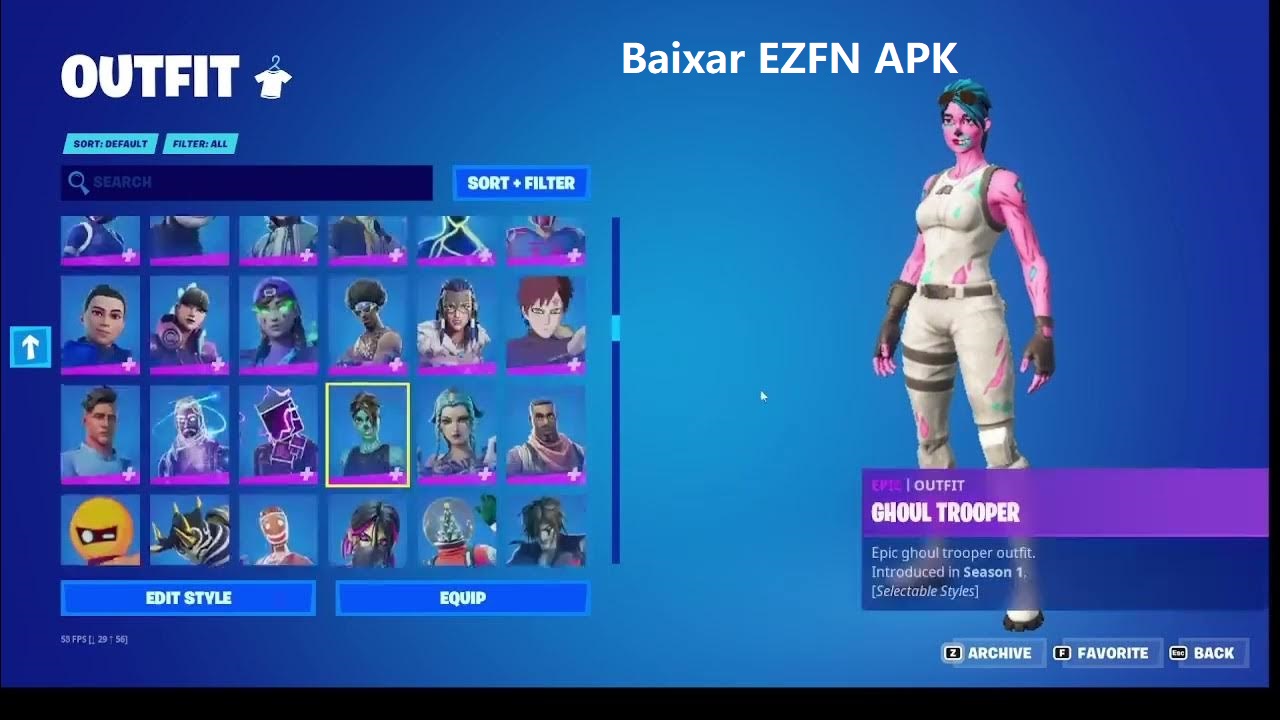
EZFN targets players who want a straightforward way to revisit early Fortnite style gameplay without official servers. It brings back familiar playlists and themes in a focused, fan run environment, so you can explore nostalgic content at your own pace. The experience is organized around a simple launcher with clear steps, while a browser based viewer helps you decide what to try next. Because it is community driven, availability can change over time. If you plan to try it on Android, consider getting the EZFN APK from the project’s official channels.
Classic Chapter 1 seasons on private servers
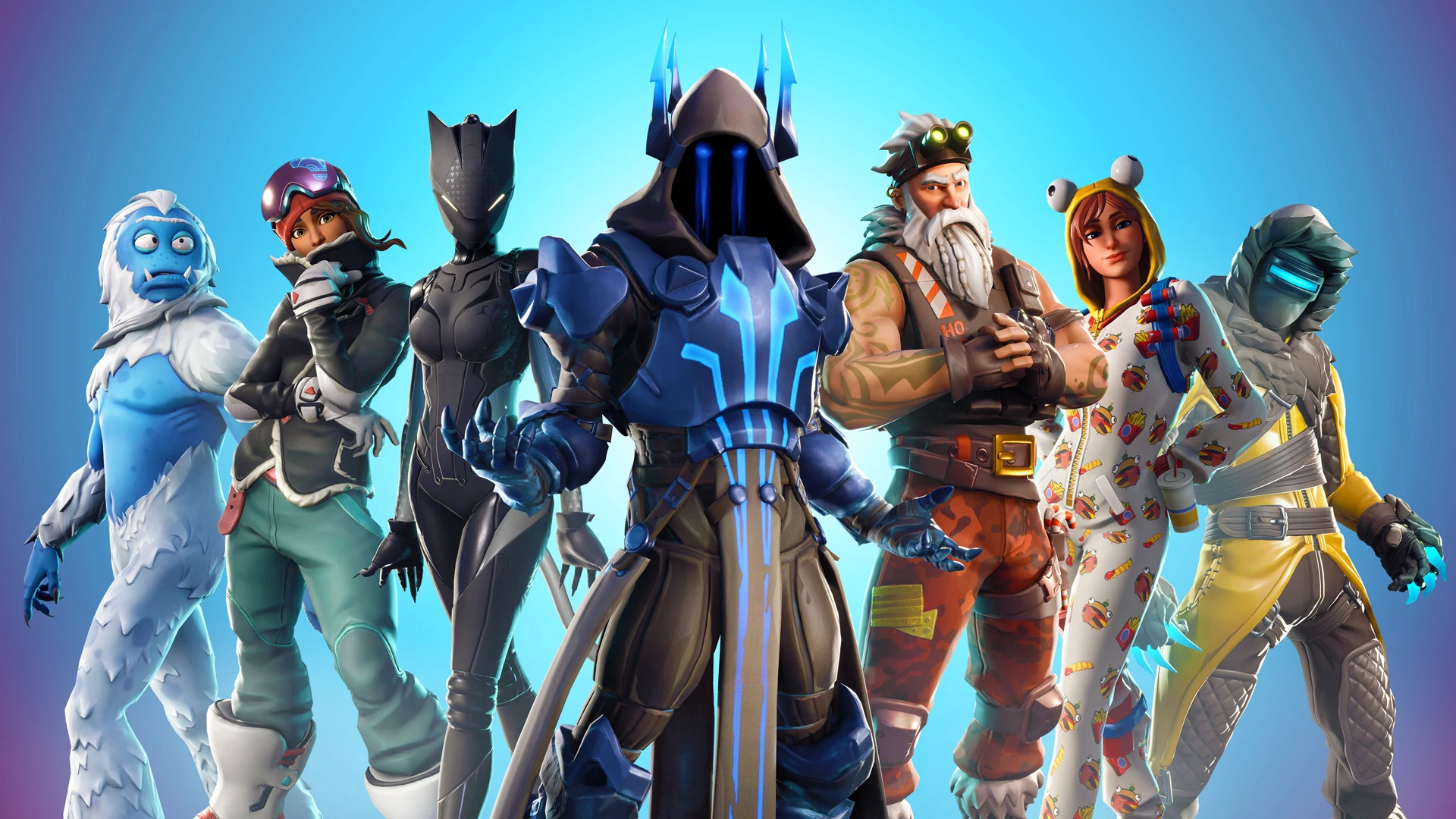
EZFN runs private servers that spotlight original Chapter 1 content and curated modes. You can find revived seasons such as Frozen Peaks and Frosty Fights from Season 7 Reborn, along with thematic rotations like Midas, The Agency, and SpyGames. Matches aim to recreate familiar pacing and layouts, which helps users step back into older styles of play. Since these are community servers, schedules and playlists may rotate.
Launcher focused on quick start
The EZFN launcher is designed to reduce setup steps and get you into a mode with clear, readable prompts. You choose a season or playlist and follow the on screen flow to enter a session. Basic instructions explain what to expect before you queue. When you download EZFN and launch it, the layout guides you through setup without extra menus.
Preview every cosmetic in a browser
EZFN includes a web based cosmetics viewer that lets you check skins and items before you join a match. You can browse looks, compare styles, and decide what to equip once you are in game. This preview step helps users plan choices without switching back and forth between lobbies. It is useful when you want to see an item’s appearance quickly.
Community driven project with visible activity
EZFN is supported by an active Discord community where users share status updates, setup tips, and server news. Content creators such as Modded Warfare and DuckyTheGamer have showcased aspects of the project, which helps new users see how it works in practice. Community channels often highlight current features and temporary limitations. This social layer can be helpful if you run into questions during setup.
Transparent and unofficial status
EZFN is not affiliated with Epic Games or Fortnite. It is entirely community run and uses private servers for nostalgic play. The project also provides clear IP and affiliation disclaimers so users understand its unofficial nature. Because it is independent, availability, features, and stability can change as community resources shift.
Platform coverage spans mobile and PC. Console use on Switch and on PlayStation often requires device modifications, so consoles are not supported out of the box. Voice chat, crossplay, and social features can be limited on private servers, and availability may change across updates. Controller support depends on your Android version and your connected hardware, and users typically rely on the operating system’s native controller support. Rooted or otherwise modified devices may face setup issues, and stability can vary by device.
EZFN offers different experiences. The OG path focuses on classic Chapter 1 styles hosted on private servers, which is the nostalgic option most users look for. Hybrid is an evolving effort that may blend newer client elements with classic content. Match availability, feature parity, and voice chat support in Hybrid can change over time, so users should check current status in community channels before expecting full matches or social features. If you need the EZFN latest version notes, community announcements usually outline what is currently working.
As with any community project, troubleshooting is often resolved by following the launcher instructions and consulting the Discord for updated steps. If you encounter issues after installing unrelated software on other platforms, seek platform specific support. On Android, most setup issues come from permission prompts, network settings, or device compatibility, and community guides can help you resolve them.
This short guide outlines the typical flow to get started on a phone. It focuses on the launcher setup and helps you reach a match with minimal steps, and you can decide whether to preview cosmetics before playing. If you plan to download EZFN, review the project’s notices and disclaimers during setup.
EZFN provides a community run path to revisit classic Chapter 1 gameplay on private servers with a simple launcher and a helpful cosmetics viewer. If you want a focused nostalgic session without official playlists, this app keeps the process straightforward. To begin, install the EZFN APK and follow the launcher instructions.
Latest Version
1.0Uploaded by
EZFN
Requires Android
Android 5.0+
Category
Free Action GameReport
Flag as inappropriateLast updated on Apr 22, 2024
Minor bug fixes and improvements. Install or update to the newest version to check it out!




APKPure - A multi-platform app store primarily focused on Android, providing extensive app-related content. Discover the app you want easier, faster, and safer, with quick and efficient downloads and installations.