Scan Date:May 19, 2026
Show More


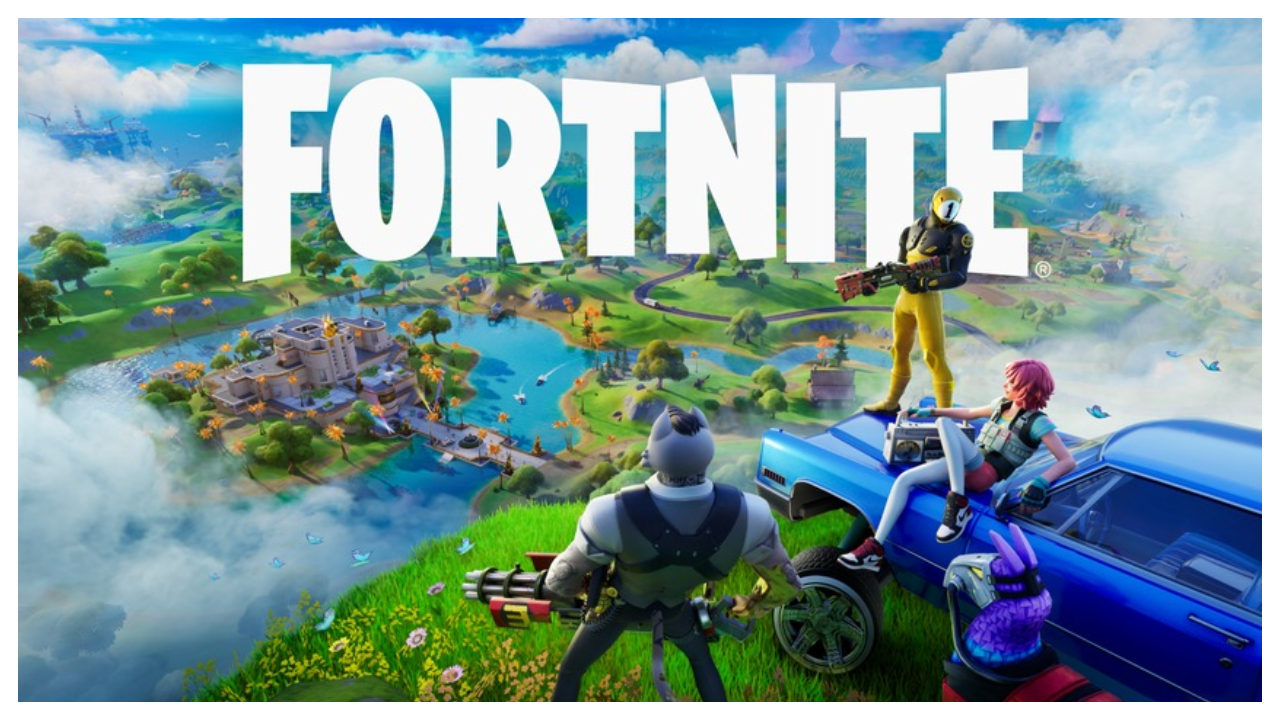
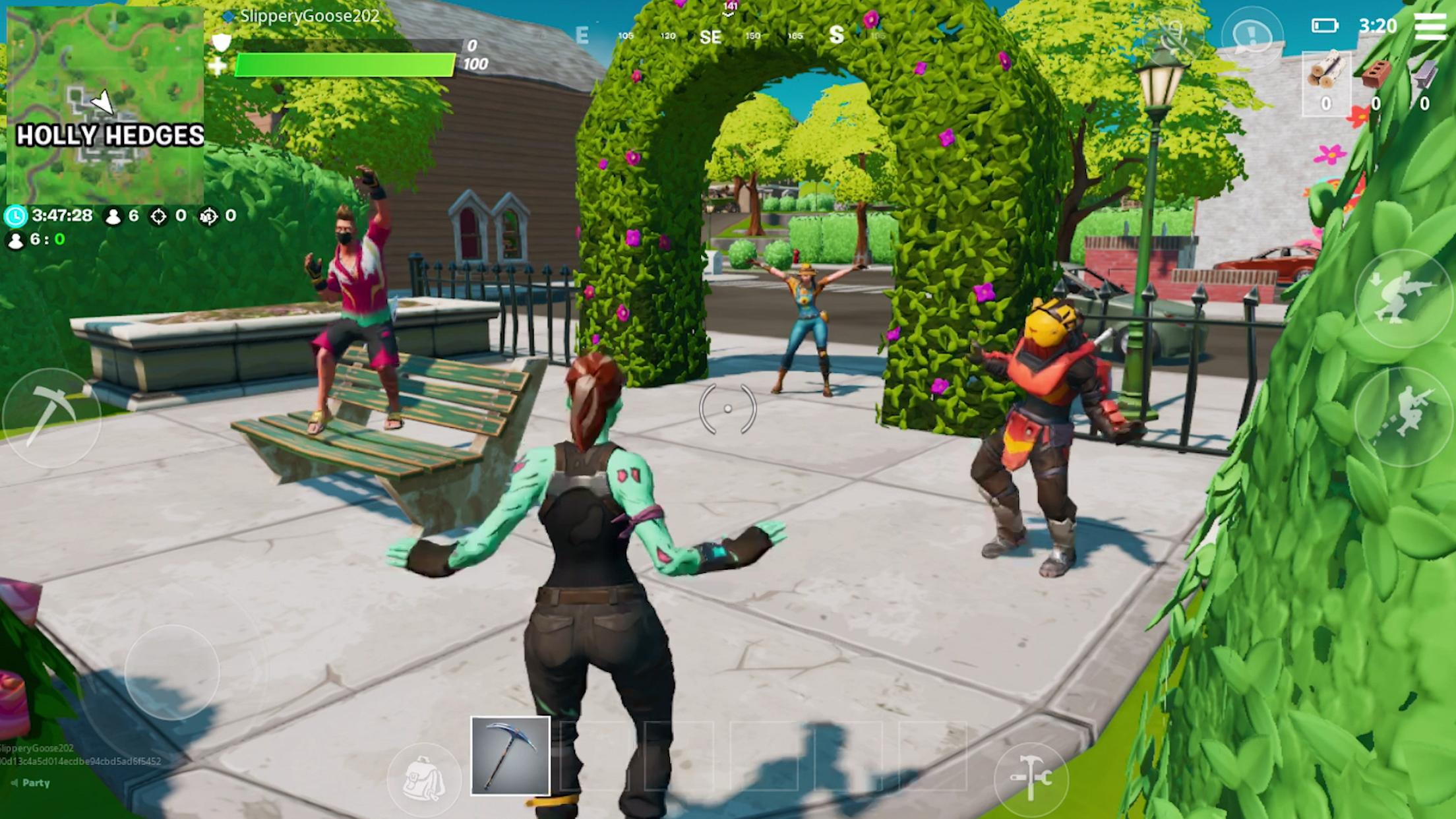
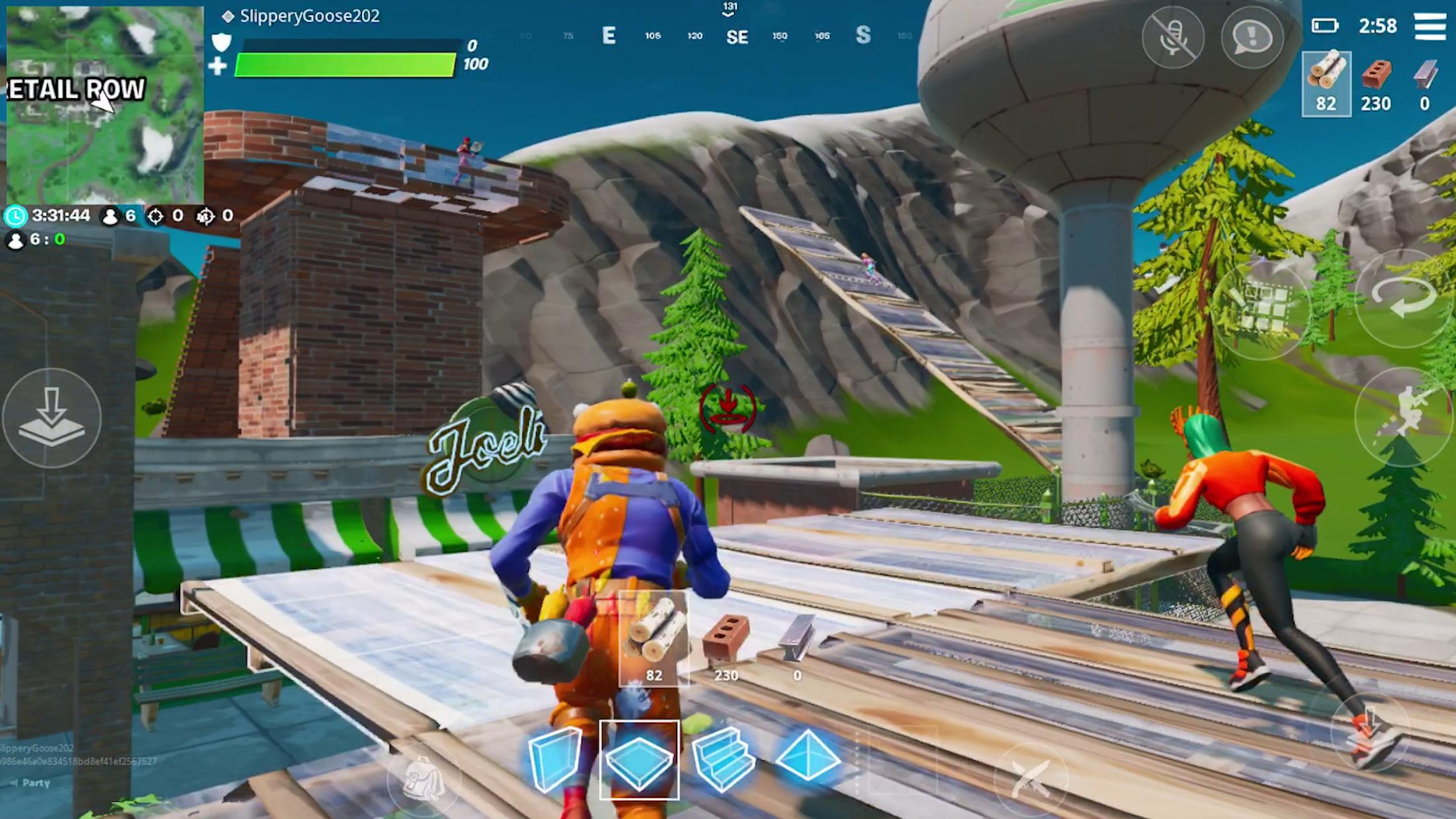
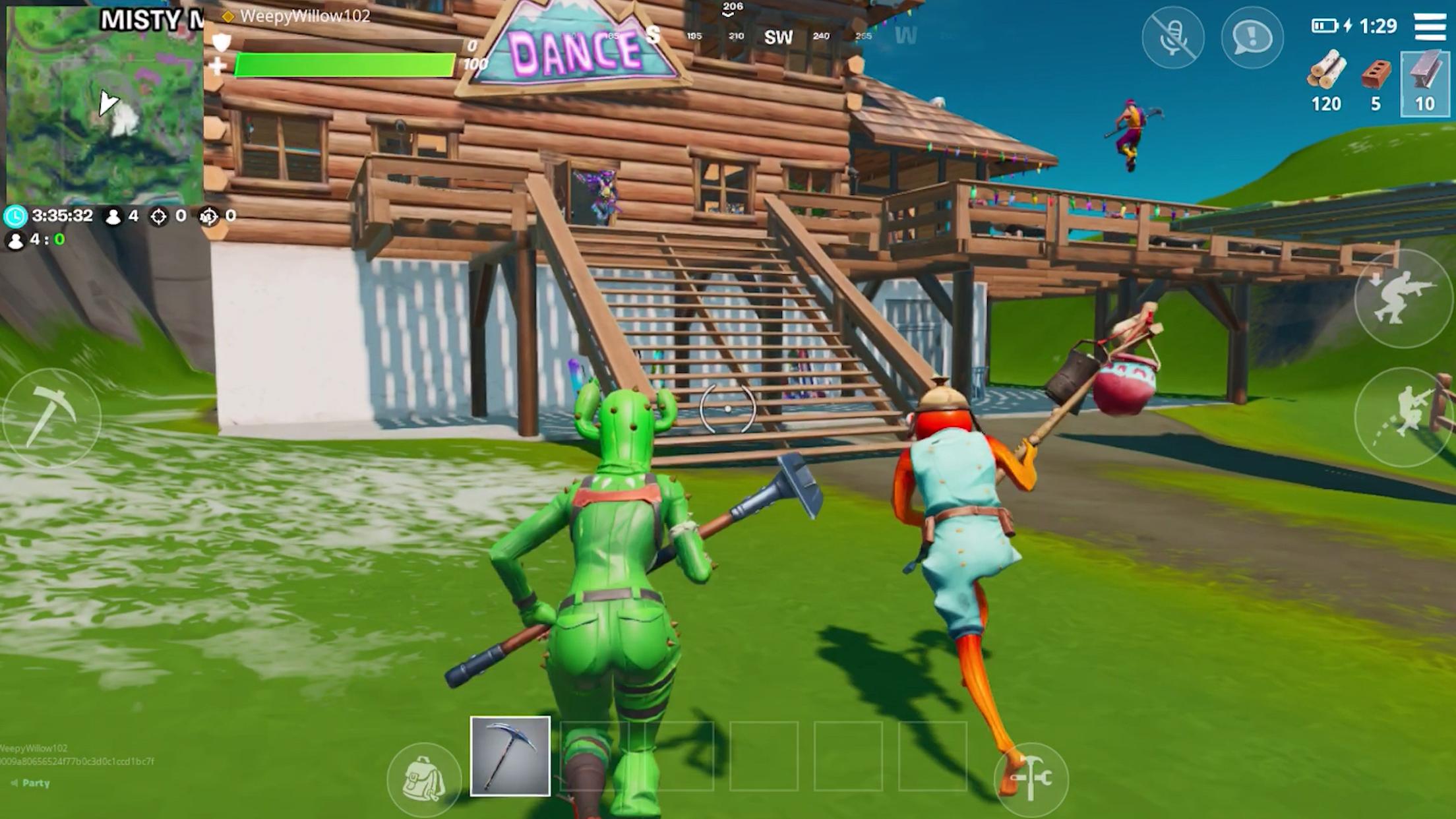
Fortnite fits players who want the complete experience on an Android phone while keeping progress consistent across devices. It brings the same core gameplay feel and regular updates found on other platforms, so matches remain familiar as content rotates. An Epic account keeps items and stats connected as you switch screens, and touch or controller input lets you choose how to play. For Android users who prefer direct installation, the Fortnite APK provides a straightforward setup without extra steps.
Many ways to play
Fortnite mobile apk offers a wide mix of modes that suit different play styles. You can drop into Battle Royale for classic survival, or choose Zero Build if you prefer pure combat without constructing. LEGO Fortnite introduces a build, explore, and survive sandbox, while Fortnite Festival focuses on performing and remixing music. There are also fast variants like Blitz Royale and thousands of creator made games that can be browsed in the Discover menu.
Crossplay and shared progression
You can squad up with friends across mobile, console, and PC in supported regions through crossplay. An Epic account keeps your Battle Pass level, Locker items, and stats synced across devices, so progress travels with you. This means challenges, cosmetic unlocks, and playlists feel consistent whether you play on a phone or another platform. It also makes swapping devices during a Season straightforward.
Ranked and competitive options
Fortnite apk includes Ranked modes for players who want structured competition. Your rank reflects performance and determines matchmaking, which helps set clear goals as you improve. Competitive playlists and tournaments appear on a schedule with rewards that can include cash and cosmetic items. You can review events and eligibility in the in game Compete tab and queue when windows open.
Seasonal rewards and rotating content
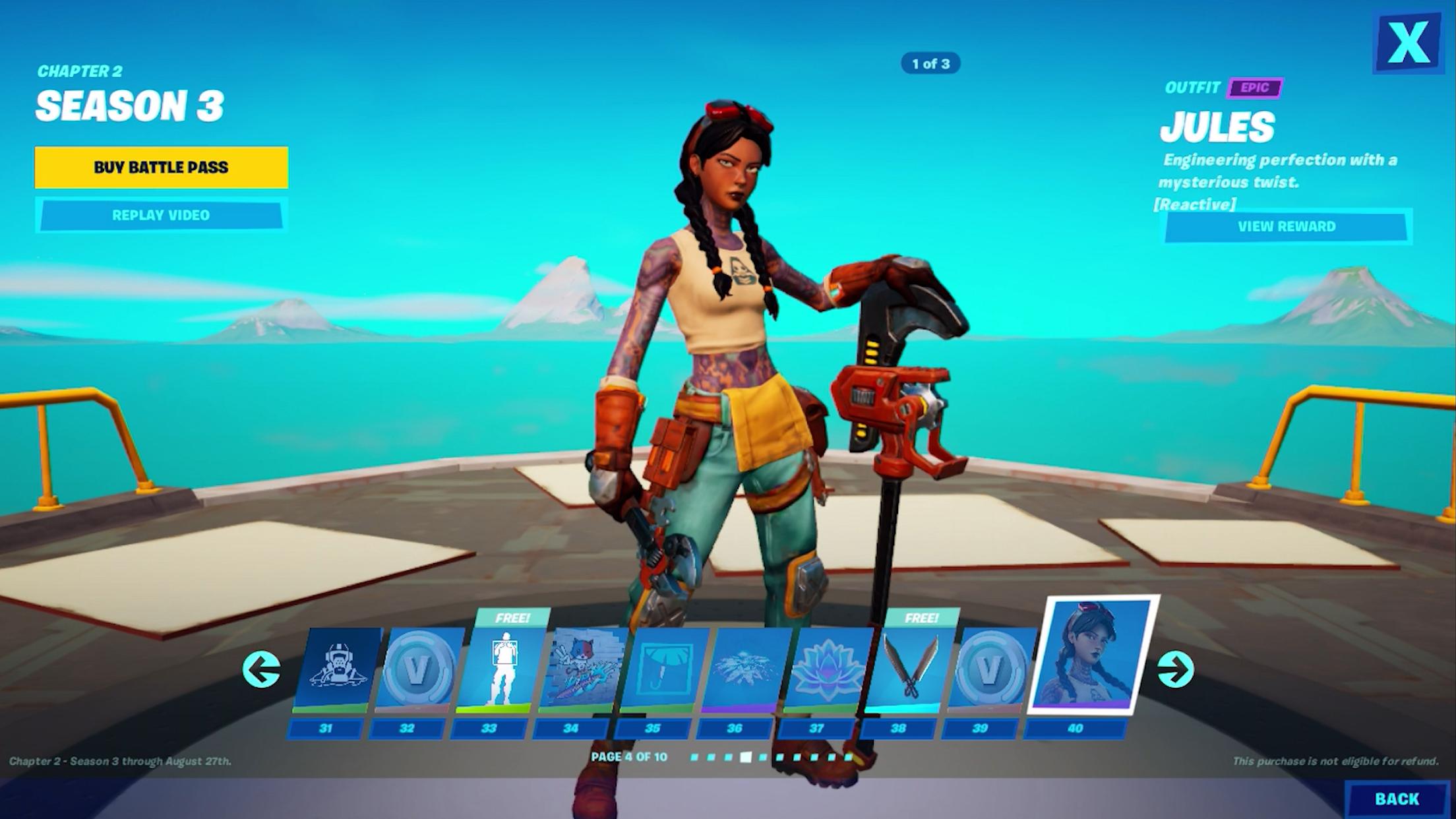
Each Season brings a new Battle Pass with Outfits, Pickaxes, and Gliders earned through play. Additional tracks such as the OG Pass and Music Pass introduce more cosmetics and songs for Festival. Jam Tracks let you perform or remix music from featured artists, which expands the playlist over time. Content selection changes regularly, so checking current passes and rotations helps you plan your play sessions.
Mobile friendly controls and instant play options
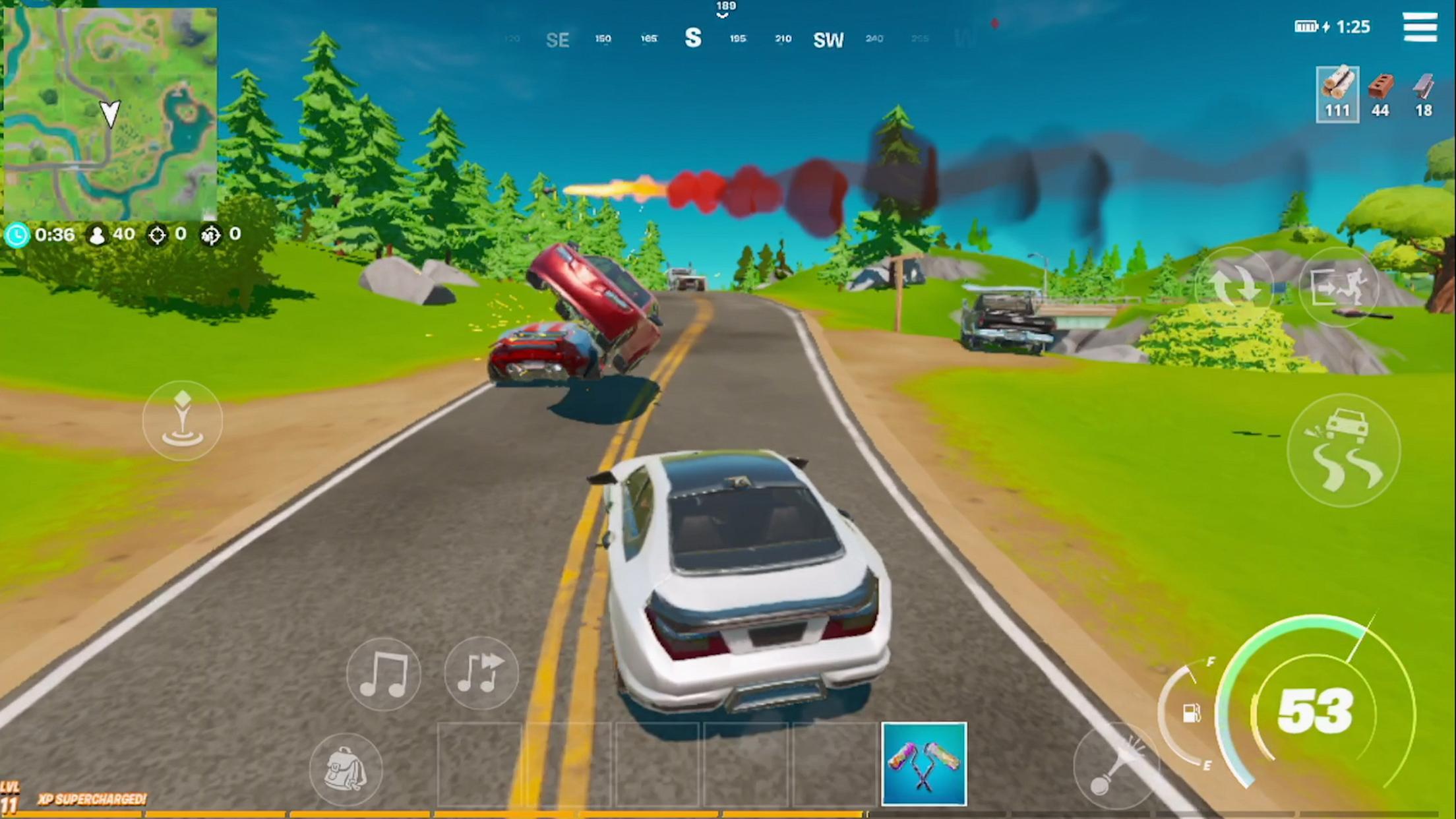
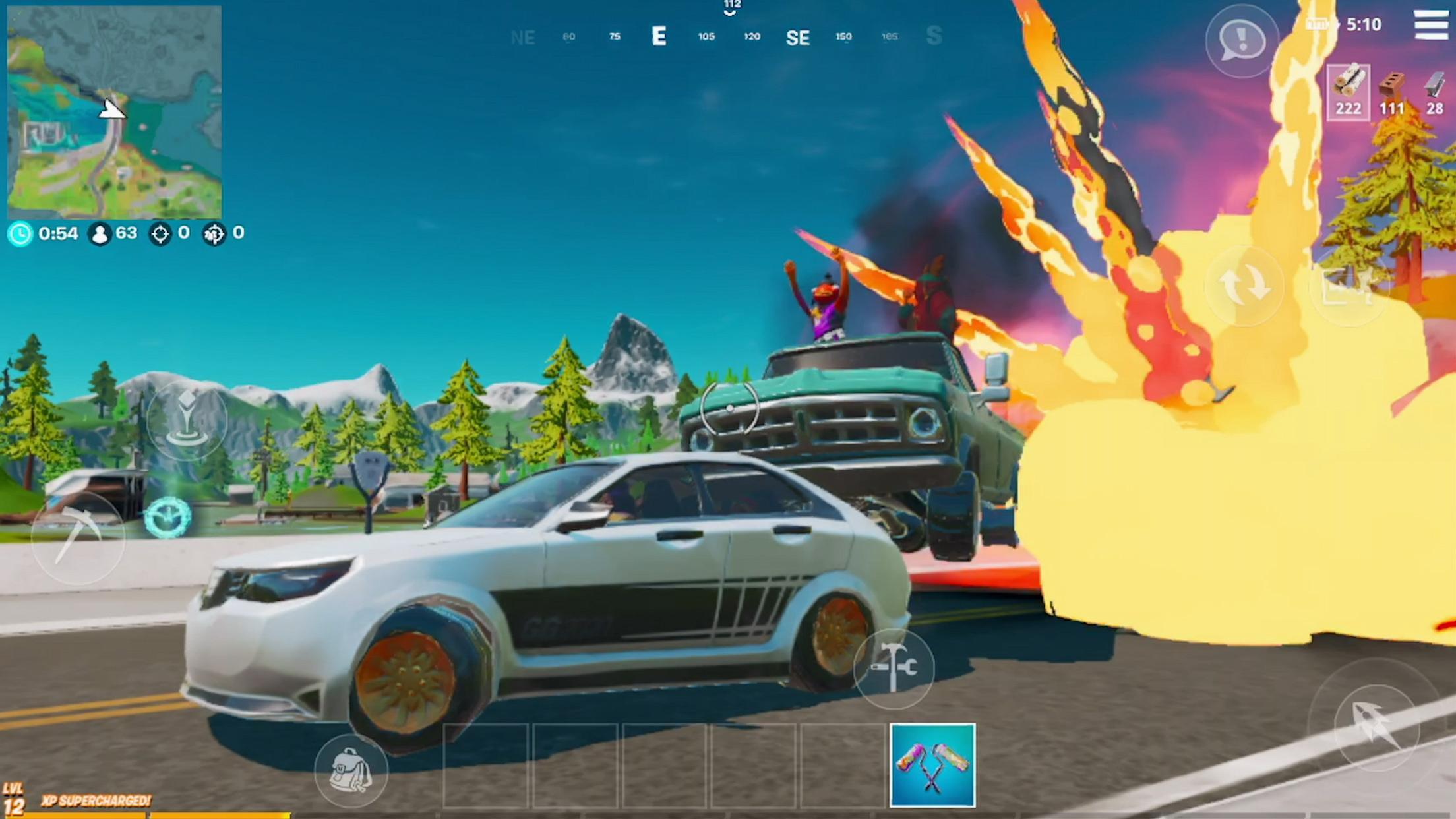
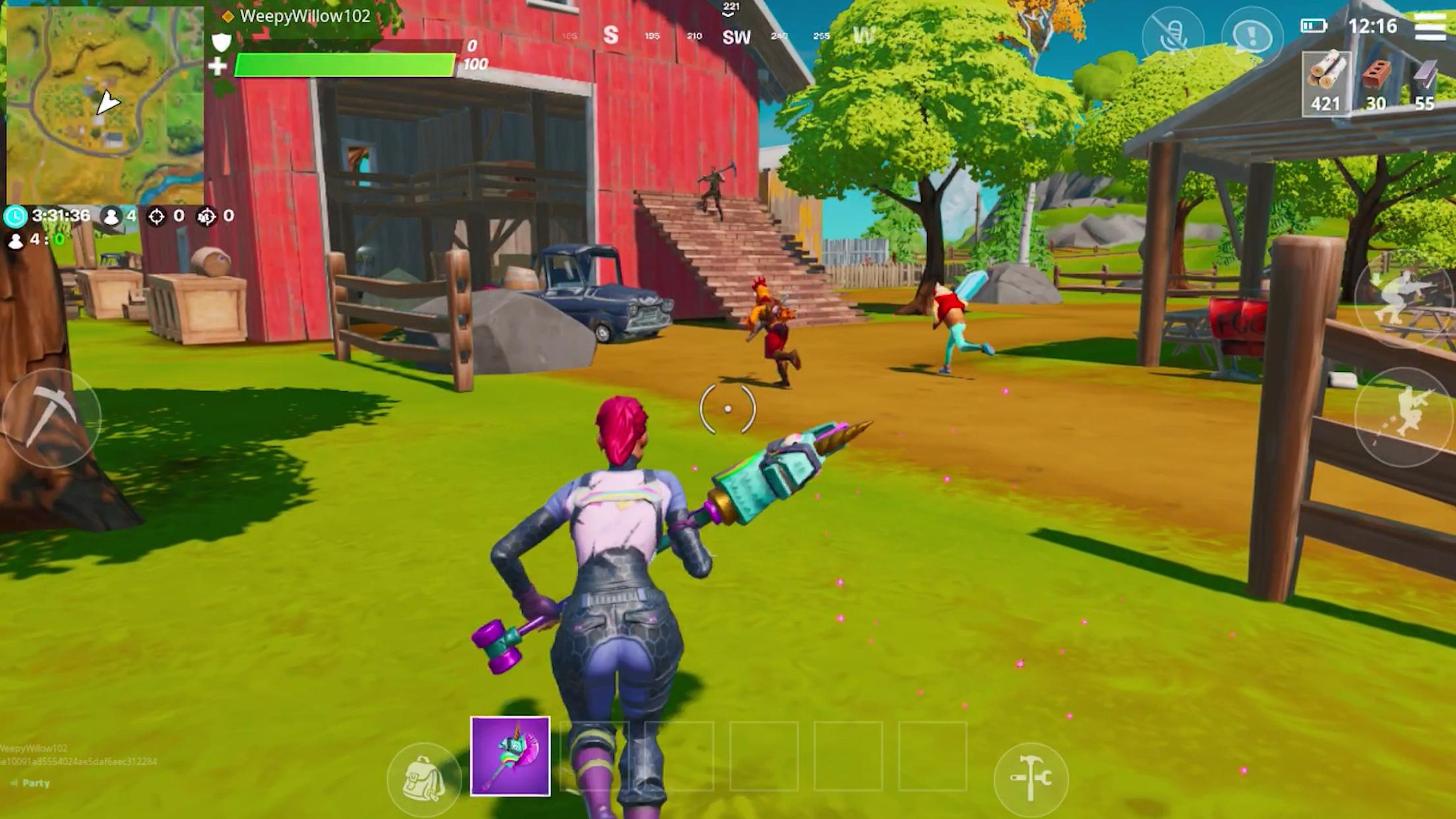
Fortnite apk supports touch controls and Bluetooth controllers, so you can choose the setup that feels natural on your device. A customizable HUD lets you adjust button size and layout for better comfort during matches. Optional cloud gaming services are supported for instant play without a full download, which helps when storage is limited or a quick session is preferred. This flexibility helps you start a match quickly in most situations.
Shared progression and crossplay rely on your Epic account, so signing in with the same account on each device is essential. Party features and voice chat depend on your permissions and device capabilities, which may vary by model and region. Controller compatibility can differ by device and brand, and the HUD editor settings only apply to touch layouts.
Modes, creator made games, and tournaments rotate on a regular schedule, and some experiences are limited time. Music availability in Fortnite Festival can change based on licensing, and Jam Tracks may come and go. Cloud gaming access also depends on your chosen provider and regional support. Checking the Discover and Compete tabs helps you see what is currently available.
To begin, make sure the Fortnite latest version is installed and ready on your device. The first launch sets up your account and downloads any required assets. After that, you can choose a mode and join a match in a few taps.
Open Fortnite and sign in to your Epic account, or create one to enable crossplay and shared progression.
Wait for initial updates to complete, then go to the Play screen and pick a mode such as Battle Royale, Zero Build, LEGO Fortnite, or Fortnite Festival.
Open Settings and adjust touch sensitivity, aim settings, and the HUD layout in the HUD editor. Connect a compatible controller if you prefer physical buttons.
Use the Friends tab to invite teammates, accept invites, and form a party. Enable crossplay settings if you plan to play with users on other devices.
Check the Quests and Battle Pass tabs to track progress and claim rewards. If you want competition, switch to Ranked and review upcoming tournaments in the Compete tab.
Fortnite apkpure brings multiple modes, crossplay, and synchronized progression to your Android phone with controls tailored for mobile. If you plan to play on different devices, download Fortnite and keep your account active to maintain progress. Content rotates often, so checking current passes and playlists helps you decide what to play next.
For official information and support, use the links below.
Website: https://www.fortnite.com/download
Help Center: https://www.epicgames.com/help
Email: help@fortnite.com
Latest Version
40.40.0-54022276-AndroidUploaded by
Olink Lopez Lapido
Requires Android
Android 8.0+
Category
Free Action GameContent Rating
Teen · Violence
Security Report
Report
Flag as inappropriateLast updated on May 19, 2026
New gear. New maps. New allies. Overwatch in Fortnite!

APKPure - A multi-platform app store primarily focused on Android, providing extensive app-related content. Discover the app you want easier, faster, and safer, with quick and efficient downloads and installations.