

Excel Contacts Import Export helps you handle contact transfers when a spreadsheet is easier than typing on your phone. It keeps everyday tasks simple and avoids manual copy and paste. With clear steps, you can move data both ways between your address book and Excel. For people changing phones or tidying large lists, it reduces errors and saves time. To start fast, look for Excel Contacts Import Export APK and follow the on screen guidance.
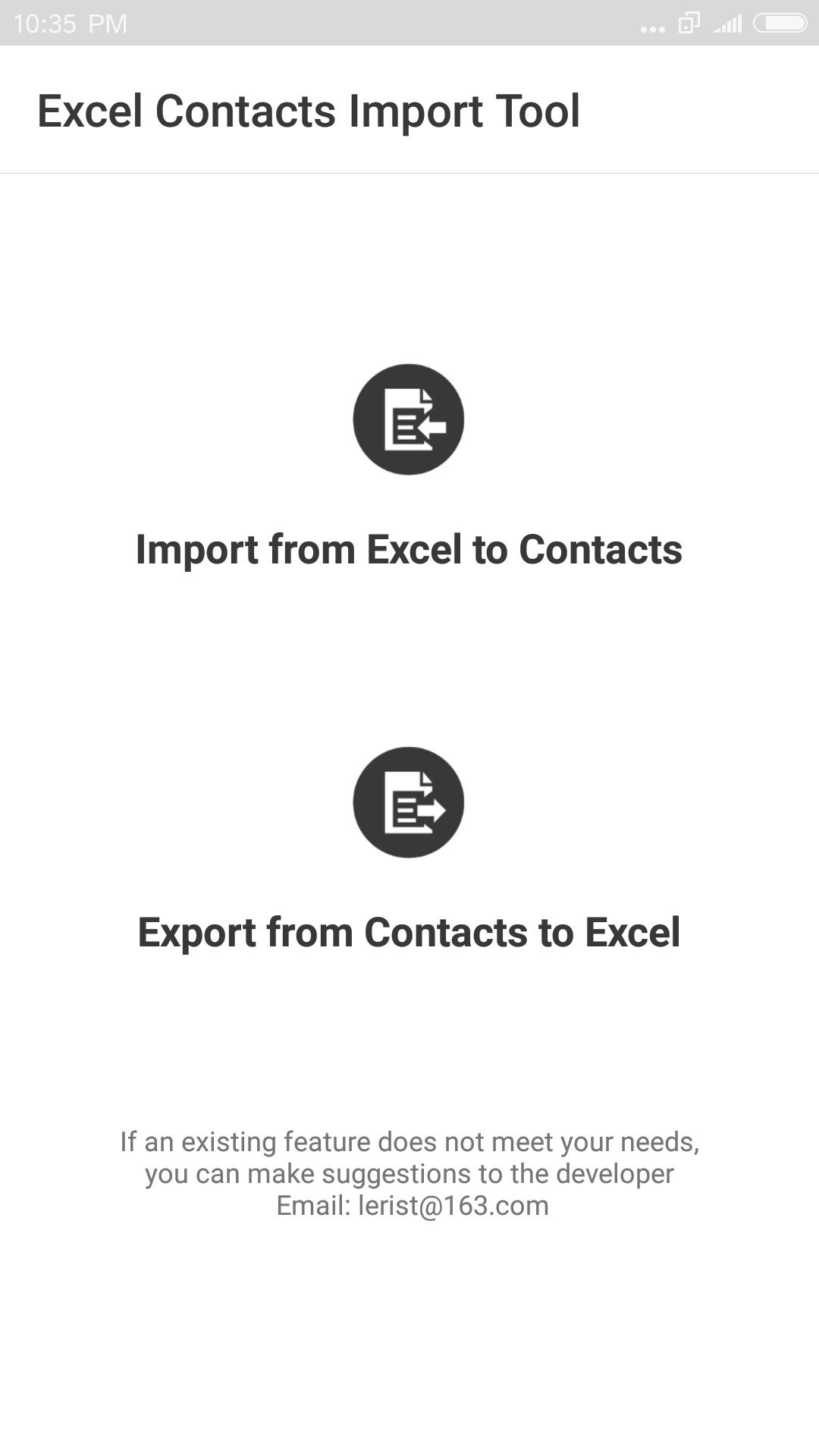
Import contacts from Excel
Excel Contacts Import Export imports contacts from an Excel document into your phone address book. Choose the file and start the import. This is useful when the contact list is already organized in a spreadsheet.
Export contacts to Excel
Next, you can export your phone contacts to an Excel document for easy review or editing. Once you download Excel Contacts Import Export, exporting takes a few steps and keeps your list ready for sharing or archiving.
Convert to vCard backup
Additionally, you can convert your contacts to a vCard backup file (.vcf). This provides a portable backup that you can restore when needed.
Supports common Excel formats
Excel Contacts Import Export keeps imports, exports, and backups straightforward. Use it when contacts need to move between your phone and Excel without manual typing. For stable performance and format support, install the Excel Contacts Import Export latest version.
Latest Version
2.0.2Uploaded by
Gökdeniz Bakır
Requires Android
Android 4.1+
Category
Free Business AppContent Rating
Everyone
Report
Flag as inappropriateLast updated on Jan 1, 2017
Minor bug fixes and improvements. Install or update to the newest version to check it out!




APKPure - A multi-platform app store primarily focused on Android, providing extensive app-related content. Discover the app you want easier, faster, and safer, with quick and efficient downloads and installations.