Scan Date:Jul 20, 2024
Show More

Encryption Manager is a file manager, that offers a comfortable and secure way to keep files with confidential data encrypted using AES or Twofish encryption.
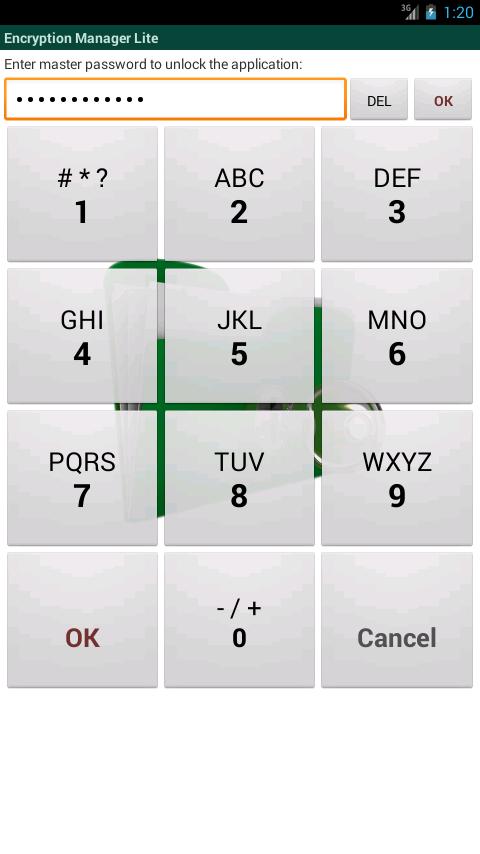
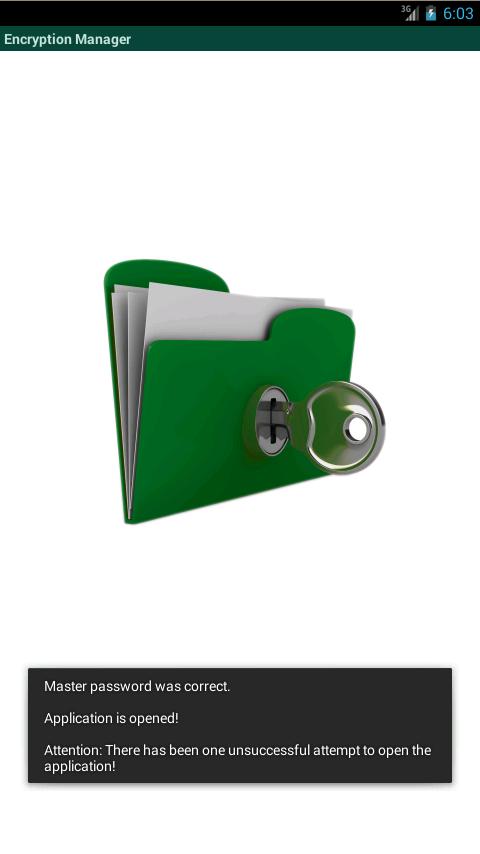
A master password is both used to access the application and to encrypt the encryption keys, that are generated random for each file, that is managed by Encryption Manager. Confidential files are accessible directly after the login. With one click on the file, the file is decrypted to its original location and can be shown by the installed viewer or editor apps. When you are finished working with the decrypted copy, the file is re-encrypted with one click and the decrypted file is wiped from the SD card. This wipe process will overwrite the data with random bytes before the file is deleted. So even if the device is lost or stolen, it is not possible to access your confidential data.
Encrypting new files is very simple: they can be chosen either with the built-in file manager or by simply using "send/share" from another app.
Features:
* Access based on master pin or master text password.
* Encrypts all kind of files.
* Possibility to encrypt all files of a folder.
* Provides a special handling for images, e.g. removal/creation of gallery thumbnail images.
* Base functionality of a file manager (view on click, send/share menu), but with automatic decryption before the action.
* Offers AES and Twofish encryption with 128 and 256 bit keys.
* Displays icons to indicate whether a file is currently decrypted or was changed.
* User setting for automatic re-encryption on exit.
* Secure overwrite of the orginal file after the encryption.
* An additional anti file recovery tool is included.
* Two layout modes: flat list view or hierarchical folder view.
* Filters can be defined to filter SD card files by file extensions or to excluded folders.
* The master password can be changed for an existing database.
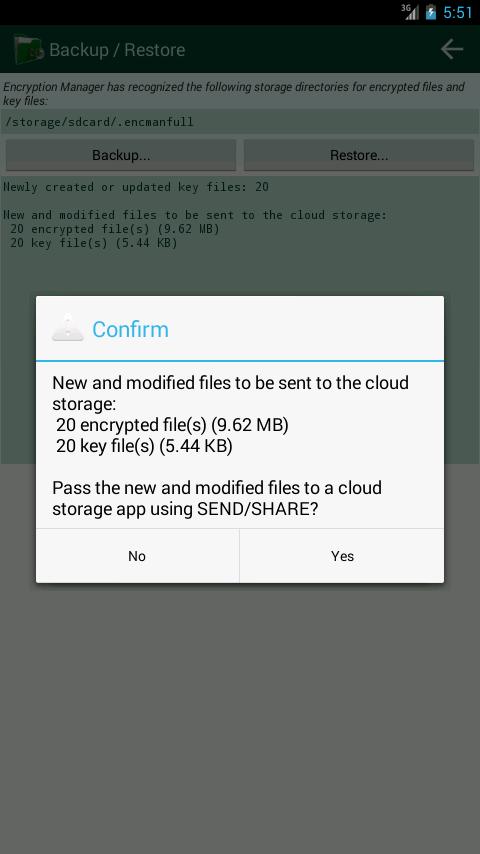
* Provides a comfortable backup mechanism for using cloud storage (Dropbox, Google Drive, ...) to save the encrypted files
* The app can be configured to delete all managed files after 7 unsuccessful attempts.
* Has an "Exit" menu on all screens, that finishes the task completely.
* App is locked (master password must be re-entered), when there is no user input for configurable period.
* Includes english help pages.
Languages:
* English
* German
* French
* Russian
* Spanish
Limitations:
* The "lite" version is limited to 5 encrypted files!
* The full version has no limitations.
Latest Version
4.5.4Uploaded by
Jony Escobedo Valles
Requires Android
Android 2.2+
Category
Free Tools AppContent Rating
Everyone
Security Report
Report
Flag as inappropriateLast updated on Sep 29, 2017
Android 7 (Nougat): correction of incorrectly positioned context menus.






APKPure - A multi-platform app store primarily focused on Android, providing extensive app-related content. Discover the app you want easier, faster, and safer, with quick and efficient downloads and installations.