Scan Date:Jun 3, 2026
Show More

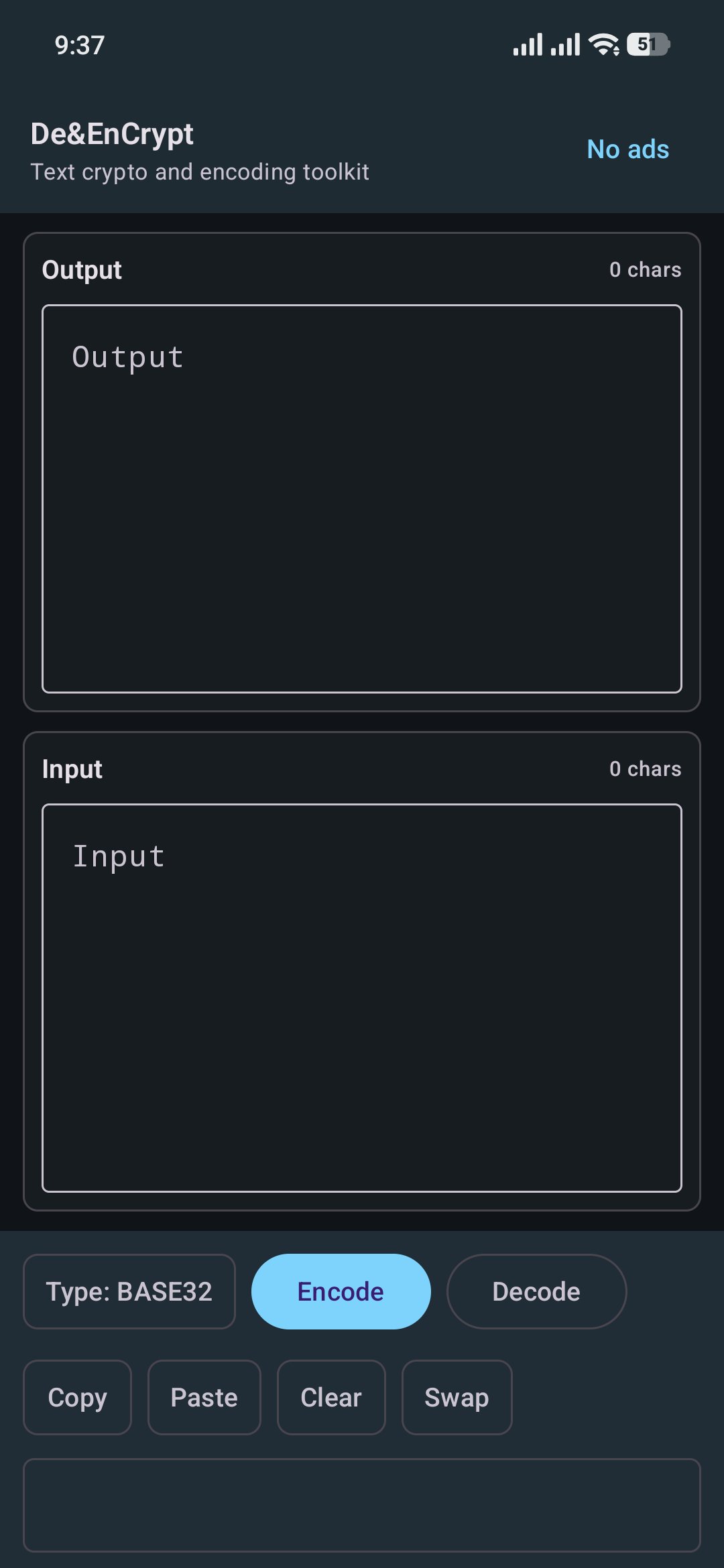
De&EnCrypt is a lightweight utility for developers, students, security learners, and anyone who needs quick text conversion, hashing, encryption, or decryption on Android.
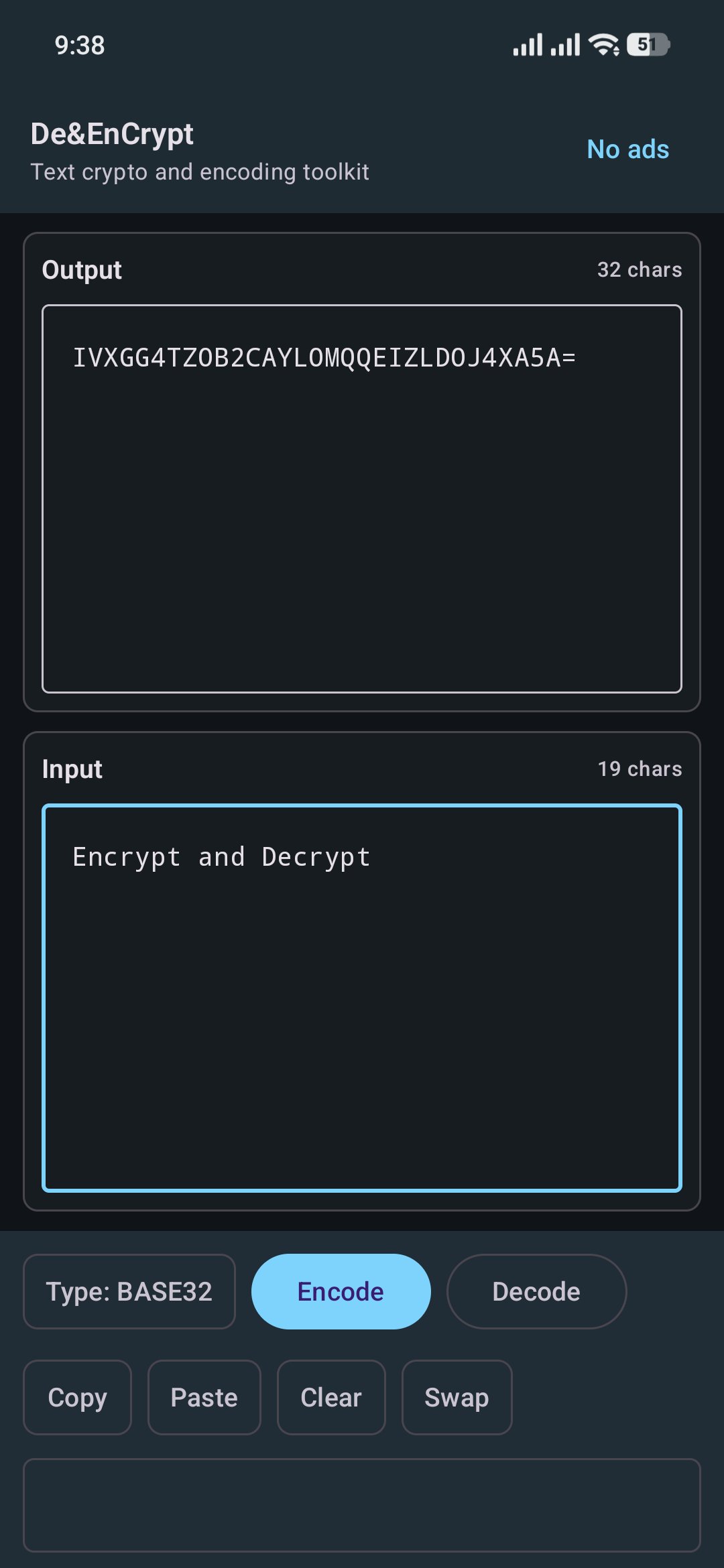
The app is built as a practical tool: type or paste text, choose a transform, run the action, and copy the result. It is useful for debugging encoded payloads, checking hashes, converting text formats, experimenting with classic ciphers, or testing Java Cryptography Architecture cipher modes.
Key features
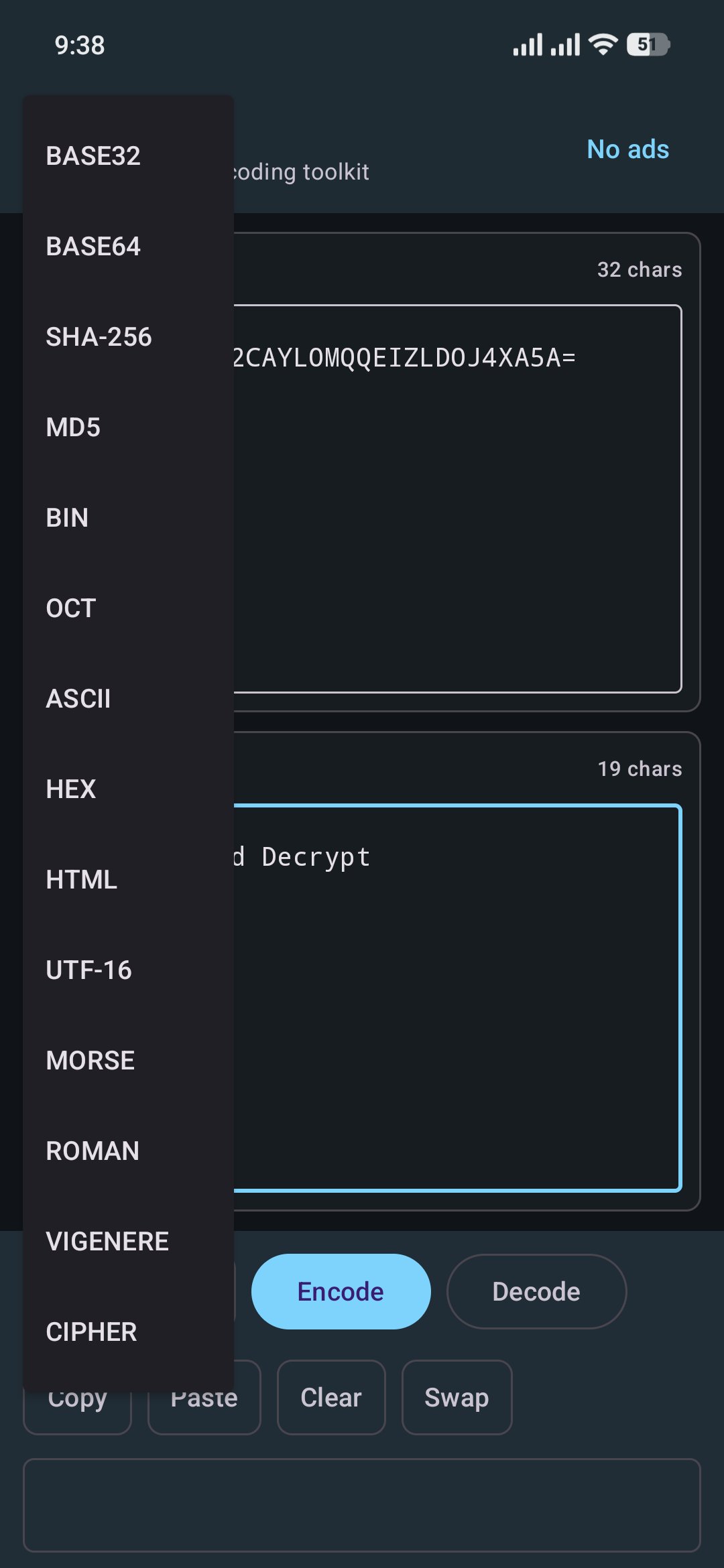
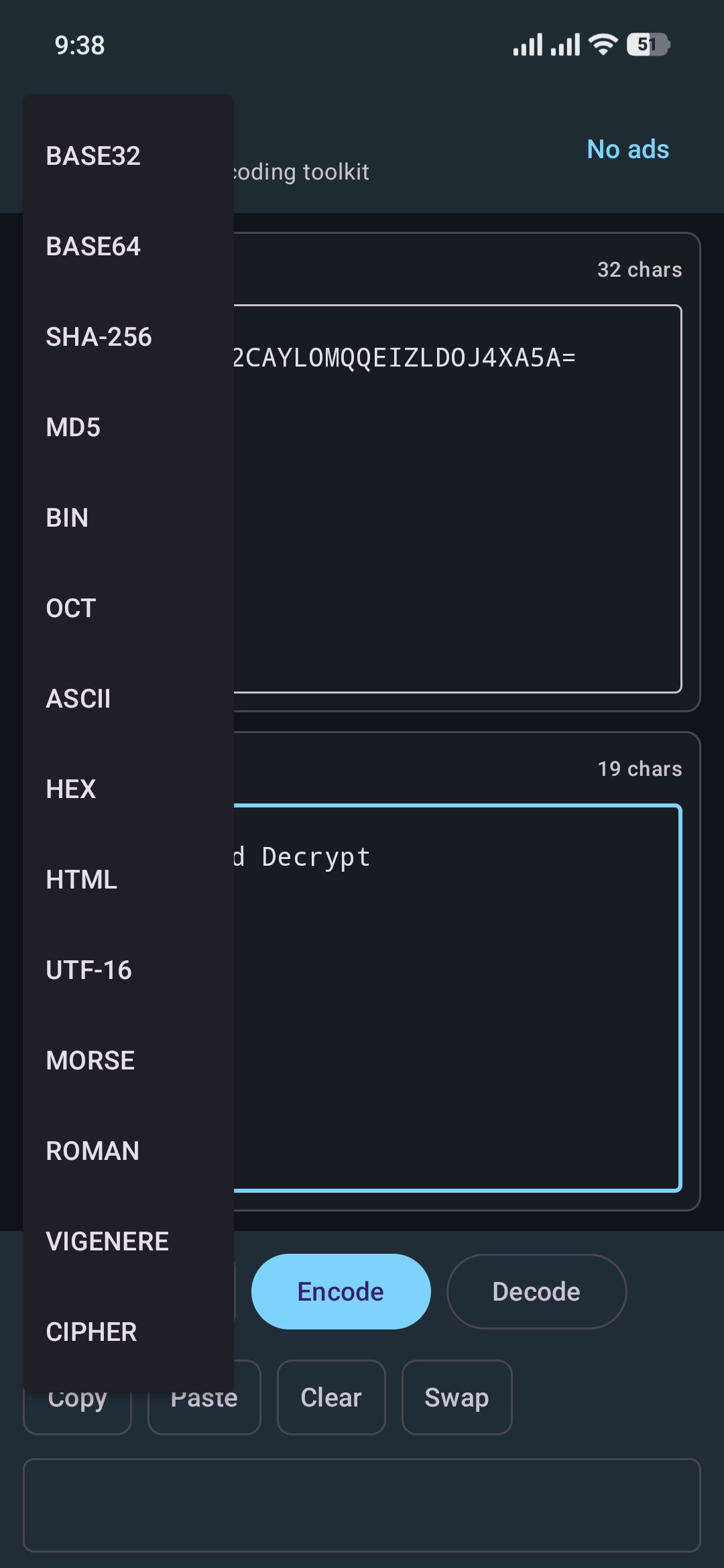
Base32 encode and decode
Base64 encode and decode
Hex encode and decode
Binary encode and decode
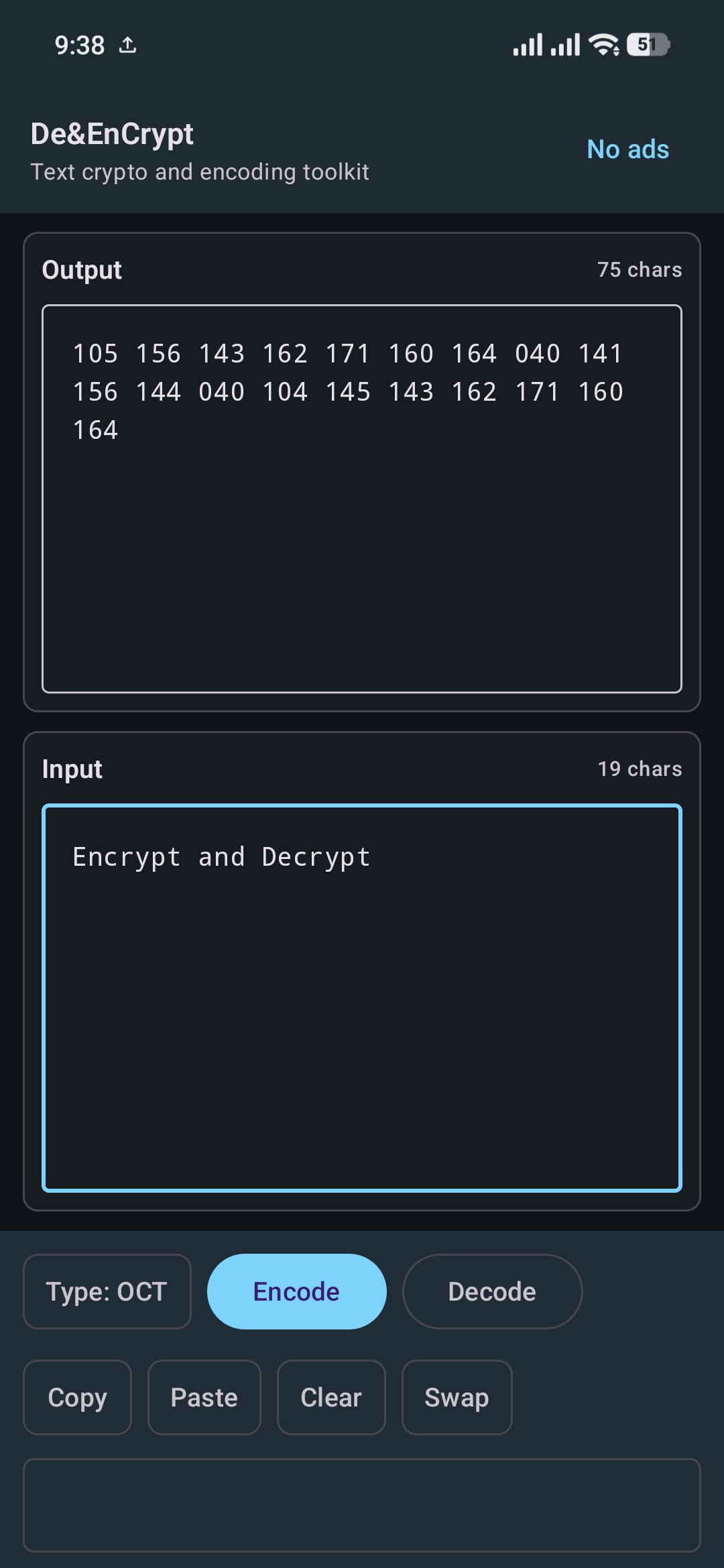
Octal encode and decode
ASCII decimal conversion
HTML entity conversion
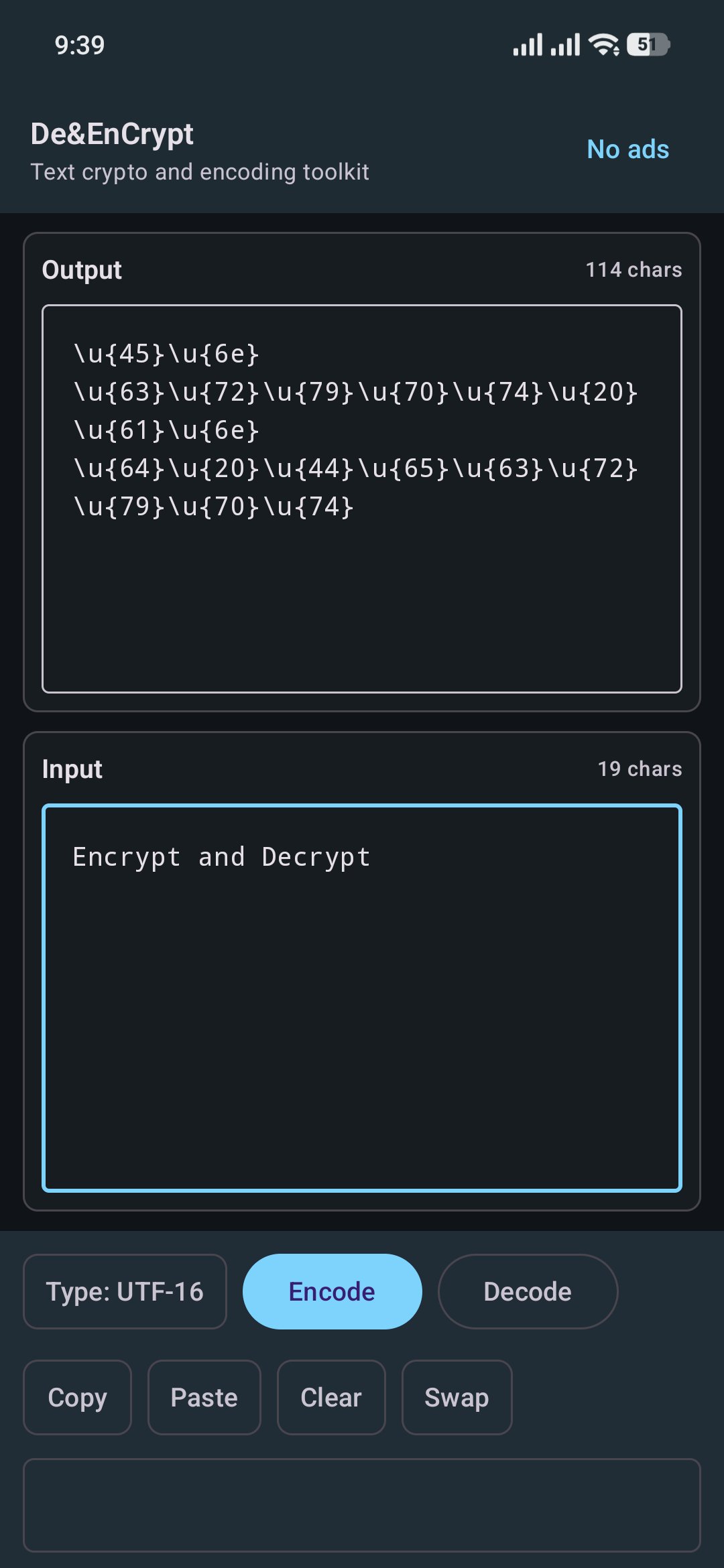
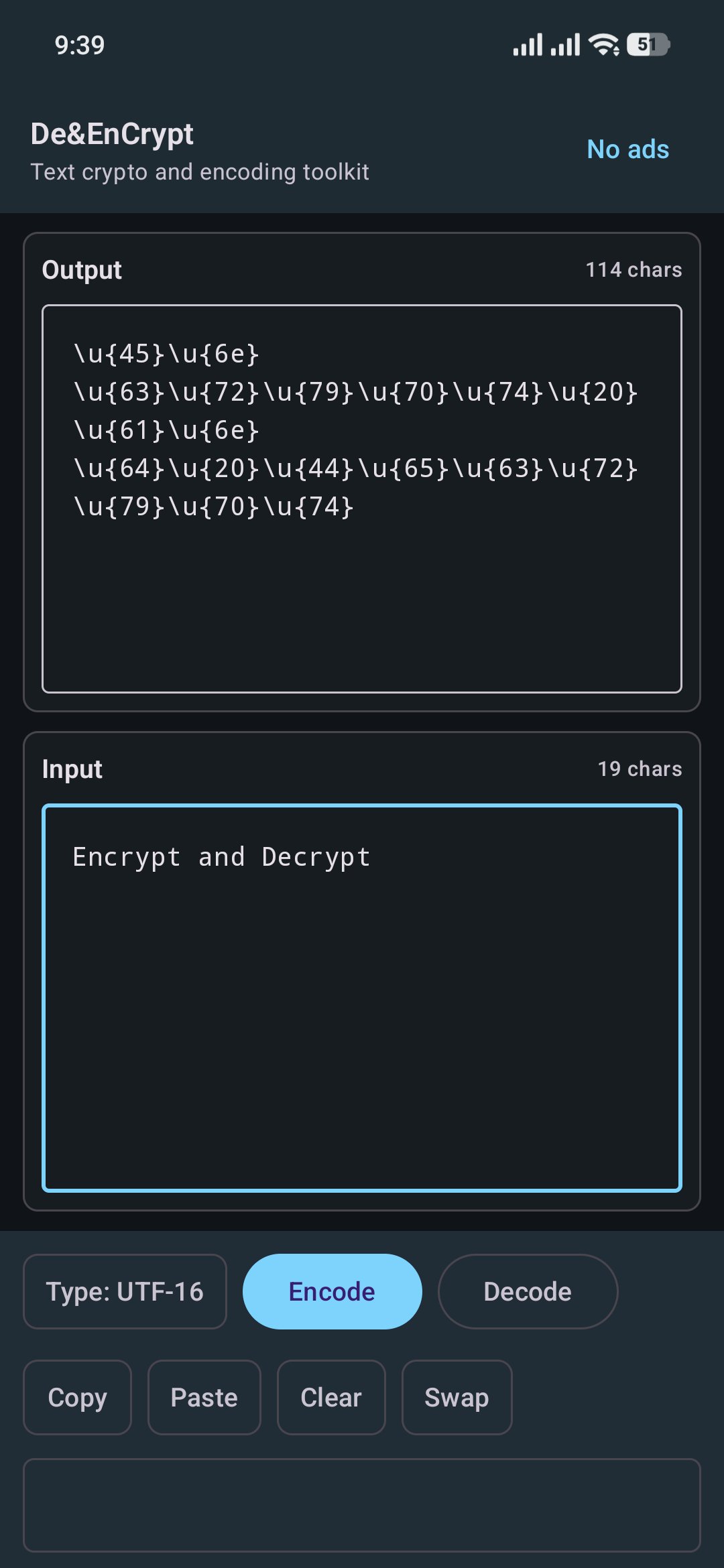
UTF-16 style escape conversion
Morse code conversion
Roman numeral conversion
Vigenere cipher support
SHA-256 and MD5 text hashing
File hash verification for SHA-256 and MD5
Cipher support for algorithms such as AES, ARCFOUR, Blowfish, DES, DESede, and RC4
Configurable cipher mode, padding, key, IV, and input/output format
Fast copy, paste, clear, and swap actions
Designed for developer workflows
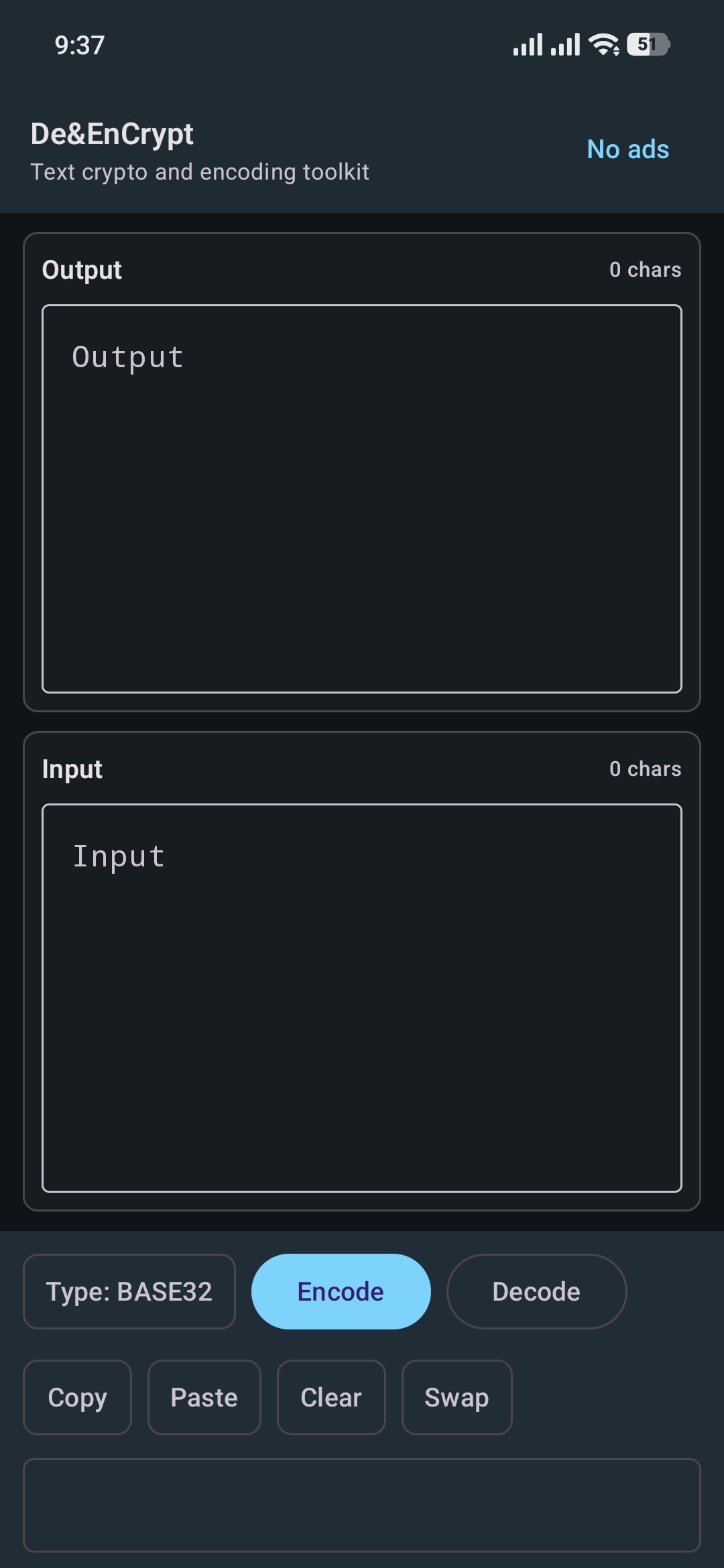
Clean input and output panels
Monospace text for easier reading
System light/dark theme support
Output remains easy to review while controls stay near the bottom
File picker support for verifying file hashes
No account required
Privacy-focused core processing
Most text operations are performed directly on your device. Text, keys, IV values, and selected file contents are not uploaded to a developer server by the core app. The app uses ads, so advertising partners may process advertising-related data as described in the privacy policy.
Common use cases
Decode Base64 API payloads
Convert strings to Hex, Binary, Octal, or ASCII codes
Generate SHA-256 or MD5 hashes
Verify a downloaded file against a known hash
Test AES/DES/Blowfish cipher settings
Experiment with Vigenere, Morse, Roman numerals, and HTML entities
Copy converted text into another tool or app
Important notes
This app is a general utility and learning tool. Some cipher mode and padding combinations depend on Android's available crypto providers and may not be supported on every device. If an operation fails, the app shows an error message in the output panel.
De&EnCrypt does not replace a full password manager, key management system, or professional security audit tool. Always handle sensitive keys and data carefully.
Latest Version
1.023Uploaded by
Leonardo Fajar
Requires Android
Android 7.0+
Category
Free Tools AppContent Rating
Everyone
Security Report
Report
Flag as inappropriateLast updated on Jun 3, 2026
Update UI

APKPure - A multi-platform app store primarily focused on Android, providing extensive app-related content. Discover the app you want easier, faster, and safer, with quick and efficient downloads and installations.