The easiest app to lock your screen! Lock your phone like iPhone assistive tool.
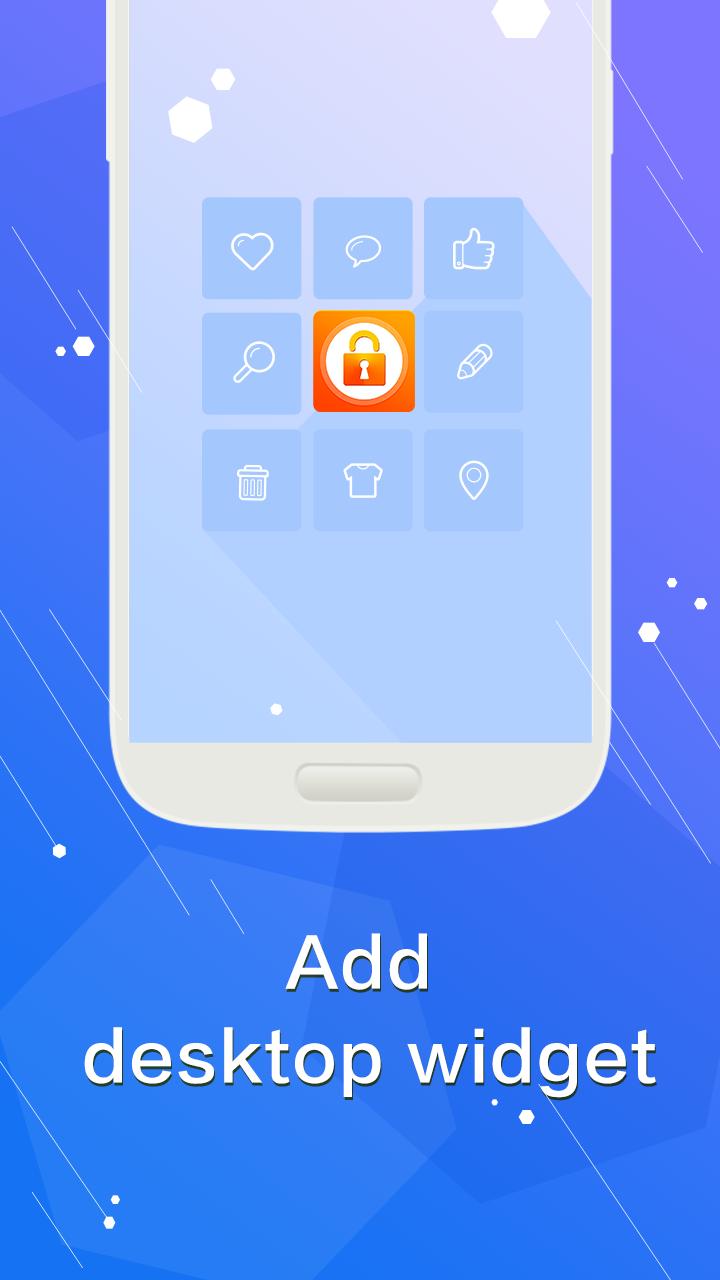
Easy Lock Screen is really simple and easy to use, all you need is just one tap on the icon and you can lock your phone screen, you can also add desktop widget to help with your operations.
Easy Lock Screen can protect your privacy, prevent others invade your phone illegally.
Uninstall:
Settings-security-device management-deactive one touch screen lock.
This app uses the Device Administrator permission:
- BIND_DEVICE_ADMIN: Only used to lock device screen andturn off the screen of your device.
Latest Version
1.0.0Uploaded by
Mesak Pulamte
Requires Android
Android 2.2+
Category
Free Tools AppContent Rating
Everyone
Report
Flag as inappropriateLast updated on Dec 12, 2015
Minor bug fixes and improvements. Install or update to the newest version to check it out!



APKPure - A multi-platform app store primarily focused on Android, providing extensive app-related content. Discover the app you want easier, faster, and safer, with quick and efficient downloads and installations.