I always had the need to first see a preview of the compressed archives before extracting the files and for this reason I created Easy Archive Extractor.
Instructions for Use
Select the archive compressed, ZIP or RAR, from your Android Storage, explore the preview of content in a table, also useful to avoid extracting unwanted files, and finally save the files you need in the memory of your smartphone or tablet.
=======
Important notes.
- The time of extraction and preview of the contents of the file, in ZIP or RAR format, depends on the size of the compressed archive.
- Click on button "Clear RAM" to open new archive and clear temporary memory
=======
Main features
- Select archives in Zip or RAR format
- Preview of the contents of the compressed folder
- Save every single file you need in your Android Storage by choosing the name of the folder where to include the files
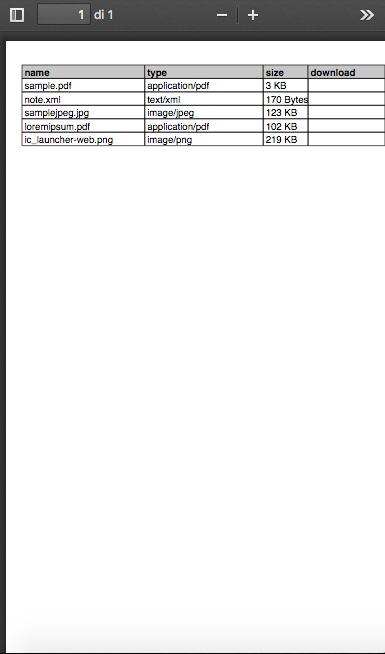
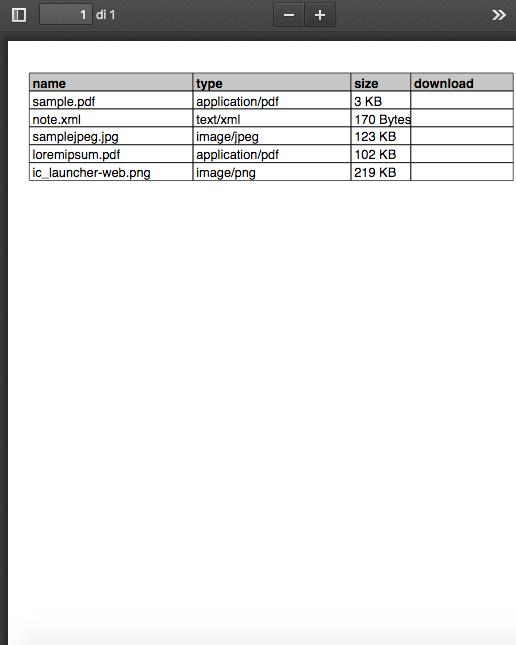
- Print the preview of the list of files contained in the compressed archive in pdf format
=============
Important notice - 23-06-2023
To view files saved in your Phone file system I suggest you use the Files by Google application. Unfortunately, the native file systems of some smartphones limit the complete display of folders and files
Thank you for your patience
=============
Latest Version
Varies with deviceRequires Android
Category
Tools AppContent Rating
Everyone
Report
Flag as inappropriateLast updated on May 22, 2023
Minor bug fixes and improvements. Install or update to the newest version to check it out!





APKPure - A multi-platform app store primarily focused on Android, providing extensive app-related content. Discover the app you want easier, faster, and safer, with quick and efficient downloads and installations.