
DraStic DS Emulator helps users who want to play their Nintendo DS library on a phone or tablet without hassle. It focuses on quick setup and responsive performance so you can start in minutes. You can tailor screen layouts and controls to fit your device and preferences. It is intended for private backups of legally owned games, and it does not include game files. For direct installation needs, the DraStic DS Emulator APK offers a straightforward route to get started.
Enhanced 3D rendering
DraStic DS Emulator can upscale 3D graphics up to 2x to make visuals clearer on modern screens while keeping gameplay responsive. This option helps older titles look cleaner without altering how they play. You can enable it per game to balance clarity and performance.
Flexible dual screen layouts
Beyond visuals, you can freely resize and reposition the two DS screens for comfortable viewing. Portrait or landscape layouts are supported, so the interface fits how you hold your phone or tablet. Custom ratios help keep text readable and action focused.
Controller support and precise touch
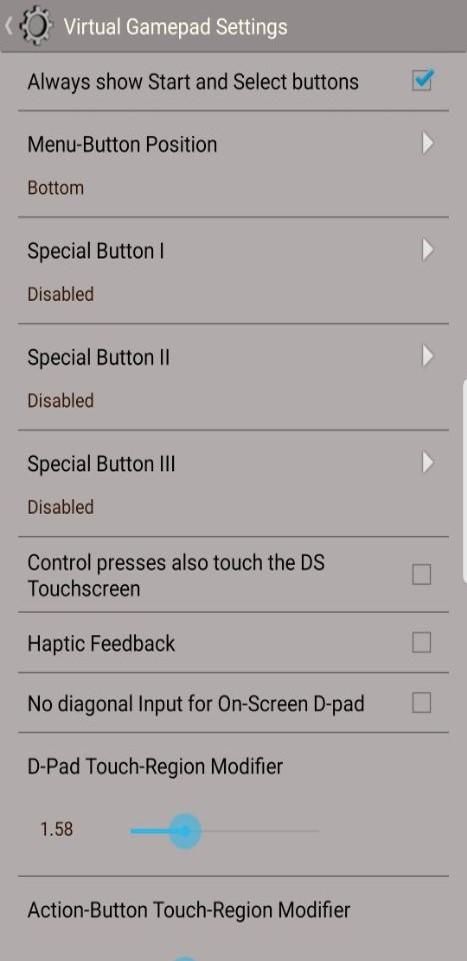
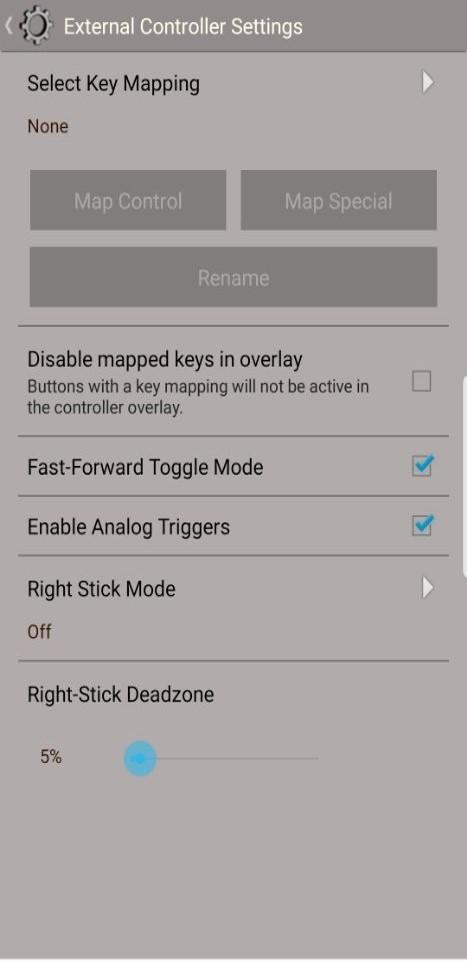
For input, you can use add on controllers, built in physical buttons, or Bluetooth gamepads. Touch and stylus style input remains accurate for games that rely on tapping or drawing. Button mapping lets you match controls to your grip and play style.
Save states and quick resume
When you need a break, save states let you capture your progress at any moment. You can resume instantly without returning to an in game save point. This works well for short sessions and keeps your place secure.
Cheats and speed control
To manage pacing, fast forward mode speeds up emulation during slow scenes or grinding. A built in cheat database provides enhancement codes per game to tune difficulty or unlock extras. Use these tools as needed to tailor your experience.
This app is designed for private backups of legally owned games. It does not provide ROMs or game files, and requests for ROMs are ignored. DraStic DS Emulator is not affiliated with the original console manufacturer. You should supply your own game backups to use the emulator.
DraStic centers on single player play and does not support WiFi or multiplayer emulation. As a Nintendo DS emulator Android compatibility can vary by title, so some games may run better than others. If a game needs fine tuning, adjust layout and performance options to find a stable setup.
This short guide covers the basics to get you playing quickly. It applies to common phone and tablet setups using the DraStic DS Emulator APK. Steps may vary slightly by device and controller model.
Install the app, open it, and allow storage permissions if prompted so the emulator can read your game files.
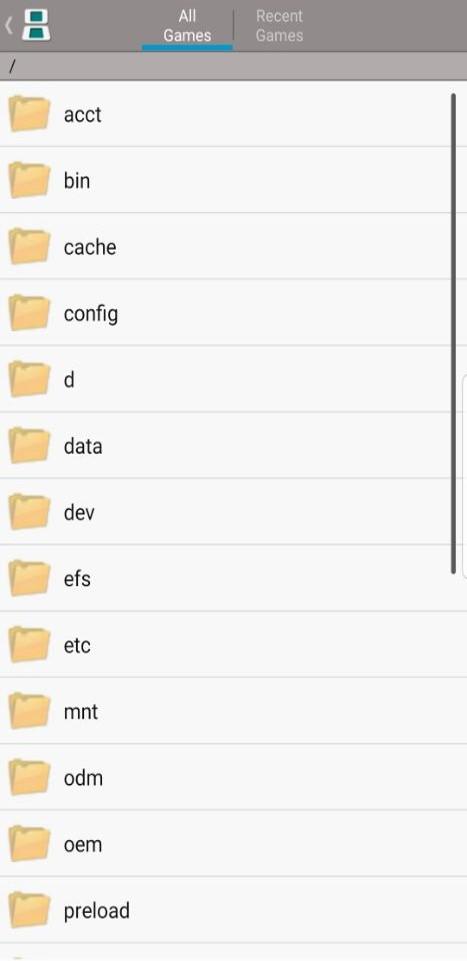
Prepare private backups of your legally owned Nintendo DS games and place them in a folder on your device.
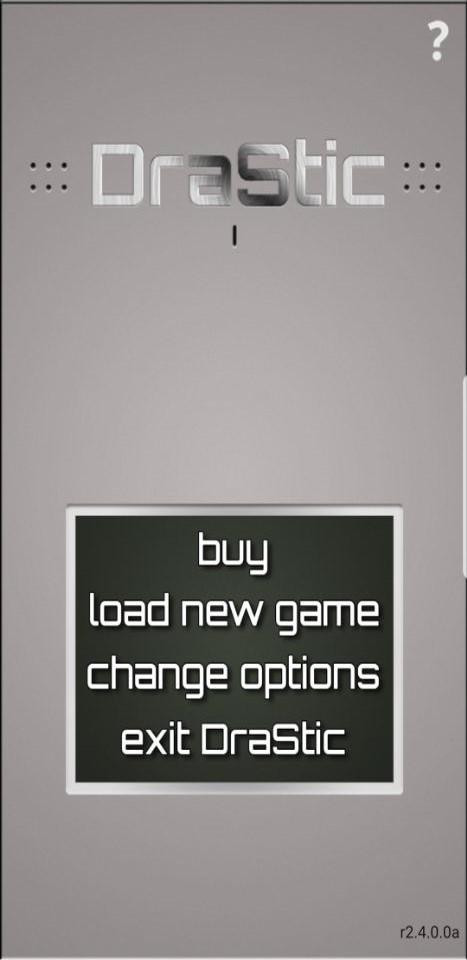
In the app, browse to that folder and select a game to load, then wait for the title to start.
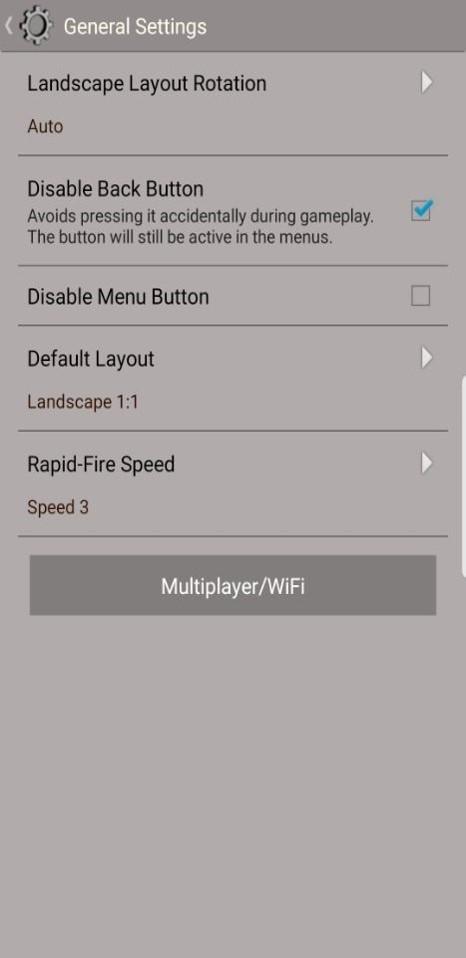
Open settings to adjust screen layout and button mapping, and connect a Bluetooth controller if you prefer physical controls.
Use save states to keep your progress and enable fast forward or cheats only when needed, then exit to save your configuration.
DraStic DS Emulator focuses on smooth single player performance with flexible screen layouts and control options. To begin on Android without delays, download DraStic DS Emulator and follow the setup steps above.
For official references and community assistance, see the resources below.
Official website: https://drasticds.com
Official download information: https://drasticds.com/download
Community Discord: linked from the official website
Latest Version
r2.6.0.4aUploaded by
Zaed Lahlouh
Requires Android
4.0
Category
Free Action GameContent Rating
Everyone
Report
Flag as inappropriateLast updated on Mar 5, 2024
- Fix for savestates from previous versions not loading properly



APKPure - A multi-platform app store primarily focused on Android, providing extensive app-related content. Discover the app you want easier, faster, and safer, with quick and efficient downloads and installations.