Dragon Block C Mod (Dragon Ball Super)
Dragon Block C Mod adds many items from the Dragon Ball Z game. This mod adds new weapons, armor, dragon ball stones, ores, biomes and more.
Features:
Ki (pronounced “kee”), also known as chi or simply energy, is the force energy used by the Dragon Ball characters.
Ki “Energy” system
Now with growing Ki bar!
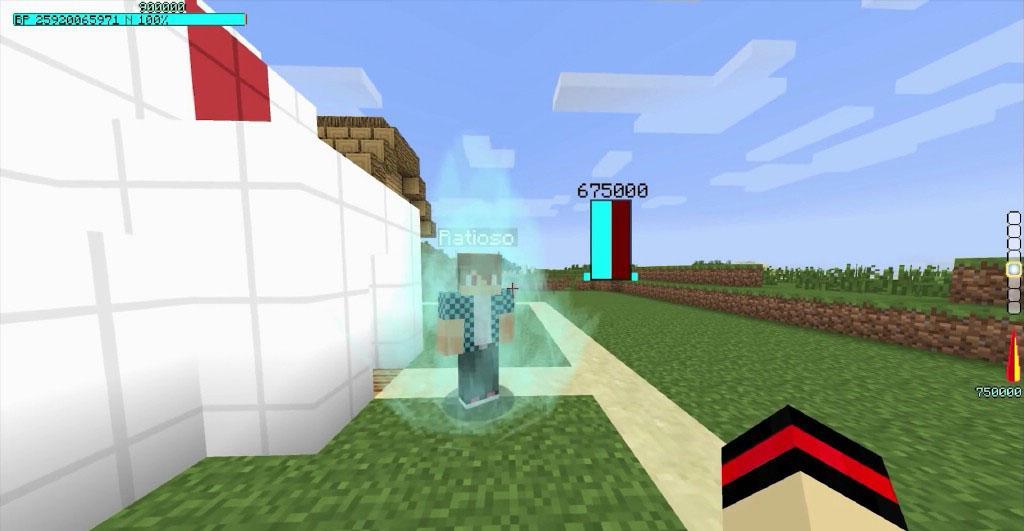
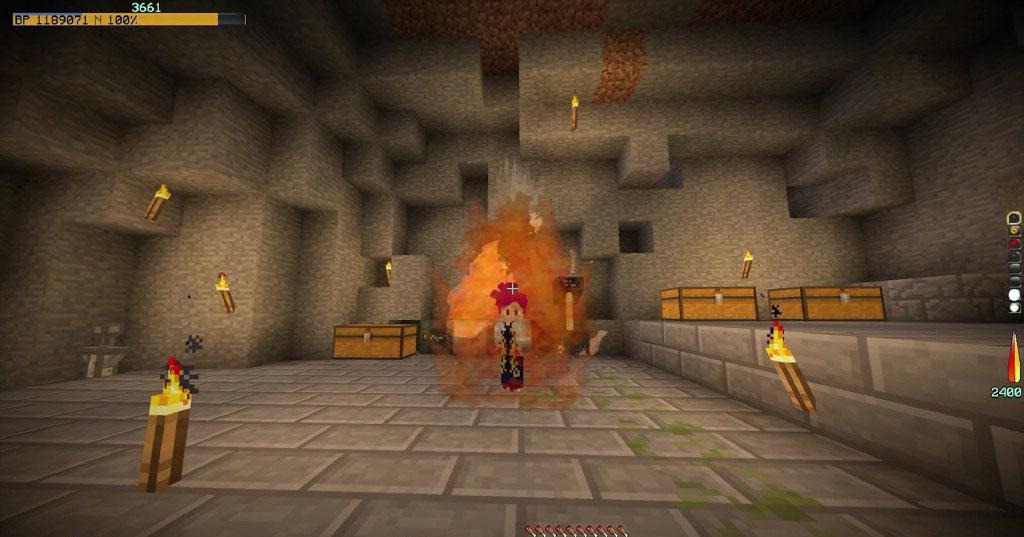
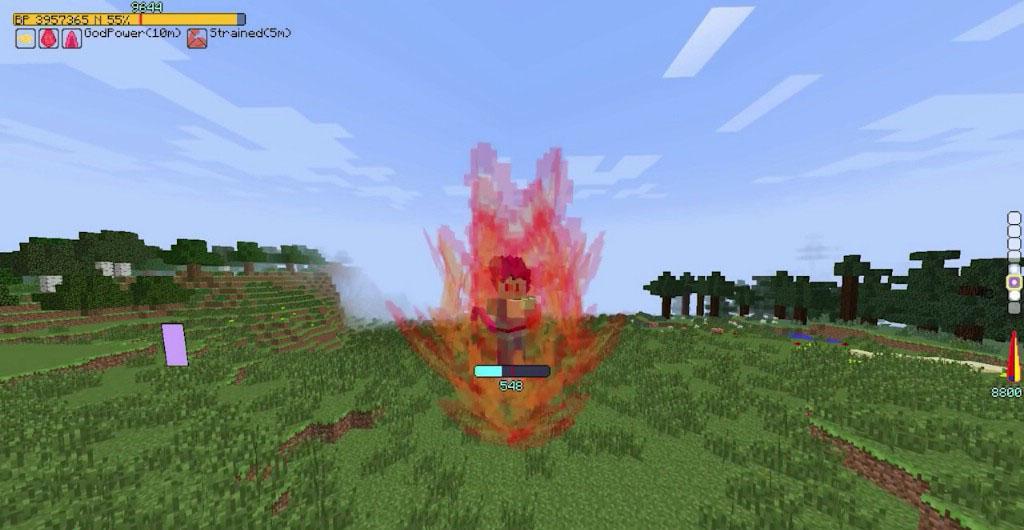
Ki Charge! With own Effects and Colors for different states like super
Ki Jump! More then 4 block high for now
Ascend to Super!
Use Ki to make Ki Fire (it emits light)
As Super you can Jump higher, and Fire Stronger Kamehame Wave
Now you can fly! 2 times faster if Super. (This is not Creative Fly!)
Floating in air!
Dash! 2 times faster if Super.
4 new chargeing aura effects.
KaioKen! below lvl 10 or with scouter. Above lvl 10 with saiyan hair you may go super but no kaioken.
Cool new Ki attack trials! And more!
Your punches now get stronger as you level!
New Explosions (fixes lag) now it wont drop blocks, And New Animation for the Explosion!
Ever wanted to see two ki attacks clashing? Well now you can try it with your friends!
New the Scouter!
Is implemented! (You dont need my SA Addon)
Scouters have now own interface and Sounds
4 Scouter Functions switchable by Scouter Key
It can detect other players
Sagas System
Testing Feature.
Saiyan Saga & Freeza Saga
Featuring mobs: Saibamans, Raditz, Nappa, Vegeta, Cui, Dodoria, Zarbon, The Ginyu Force and Freeza with 5 states
How to install:
Make sure you have already installed Minecraft Forge and required mods.
Locate the minecraft application folder.
On windows open Run from the start menu, type %appdata% and click Run.
On mac open finder, hold down ALT and click Go then Library in the top menu bar. Open the folder Application Support and look for Minecraft.
Place the mod you have just downloaded (.jar file) into the Mods folder.
When you launch Minecraft and click the mods button you should now see the mod is installed.
Latest Version
1.0Requires Android
4.0 and up
Category
Free Adventure GameContent Rating
Everyone
Report
Flag as inappropriateLast updated on Jun 12, 2018
Minor bug fixes and improvements. Install or update to the newest version to check it out!





APKPure - A multi-platform app store primarily focused on Android, providing extensive app-related content. Discover the app you want easier, faster, and safer, with quick and efficient downloads and installations.