Scan Date:May 16, 2026
Show More


Incognito Browser suits moments when you want to search or read without leaving traces on your device. It focuses on privacy by default, so each session stays separate and temporary. The interface keeps things simple, which makes quick checks, short research, and one‑off visits straightforward. If you share your phone or prefer not to save history, cookies, or cache, this app fits that routine. To begin, install the Incognito Browser APK and open it like any other Android app.
Automatic privacy on exit
Incognito Browser clears history, cookies, cache, and open sessions as soon as you exit. This routine keeps local traces off your device and reduces the chance of someone seeing what you viewed. The app also does not include first or third party trackers, which helps keep your usage separate from analytics scripts embedded in software.
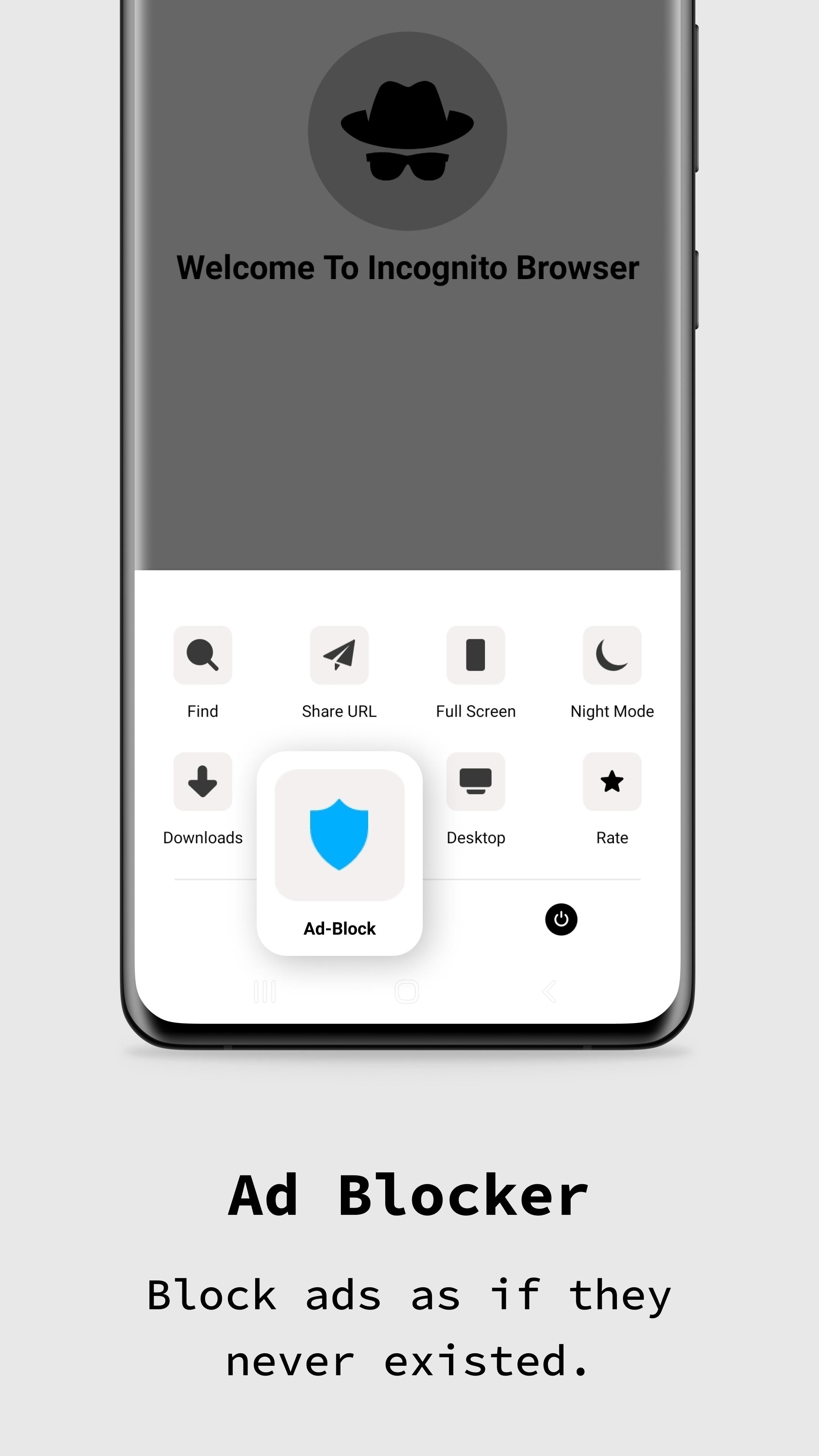
Ad blocker for cleaner pages
You can view articles, videos, and forums with fewer interruptions thanks to the built in ad blocker. Pages load with less clutter, which reduces distractions and can improve readability. This approach also lowers the chance of accidental taps that take you away from what you came to see.
Web3 and IPFS access
Incognito Browser supports .eth and .crypto addresses and can load IPFS content. You can type an ENS or Unstoppable address directly in the address bar, then open decentralized pages without extra steps. For IPFS, you can enter an ipfs link or paste a content ID to reach files stored on the distributed network.
Agent Cloaking and desktop requests
Agent Cloaking helps hide browser and device identity by changing the user agent that sites see. This tool can reduce fingerprinting signals and gives you another layer of control over how you appear online. When a site shows a trimmed mobile layout, you can request the desktop version to access full menus or features.
Fast downloads and flexible controls
Incognito Browser supports fast downloads and smooth tabbed browsing for multiple tasks at once. You can pick a preferred search engine, switch between dark or light mode, and adjust more than twenty settings to match your habits. The interface is available in thirteen languages, which helps make this private browser for Android accessible across regions.
Incognito Browser removes local data when you leave, which means history, cookies, cache, and sessions are cleared from your phone. This design helps keep your activity private from other people who use the same device. However, it does not hide your IP address or network traffic from your internet provider, employer network, school network, or the sites you visit. If you need network level privacy, consider adding a trusted VPN or similar network protection alongside the app.
After you download Incognito Browser, every session starts privately with no extra setup. The short guide below shows how to browse, manage identity, and reach Web3 or IPFS pages in a few steps.
Incognito Browser centers on privacy by default, with ad blocking, Agent Cloaking, Web3 access, and quick downloads in a simple layout. Install the Incognito Browser latest version to browse, search, and check pages without saving local traces.
For support and official information, visit the developer site below.
Latest Version
717Uploaded by
Luis Filipe Lima
Requires Android
Android 5.0+
Category
Free Communication AppContent Rating
Everyone
Security Report
Report
Flag as inappropriateLast updated on May 16, 2026
- Introducing new designs for settings
- Added High Security Blocking
- Improved Ad Blocker



APKPure - A multi-platform app store primarily focused on Android, providing extensive app-related content. Discover the app you want easier, faster, and safer, with quick and efficient downloads and installations.