Scan Date:Apr 9, 2026
Show More

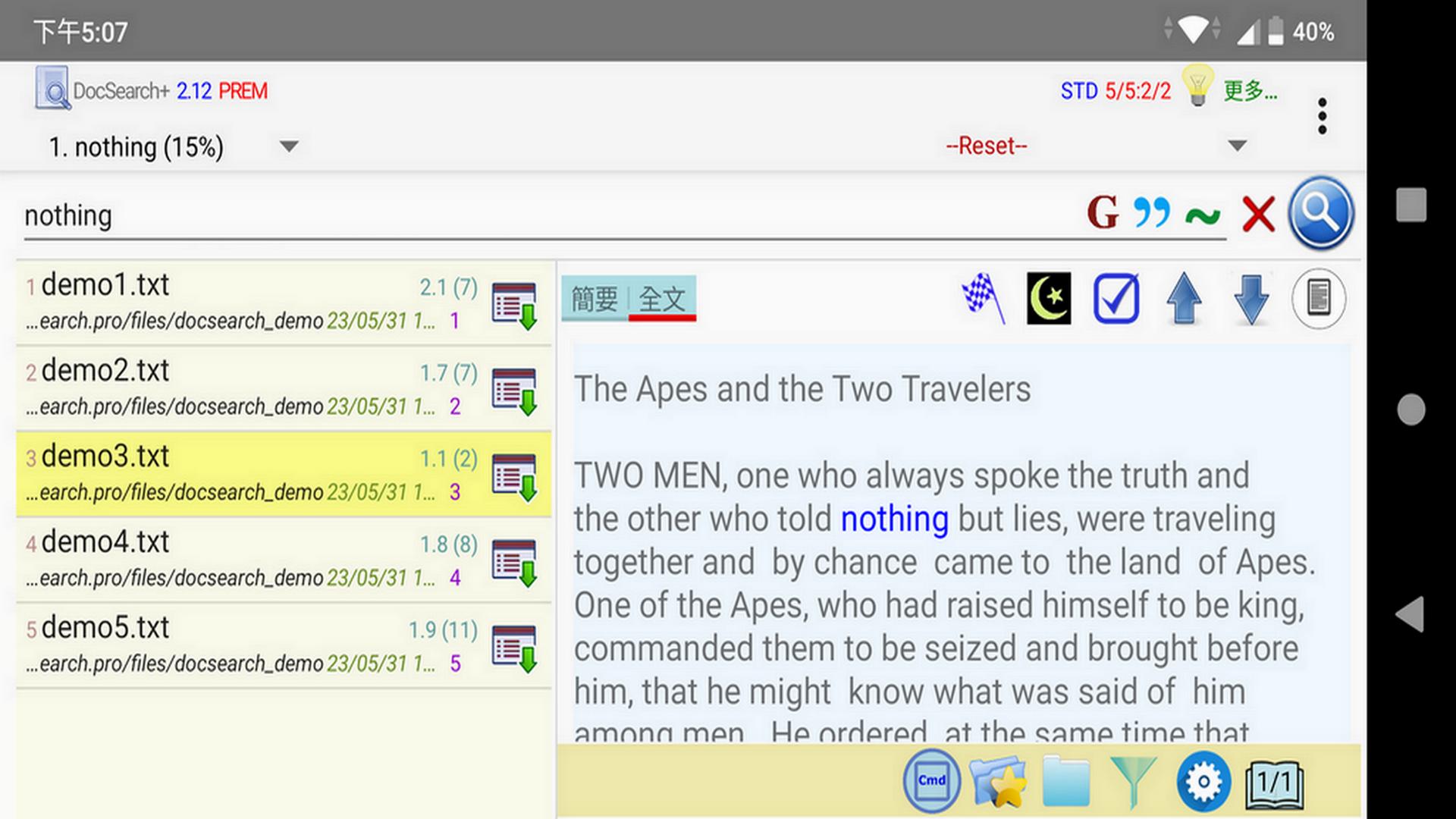
DocSearch+ is a full-text search application designed to search filenames and file contents on your mobile phone. This application focuses on searching file contents and filenames, excluding phone numbers, contacts, apps, etc. As a result, it is simple and easy to use, providing only relevant information in the search results. It is particularly useful for individuals who are primarily interested in searching for files on their phones.
When you first use DocSearch+, you will be prompted to create indexes for your phone. These indexes enable DocSearch+ to quickly search files based on keywords.
We need the " MANAGE_EXTERNAL_STORAGE" permission, which will allow DocSearch+ to index all documents, providing efficient and accurate searches.
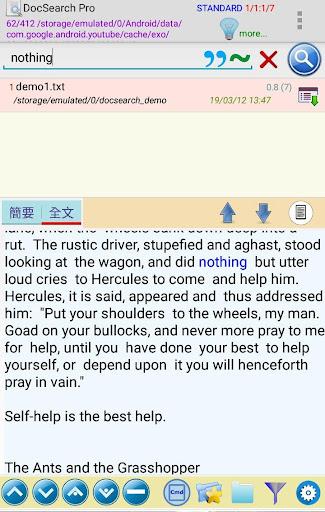
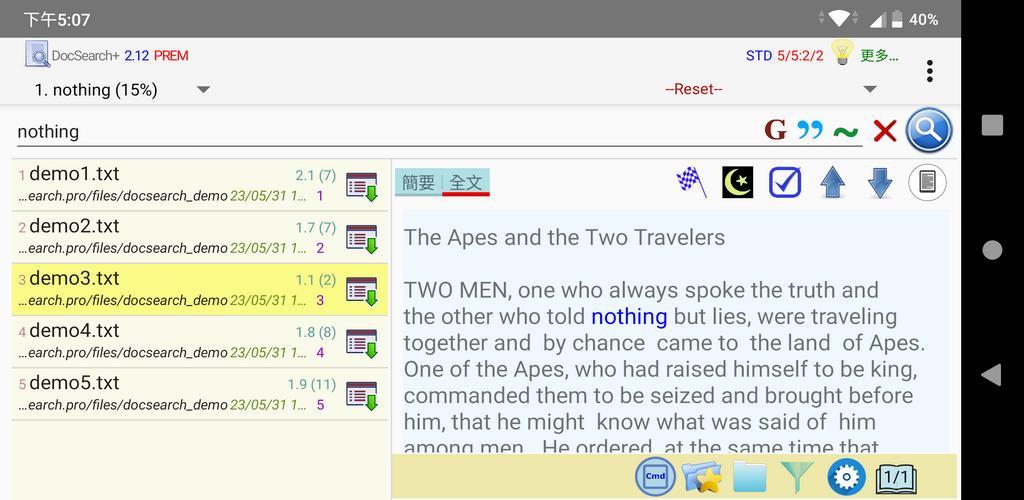
To conduct a search, enter one or more keywords in the text field at the top left and click the search icon on the right side of the field. The search results will be displayed in the result pane.
Features:
- Supports full-text searching of both filenames and file contents.
- Allows immediate viewing of file contents within the app, eliminating the need for external applications.
- After completing a search, you can view, open, copy, move, delete, sort, filter, and share all the resulting files. You can also access the files using a file explorer.
- Easily and quickly scroll to the matched words in full-text mode.
- In brief-text mode, you can simultaneously view all brief texts containing the keywords.
- Supports various file formats, including plain text (txt, text, java, php, etc.), Microsoft Office (docx, doc, xlsx, pptx), PDF, ebooks (epub), odt, and HTML.
- Supports logical search, phase search, proximity search, regexp search, and "grep" search.
- Manages multi-page searches.
- You can search for special characters, for example, "#abc", "2366–1245", "tom@mail.com".
- Supports almost all languages, including but not limited to English, Chinese, Japanese, Korean, Russian, German, French, Vietnamese, Tamil, Czech, Tibetan, etc.
Additionally, there are basic/standard/premium subscription features available:
- Sort and filter search results. (standard, premium )
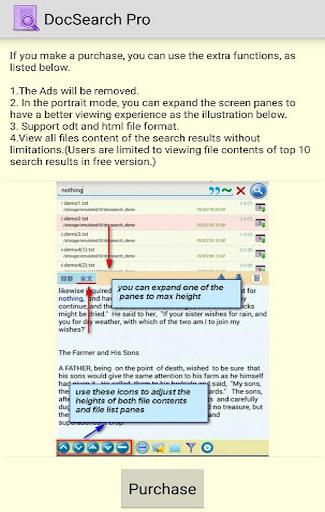
- Unlimited access to view all file content within the search results.(premium )
- Search for keywords within the results.(premium )
important hint:
To protect your privacy, we only collect and use necessary permissions. We require the "MANAGE_EXTERNAL_STORAGE" permission to index all documents and provide full search functionality. This application would not work without the core functionality of Index Documents. We respect and protect your personal information. For detailed privacy policy, please refer to the relevant pages in the app.
DocSearch+ allows you to easily find the content of files on your mobile phone, whether it is work documents, notes or entertainment materials, you can easily find what you need. Any questions or suggestions, please feel free to contact us.
Latest Version
2.58Uploaded by
Klaudiuszek Piasecki Klaux
Requires Android
Android 6.0+
Category
Free Tools AppContent Rating
Everyone
Security Report
Report
Flag as inappropriateLast updated on Apr 9, 2026
bugs fixed

APKPure - A multi-platform app store primarily focused on Android, providing extensive app-related content. Discover the app you want easier, faster, and safer, with quick and efficient downloads and installations.


![[root] LiveBoot APK](https://image.winudf.com/v2/image1/ZXUuY2hhaW5maXJlLmxpdmVib290X2ljb25fMTU2Njk5NzcwN18wNDY/icon.png?w=102&fakeurl=1)