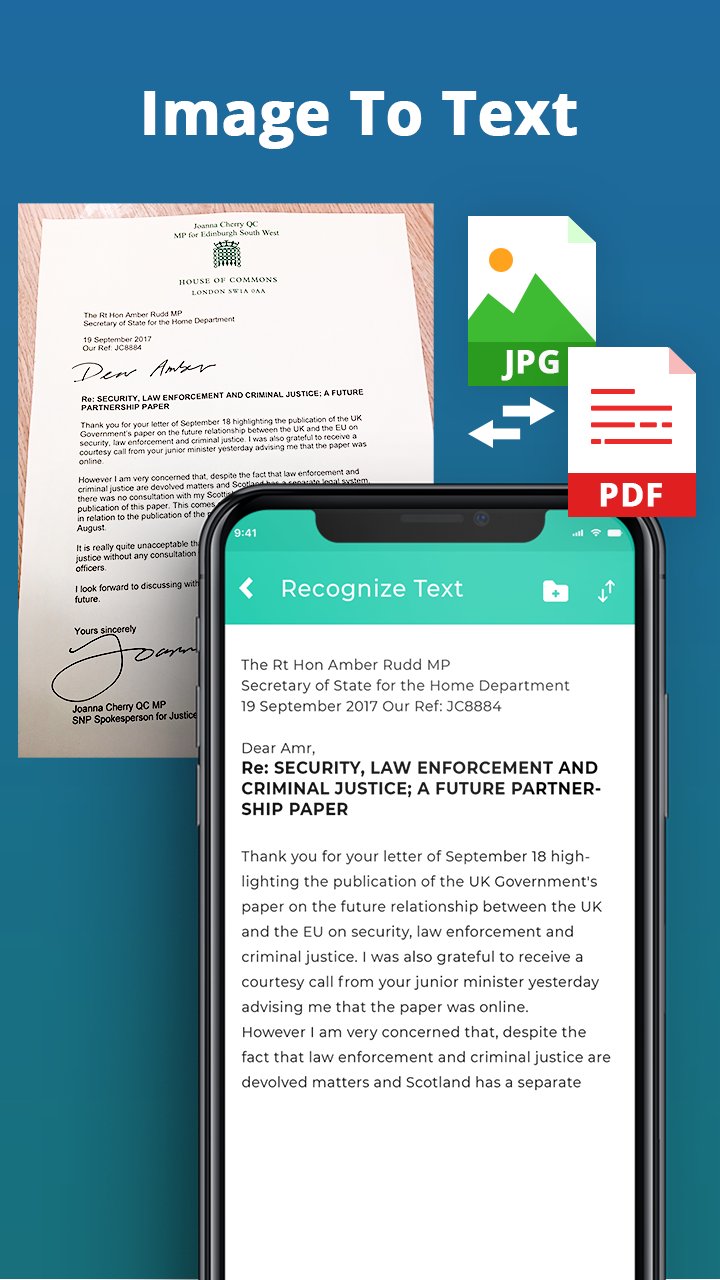
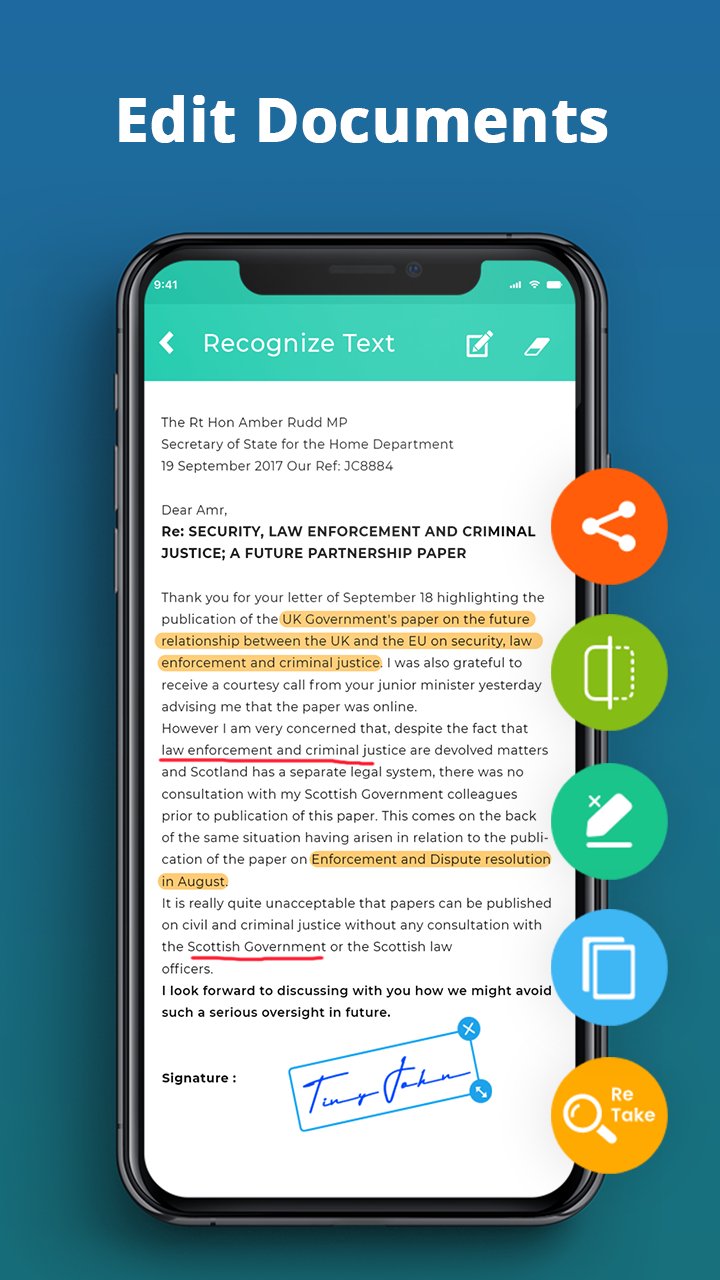
DocScanner is a full-featured scanner with high-quality OCR and PDF editing capabilities.
Scan HIGH-QUALITY
DocScanner Pro relies on the latest and most advanced mobile scanning technology available. Your scans are delivered at a premium quality with 200 dpi and higher, which is comparable to the performance of modern desktop scanners. In addition, various color modes, auto-optimization and blur-reduction help you to get the most out of your scans.
Scan QUICKLY
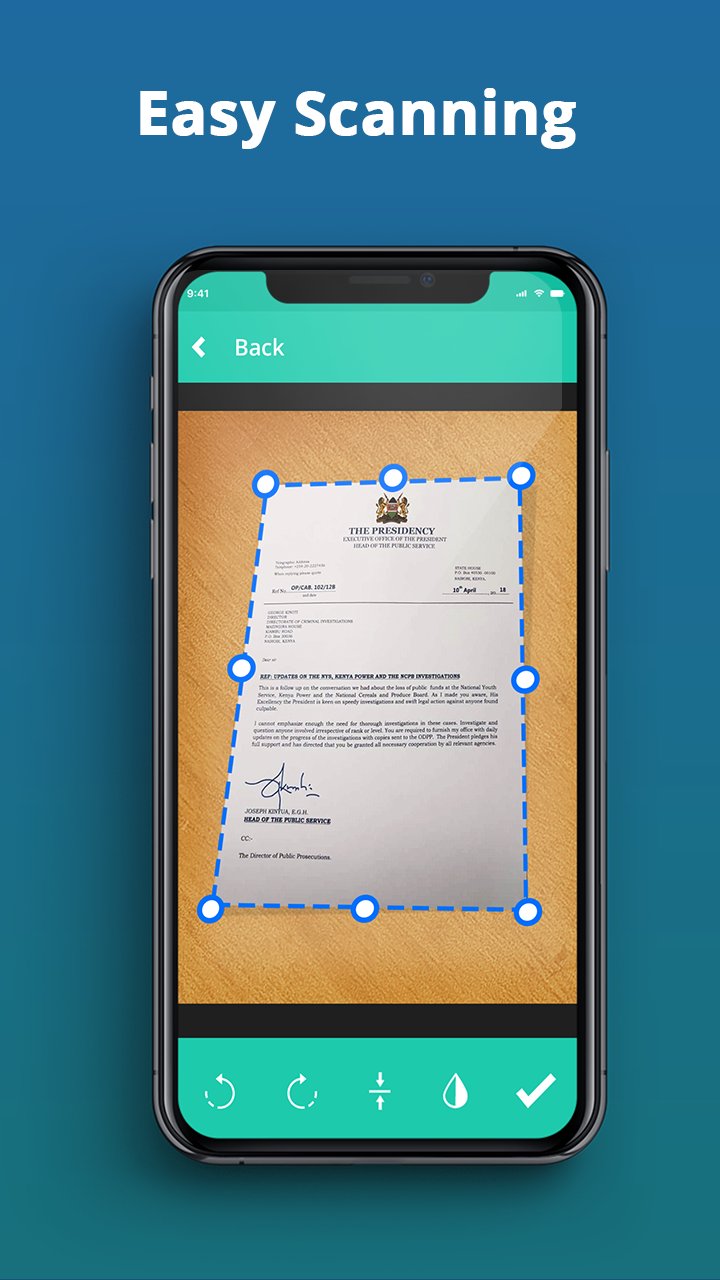
Just hold your mobile over any document, receipt or whiteboard and it takes only a second to scan a page and save it as a PDF or JPG. Thanks to DocScanner Pro’s latest technology, the edges of the document are automatically identified so that only the document itself is scanned. DocScanner Pro captures the best possible image in the perfect moment.
Scan ANYTHING
DocScanner Pro works on all occasions with all kinds of media. Scan any kind of documents such as paper documents, business cards, receipts, notes, whiteboards or post-its. DocScanner Pro helps you save the documents that are important for you and get rid of paper clutter. No matter whether you are at work or on holidays, DocScanner Pro is with you.
QR Code:
DocScanner is a QR code reader and QR Code generator app as well. You can create your own QR code and share with others.
Everything happens locally, on your device! You do not need internet connection to use this app!
Latest Version
1.0Requires Android
5.0 and up
Category
Free Productivity AppContent Rating
Everyone
Report
Flag as inappropriateLast updated on Oct 6, 2021
This release includes minor bug fixes and general improvements. Update to the latest version for the best experience.




APKPure - A multi-platform app store primarily focused on Android, providing extensive app-related content. Discover the app you want easier, faster, and safer, with quick and efficient downloads and installations.