
Developer Options Shortcut is a shortcuts to android Developer Options which easy to debugging.
Why we need to use Developer Options Shortcut?
1.Android Developer Options was be hidden on some android phone.
2.On some android device,You need some Trivial operation before enter Developer Options.
How to use Developer Options Shortcut?
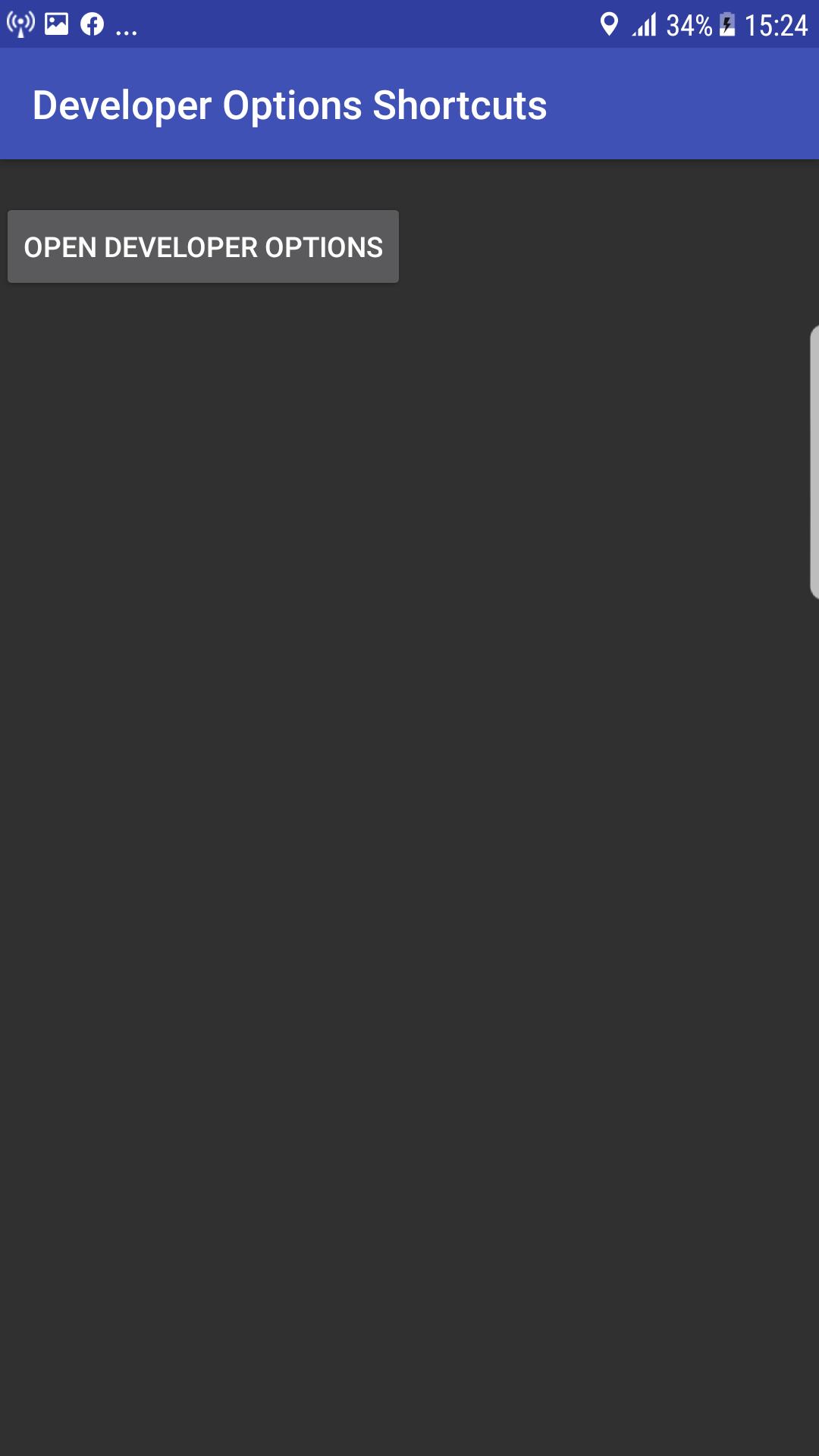
1.Open this APP.
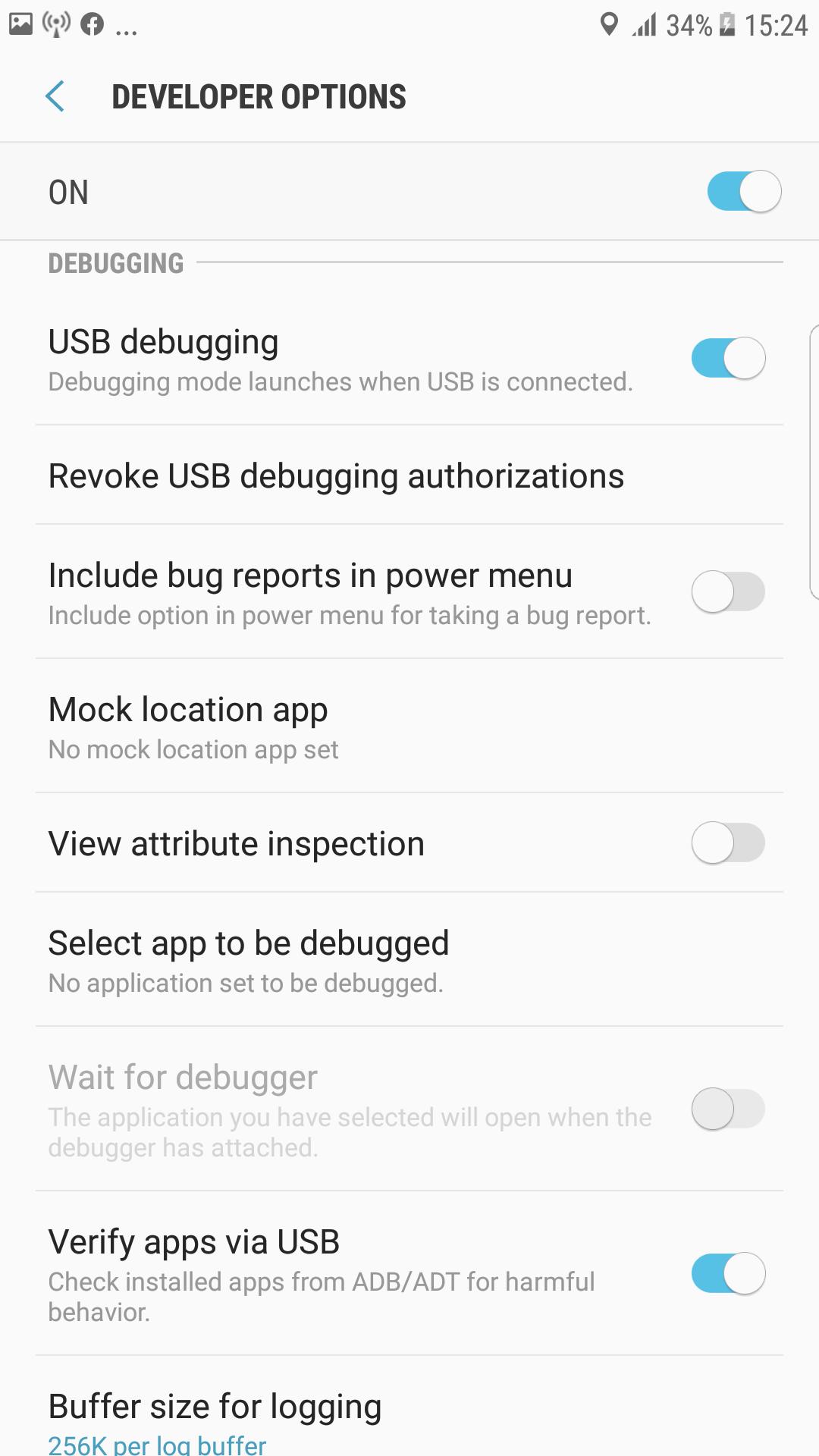
2.Click Open developer options button,them will open android Developer Options activity.
Developer Options Shortcut feature:
1.simple and useful.
2.Powerful.
3.Easy to operate.
Thank you for use Developer Options Shortcut, if you find any question please contact me to resolve.
Latest Version
2.7.0Uploaded by
Jesseh Silva
Requires Android
Android 4.0+
Category
Free Tools AppContent Rating
Everyone
Report
Flag as inappropriateLast updated on Jul 9, 2020
1.this is a shortcut to android developer options.



APKPure - A multi-platform app store primarily focused on Android, providing extensive app-related content. Discover the app you want easier, faster, and safer, with quick and efficient downloads and installations.