Package Name:com.molpass.zeoclock
SHA-256:deadc22a974a7570f96d437aeed0180ba74a3b4f5ca70dfadcc6b528454710b2
Show More
Desk Hub Clock
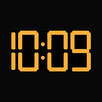
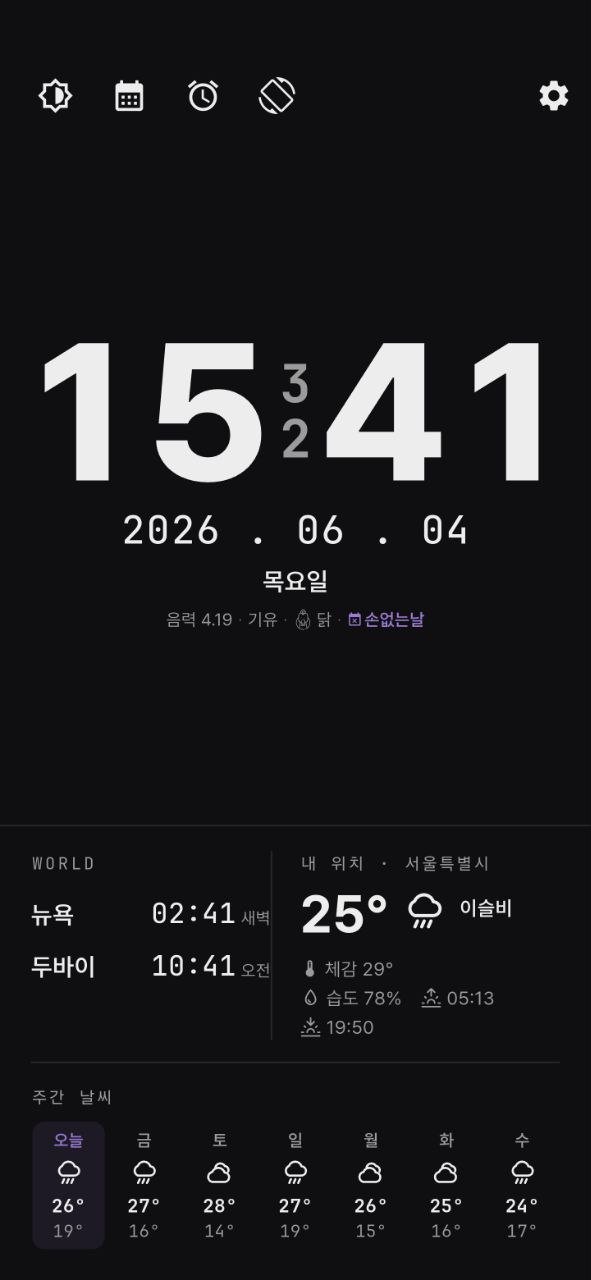
This is an offline-first clock that revives unused tablets or e-readers as an "always-on desk clock + alarm."
Pick up your old device from a drawer and use it as a stand-alone clock on your bedside table or desk. It is designed so that all core functions work even without an internet connection.
[Key Features]
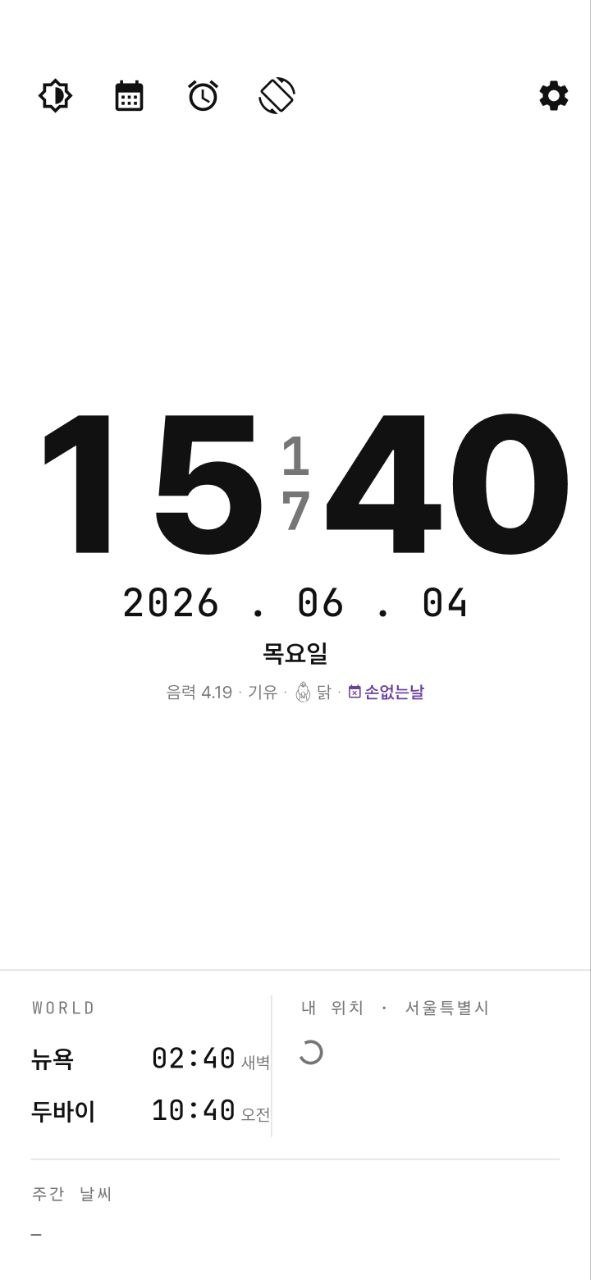
- Digital and analog clocks, large text easily visible even from a stand
- Displays Lunar calendar, daily zodiac signs (Ganji/Zodiac), auspicious days, public holidays, and substitute holidays
- Calendar with simple date memos
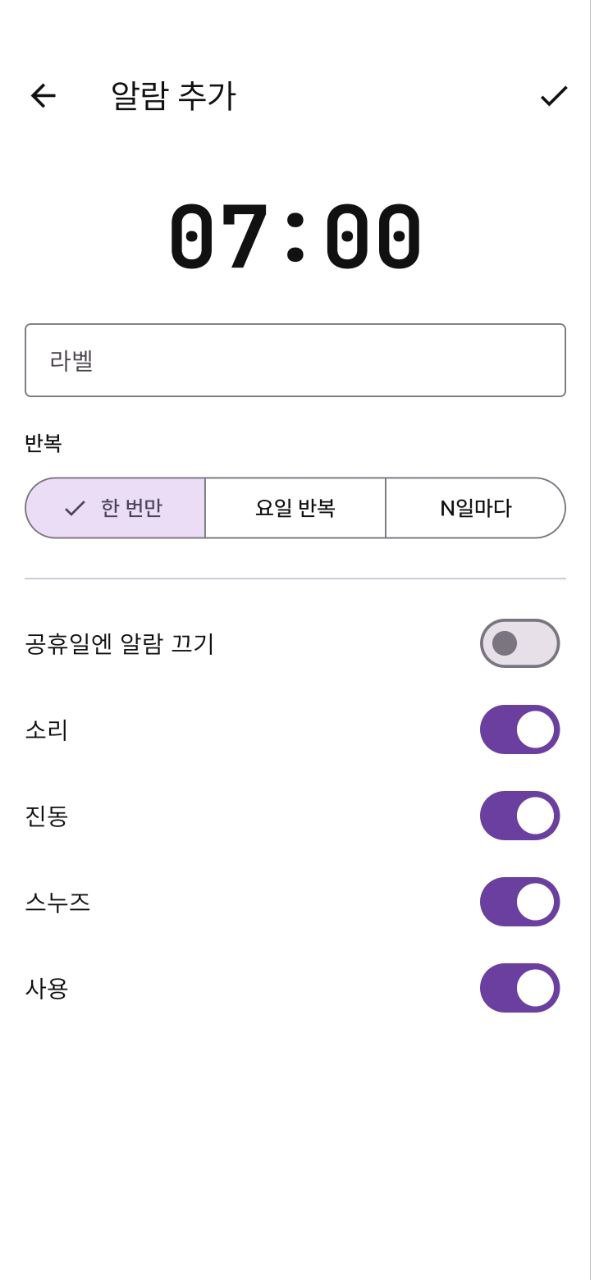
- Alarms: Once / Weekly / Repeat at N-day intervals, Skip holidays, Snooze, Sound & Vibration
- Native alarm that rings at a set time even when the screen is off
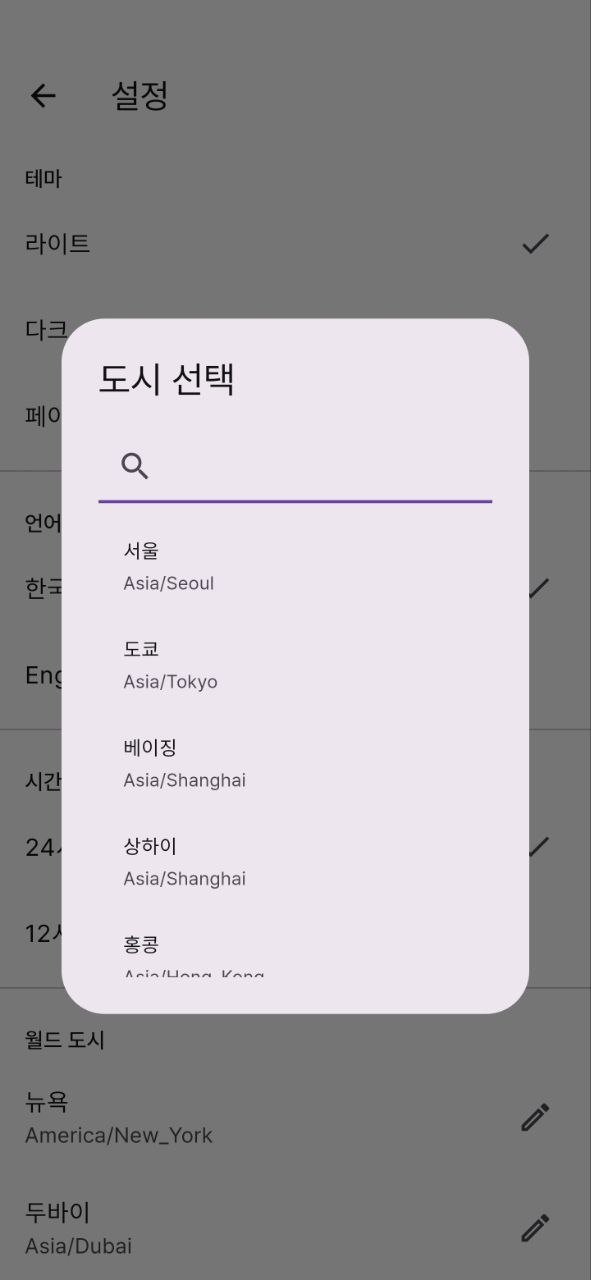
- Weather, sunrise/sunset, World Clock for 2 cities (operates without a separate key)
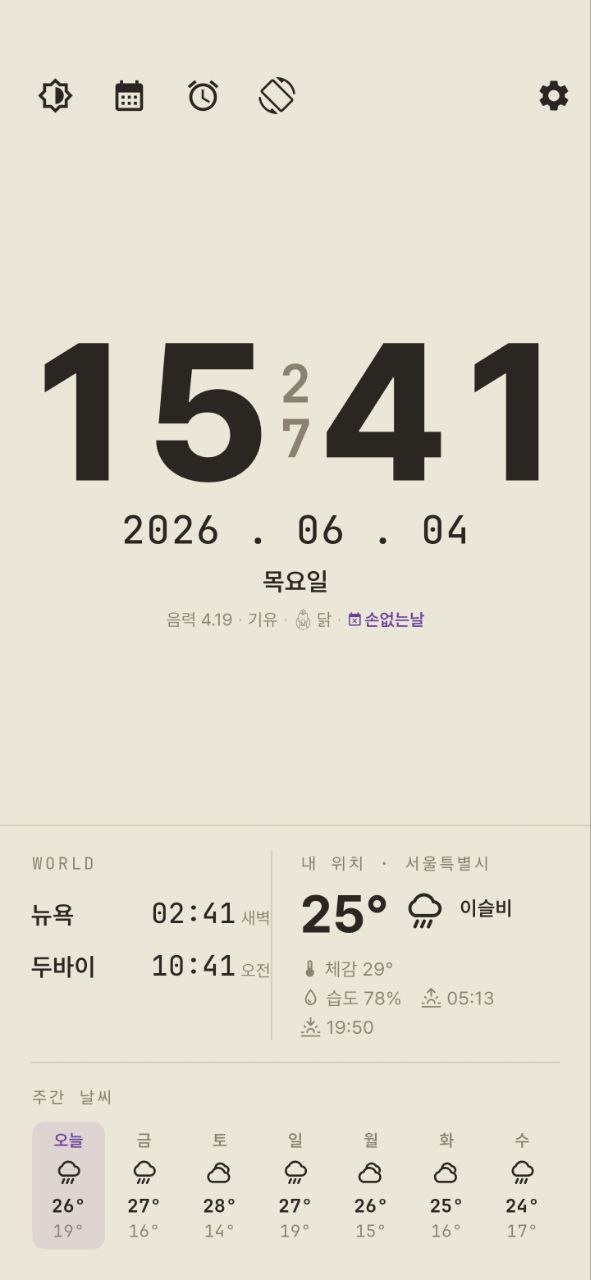
- Light, Paper, and Dark themes, and an E-Ink exclusive black and white mode (select refresh cycle)
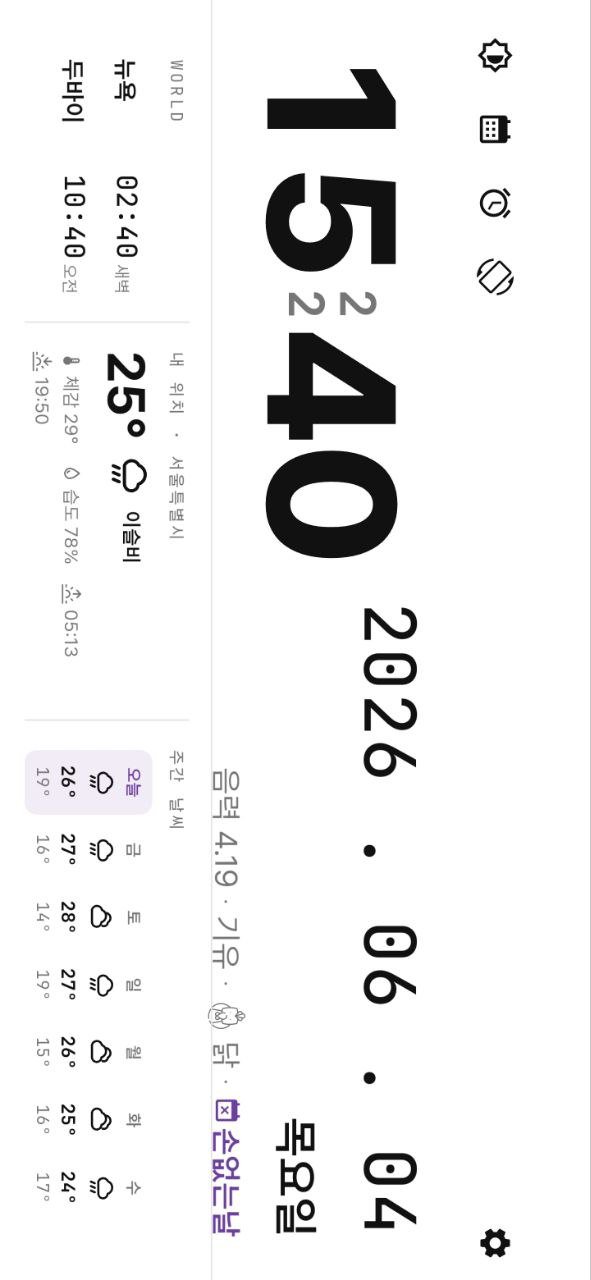
- Landscape/Portrait rotation, always-on display (screen stays on), and automatic dimming when idle
[For Those]
- Those who want to repurpose unused tablets or e-book readers into desk clocks
- Those who want to see the Lunar calendar and daily zodiac signs at a glance
- Those who want an eye-friendly black and white clock on e-Ink devices
[Privacy]
- No account, no login
- No ads, no user tracking Settings, alarms, and memos are all stored only on the device.
- Location coordinates are transmitted to Open-Meteo / OpenStreetMap only when checking weather or location names.
This app is free to use. If you like it, you can send a small donation (development encouragement fund) to the developer within the app; donations are purely for support and do not provide additional features.
※ The operation of time-dependent features, such as alarms, may vary depending on the power saving policies of the device manufacturer and operating system.
Privacy Policy: https://zeolinex.com/privacy/
Terms of Use: https://zeolinex.com/terms/
Created by: zeolinex.com
Latest Version
1.6.1Uploaded by
سامر محمد
Requires Android
Android 7.0+
Category
Free Tools AppContent Rating
Everyone
Security Report
Check Now
Report
Flag as inappropriateLast updated on Aug 28, 2026
Update for Android 16 target API level.
- Now targets the latest Android version (API 36)
- No feature changes — clock, calendar, and alarms work exactly as before




APKPure - A multi-platform app store primarily focused on Android, providing extensive app-related content. Discover the app you want easier, faster, and safer, with quick and efficient downloads and installations.