
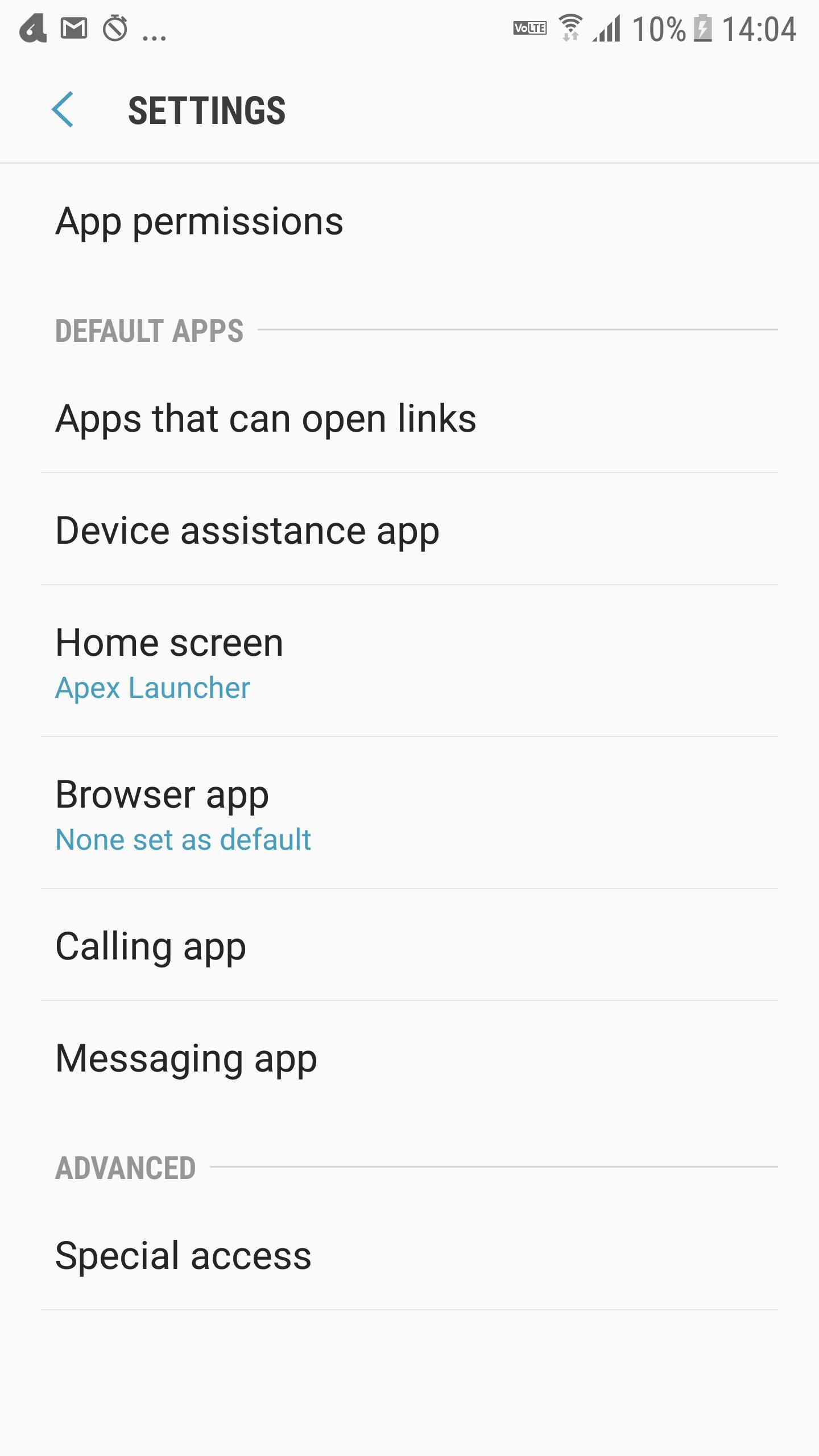
1 Tap to open Default app settings.
This is shortcut application.
What you do at Default app settings.
Apps that can open links
Device assistance app
Home screen app
Browser app
Calling app
Messaging app
Access to App permissions
- Body Sensor
- Calendar
- Camera
- Contacts
- Location
- Microphone
- Phone
- SMS
- Storage
- Additional permissions
+ Car information
+ Access Google Photos
+ Read instant messages
+ Write Instant Messages
Special access
- Optimise battery usage
- Device administrators
- Do not disturb permission
- Apps that can appear on top
- VR helper services
- Change system settings
- Notification access
- Use Premium SMS services
- Allow app while Data saver on
- Usage data access
Easy and simple!
No Permission.
Minimum advertisement.
No interstitial ad.
No movie ad.
# Available Languages
・ English
・ Arabic
・ Spanish
・ Finnish
・ French
・ Hindi
・ Italian
・ Korean
・ Malay
・ Dutch
・ Norwegian
・ Portuguese
・ Russian
・ Swedish
・ Traditional Chinese
・ Simplified characters
・ Japanese
Latest Version
3: adaptive bannerUploaded by
Kaung Lay
Requires Android
Android 7.0+
Category
Free Tools AppContent Rating
Everyone
Report
Flag as inappropriateLast updated on Dec 1, 2020
Minor bug fixes and improvements. Install or update to the newest version to check it out!




APKPure - A multi-platform app store primarily focused on Android, providing extensive app-related content. Discover the app you want easier, faster, and safer, with quick and efficient downloads and installations.








