
You can access the Play Store with 1 tap.
# Purpose
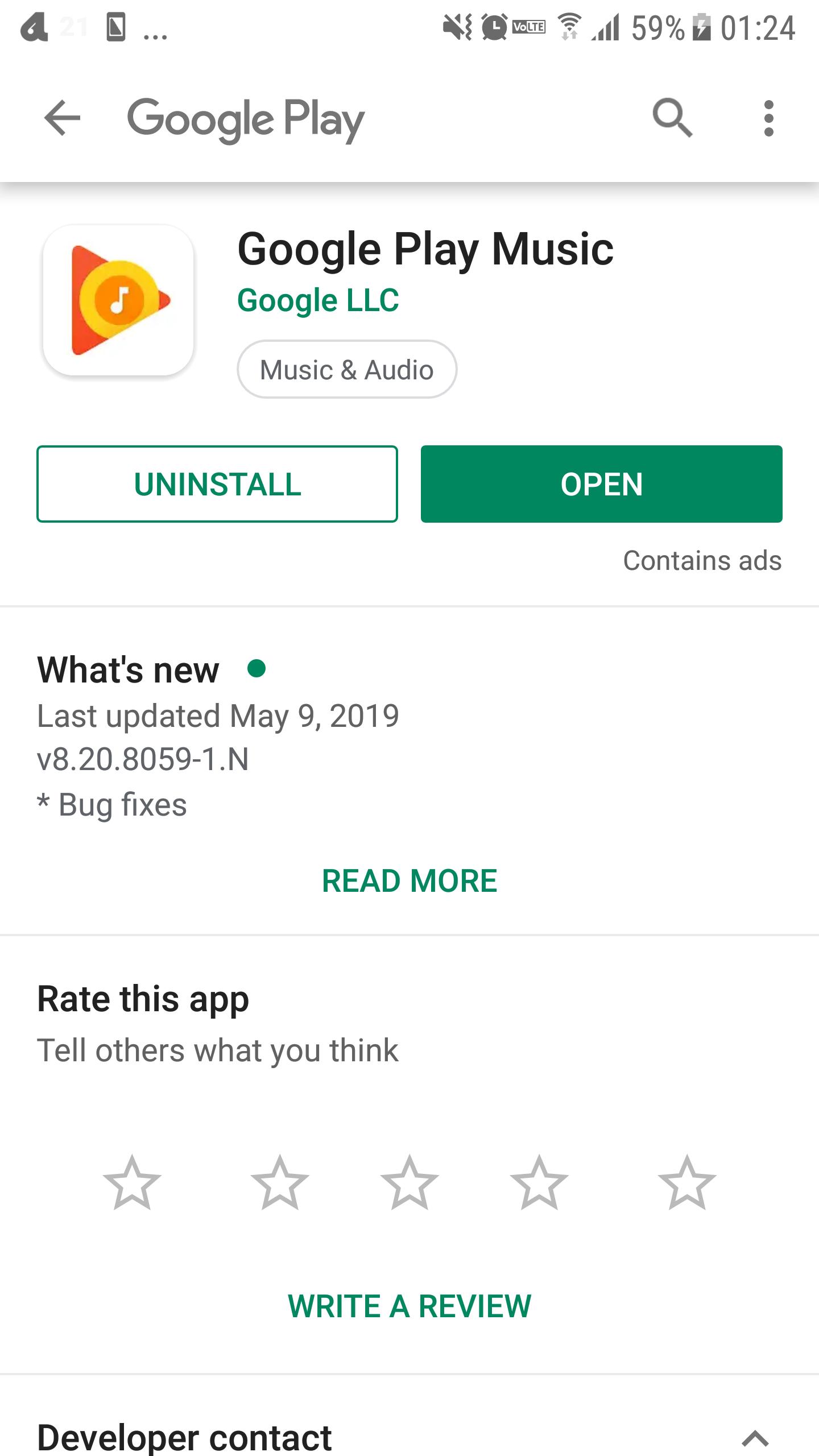
When you want to see the installed application in the store.
When you want to check the store display of the application with the developer.
When you want to check information such as application descriptions, update contents, developers etc.
# How to use
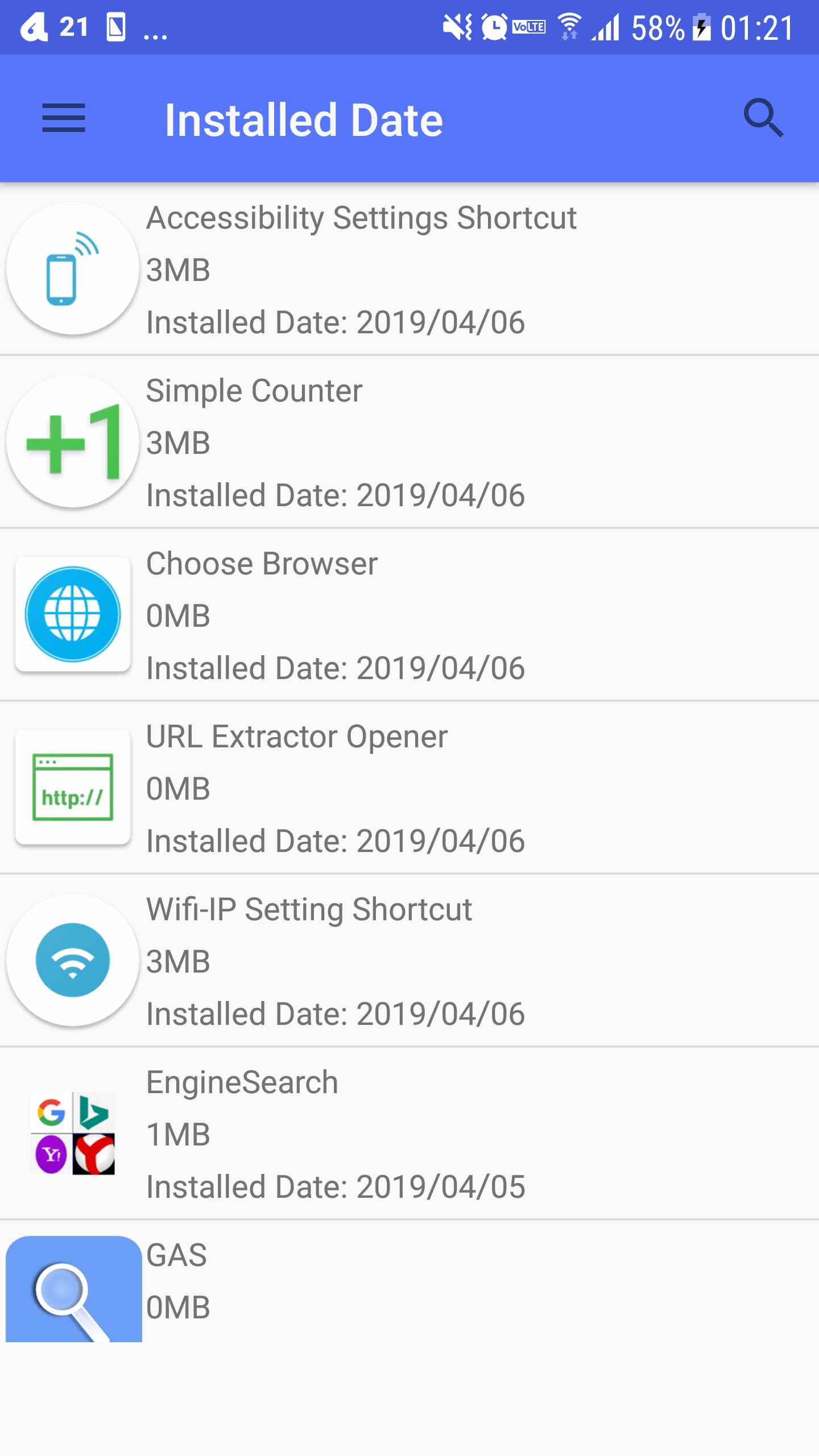
1. Select and tap the application, then open app in play store.
# Function
Search function - You can easily search an application.
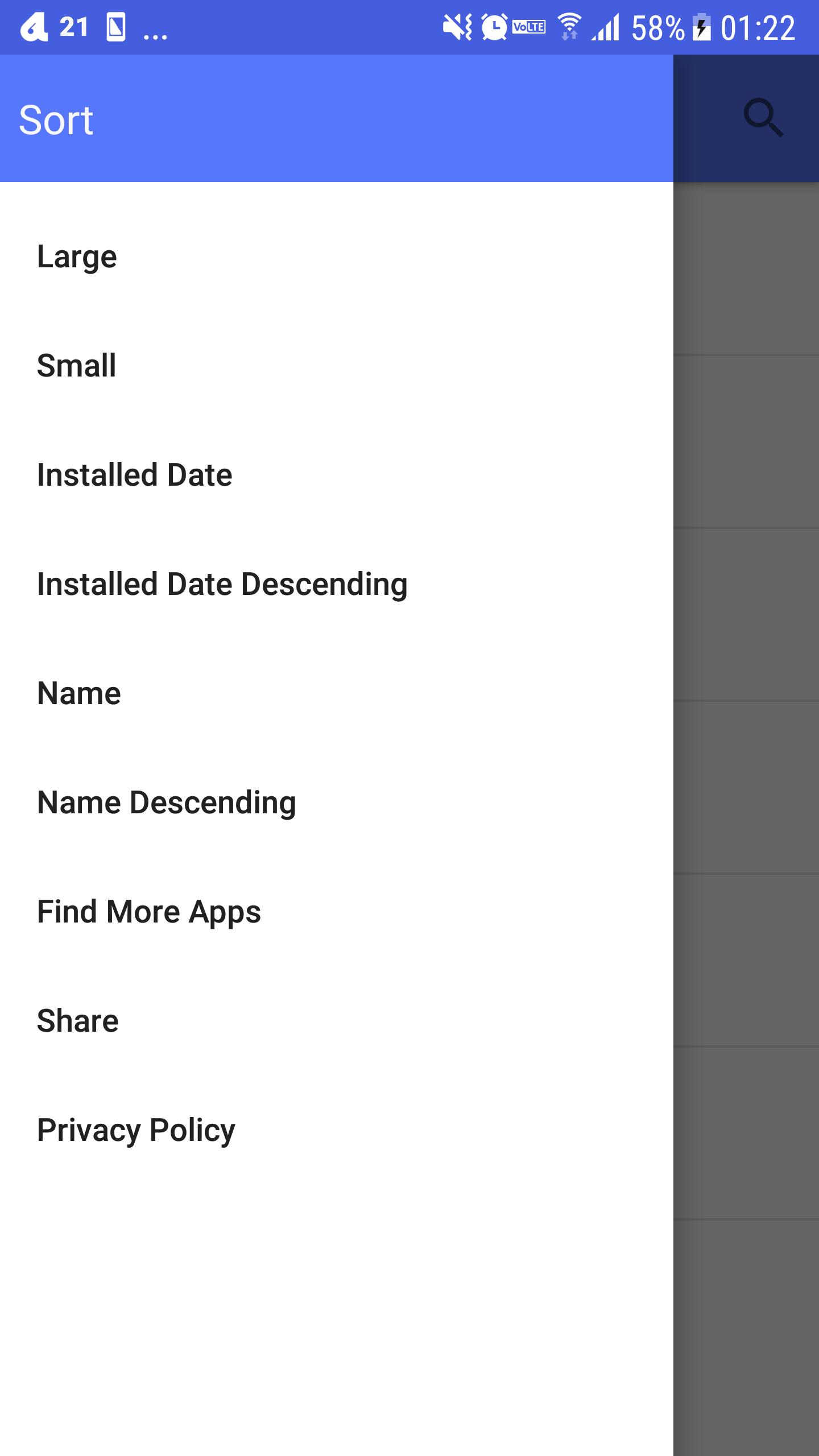
Sort function - You can sort by installation date, application capacity, application name.
## Sort
You can sort by
app size
app name
installed date
## Search
Tap Upper Right Magnifying glass icon, you can search app name.
Latest Version
15Uploaded by
dogfooder
Requires Android
Android 4.4+
Category
Free Tools AppContent Rating
Everyone
Report
Flag as inappropriateLast updated on Mar 16, 2023
Minor bug fixes and improvements. Install or update to the newest version to check it out!



APKPure - A multi-platform app store primarily focused on Android, providing extensive app-related content. Discover the app you want easier, faster, and safer, with quick and efficient downloads and installations.