
*This is not a standalone application*
What you will need:
1. Kustom Live Wallpaper (KLWP)
https://play.google.com/store/apps/details?id=org.kustom.wallpaper
2. Kustom Live Wallpaper (KLWP) Pro Key
https://play.google.com/store/apps/details?id=org.kustom.wallpaper.pro
3. Compatible launcher such as APEX or NOVA Launcher.
Instructions:
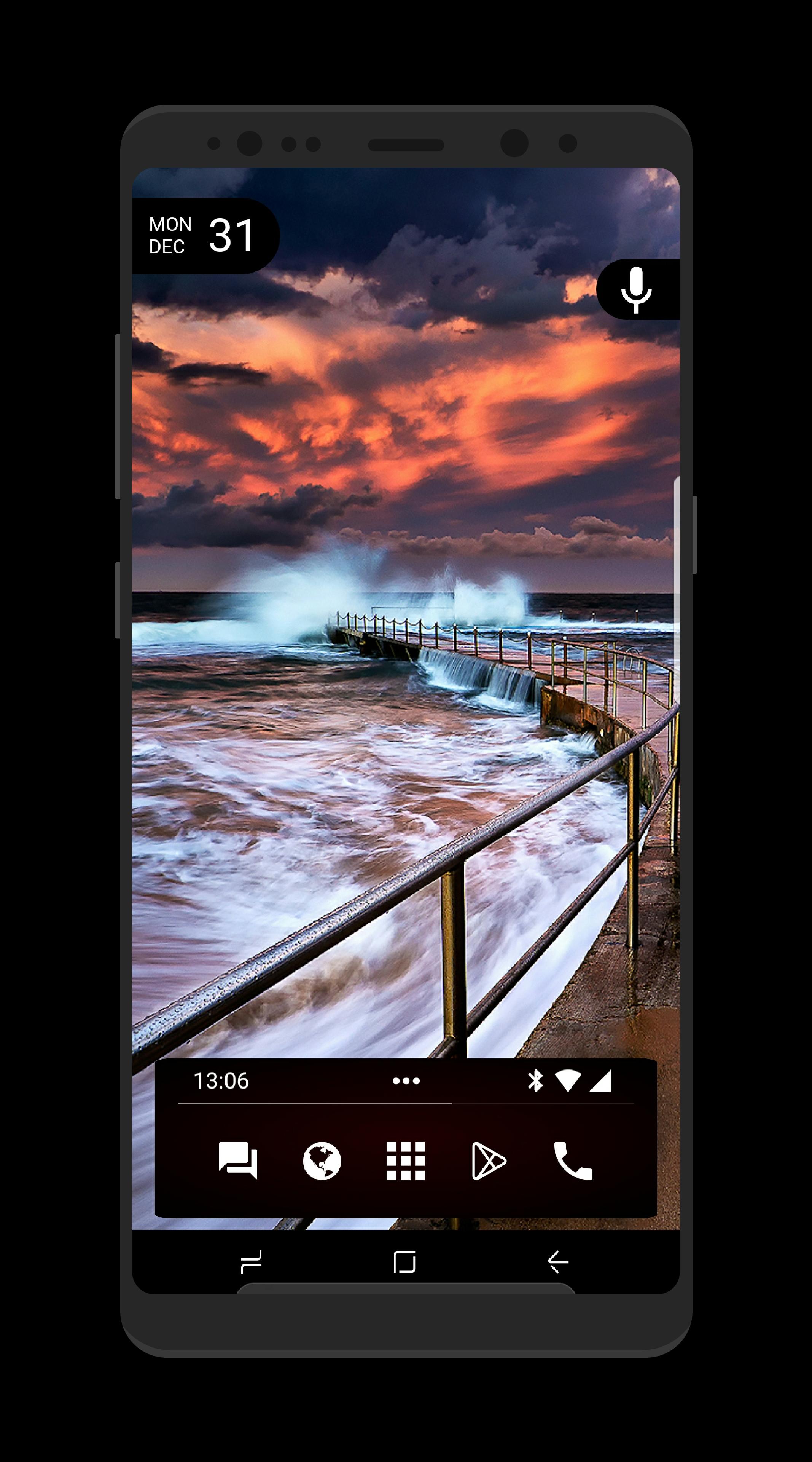
1. Download Dark.
2. Open your KLWP editor.
3. Tap “menu icon” on top left and select “load preset”.
4. Click on “Installed” tab and then click on Dark for Kustom / KLWP.
5. Press Save Icon on top.
*If this is your first preset then it may ask you for permission to access features like weather, calendar, music, storage, etc.
6. Check the “Globals” tab inside KLWP for further customization settings
7. I would recommend deleting all Icons from your desktop and removing the Dock in your launcher settings.
Any issues: Please send an email or hangouts to h1t3kc0r@gmail.com
Latest Version
v2018.Dec.07.13Uploaded by
Shorok Ashraf
Requires Android
Android 5.0+
Category
Free Personalization AppContent Rating
Everyone
Report
Flag as inappropriateLast updated on Dec 28, 2018
-Fixed corners not rounding correctly
-Fixed Animations when expanding/ retracting
-Various adjustments to widgets
-created 4 different layouts
-Original
-Original w/ color Icons
-Dark Mode
-Dark Mode w/ color Icons



APKPure - A multi-platform app store primarily focused on Android, providing extensive app-related content. Discover the app you want easier, faster, and safer, with quick and efficient downloads and installations.





![[Substratum] FuchsiaOS APK](https://image.winudf.com/v2/image/Y29tLnJhbWIyMC5GdWNoc2lhT1NfaWNvbl8xNTI5NDE1OTg1XzA3NA/icon.png?w=102&fakeurl=1)









