Scan Date:Mar 24, 2026
Show More
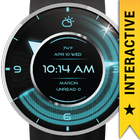
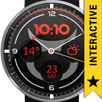
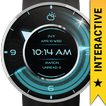
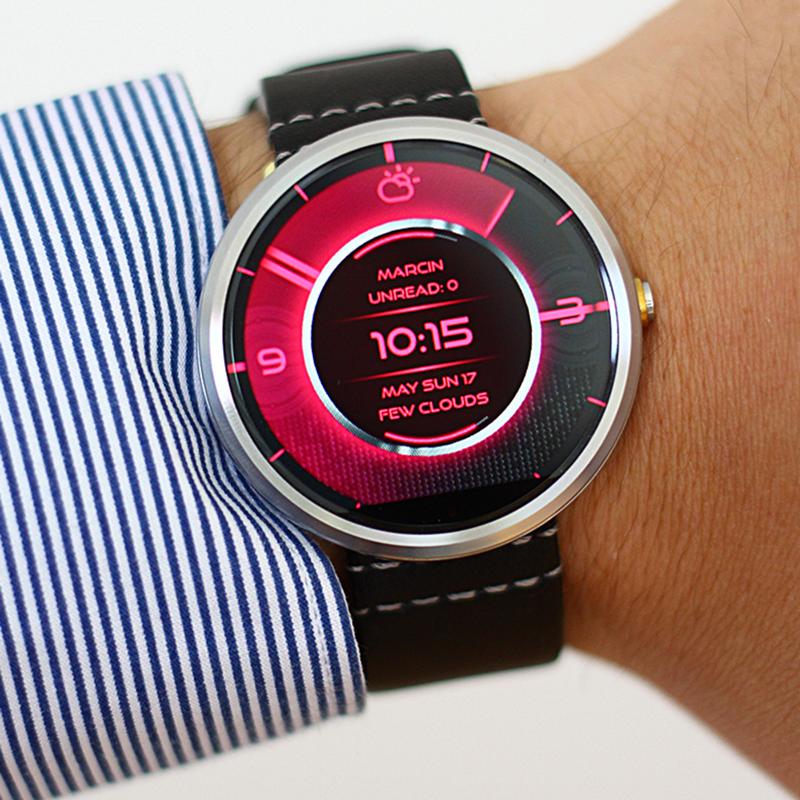
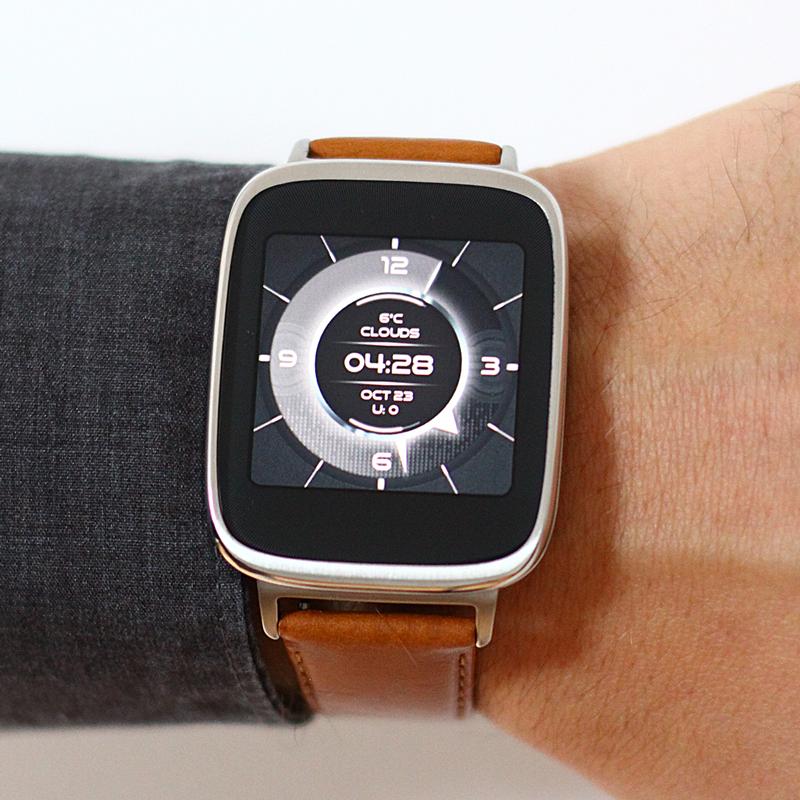
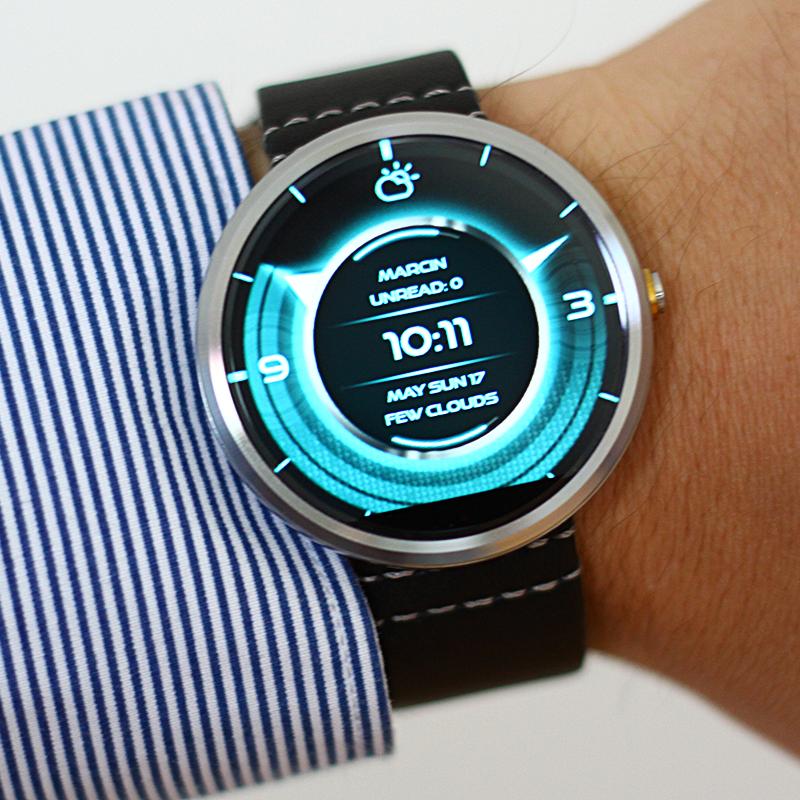
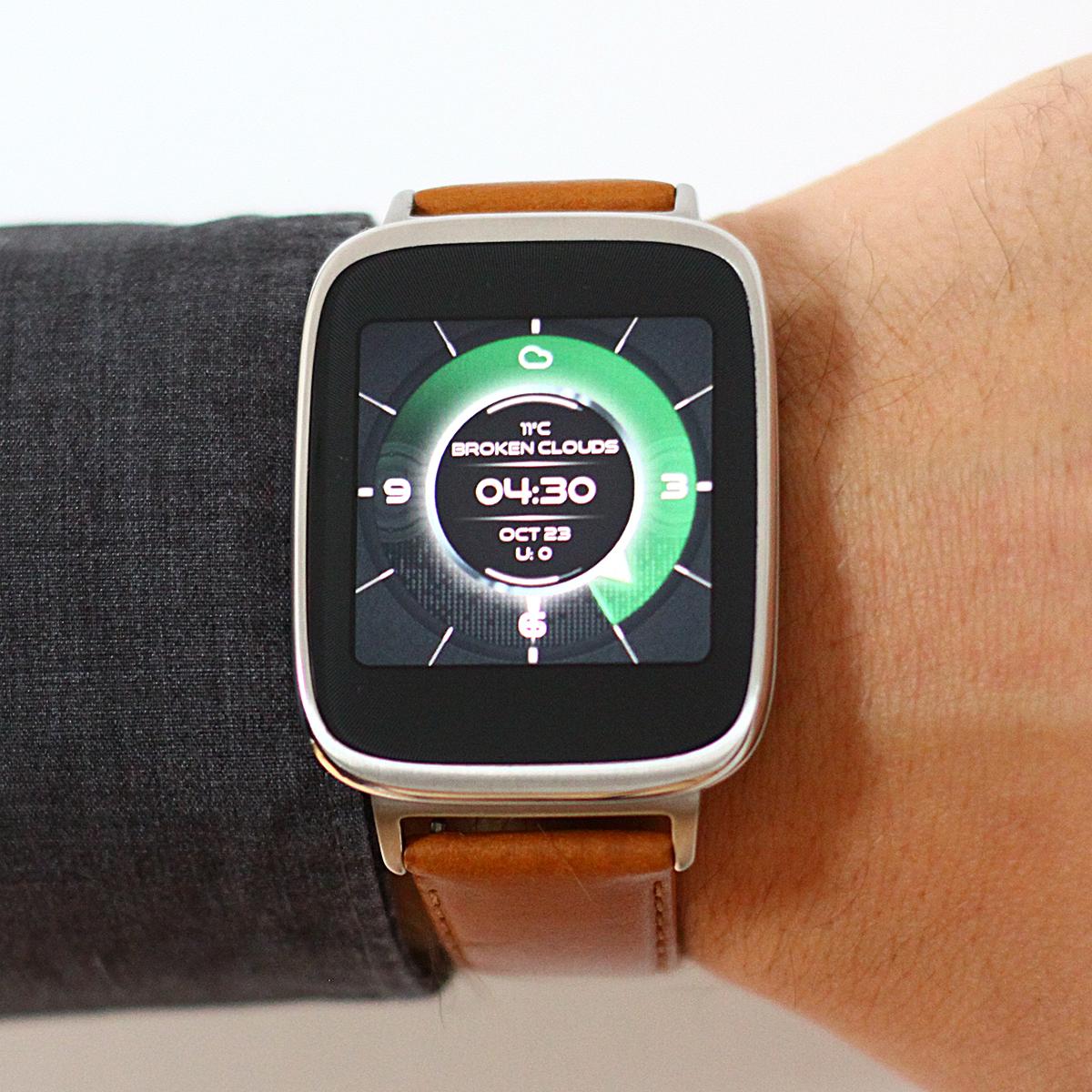
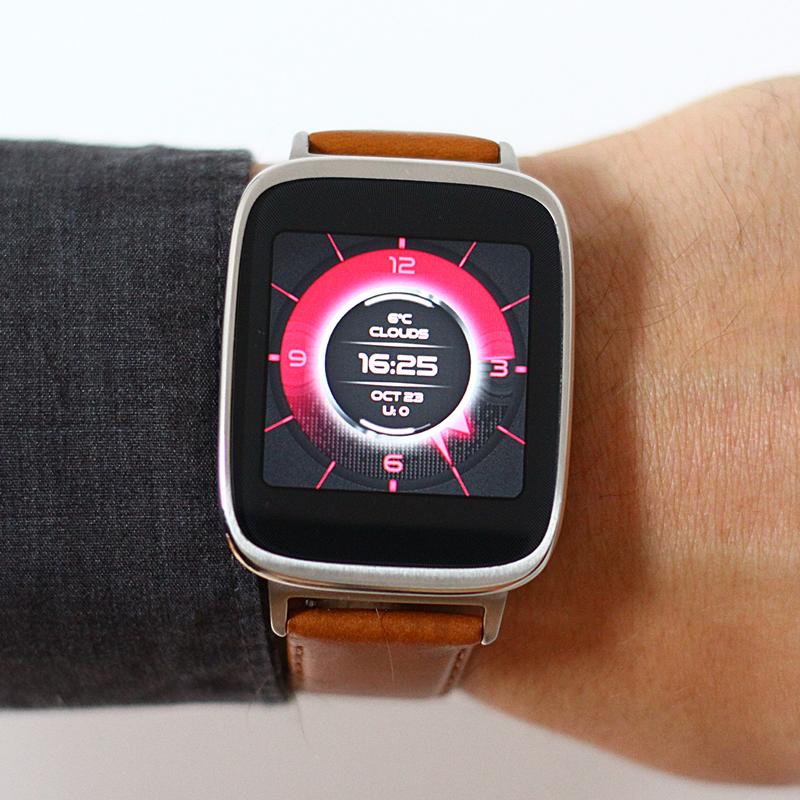
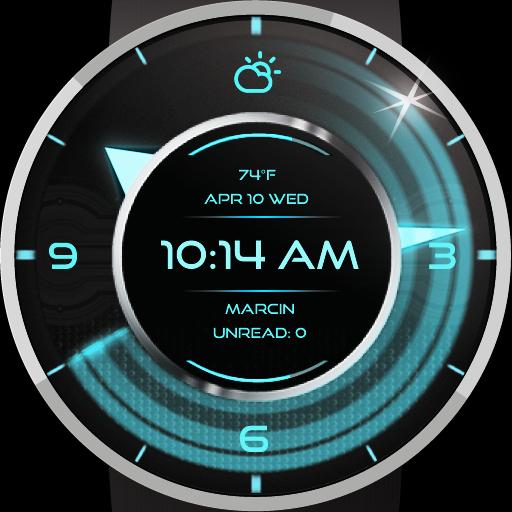
Dual Watch Face which brings futuristic
Sci-Fi look & feel.
Completly free, regularly updated!
💡 NOTICE
All Settings are accessible via Android Wear Application (Wear OS by Google) on the phone.
Just select Coutdown and click the "gear icon" (FAQ link at the bottom).
⭐ INTERACTIVE FUNCTION
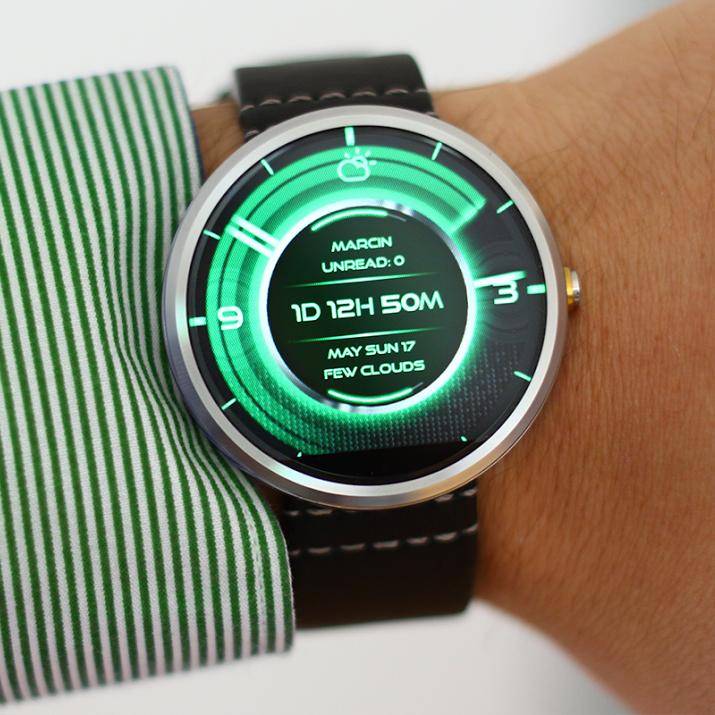
Tap on the center ring to switch between:
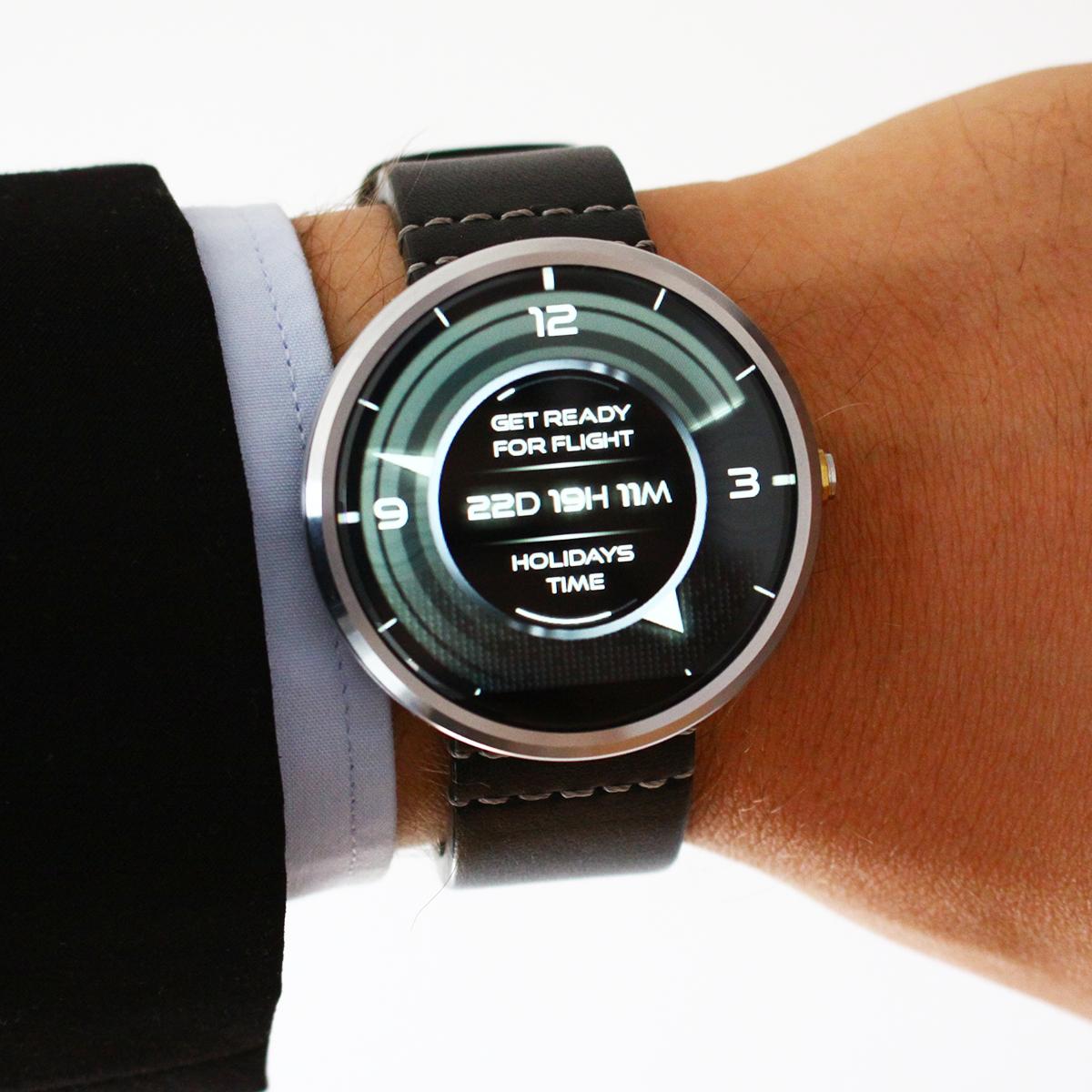
Time / Countdown / OwnText!
All info in one place, accessible just by a single tap.
⭐ MULTITUDE OF COLOR OPTIONS
Set colors to each element of the Watch Face.
⭐ COUNTDOWN OPTION
allowing you to count days, hours, minutes
- set date, set time, define text
- activate discreet vibrations to let you know that the time is over
USER FRIENDLY SETTINGS PANEL
the settings panel (accessible via Android Wear application) on the phone or tablet allows you to navigate all the options of COUNTDOWN with ease
WEATHER INFO DISPLAY
- two weather providers
- weather shown as icon or text
- weather time update - settings
EXTRAS:
- alternative watch hands
- sweeping seconds
- seconds tail
BATTERY EFFICENCY
Smooth seconds or standard tick mode.
Optimized and tested.
CUSTOM INFO TEXTS
- special TAGS inside custom text
- EMOJI in custom text lines
- customizable date format
- weather
VARIETY OF DATE FORMATS
play with a date format and customize it to your needs, use either full or shortened names of the days and months, start with a year, month or day – everything is up to you.
Find instructions in CUSTOM TAGS in-app info.
BATTERY INFO DISPLAY
shown as a line or arch or percent in text lines
CUSTOMIZATION OF THE NOTIFICATION CARDS
translucent notification cards option, customizable size of the notification cards
CONTROL over the "ok Google" position
IMPORTANT NOTICE
Countdown is designed exclusively for Android Wear (Wear OS by Google) system.
Countdown is compatible with all Wear OS by Google (Android Wear) devices
FAQ, problem solutions and guides:
http://goo.gl/5b83Sb
Thank you very much for your interest in our application.
If you find Studio eXtreme watch faces inspiring and outstanding, check out our collection on: http://goo.gl/gF3W1f
Latest Version
3.4.0.007Uploaded by
Jkjee Jkjee Power
Requires Android
Android 4.3+
Category
Free Personalization AppContent Rating
Everyone
Security Report
Report
Flag as inappropriateLast updated on May 11, 2018
Compatibility update.


APKPure - A multi-platform app store primarily focused on Android, providing extensive app-related content. Discover the app you want easier, faster, and safer, with quick and efficient downloads and installations.