Simple and easy to use countdown timer.
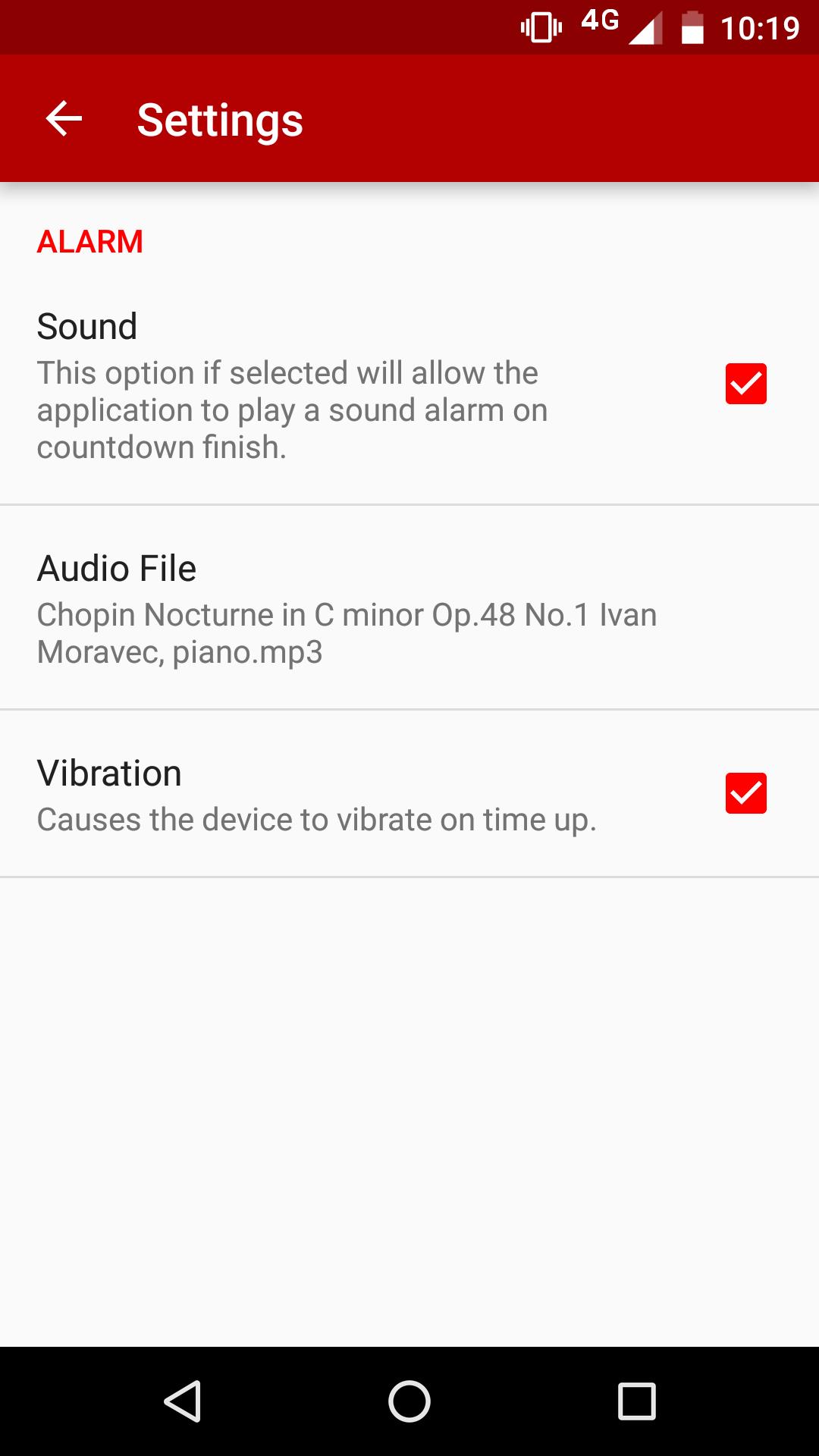
1 - Go to Settings and select either sound alarm or vibrate on time up
2 - Set the hours, minutes, seconds to countdown
3 - Tap the countdown timer start button
Ideal for meditation, yoga and fitness exercises, cooking, reading, etc. Set a gentle alarm that lets you know when the time is up.
Latest Version
1.0.5Uploaded by
Dennis Amador Rosales
Requires Android
Android 4.1+
Category
Free Tools AppContent Rating
Everyone
Report
Flag as inappropriateLast updated on Jul 10, 2016
New: Added "Keep Screen On" option in Settings so screen doesn't go off when checked e.g. screen goes off when unchecked (handy when Countdown Timer is used for meditation as light goes off without altering the alarm in any way).




APKPure - A multi-platform app store primarily focused on Android, providing extensive app-related content. Discover the app you want easier, faster, and safer, with quick and efficient downloads and installations.