Remotely control your computer by your phone or tablet.
Here are some features:
- Multitouch mouse trackpad
- Scroll and touch modes
- Talk to Cortana
- Easy Task View
- Easy Snapping
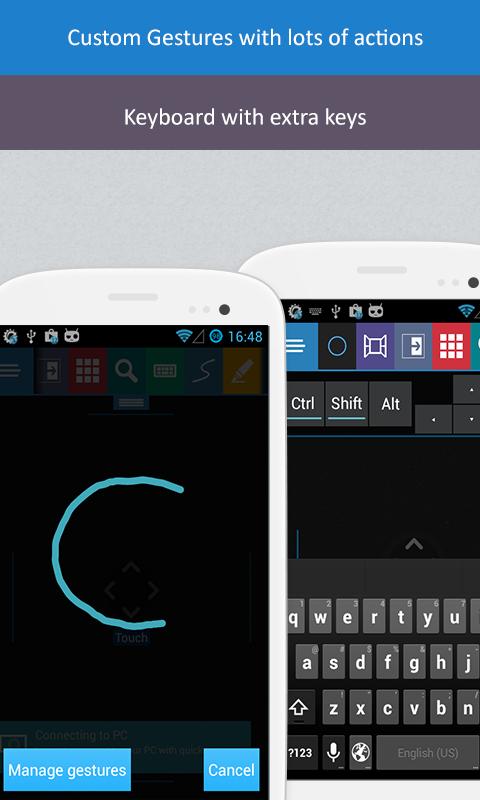
- Custom Gestures (draw to perform actions)
- Voice Commands
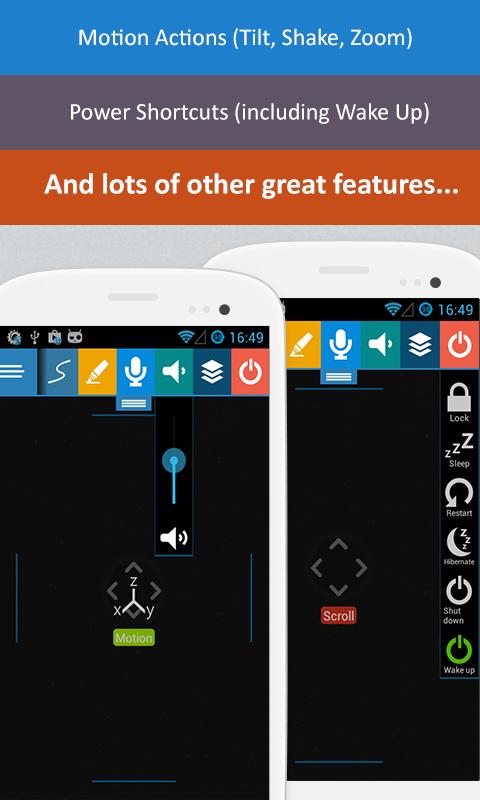
- Motion Actions (tilt, shake, zoom)
- Virtual Keyboard
- Easy search Google and YouTube by typing or by talking
- App Commands for most used apps (web browsers, media players etc.)
- Edge Gestures
- Power shortcuts
- Custom Tiles
- Draw to Edge browser
- Almost everything is customizable via PC (server) app
** You need to download the free server app from http://www.win10controller.com to your computer because this app manages the communication with your phone app.
Latest Version
1.0.5Uploaded by
Karl Hendrik
Requires Android
Android 4.0+
Category
Free Productivity AppContent Rating
Everyone
Report
Flag as inappropriateLast updated on Mar 18, 2019
Bug fixes




APKPure - A multi-platform app store primarily focused on Android, providing extensive app-related content. Discover the app you want easier, faster, and safer, with quick and efficient downloads and installations.