Scan Date:Sep 11, 2025
Show More

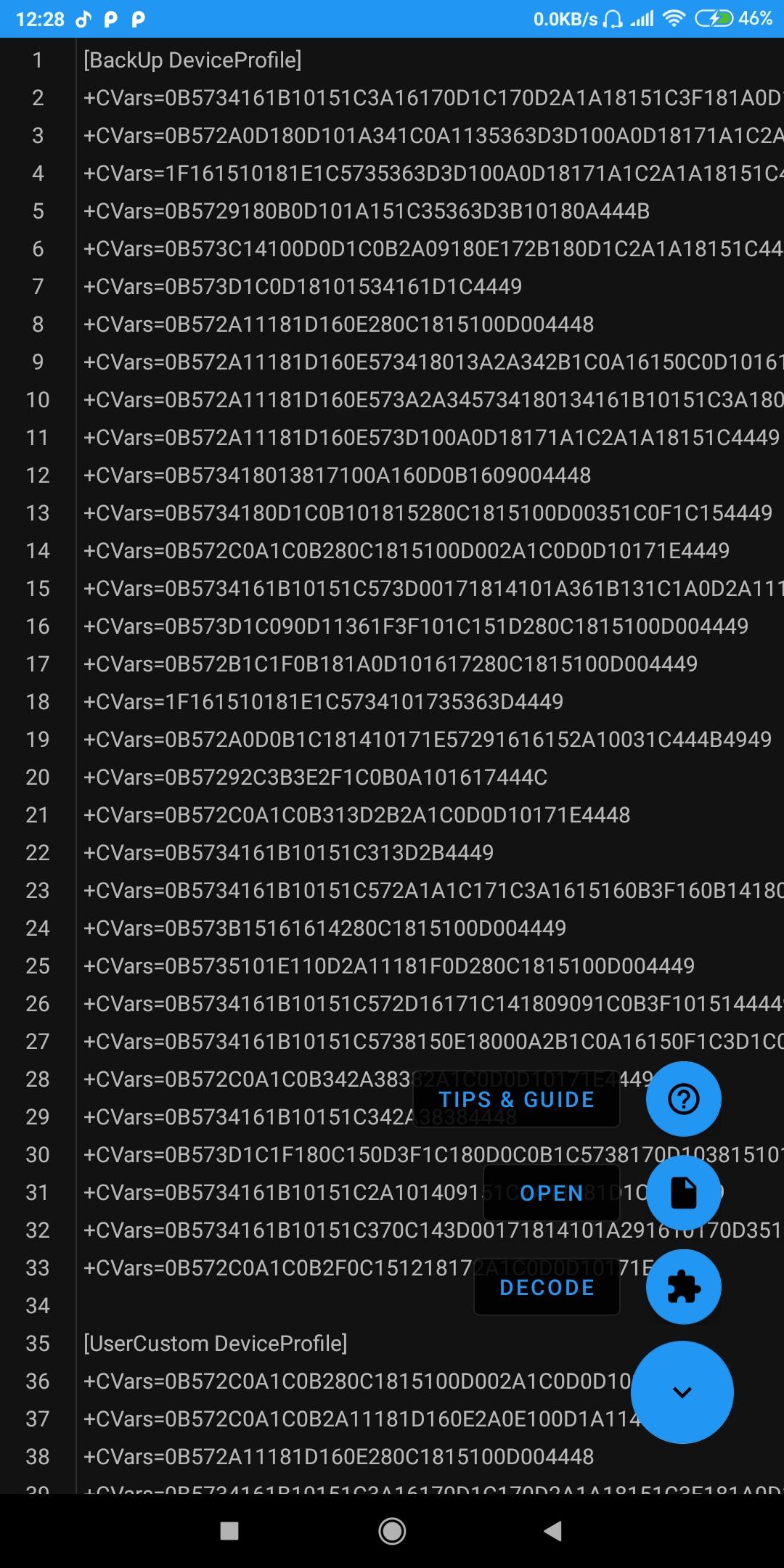
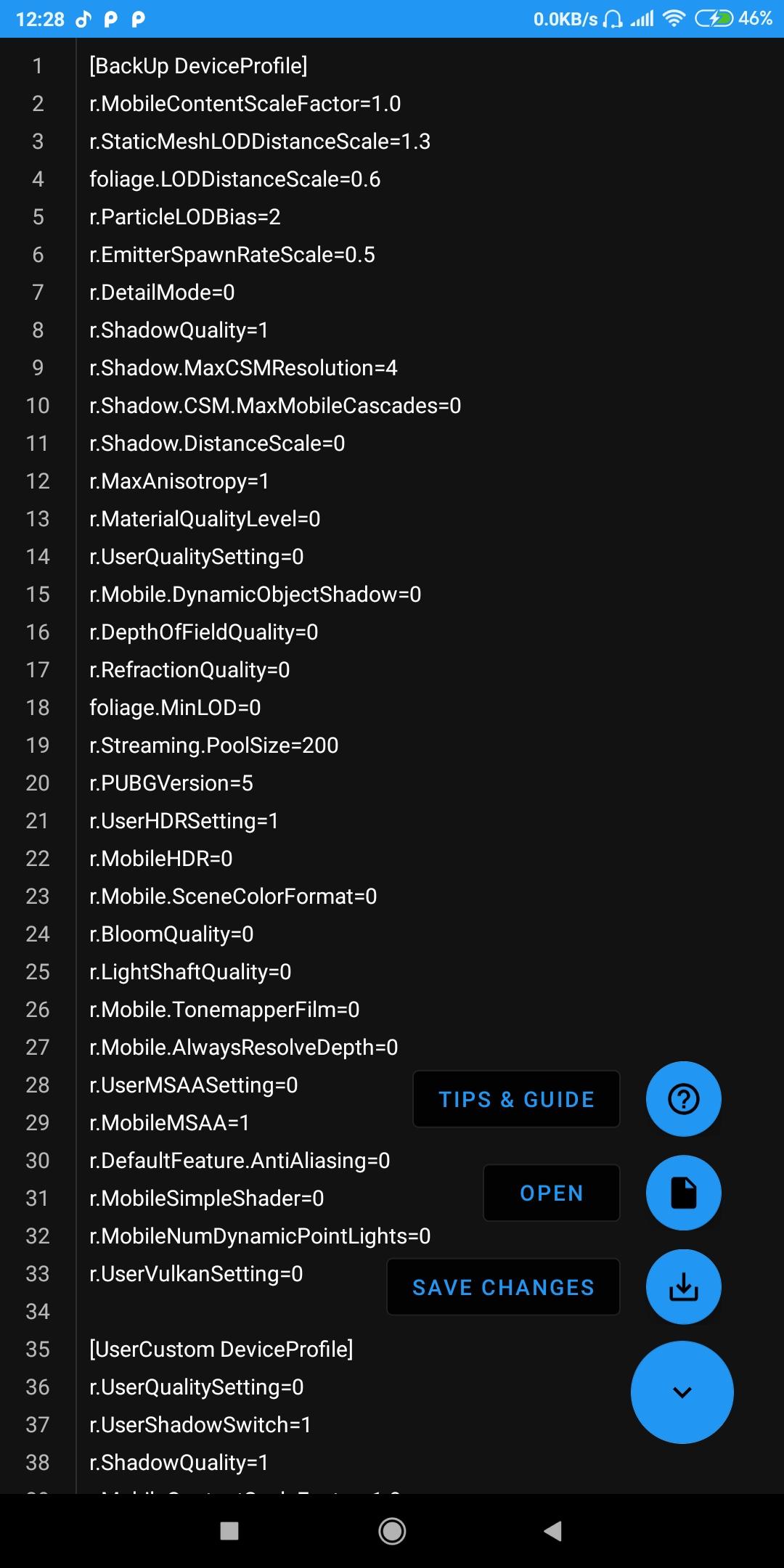
This powerfull tool helps you decode/encode configuration code in UserCustom.ini file.
How to use?
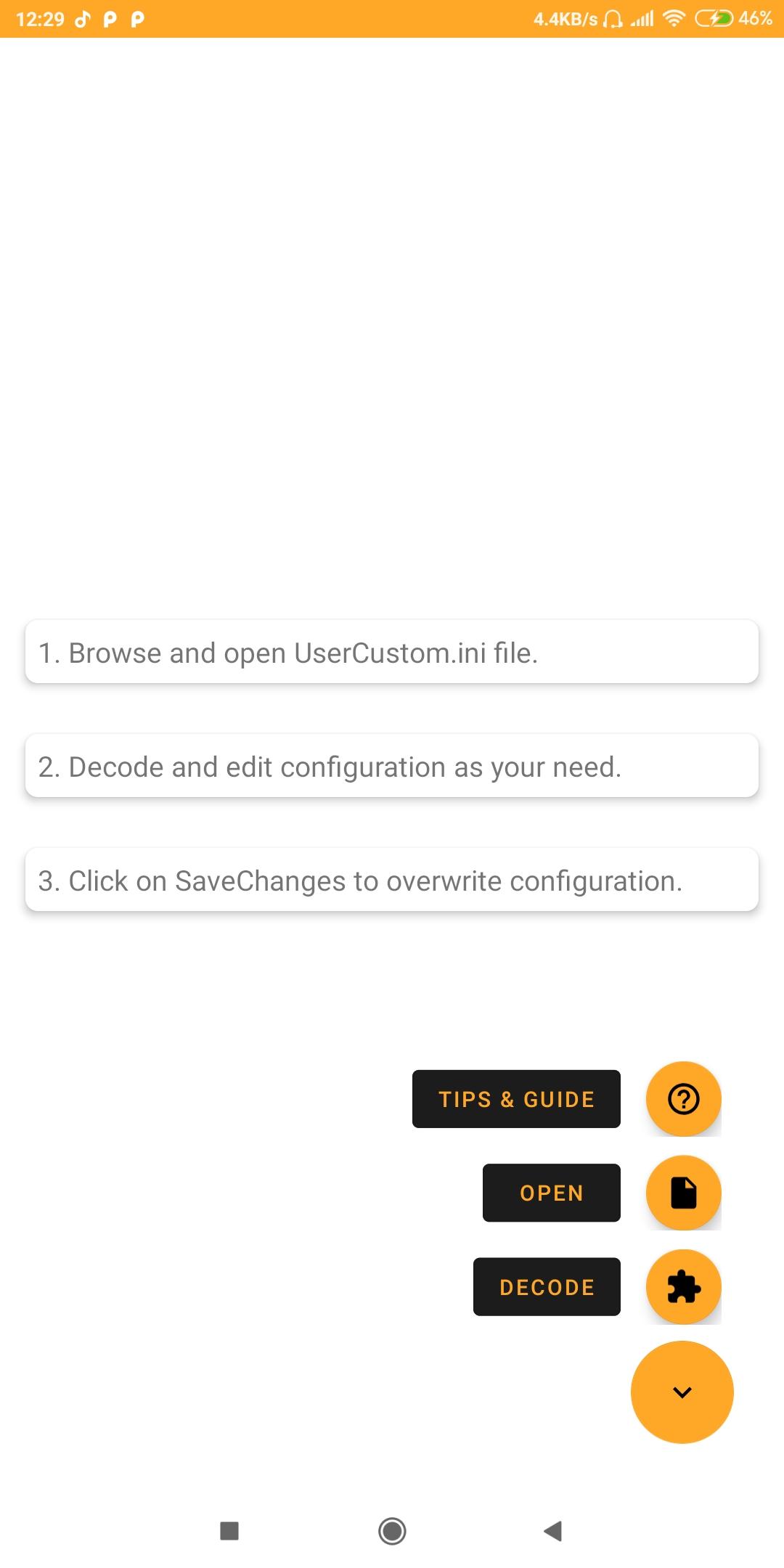
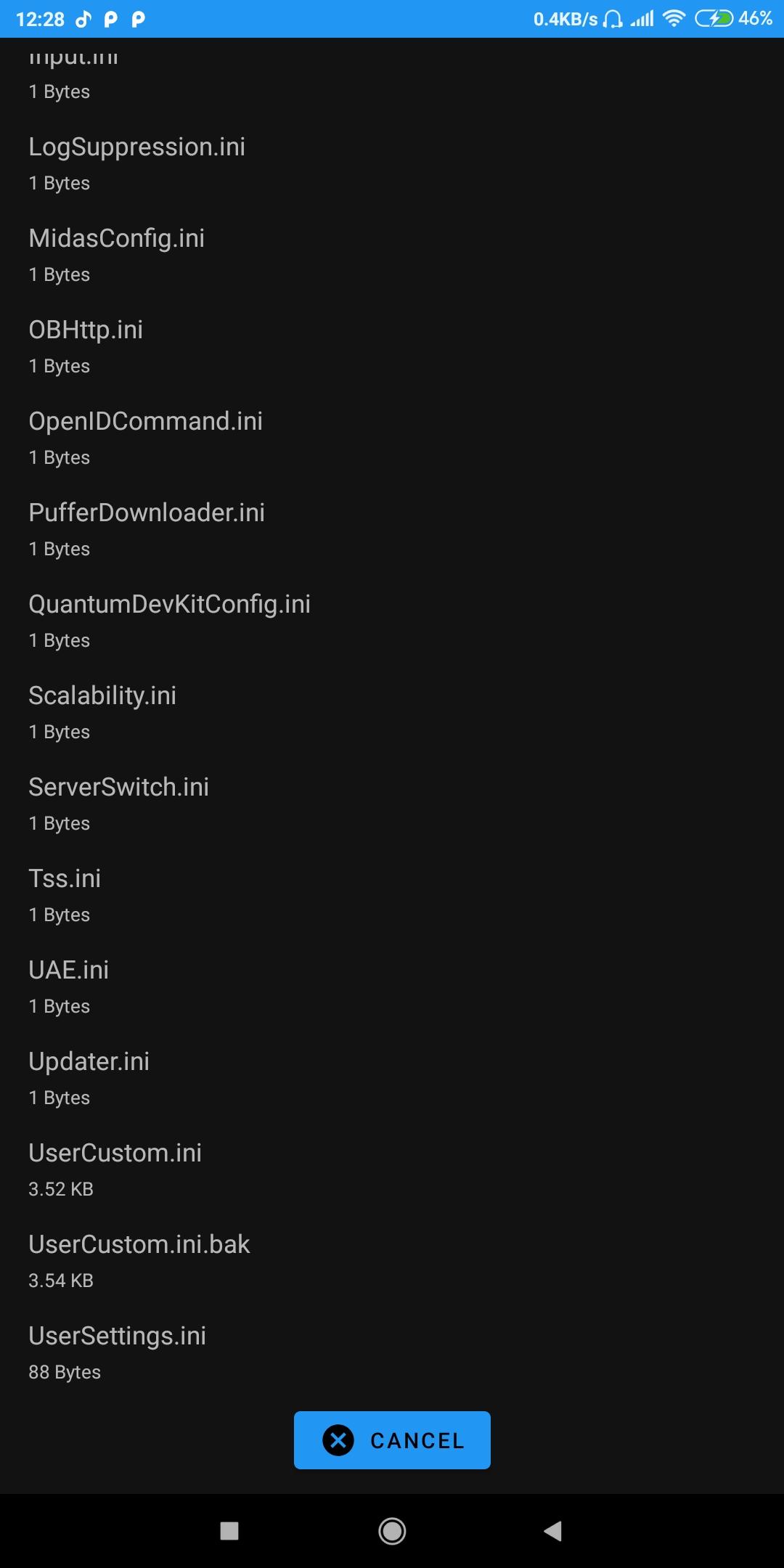
1. Open file picker
2. Browse for UserCustom.ini file in data directory
3. Click on decode button
4. Edit code as your need
5. Click on save & exit button
6. Click on save file button
Backup file will be saved in same directory, in case you want to restore.
Latest Version
3.4.2Uploaded by
نور عمر خروفة
Requires Android
Android 5.0+
Category
Free Tools AppContent Rating
Everyone
Security Report
Report
Flag as inappropriateLast updated on Jul 18, 2025
Minor bug fixes and improvements. Install or update to the newest version to check it out!


APKPure - A multi-platform app store primarily focused on Android, providing extensive app-related content. Discover the app you want easier, faster, and safer, with quick and efficient downloads and installations.