Scan Date:Feb 27, 2026
Show More


TextNow helps when you need a second line for work, extra privacy, or a budget-friendly primary option without a monthly bill. It assigns a local number quickly so you can start communicating right away. As needs change, service can move from Wi‑Fi use to mobile coverage with a simple setup on eligible devices.
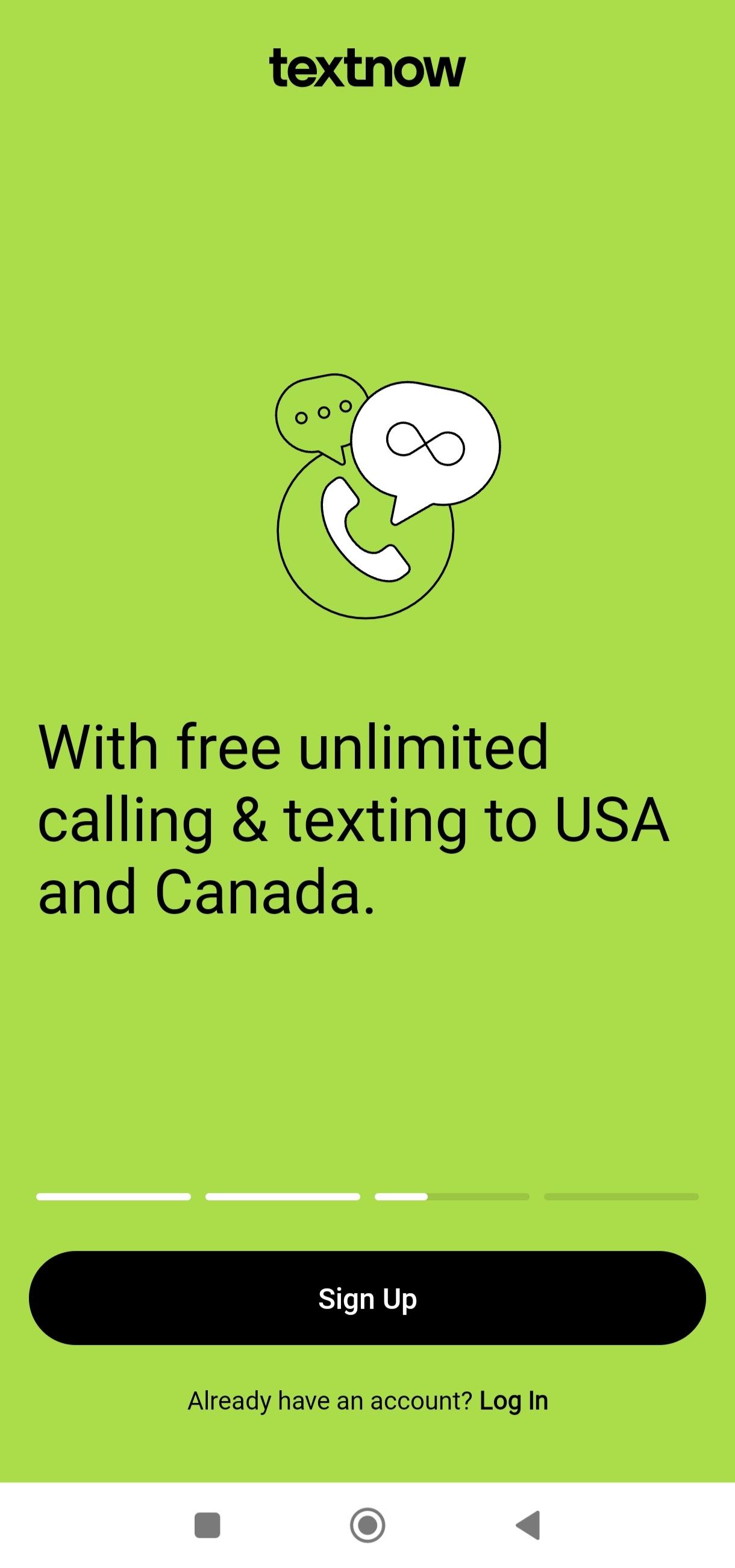
Free local number with unlimited Wi‑Fi calling and texting
TextNow gives you a local phone number in seconds so you can place calls and send messages over Wi‑Fi across the United States and Canada. There are no contracts or hidden fees. This works well as a separate line for business, side hustles, or personal privacy while you keep your existing carrier number untouched.
SIM or eSIM for nationwide coverage
When Wi‑Fi is not available, TextNow supports SIM and eSIM activation on eligible phones. You can connect on 4G LTE or 5G with bring your own device support. Eligibility checks, activation, and account controls all happen inside the app, which keeps setup straightforward when you are ready to add mobile coverage.
Flexible data options, including Free Flex Plan
TextNow offers data choices so you pay only when needed. After SIM or eSIM activation, the Free Flex Plan provides free data access for select essential apps such as email, maps, rideshare, banking, and iHeartRadio. If you need more, buy a Day Pass for 24 hours, choose Weekly Unlimited, or select Monthly Unlimited, then manage usage from your phone without long commitments.
International calling with clear rates
From the United States, calls to Mexico and Canada are free. For more than two hundred other destinations, TextNow shows low per-minute rates in the app before you dial. This helps you plan costs and reach contacts abroad without guessing how much a call will cost.
Cross-device sync and helpful tools
TextNow syncs across phone, tablet, and web so you can continue conversations on different screens. Built-in tools include voicemail to text, caller ID, conference calling, passcode lock, and custom tones. These features support busy schedules and make it easier to manage work and personal calls on one account.
Service availability is officially limited to the United States and Canada. Users outside North America cannot create accounts or register for the service through the app or website. Before activation, check your phone’s eligibility for SIM or eSIM inside the app and review any area code options when selecting a local number.
Free calling and texting are funded by in-app ads. If you prefer fewer interruptions, an optional ad-free subscription is available in settings. International rates, data passes, and other add-ons are clearly listed before purchase so you can decide what to use. For users comparing options, this model keeps the core experience free while allowing targeted upgrades when needed. If you plan to download TextNow, review these choices first to match your usage.
This quick guide covers the basic flow from signup to first call. It applies whether you want Wi‑Fi calling only or plan to add mobile coverage later. You can begin in minutes with the TextNow APK.
Install the app on your Android phone, open it, and create an account or sign in. Grant the microphone, contacts, and notification permissions so calls and texts work as expected.
Choose a local area code to receive your free number. Confirm the selection, then set your voicemail greeting and caller ID name to keep things organized from the start.
Connect to Wi‑Fi and start calling or texting. Add contacts, create group messages, and try voicemail to text to see how messages sync across devices.
If you need mobile coverage, open the eligibility check in the app. Follow the prompts to order and activate a SIM or activate eSIM on an eligible phone, then place a test call.
Pick data options that fit your day. Rely on the Free Flex Plan for select essential apps after activation, or purchase a Day Pass, Weekly Unlimited, or Monthly Unlimited as your schedule requires.
TextNow provides a free local number, Wi‑Fi calling and texting, and simple ways to add mobile coverage only when needed. For the latest improvements and fixes, download and install TextNow latest version APK from APKPure and set up your number in a few minutes.
For official details and support, visit the TextNow website:
Website: https://www.textnow.com
Latest Version
26.8.0.0Uploaded by
Saifulazwan Wan
Requires Android
Android 9.0+
Category
Free Communication AppContent Rating
Everyone
Security Report
Report
Flag as inappropriateLast updated on Feb 27, 2026
We’ve tightened some screws and smoothed out a few wrinkles to keep your TextNow experience in tip top shape. Nothing major, but you might notice things running a little more smoothly.
Keep us in the loop on how things are working by leaving a review, so we can continue to make TextNow even better for you!










APKPure - A multi-platform app store primarily focused on Android, providing extensive app-related content. Discover the app you want easier, faster, and safer, with quick and efficient downloads and installations.