Scan Date:May 6, 2026
Show More


2ndLine suits users who want a separate number for work, side gigs, or online listings without carrying a second device. It runs on your existing internet connection, keeping your communications available on the go while helping protect your privacy. You can keep personal and business contacts apart, which makes everyday communication easier to manage. If you are looking for flexibility, 2ndLine APK offers a practical way to maintain a distinct line on one phone or tablet.
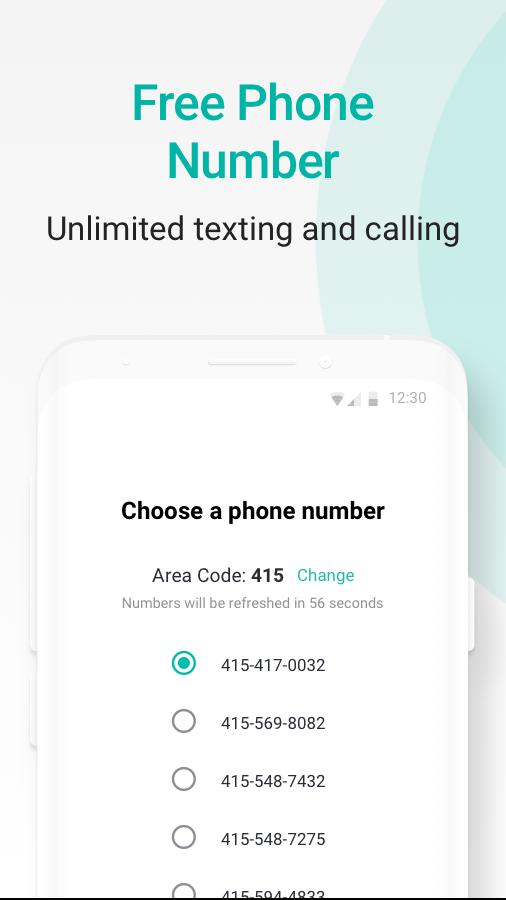
2ndLine lets you choose an area code from many US metro regions and assigns a matching local number. This helps you appear local to clients or friends in a specific city, which can improve call pickup rates. Since the service runs over Wi‑Fi or mobile data, you do not need a second SIM or a new phone plan.
Unlimited talk and text in the US and CanadaYou can place voice calls and send messages across the US and Canada at no additional in app cost. Picture and video messages are supported, so you can share more than just text when needed. This setup is useful if you want to keep regular conversations on a dedicated line while keeping your main number private.
Affordable international calling2ndLine supports calls to more than 230 countries with rates that start under one cent per minute. You can review destination rates before you call, which helps you control costs. This approach is practical for users who only need occasional international minutes without committing to a separate calling plan.
Use it across devices and as your default dialer2ndLine works on both phone and tablet, so you can text and call from whichever device is handy. You can also set it as your default dialer to place calls from your contacts more directly, with your call history kept in one place. This creates a consistent workflow without switching between multiple apps for everyday calls.
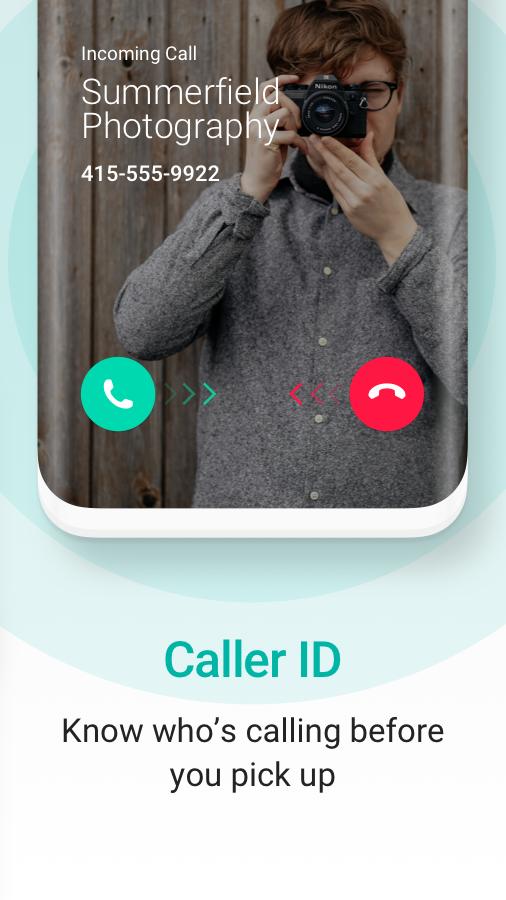
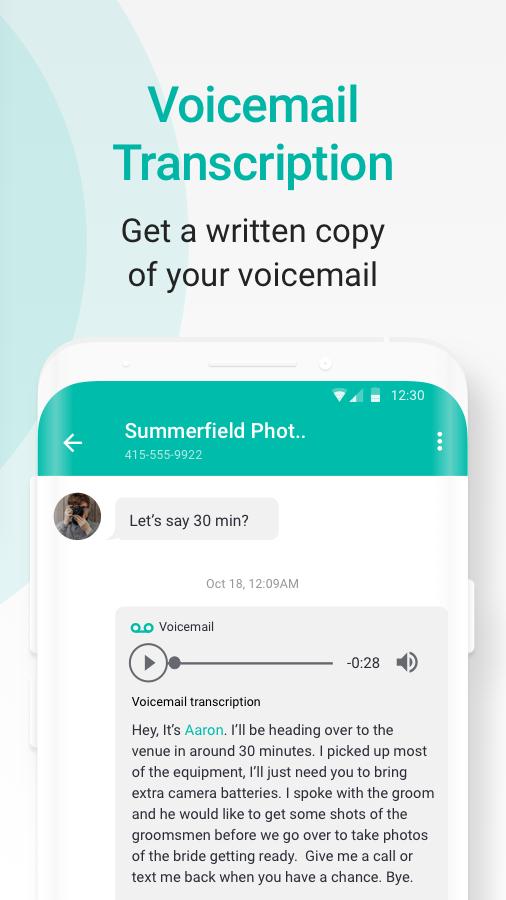
Privacy controls and helpful extrasKeep business and personal numbers distinct to reduce unwanted contact on your main line. Caller ID, customizable tones, backgrounds, and Quick Reply help you identify and handle calls quickly. A home screen widget offers quick access, and the experience is supported by in app ads with an option to remove ads through a paid subscription.
Service relies on a stable Wi‑Fi or mobile data connection, and your mobile data provider may apply data charges. US area code and number availability can change by location and time, so you may need to try nearby codes if your first choice is not available. International calling rates vary by country and can be checked in the app before you dial. The app uses ads to keep core calling and texting free, with an optional subscription available to remove ads.
2ndLine is affiliated with TextNow, which provides the official site and support for this service. If you need more details about features or billing options, refer to the official website or reach out to the support email listed below. This can help you confirm current rates, availability, and service terms before making a decision.
Getting started takes only a few steps and does not require a new device or separate plan. After you download 2ndLine, you can pick a number and begin calling or texting over Wi‑Fi or data. Follow these steps in order for a smooth setup.
2ndLine adds a practical second line for everyday calling and texting over Wi‑Fi or mobile data. It helps keep work and personal communications separate without a new phone plan. To stay current with improvements and fixes, consider installing the 2ndLine latest version.
For official assistance and service details, use the resources below.
Latest Version
26.17.4.0Uploaded by
Ehab Tk
Requires Android
Android 9.0+
Category
Free Communication AppContent Rating
Everyone
Security Report
Report
Flag as inappropriateLast updated on May 6, 2026
Minor bug fixes and improvements. Install or update to the newest version to check it out!



APKPure - A multi-platform app store primarily focused on Android, providing extensive app-related content. Discover the app you want easier, faster, and safer, with quick and efficient downloads and installations.