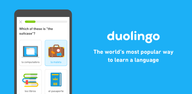

Duolingo fits short study moments into a busy day, whether you are starting fresh or returning to practice. It guides you through small, structured sessions that build skills step by step, and it adjusts as your level changes. The approach is designed by learning experts to keep practice focused and manageable. Because the app brings several subjects into one place, it helps you switch goals without changing tools. If you prefer side-loading, the Duolingo APK offers the same core experience on Android.
Wide catalog of courses
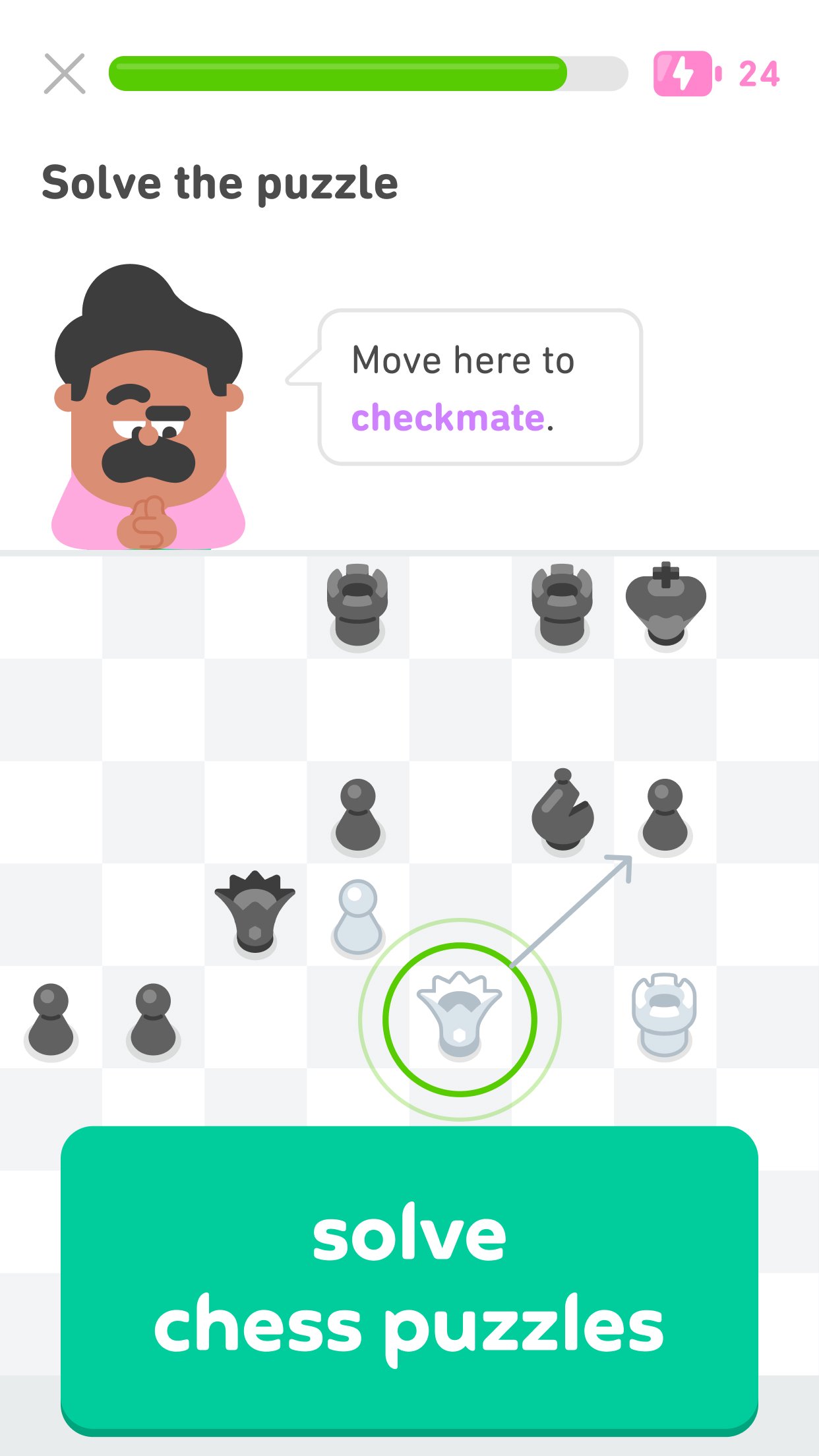
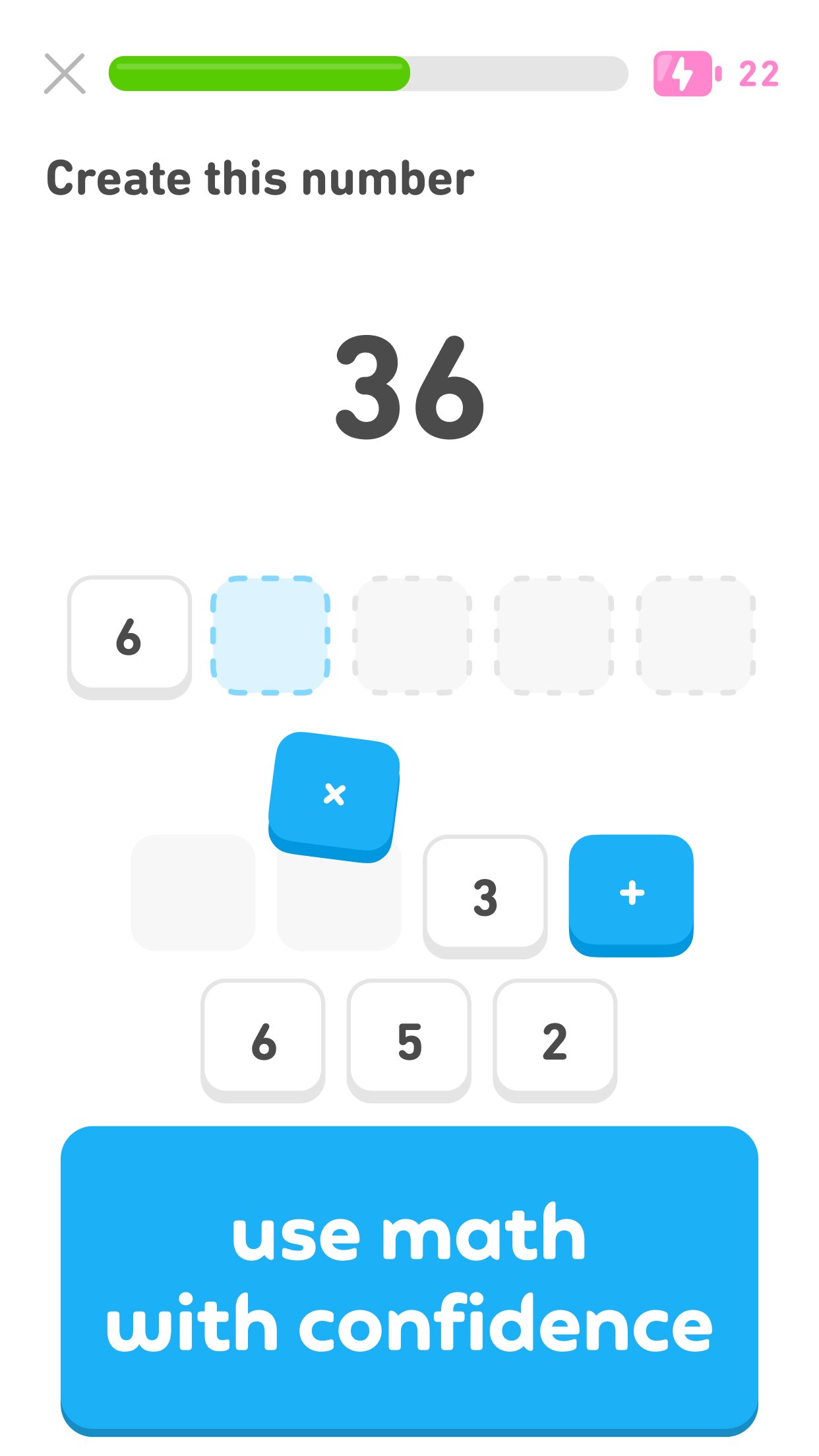
Duolingo covers more than 40 languages, including Spanish, French, German, and English, as well as options like High Valyrian and Klingon. Beyond languages, you can also learn Math, practice Music with an on-screen keyboard, and study Chess through lessons, puzzles, and online matches. This range lets you keep all your learning in one app.
Short exercises for core skills
You practice speaking, reading, listening, and writing through brief activities that fit into a spare minute. Duolingo structures each lesson to focus on one skill at a time, so you can concentrate and finish quickly. This format helps you keep a steady routine without long sessions.
Lessons that adapt to you
Duolingo personalizes the path based on your current level and goals. The app uses your answers to decide when to introduce new material and when to review. As you improve, it keeps the difficulty appropriate and brings back weak points for targeted practice. This keeps study time relevant.
Motivation with simple game elements
Duolingo gives streaks, XP, and leaderboards to encourage regular practice. You can see how friends or other learners are doing and track your own daily progress. These tools provide feedback and a clear sense of momentum from one day to the next.
Flexible access and optional Super Duolingo
Your progress syncs across devices so you can switch between phone and tablet without losing your place. Core courses are free to use. If you prefer no ads and offline lessons, Super Duolingo is available as an optional upgrade. This keeps essential learning accessible, with extra convenience for users who need it.
Duolingo offers related products that may support different learning needs outside this app. The Duolingo English Test is a separate English proficiency exam delivered online. Duolingo for Schools provides classroom tools for teachers to assign and track practice. Duolingo ABC focuses on early literacy for young learners. These services are distinct from the app and can complement your study plan if needed.
Getting started is straightforward and works well even in short breaks. To stay current with new subjects and features, consider using the Duolingo latest version on your device. The steps below outline a typical first session from installation to regular practice.
Open Duolingo after installation and sign up with email or create an account using a supported login option.
Select what you want to study. Choose a language or pick Math, Music, or Chess, then set a daily goal and notification preference.
Take the placement test if offered or start at the beginning. If you want speaking practice, allow microphone access when prompted.
Complete the first lesson set by following on-screen prompts to read, listen, speak, or write. Earn XP and check your streak after finishing.
Review mistakes using practice sessions, then continue to the next unit. Explore Music with the on-screen keyboard, try Chess puzzles or matches, and consider Super Duolingo if you need offline lessons.
Duolingo brings language, math, music, and chess into quick sessions that fit your day. It adapts to your level and keeps progress organized across devices. When ready, download Duolingo and begin with a small daily goal to build consistent practice.
For official support and information, use the links below.
Website: https://www.duolingo.com
Email: android@duolingo.com
Latest Version
6.102.4Uploaded by
Mukesh Paswan
Requires Android
Android 10.0+
Category
Free Education AppContent Rating
Everyone
Report
Flag as inappropriateLast updated on Oct 21, 2026
Our mascot owl, Duo, is trading in his usual diet of mice for bugs this week. Yup, we’re squashing those pesky bugs to make the experience better for all of you.
For more Duolingo news, contests and product releases, follow us on Facebook, Twitter, and Instagram @duolingo.







APKPure - A multi-platform app store primarily focused on Android, providing extensive app-related content. Discover the app you want easier, faster, and safer, with quick and efficient downloads and installations.