
Dig helps users who keep classic game files on Android bring order to large libraries. It focuses on organizing and launching titles, not playing them, so you need working emulators and your own game files. Setup is minimal for many collections, because the app can prepare a library automatically and suggest the right tools. If you prefer a direct install, the Dig APK provides a straightforward way to start on compatible devices.
Automatic library setup
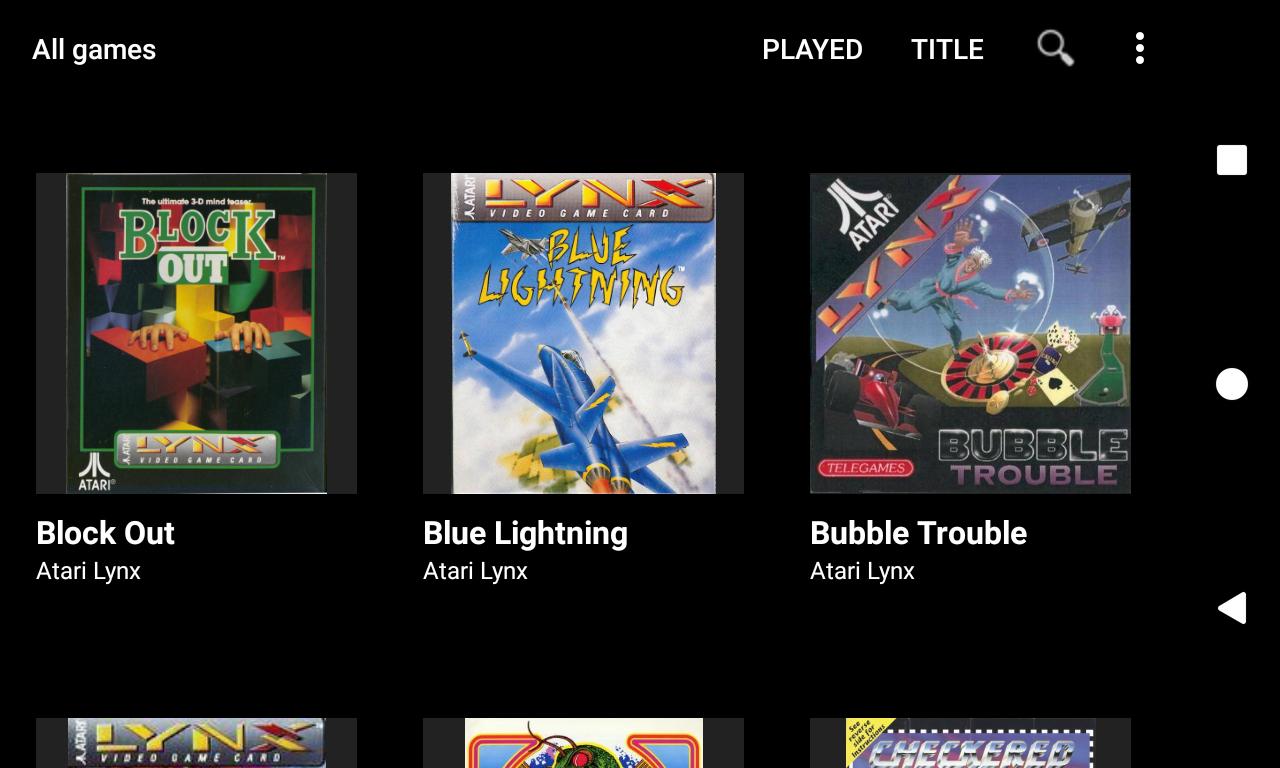
Dig scans your device for supported game files, downloads cover art, and assigns emulators to systems. In many cases, little to no manual setup is required. You still supply your own games and install emulator apps yourself.
Wide system coverage
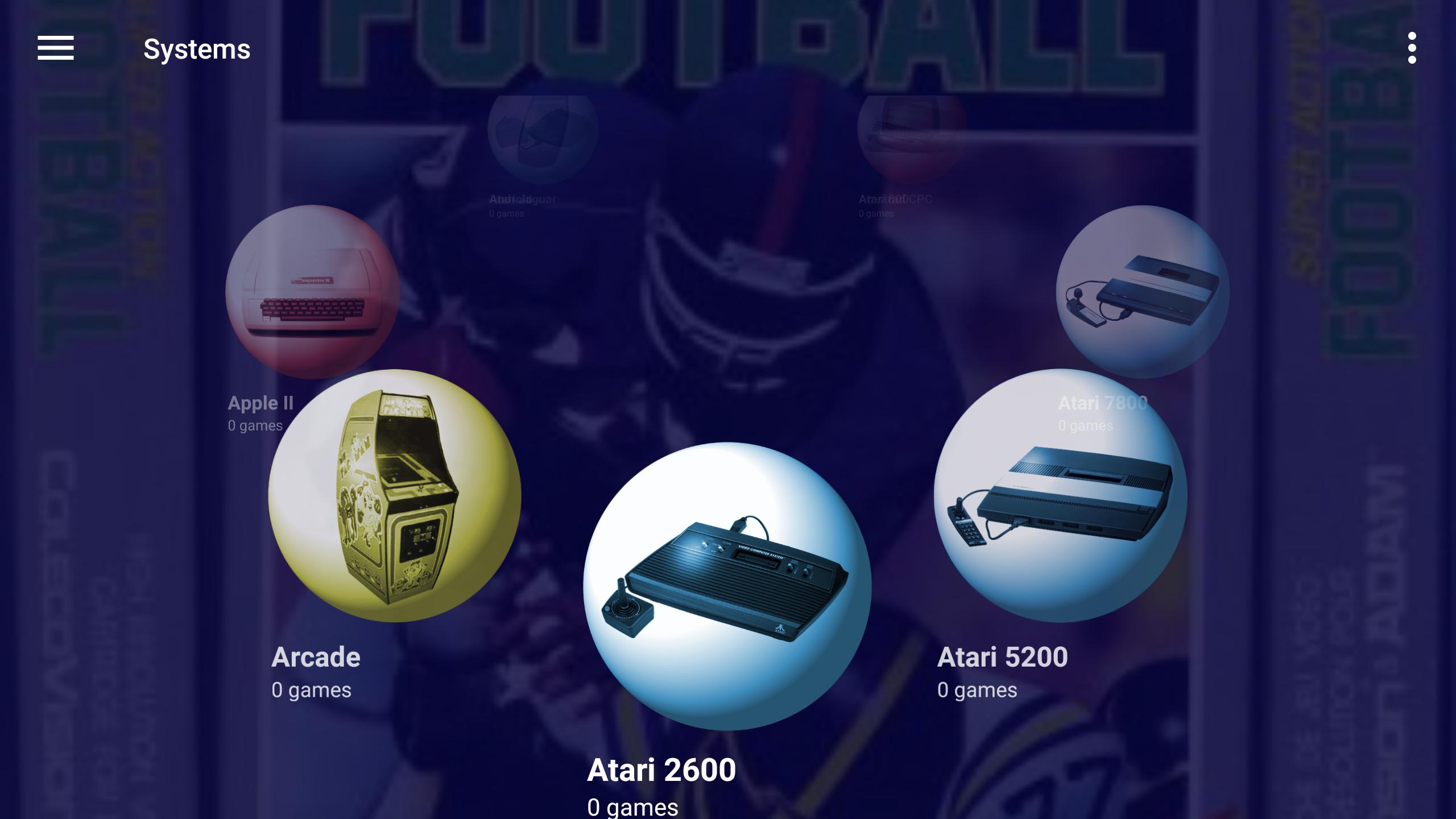
For broad compatibility, Dig covers many classic platforms and formats.
Views and themes
To fit different browsing habits, you can switch between six game view types. Themes are customizable with optional background pictures, videos, and music or sound effects, so the front end can match your style.
Launch and search
For quick access, you can launch games from the Android home screen, and voice search helps you find titles fast. When an emulator is missing, Dig can direct you to the relevant app page so you can install it.
This app is an emulator front end that helps organize and launch your retro games. Users must provide game files and install emulators before use. To begin on Android, download Dig and follow the in app prompts to scan your storage and set up a clean library.
Latest Version
1.44.3Uploaded by
عبدالكريم حديد
Requires Android
Android 4.4+
Category
Free Entertainment AppContent Rating
Everyone
Report
Flag as inappropriateLast updated on Dec 13, 2023
1.44.3
Google now requires apps to use the Storage Access Framework. This version will guide you through updating your game paths if they weren't scanned using the SAF.




APKPure - A multi-platform app store primarily focused on Android, providing extensive app-related content. Discover the app you want easier, faster, and safer, with quick and efficient downloads and installations.











