Scan Date:Jul 20, 2026
Show More


Booking.com supports common travel situations, from a weekend stay to a longer trip with several bookings to track. It brings travel planning into one mobile place, so you can compare options, review important details, and keep reservations within reach while moving between plans. Because travel needs can change quickly, the Booking.com app is useful for users who want clear choices before they book and simple access after booking.
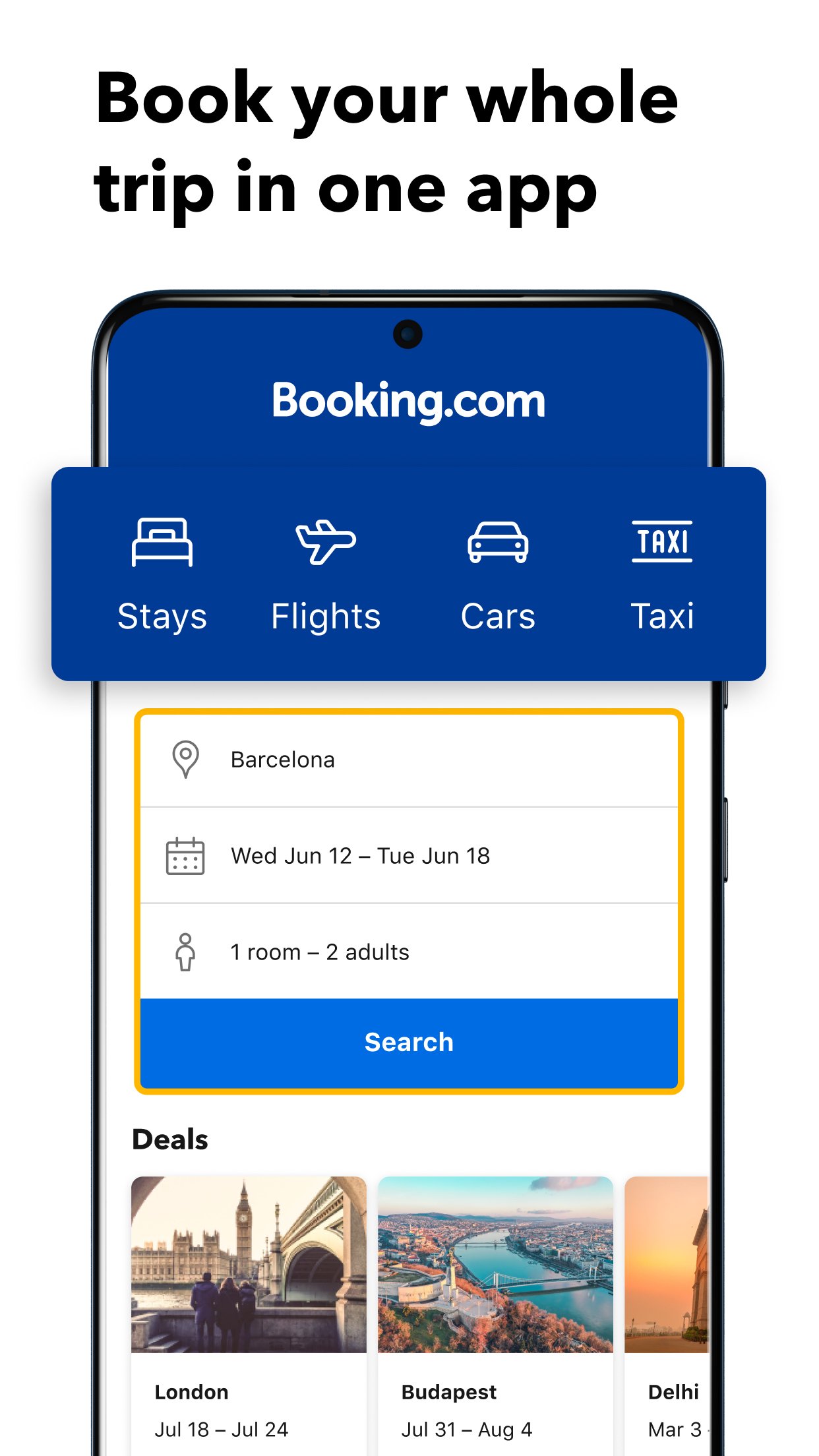
Stays, flights, cars, taxis, and attractions
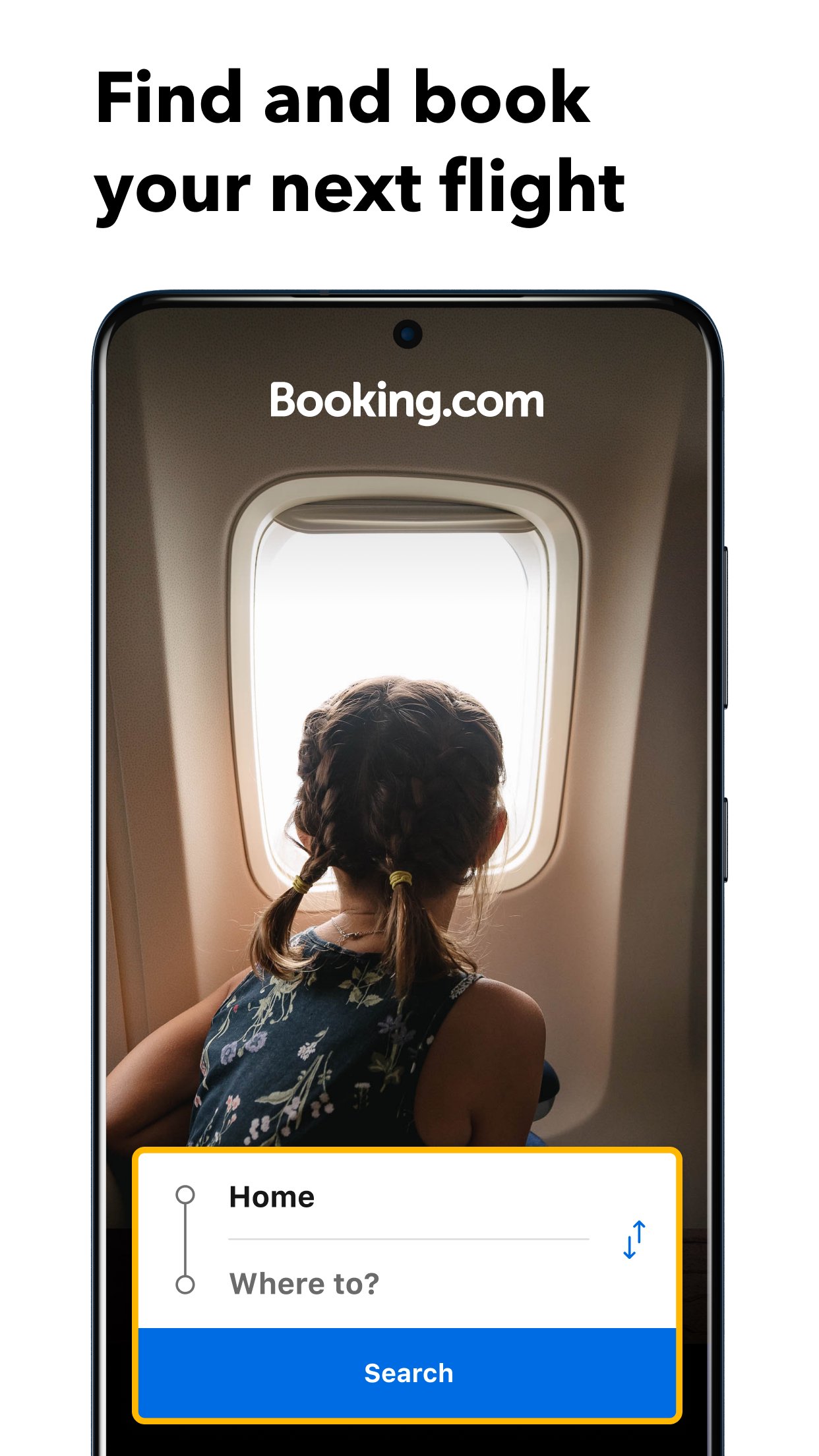
Booking.com is built for more than finding a room. You can use it to plan different parts of a trip, including stays, flights, rental cars, airport taxis, attractions, and local experiences. This helps when you want to check several travel needs without moving between many separate tools.
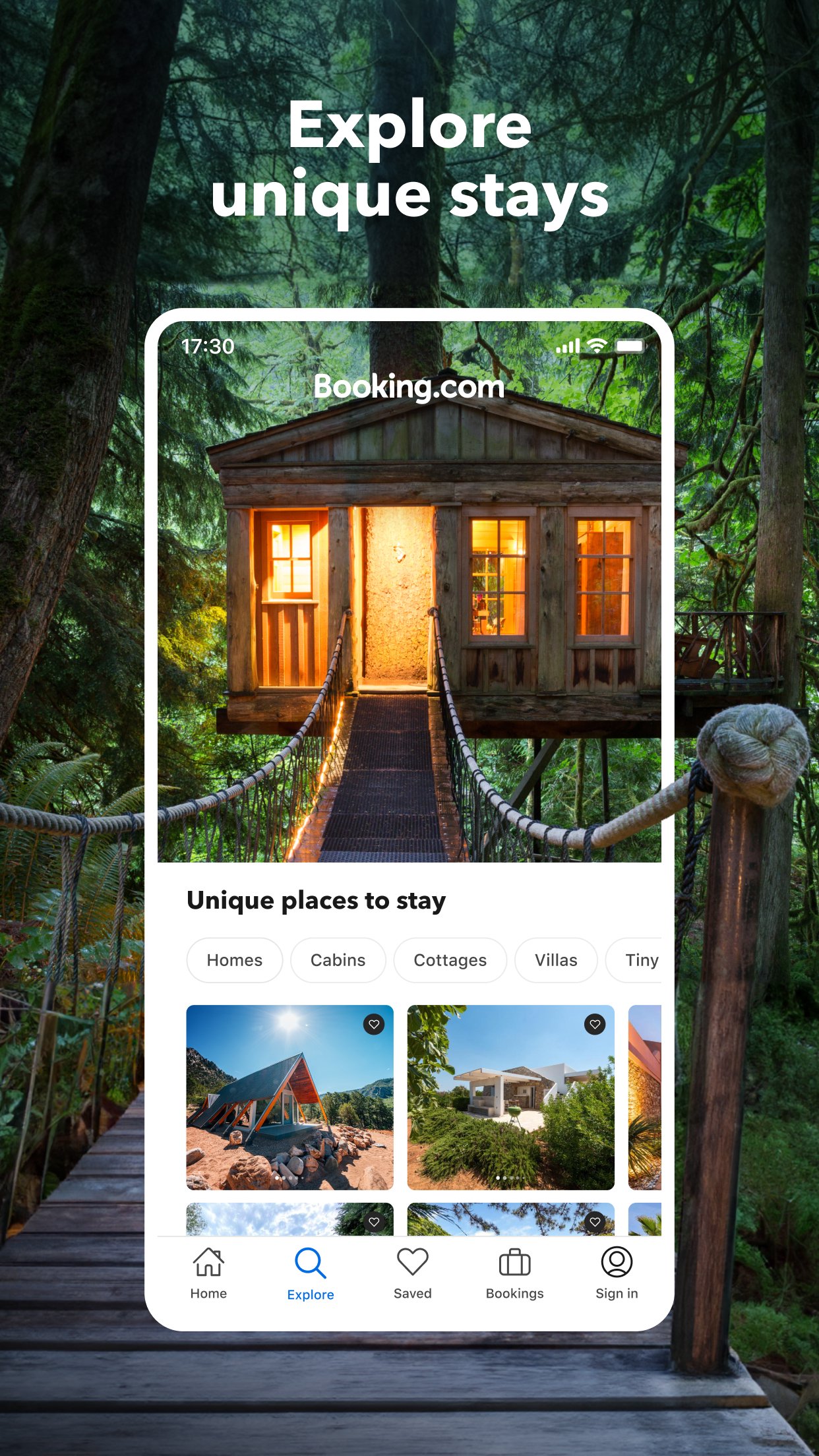
Many types of places to stay
Booking.com lets you browse hotels, apartments, homes, villas, hostels, resorts, B&Bs, guest houses, ryokans, and other property types. This variety is useful because not every trip needs the same kind of stay. For example, a short business visit may need a hotel near transport, while a family trip may work better in an apartment or vacation rental.
Filters that narrow your choices
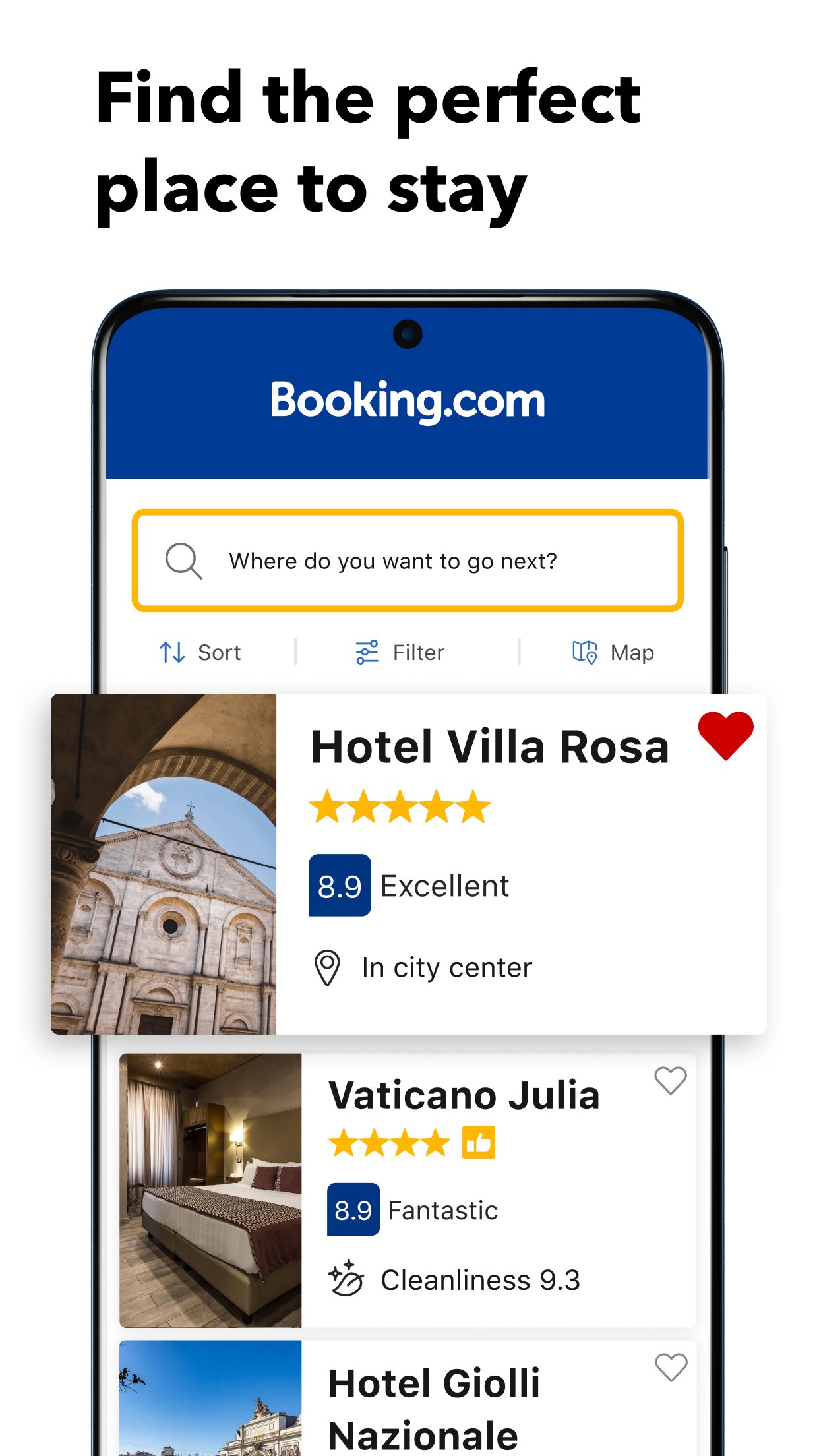
You can sort and filter results by details that often affect a booking decision. These include price, review score, Wi Fi quality, pet friendly stays, location, nearby landmarks, and property preferences. As a result, you can move from a long list of options to places that better match your budget and travel needs.
Savings and travel deals
Booking.com shows daily deals, mobile only discounts, Getaway Deals, and Genius member savings at participating properties. These options can help users compare cheap hotels, apartments, and vacation rentals with current prices shown in the app. However, savings depend on the property, travel dates, and availability at the time of booking.
Booking changes and support
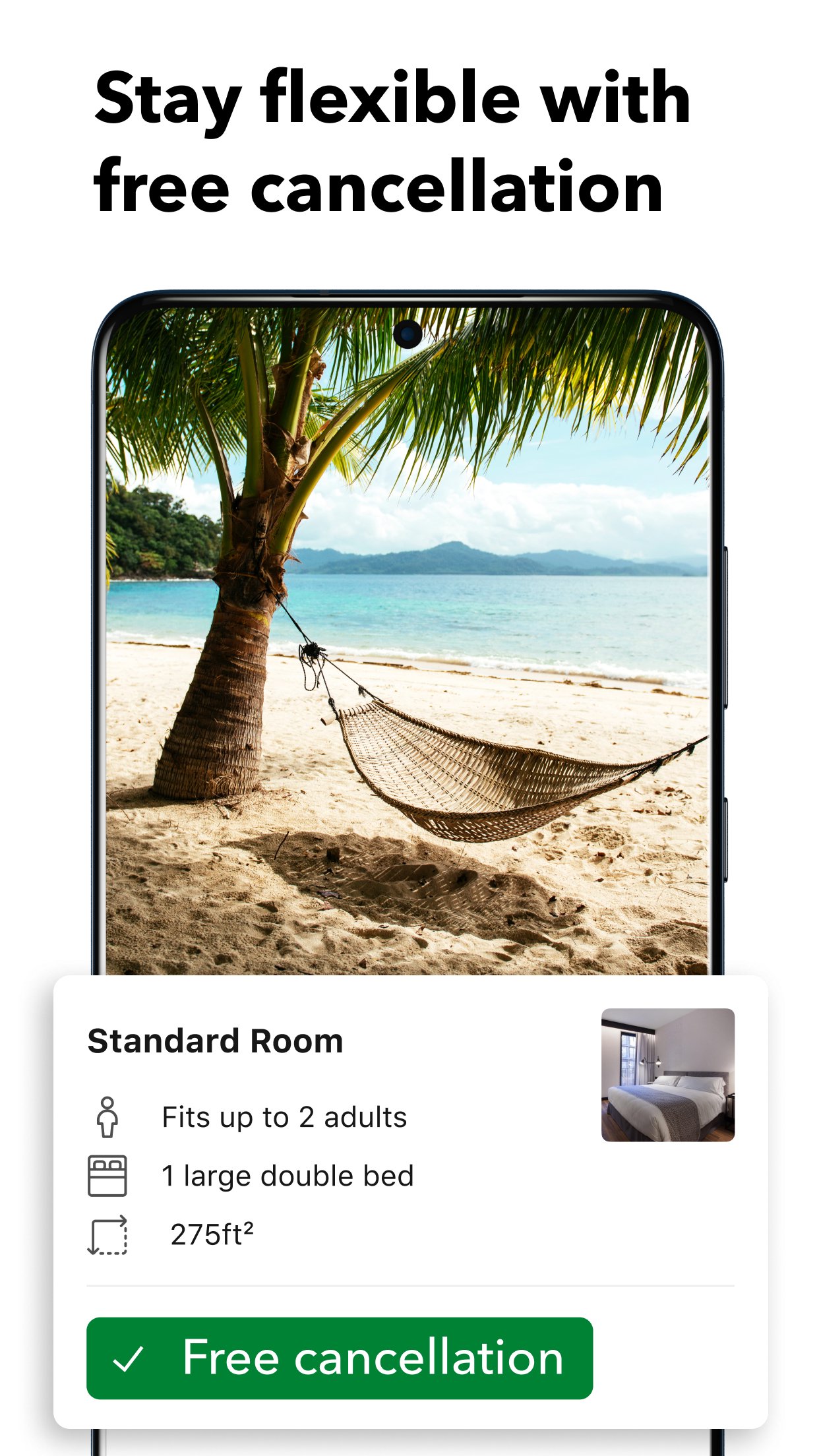
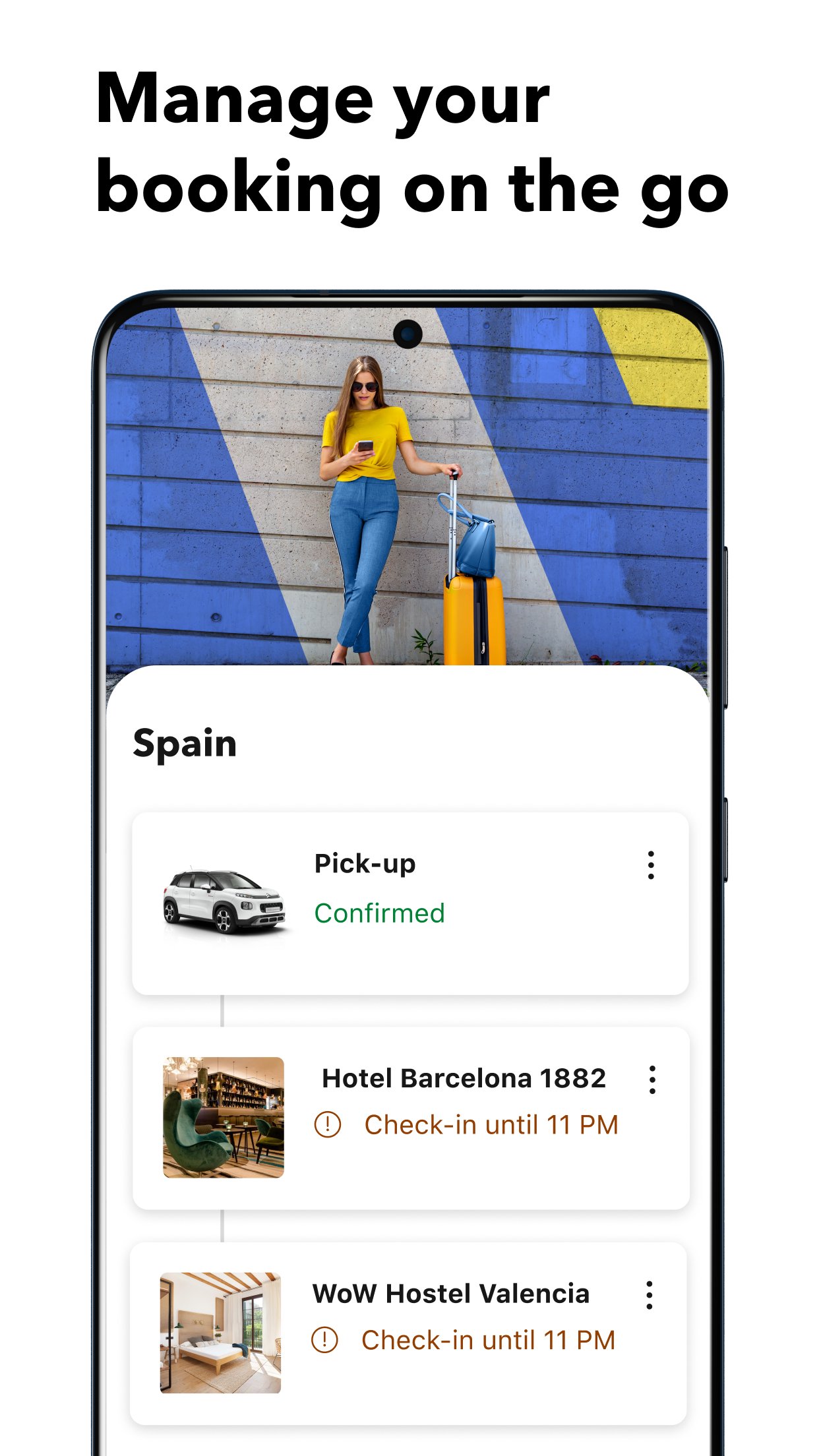
Booking.com supports flexible travel planning with free cancellation at most properties, along with booking changes or cancellations in the app. After you reserve, you can use paperless confirmations and direct property chat to keep important details close. If you need help, customer service is available in more than 40 languages.
Before using Booking.com download options, it helps to review the details that may affect the final choice. Prices, cancellation rules, included services, and payment conditions can differ by property or travel product. Reading these details before confirming a booking can reduce confusion later, especially for last minute travel.
Verified guest reviews can also help you understand what previous travelers experienced at a property. When comparing stays, review scores work best when read together with location, room type, Wi Fi quality, and recent comments. This gives a more balanced view than looking at price alone.
After installing the Booking.com APK, you can search, compare, and manage travel plans directly on your Android phone. The process is simple enough for quick checks, but it also gives enough detail for longer trip planning.
Booking.com brings trip planning, travel deals, flexible reservations, and booking management into one Android app. Users who need the Booking.com latest version can use APKPure to access the app page and review the available download information.
Official information:
Latest Version
67.4.0.11Uploaded by
Booking.com Hotels & Vacation Rentals
Requires Android
Android 10.0+
Category
Free Travel & Local AppContent Rating
Everyone
Security Report
Report
Flag as inappropriateLast updated on Jul 25, 2026
This release includes minor bug fixes and general improvements. Update to the latest version for the best experience.



APKPure - A multi-platform app store primarily focused on Android, providing extensive app-related content. Discover the app you want easier, faster, and safer, with quick and efficient downloads and installations.