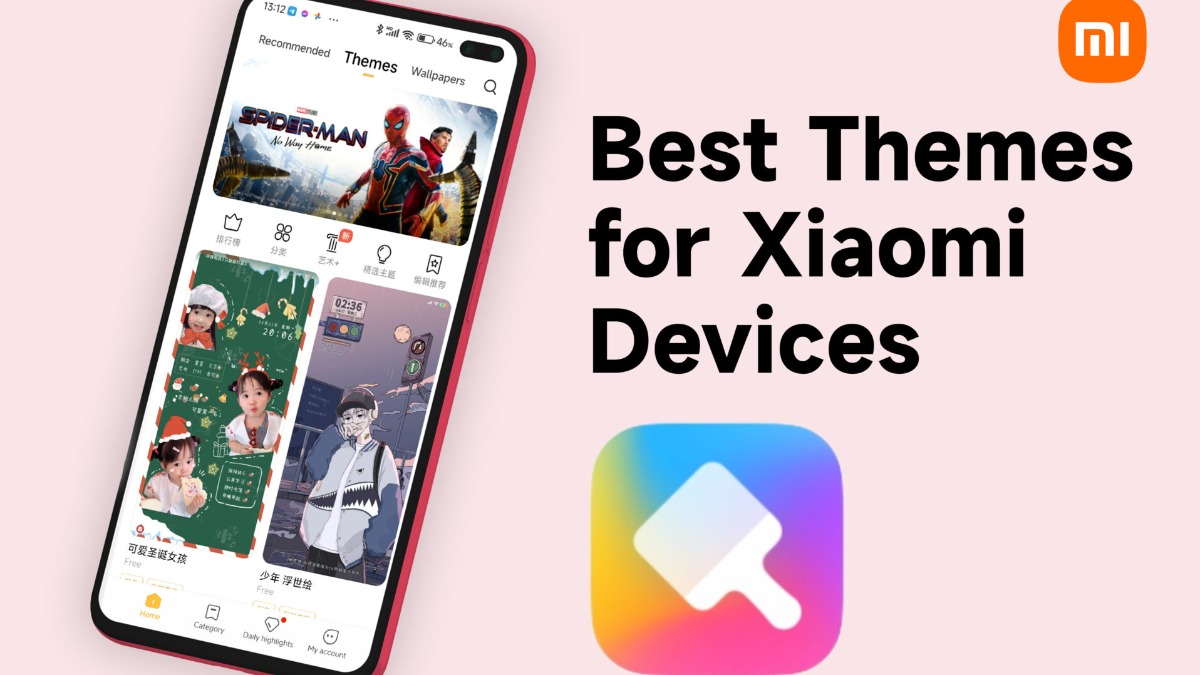

Xiaomi Themes (also called "Redmi Theme Store") provides a streamlined solution for users who want to change the look and feel of their Xiaomi, Redmi, or POCO phones. Instead of juggling multiple customization tools, this app integrates directly with the device's operating system, such as MIUI and HyperOS. This ensures that any visual adjustments you make are applied smoothly and consistently across the entire user interface.
This application gives you a variety of tools to refresh your device's appearance, from subtle tweaks to complete visual overhauls. You can explore different elements and combine them to create a personalized experience.
Comprehensive Theme Application
Xiaomi Themes allows you to apply complete theme packages that transform major parts of your phone's interface. A single theme can alter the lock screen, home screen layout, app icons, and other system-level visual components. This creates a cohesive and unified look without requiring you to adjust each setting individually.
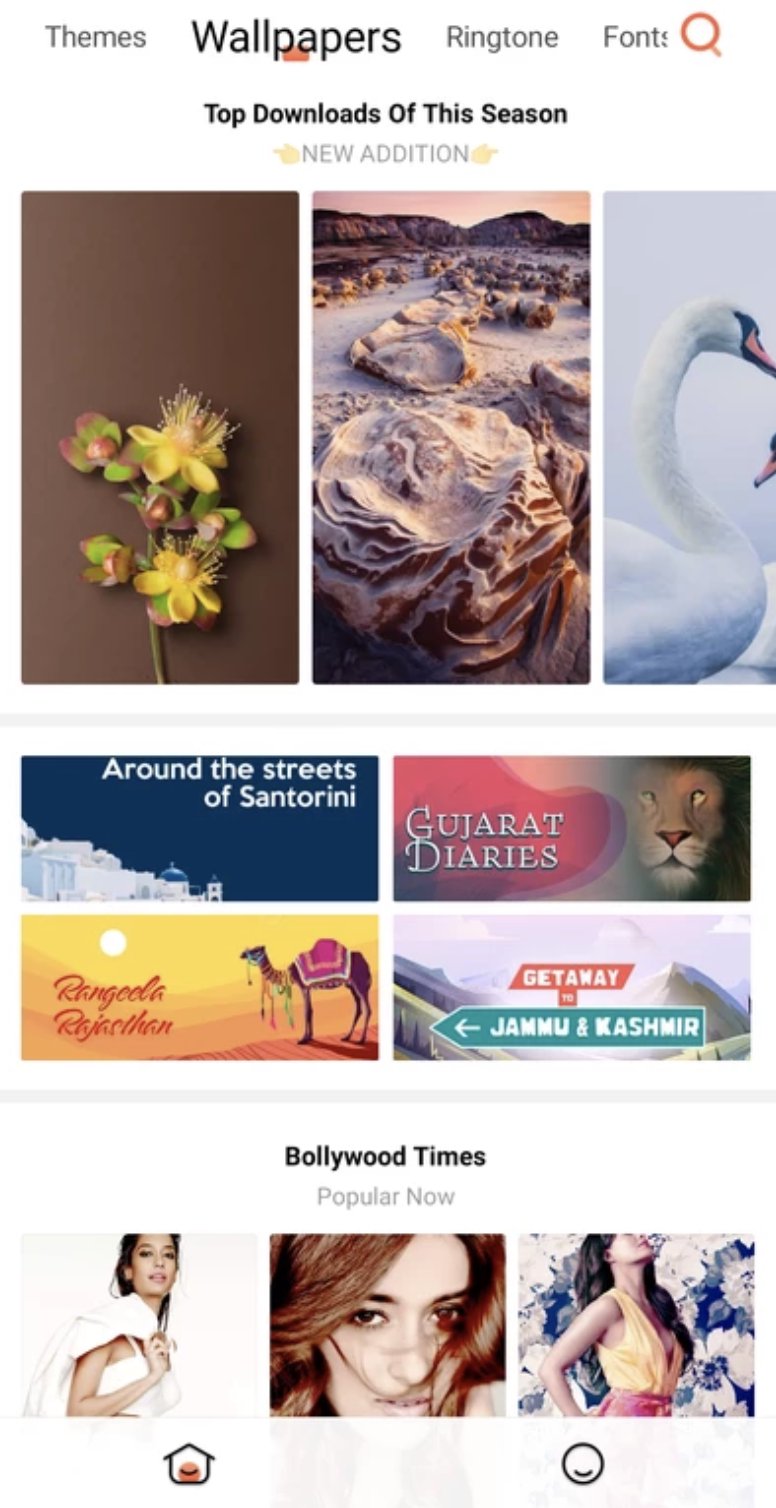
Extensive Wallpaper Library
The app features a large collection of high-definition wallpapers to suit any preference. You can browse through various categories like nature, abstract, minimalist, and more to find the perfect background for your home and lock screens. New wallpapers are added regularly, offering fresh options to keep your device looking sharp.
Integrated Ringtones and Sounds
Beyond visual changes, you can also customize your device's audio profile. The app includes a diverse library of ringtones and notification sounds. You can preview and apply new sounds for calls, messages, and alerts directly from the themes interface, making it easy to personalize your phone's auditory feedback.
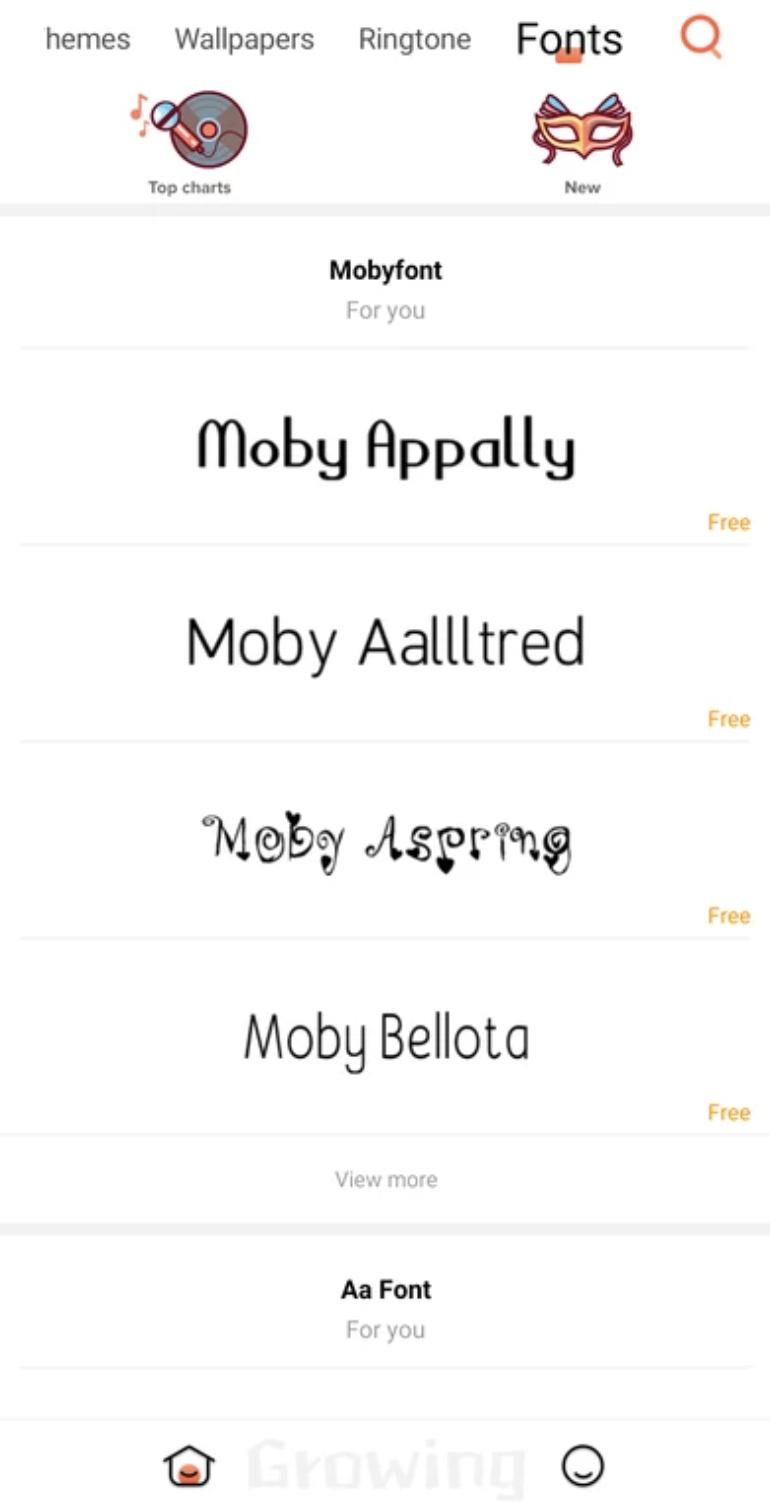
System-Wide Font Customization
If you want to change the typography on your device, Xiaomi Themes offers thousands of font styles. Selecting a new font will change the text across the entire system, including in menus, apps, and on your home screen. This feature provides another layer of personalization to make your device truly your own.
When using Xiaomi Themes, it is important to know that its availability and features can vary. Your experience may differ based on your geographical region, device model, and the specific version of MIUI or HyperOS your device is running. These restrictions are set by the device's software configuration.
For example, on certain devices like the Xiaomi Pad or in specific countries, the Themes app might be hidden or have limited functions. The popular "Import" feature, which allows users to apply third-party themes from .MTZ files, is also not available in all regions or on all firmware builds. If you find a feature missing, it is likely due to these built-in software limitations.
After you download Xiaomi Themes, getting started with personalizing your device is a straightforward process. The app organizes all customization options into a simple interface, allowing you to browse and apply changes with just a few taps.
First, open the app to view the main dashboard, which showcases featured themes, wallpapers, and other content.
Next, use the bottom navigation bar to switch between categories like Themes, Wallpapers, Ringtones, and Fonts.
Once you find an item you like, tap on it to see a detailed preview of how it will look or sound on your device.
From the preview screen, tap the download button. After the download is complete, an "Apply" button will appear.
Finally, tap "Apply" to activate the new theme, wallpaper, or font. The changes will be reflected across your system automatically.
Xiaomi Themes serves as an all-in-one tool for anyone wanting to refresh their device's interface with new styles, sounds, and text. With its deep system integration, it ensures a stable and consistent user experience. You can download Xiaomi Themes latest version APK from APKPure to begin exploring the extensive library of personalization options available for your phone.
Latest Version
3.0.5.3-globalUploaded by
Xiaomi Inc.
Requires Android
Android 8.1+
Available on
Xiaomi Themes
Category
Free Tools AppReport
Flag as inappropriateLast updated on Mar 30, 2026
This release includes minor bug fixes and general improvements. Update to the latest version for the best experience.


APKPure - A multi-platform app store primarily focused on Android, providing extensive app-related content. Discover the app you want easier, faster, and safer, with quick and efficient downloads and installations.