Package Name:comm.colorfl.cstmnavbar
SHA-256:c8b94420f398dbce5cd0b31fe20eb385afc1c58e6818efd10ccdad408b3cc268
Show More
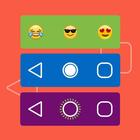
Invoke stunning and vibrant navigation bar on your device wherever you wish just by clicks! Add custom buttons to your existing navigation bar. Customize your smartphone by implanting customized navigation bar. Colorful Custom Navigation Bar is a rich feature-driven app that enfolds remarkable navigation bar settings like color, animation, gradient, emoji, battery status, etc.
Features:
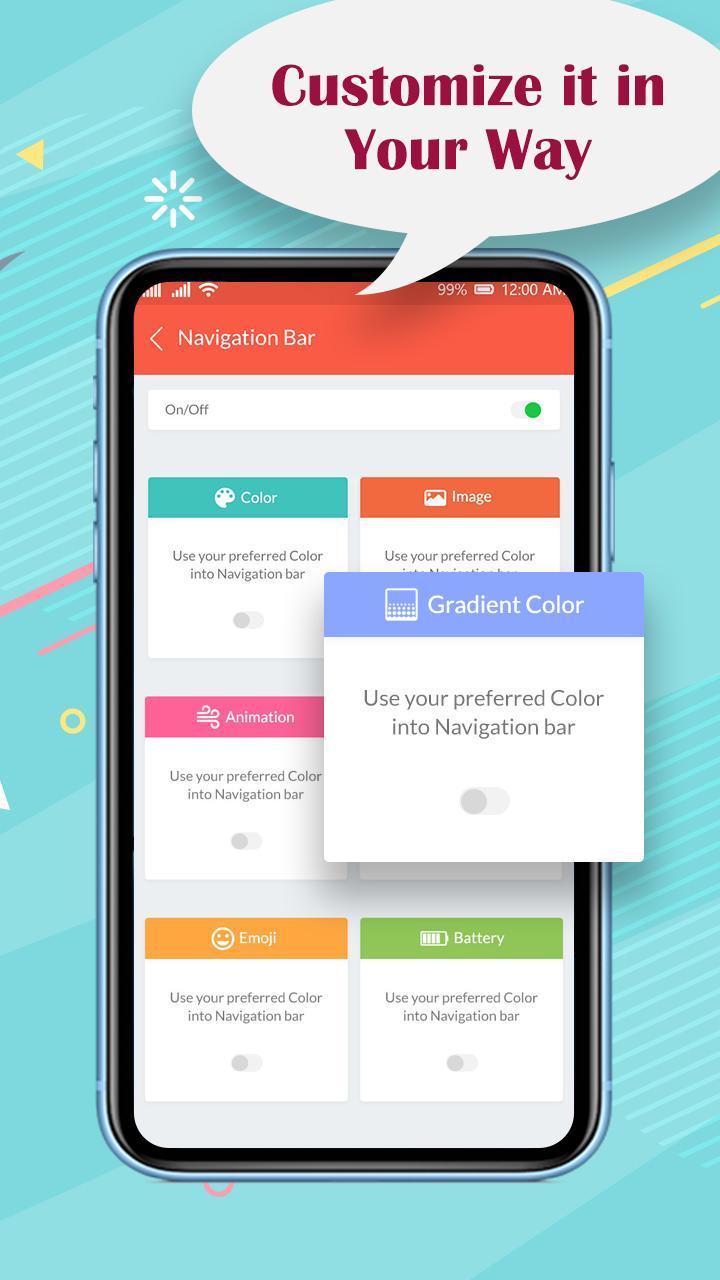
- Turn on the toggle option of the Navigation app at the top right corner of the app.
- Color option: Pick and select your preferred color for the navigation bar.
- Image: Pick and select your preferred image for the navigation bar.
- Animation: Pick and select your preferred animation into the navigation bar.
- Gradient color: Pick and select your preferred gradient color for the navigation bar.
- Emoji: Pick and select your preferred emoji for the navigation bar.
- Battery Status: Pick and select your preferred Battery style pattern for the navigation bar.
- Each customization can be individually applied to selected apps.
- Colorful Custom Navigation Bar app supports all screen resolutions of mobile and tablet devices.
- Lightweight application, will not drain the device memory, battery or other resources.
Manually set the following navigation bar components and select apps on which the following is to be applied:
- Navigation Bar color.
- Navigation Bar Image.
- Navigation Bar Animation.
- Navigation Bar Gradient color.
- Navigation Bar Emoji.
- Navigation Bar Battery Style.
Required permission to use this Colorful Custom Navigation Bar app:
1. Accessibility service permission
This app requires accessibility service permission to perform the main functionality of the app.
By enabling these services, users can perform global actions like: BACK, HOME, RECENTS.
If you don't enable the accessibility service, the main features will not work properly.
- By clicking on Back it will perform back action.
- By clicking on Home it will take to the home screen.
- By clicking on Recent it will show all the recent apps.
This application will not collect and share the data from the accessibility service with any third party.
In Accessibility service, Colorful Custom Navigation Bar uses accessibilityEventTypes (TYPE_WINDOW_STATE_CHANGED) to retrieve the current application package for Apply Lock App Feature as per the selected by user
2. QUERY_ALL_PACKAGES permission
This permission is used to get the listing of the application of the device and set the custom navigation bar as per the selected app by the user.
Latest Version
7.5Uploaded by
Yan Lex Sugar
Requires Android
Android 6.0+
Category
Free Personalization AppContent Rating
Everyone
Security Report
Check Now
Report
Flag as inappropriateLast updated on Jul 27, 2025
Bug Fixed & Improvements.



APKPure - A multi-platform app store primarily focused on Android, providing extensive app-related content. Discover the app you want easier, faster, and safer, with quick and efficient downloads and installations.