


Package Name:com.collagemaker.photoeditor.layout.photoeditor.poweredgestudio
SHA-256:4bc0a914ca5ca238634e5dbed451f27614b04c30404a6f38cc35645f5a1f8a2b
Show More

Grid Layout: Photo Editor is a powerful, simple and fun app to create beautiful photo collages & also helps you to elevate your pictures with stunning edits. With Grid Layout: Photo Editor you can Edit Photos, Design beautiful and attractive collages & create stunning layouts.
In Grid Layout: Photo Editor you can pick a layout you like, edit pictures & collages with the help of stickers, filters, frames & much more.
It Is Completely Free To Use & will be your Favorite Editor & Collage Maker!!!
Whether you are an Amazing Photographer, Social Media Enthusiast, this app is your ultimate companion for Photo Editing & Collage Creation.
This Photo Editor can create high quality images, fotorus and your favorite moments with easy-to-use design tools on your mobile phones for free. So, you don’t have to be a professional Photo Editor, with this app you can edit photos and make collages all on your own.
Key Features of Grid Layout: Photo Editor
💠Combine several photos to create multiple pic collages free.
💠Multiple layouts of grids and frames to choose from.
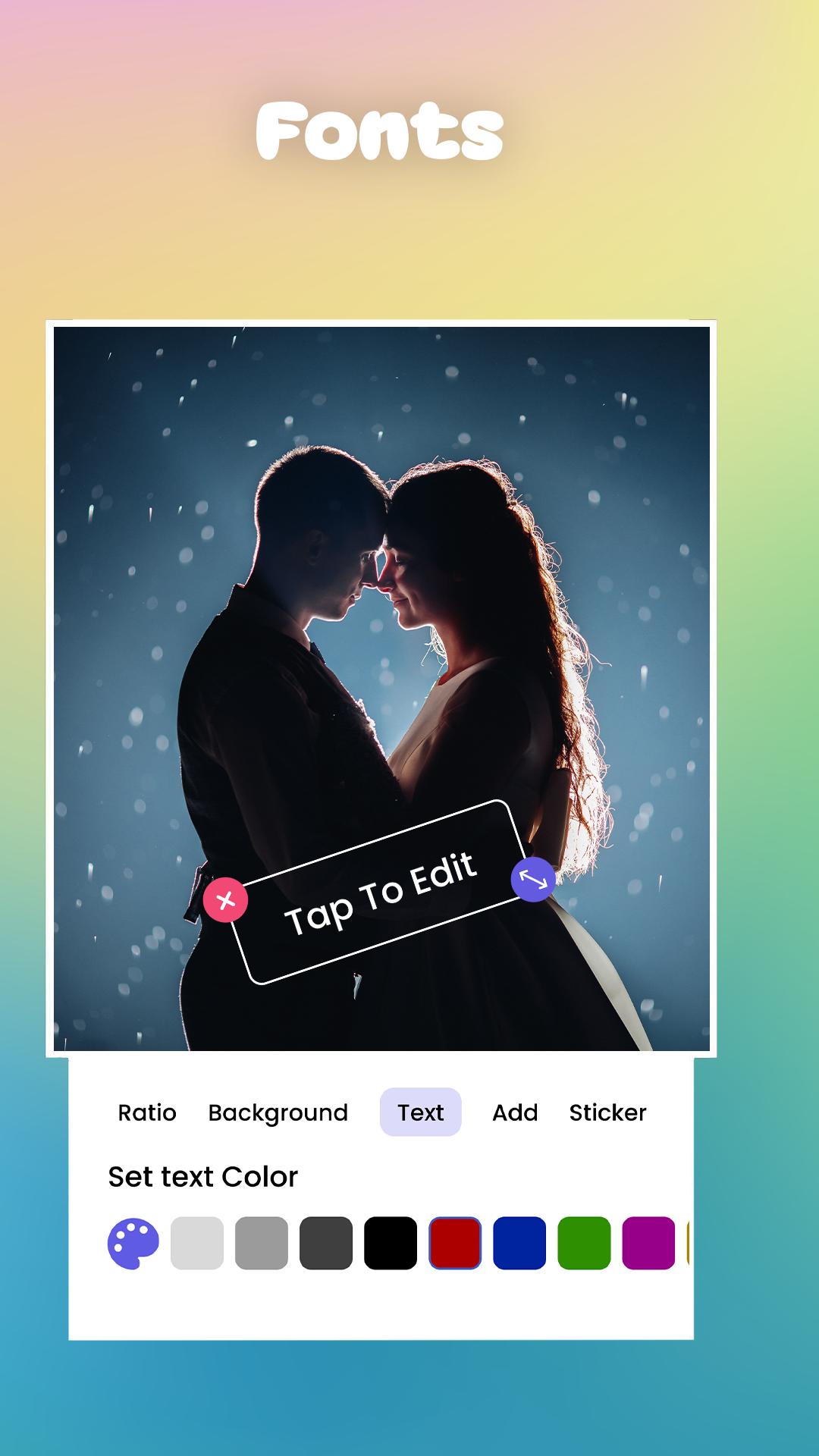
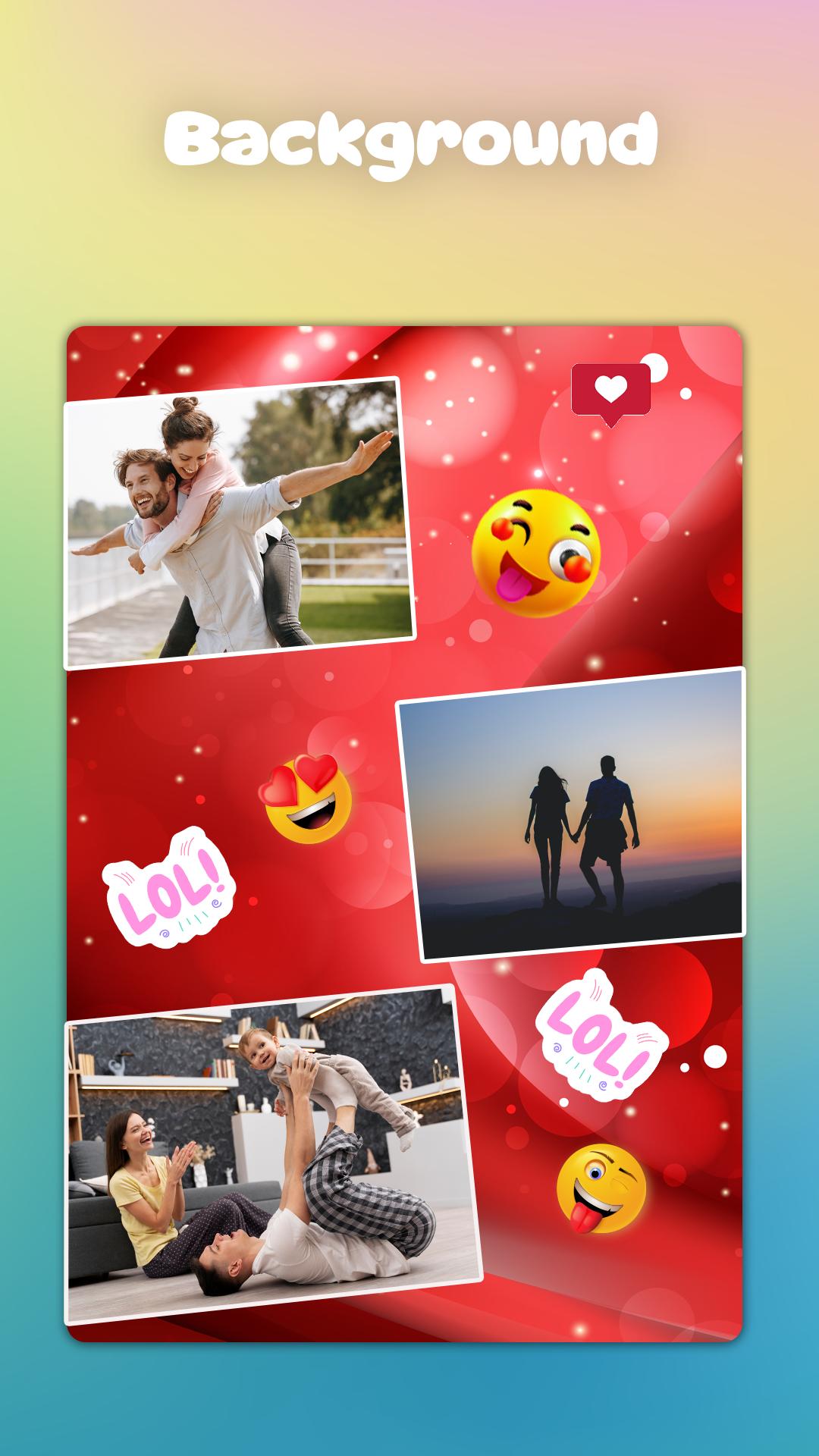
💠Multiple Backgrounds, Filters, Stickers & Fonts to choose from.
💠Select from different collage layouts to fit your photos perfectly.
💠Pick from solid colors, gradients, and patterns to make your collage stand out.
💠Write your own messages with various fonts, sizes, and colors & also Customize the text with alignment and shadow effects.
💠Decorate your collages with a variety of fun stickers.
💠Use filters and effects to enhance your photos.
💠All features and tools are easy to find and use.
💠Save your collage and share it with friends and family on social media.
Grid Layout: Photo Editor Features
🎨 Powerful Photo Editing Tools:
Collage Maker & Photo Filters contains a comprehensive suite of Editing & Collage Making Tools. You can enhance your photos by applying 100s of filters for pictures, adjust brightness, contrast, and saturation.
📷 Photo Collage Maker:
With this app you can merge multiple photos, make photo grid art and also make stunning collages. You can create Photo Collages with 100 of layouts. You can add different backgrounds and stickers in your collages or photogrid to make them attractive. You can also create your own custom size Photo Grid.
🌈 Artistic Filters and Effects:
Our app offers 100s of filters for pictures and effects, from vintage vibes to modern aesthetics that suit every mood and style. You can also use Glitch Effects & Blur your photo backgrounds.
📊 User-Friendly Interface:
Whether you are a beginner or an expert photo editor, with our app you can easily edit your photos, make photo grid art and also make collages.
🆓 Free to Use:
Enjoy a full range of features without spending a single penny from your pocket. Our Grid Layout: Photo Editor App is free to use with no hidden fees or subscription cost. So, download now, begin your journey and turn ordinary photos into extraordinary memories. It is for grid collage maker photo editor and photo collage.
Latest Version
1.0.8Uploaded by
Việt Thái
Requires Android
Android 6.0+
Category
Free Photography AppContent Rating
Everyone
Security Report
Check Now
Report
Flag as inappropriateLast updated on Jul 25, 2024
Crashes and Bugs Fixed





APKPure - A multi-platform app store primarily focused on Android, providing extensive app-related content. Discover the app you want easier, faster, and safer, with quick and efficient downloads and installations.











