Scan Date:Aug 7, 2026
Show More

Powerful Barcode tools with tons of useful features.
Features
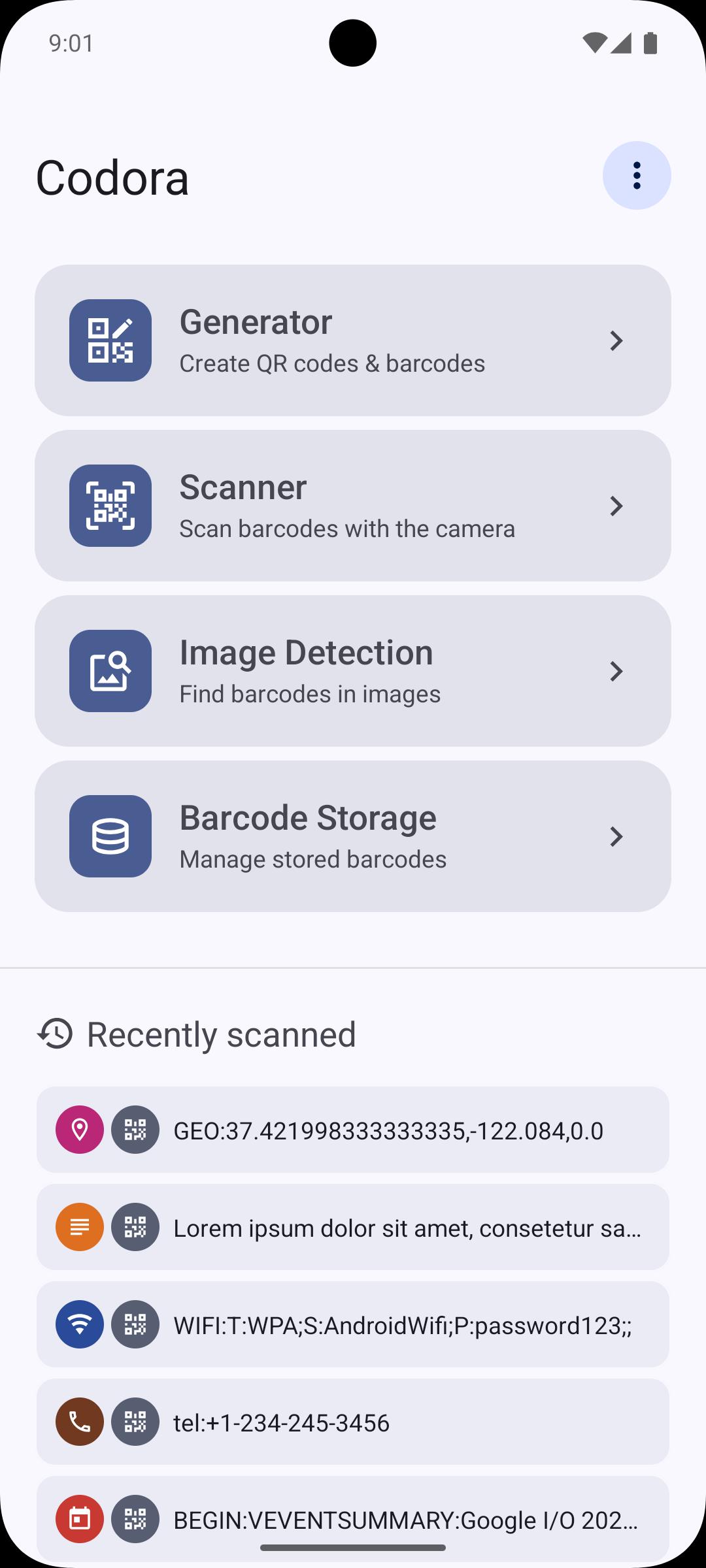
• Generator
• Scanner with multiples modes (Apply action, Decoder, Fast Scan)
• Database to store barcodes within the app
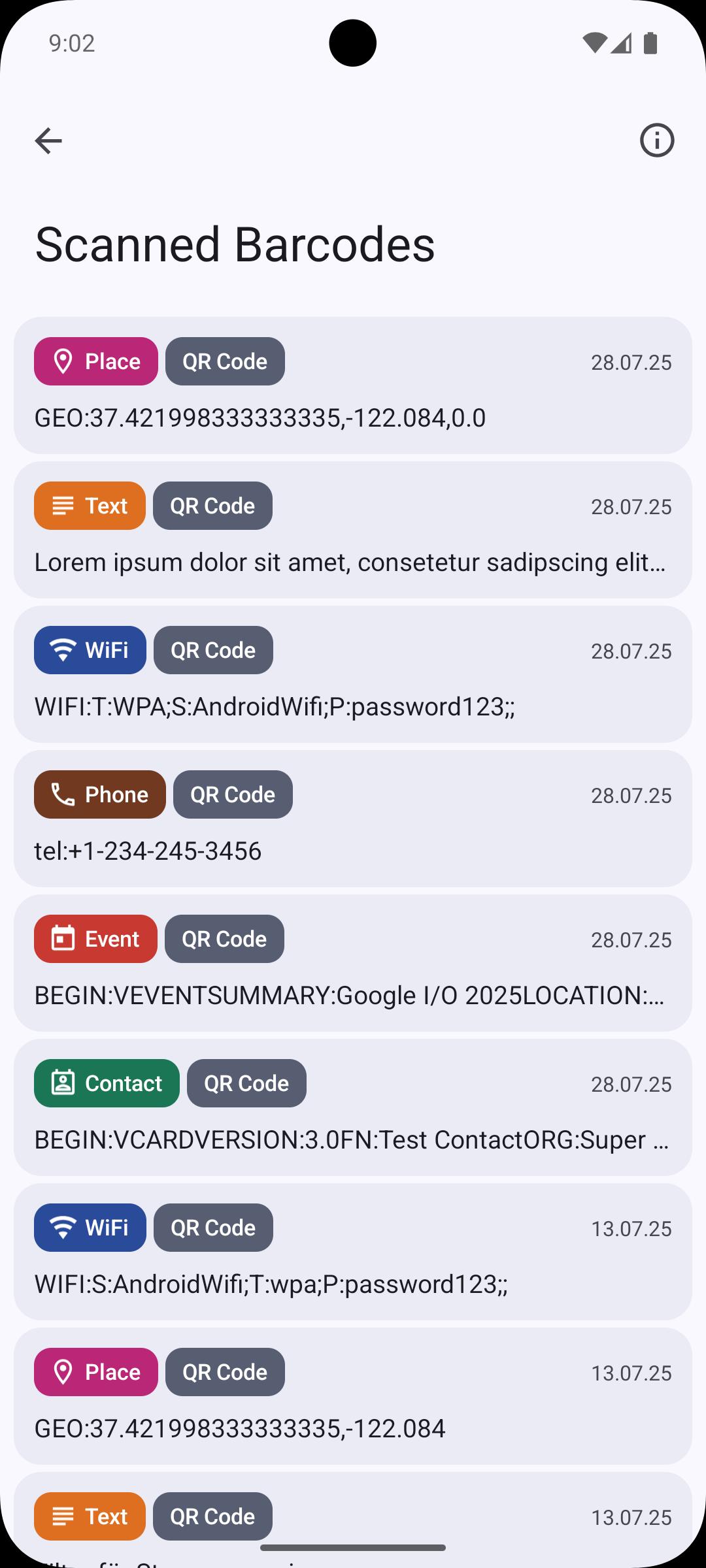
• History - track your scanned barcodes
• Easy handling of barcodes (save, share, export, print etc.)
• Extensive help pages with useful explanations and information
• User friendly app design
• Dark Mode (dark app design)
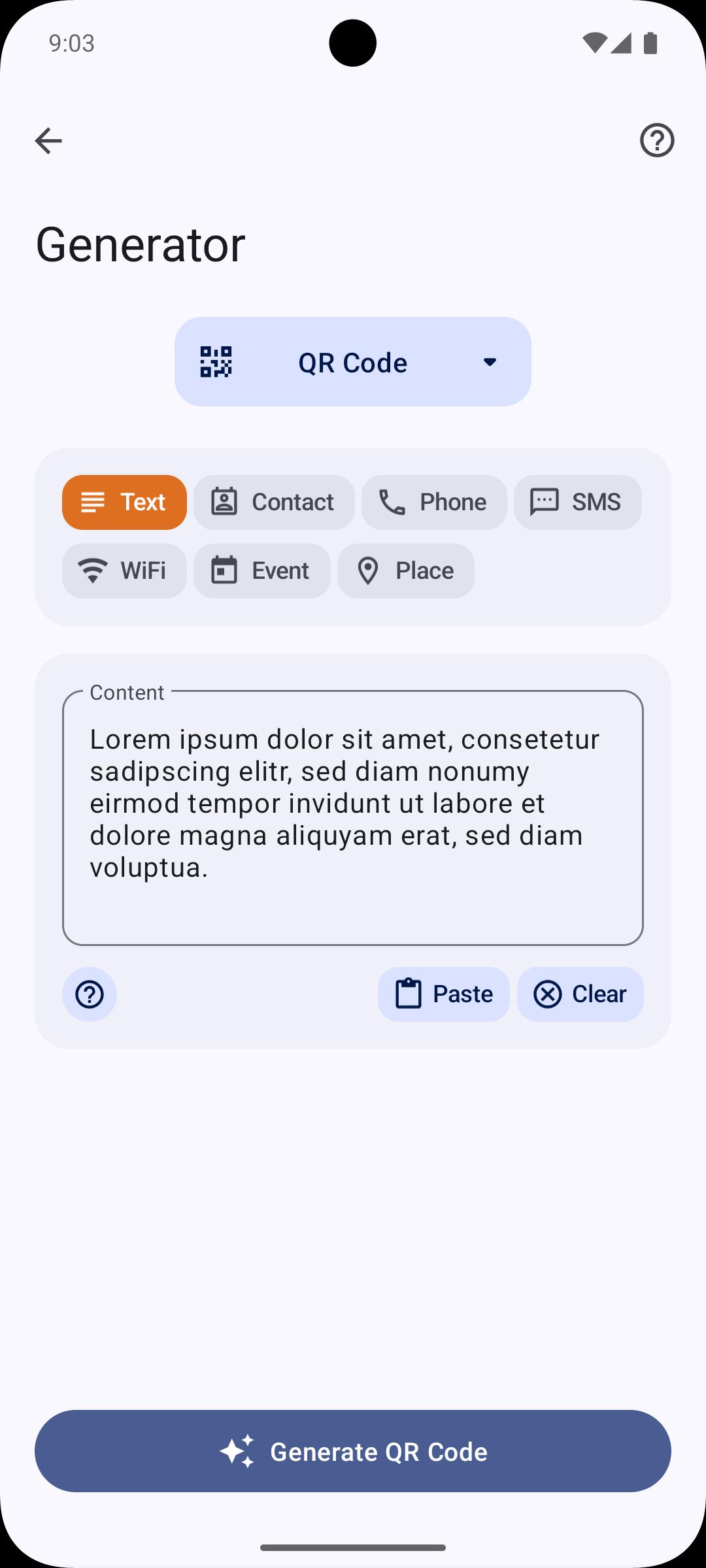
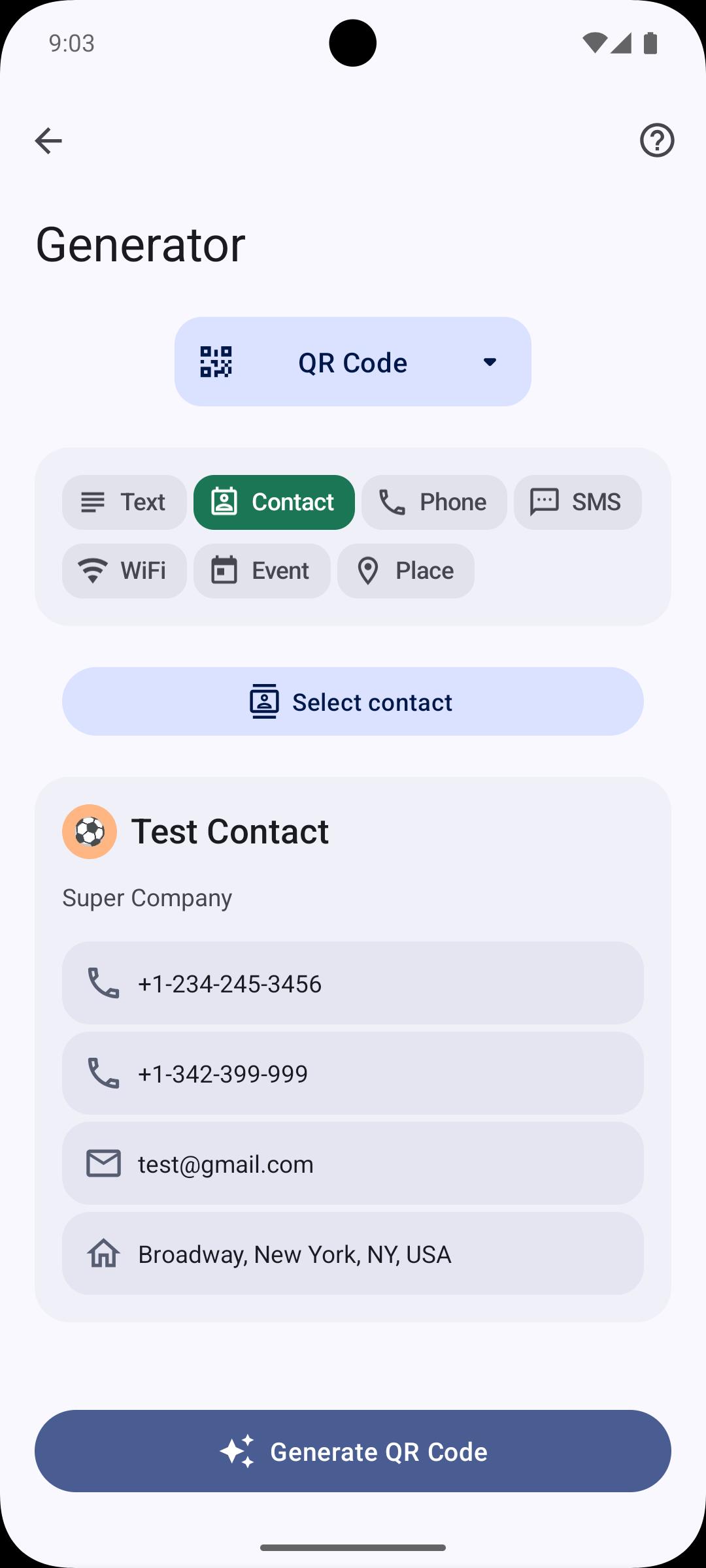
Generator:
Generate QR Codes of different types. The following types are available:
• URL (web links)
• Plaintext
• WiFi configuration
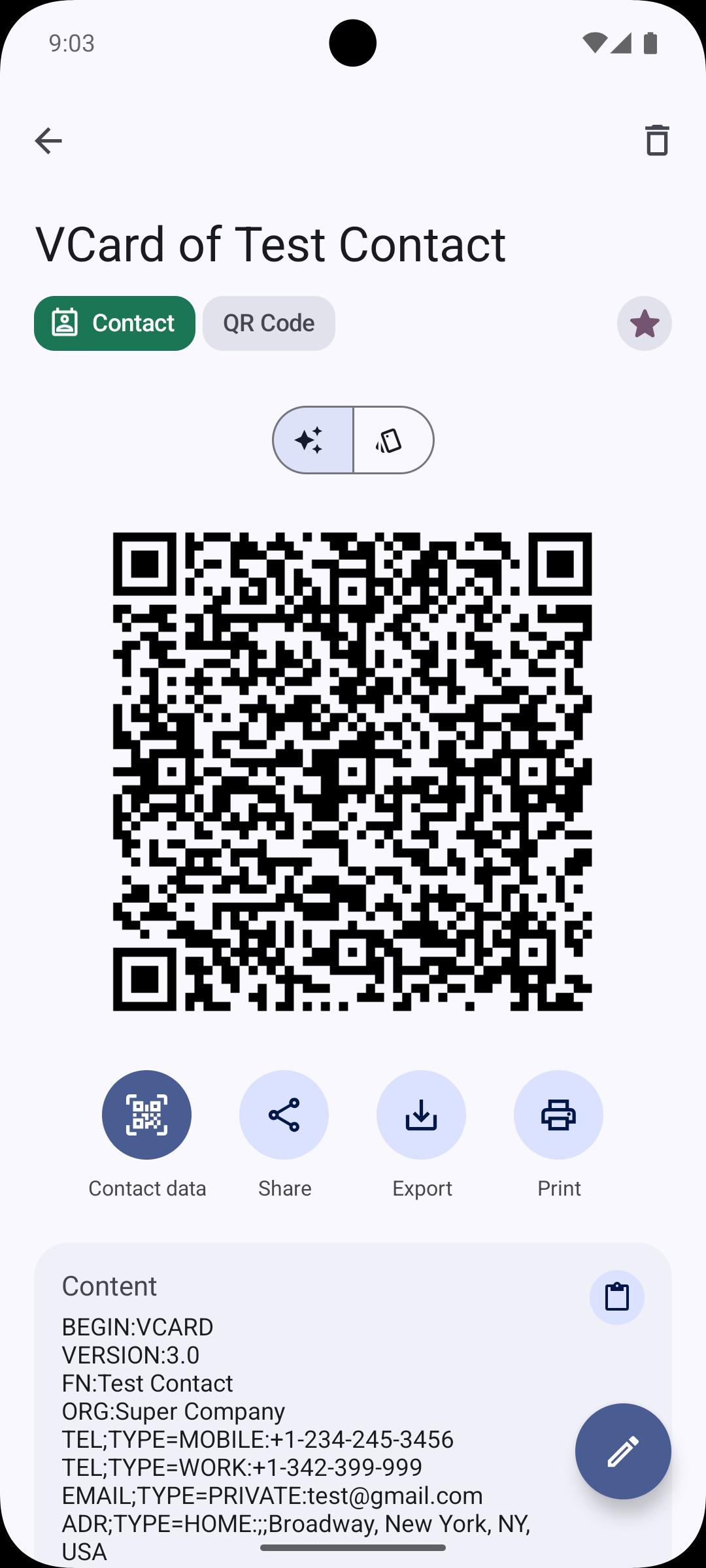
• Contacts(VCARD)
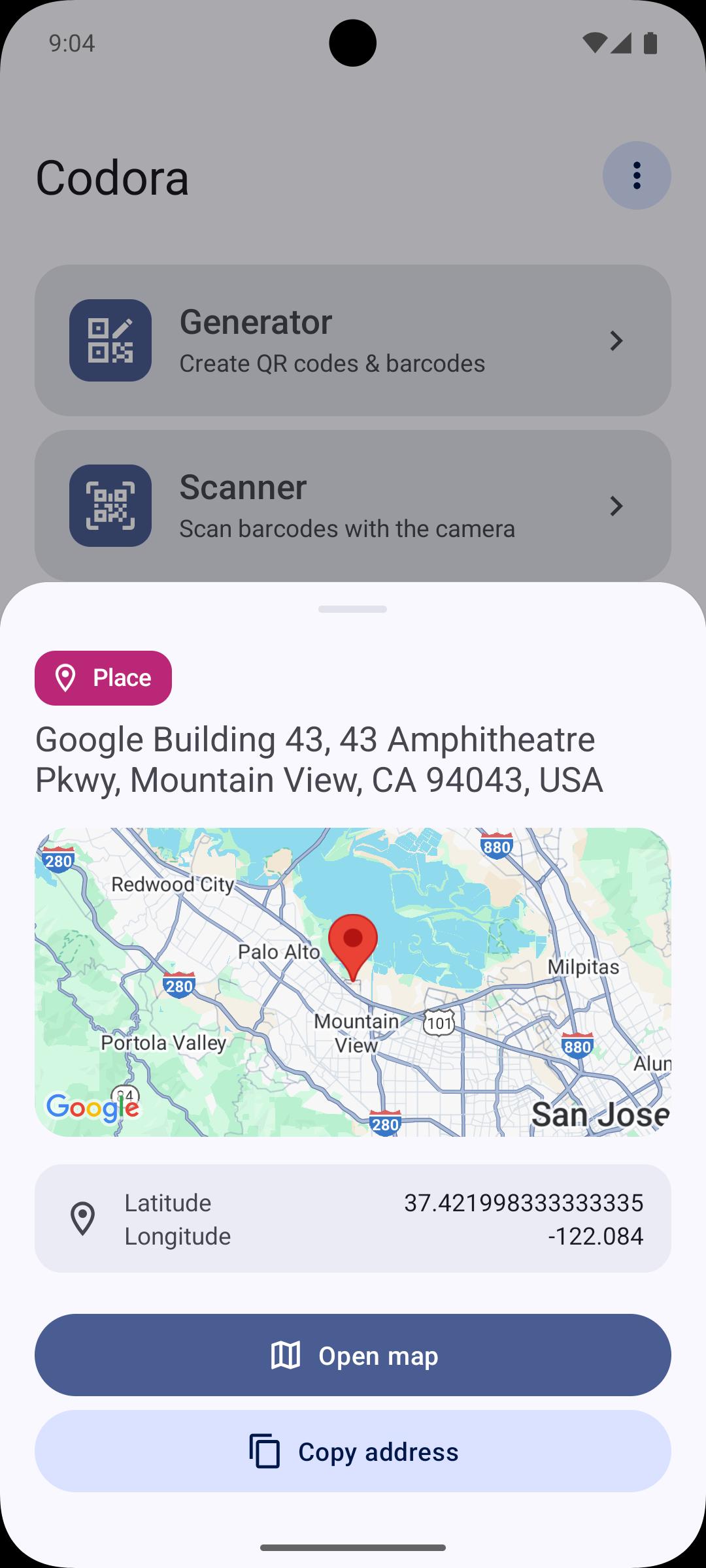
• Location
• Event
• SMS
• Phone
Generate other barcodes of different formats
• Data Matrix
• AZTEC
• PDF-417
• EAN-8
• EAN-13
• Code-39
• Code-93
• Code-128
• UPC-A
• UPC-E
• ITF
• Codabar
Scanner
The following content will be recognized by the scanner:
• URLs - all kind of web links
• App links to Google Play Store
• Email addresses
• Phone numbers
• WiFi configurations
• Contacts (VCARD)
• Locations
• Events
• Product barcodes
• Text
• SMS
Decoder
When scanning a barcode in this mode, the action (e.g. open a website) will not be performed but instead the content will be shown.
Fast Scan
Scan multiple barcodes one after another without any action. You will find your scanned barcodes in the history section marked with an additional label.
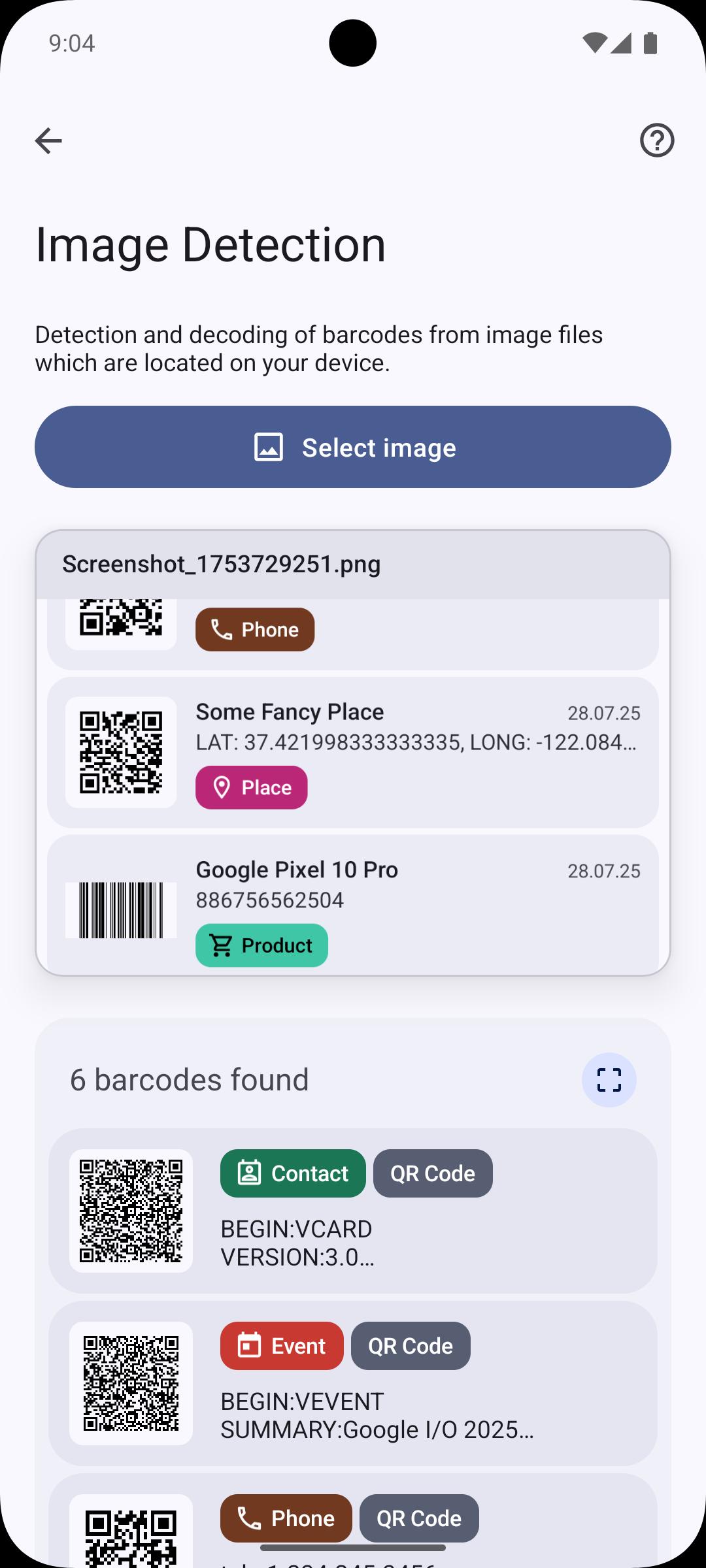
Image Scanner
Detection and decoding of barcodes from image files which are located on your device.
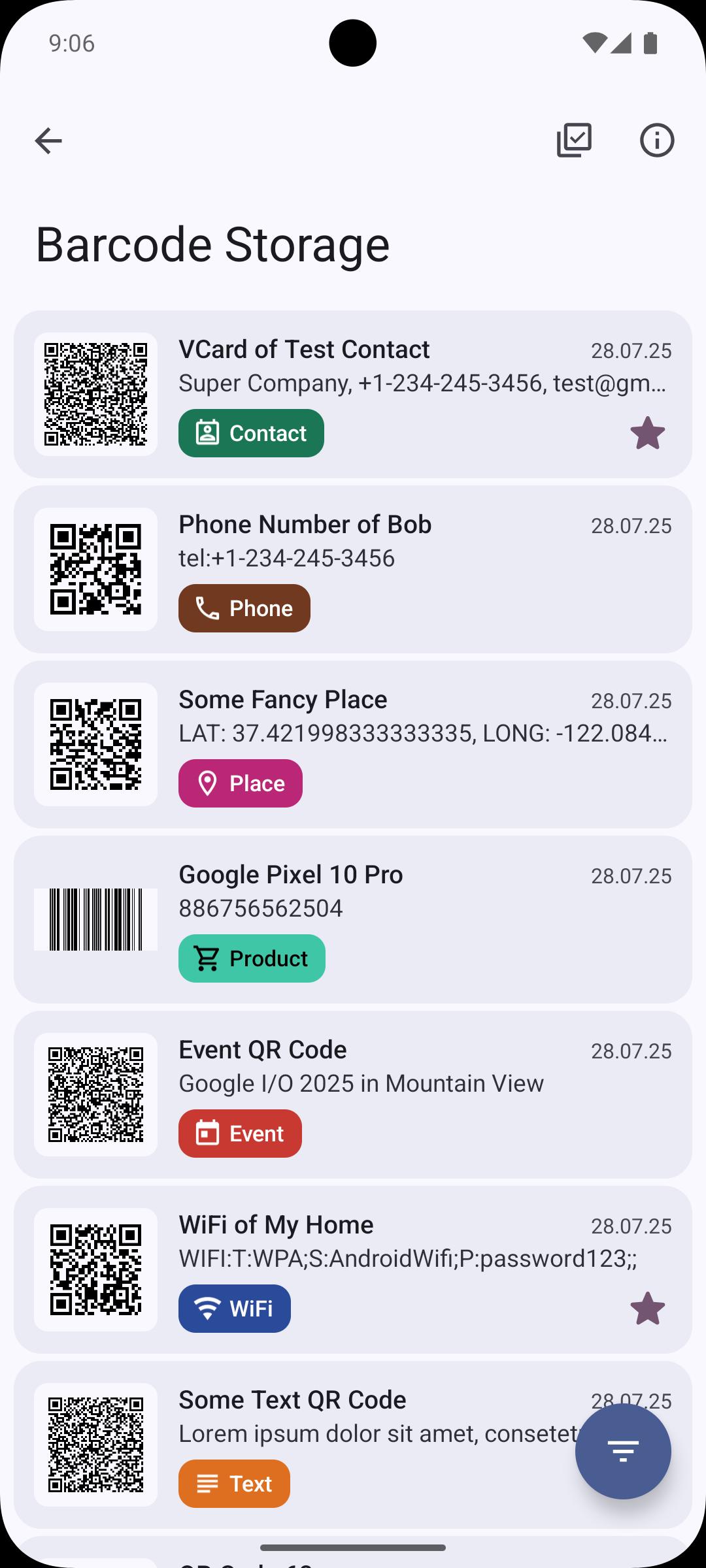
Stored barcodes
Save created or scanned barcodes directly in the app so that they can be called up at any time. Provide them with a name, description and label. The color of the barcode can also be adjusted. Options to share, export, print, and apply the barcode action are always available.
Feedback
If you have any problems, suggestions or questions, please send an email to qrtools.app@gmail.com
Also leave a positive rating if you like the app. Thank you!
Latest Version
6.9Uploaded by
Mananihaja Charly
Requires Android
Android 8.1+
Category
Free Tools AppContent Rating
Everyone
Security Report
Report
Flag as inappropriateLast updated on Oct 28, 2025
v6.9
• Reworked views for Storage & History
• Search for Storage & History
• Performance optimizations for Storage & History
• Reworked Backup & Restore functionality for more reliability
• Bugfixes

APKPure - A multi-platform app store primarily focused on Android, providing extensive app-related content. Discover the app you want easier, faster, and safer, with quick and efficient downloads and installations.