Scan Date:Mar 31, 2026
Show More

ClownFish Voice Changer helps users change how they sound for chats, pranks, streams, and creative audio work. On Android, you can record your voice, apply effects, and share clips to your favorite apps. On Windows, the desktop tool installs at system level so live effects go into any app that uses your microphone. This clear split makes it simple to choose how you want to use it. If you plan to download ClownFish Voice Changer, consider whether you need live effects or clip based sharing.
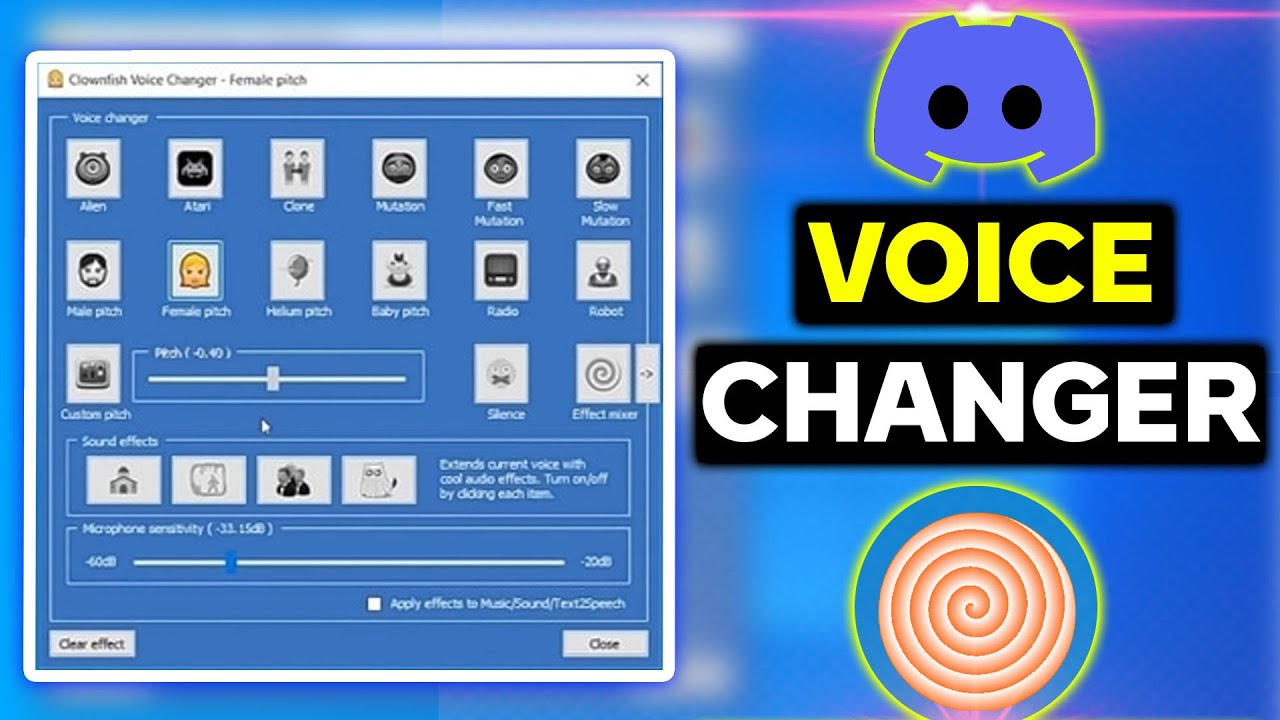
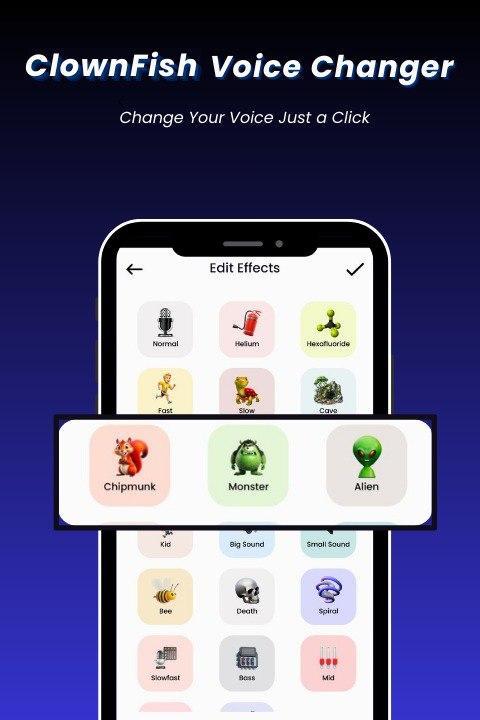
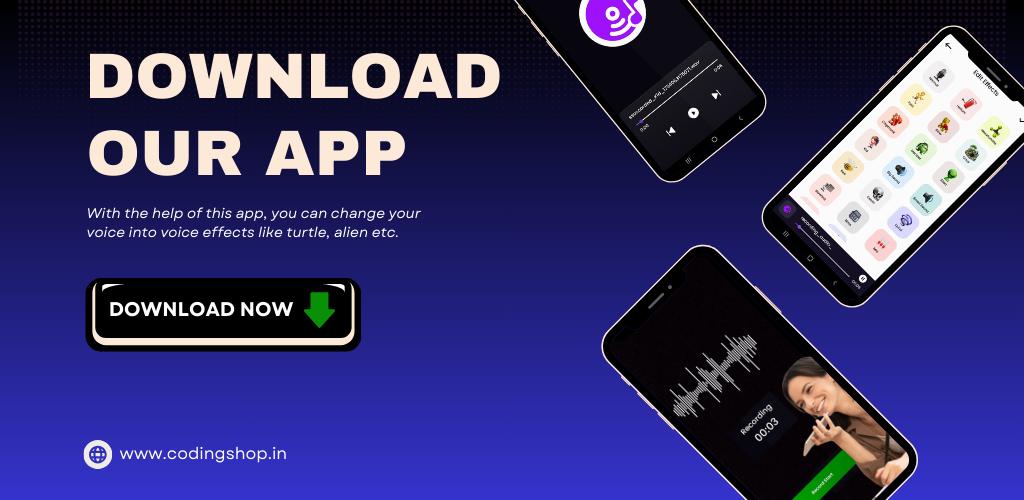
ClownFish Voice Changer includes a wide set of presets such as Female, Male, Robot, Helium, Baby, Alien, Radio, Atari, and Mutation. You can preview and switch between options to hear how each one changes your voice. This selection helps you find a quick match for a joke, a skit, or a short audio post.
Effect Mixer and VocoderYou can combine multiple effects and shape a unique sound using the effect mixer and vocoder. Start with a preset, then add layers to change pitch, tone, or texture until the result fits your idea. As you adjust, you can check the sound before saving the clip.
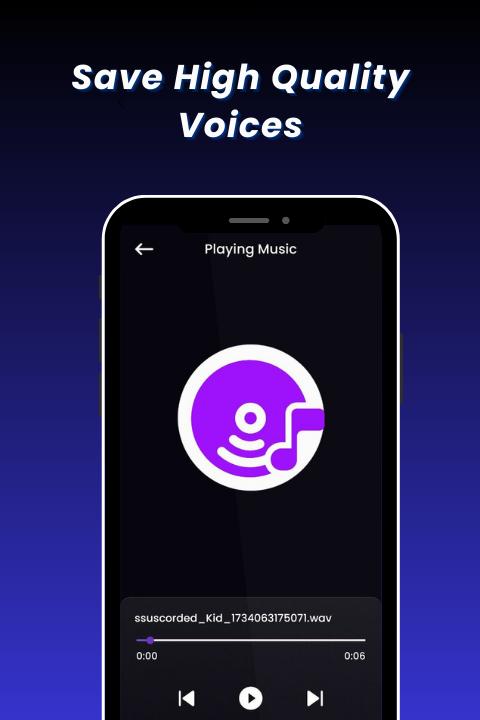
Text to Speech, Soundboard, and music playerClownFish Voice Changer offers text to speech, a simple soundboard, and a built in music player. These tools let you add voice lines from text, trigger short effects, or play a backing track while you record. The result is a more complete clip without switching between separate apps.
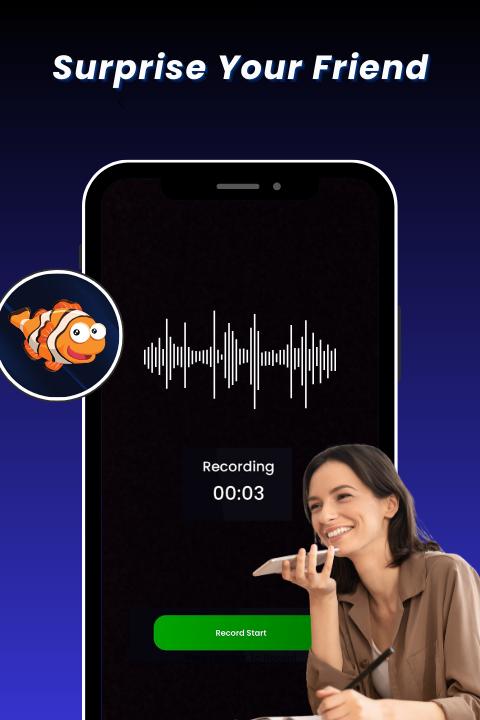
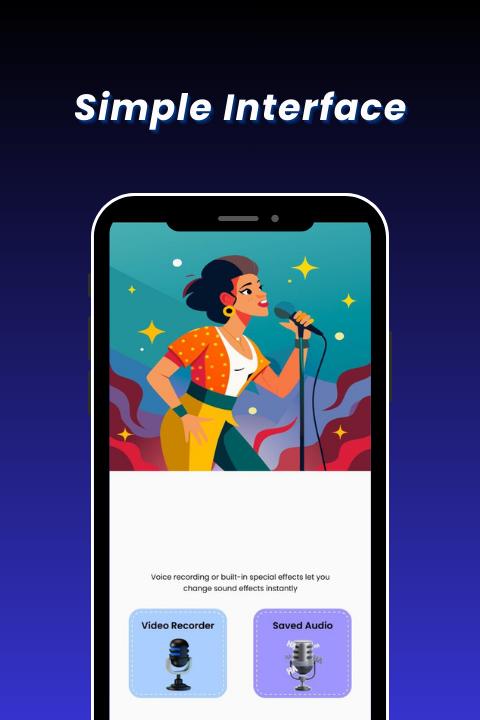
Record, edit, and share flow on mobileThe mobile workflow focuses on quick recordings and simple edits. You can capture a take, trim it, apply effects, and share directly to chat or social apps. This flow is suited to fast reactions during group chats or to short content for your followers.
Use across apps on desktopIf you need live effects in calls or broadcasts, the desktop app runs at system level on Windows. It routes your transformed voice into apps that use your microphone such as Discord, Skype, and Teamspeak, as well as streaming tools. On Android, you share finished clips to those platforms instead of applying effects live.
On Android, ClownFish Voice Changer centers on recording, applying effects, and sharing the final audio. It does not replace your microphone across other apps in real time. On Windows, the desktop app installs at system level so your altered voice can be heard live in calls, games, and streams. This difference helps you decide whether you want live voice effects or a clip based workflow.
ClownFish Voice Changer on Android focuses on recording your voice, applying presets, and sharing the result. The steps below describe a simple flow for short clips. If you installed the ClownFish Voice Changer APK, follow these steps to get started.
ClownFish Voice Changer provides presets, mixing, and simple tools to create altered voice clips on Android. Choose the workflow that fits your needs, whether you are posting a short audio or preparing content for streams. For the most recent improvements, check the ClownFish Voice Changer latest version when installing.
For official resources or support, use the links below.
Latest Version
1.18Uploaded by
Alrajie Alag
Requires Android
Android 7.0+
Category
Free Tools AppContent Rating
Everyone
Security Report
Report
Flag as inappropriateLast updated on Mar 31, 2026
Minor bug fixes and improvements. Install or update to the newest version to check it out!

APKPure - A multi-platform app store primarily focused on Android, providing extensive app-related content. Discover the app you want easier, faster, and safer, with quick and efficient downloads and installations.