Scan Date:Apr 13, 2026
Show More

Do you find copying and pasting your stuff across different platforms difficult? Well, we are here to help you out with this!
Copy Paste is the world’s first cross platform clipboard app that provides the fastest way to copy your items and paste them across various platforms, including IOS, Android, and MAC. Now copying your items from one platform to another is just a matter of few seconds.
How to use?
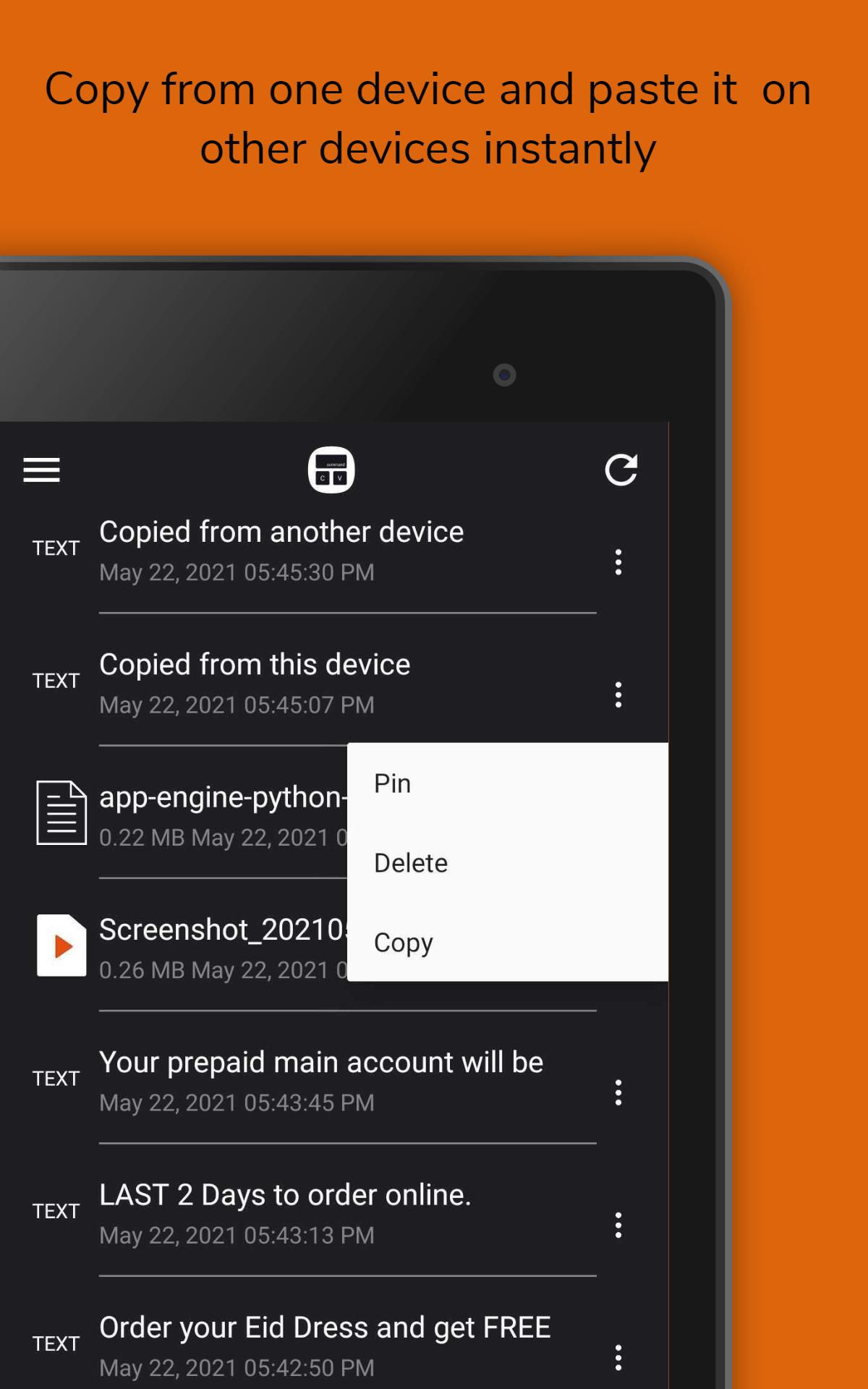
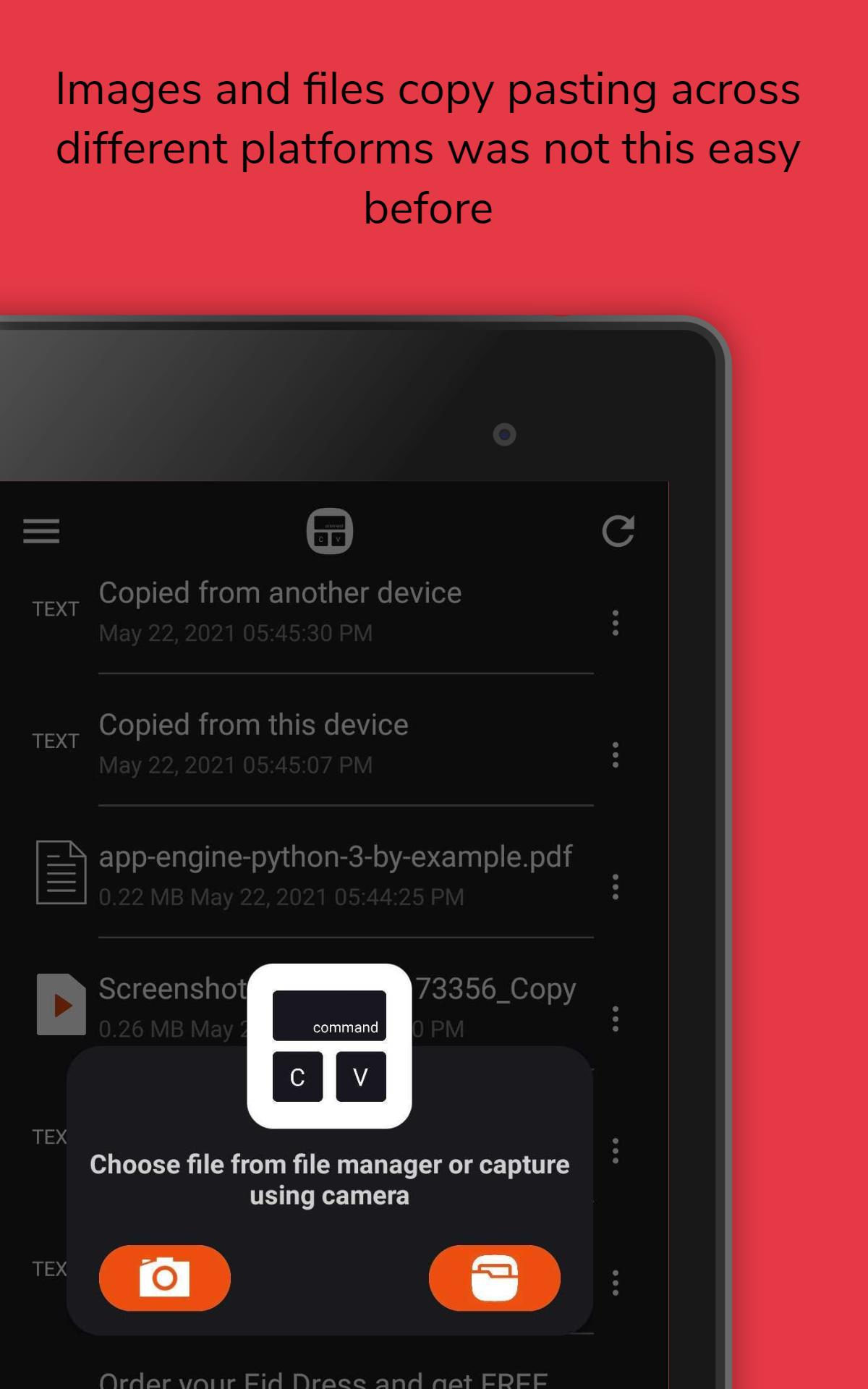
It is extremely easy to use Copy Paste. Just copy your desired text or images from any application, open your copy paste app, and it will automatically available for you to paste your text or images on your other devices. Our app will also notify you if any new clipboard is available. You can also send media to all other devices either by using your camera or by selecting files from the files manager. Once you receive the media, on opening Copy Paste, it will be automatically saved in your gallery/internal storage.
Features:
Copy and paste text: Copy your text and wait for notification as to the text copied on the clipboard. Paste it on your other devices with the same account.
Copy and paste images: Copy your images (less than 5 MBs) and paste them on all your Mac, Android, and IOS devices.
Supported image formats:
ALL (JPEG, BMP, PNG, HEIF, HEIC)
Copy and paste desired documents: You can also sync your PDF files (up to 100 MBs) from Mac to Android and iPhone devices and vice versa.
Supported document formats:
PDF, DOCX, XLS, XLSX, XML, and CSV.
View statistics:
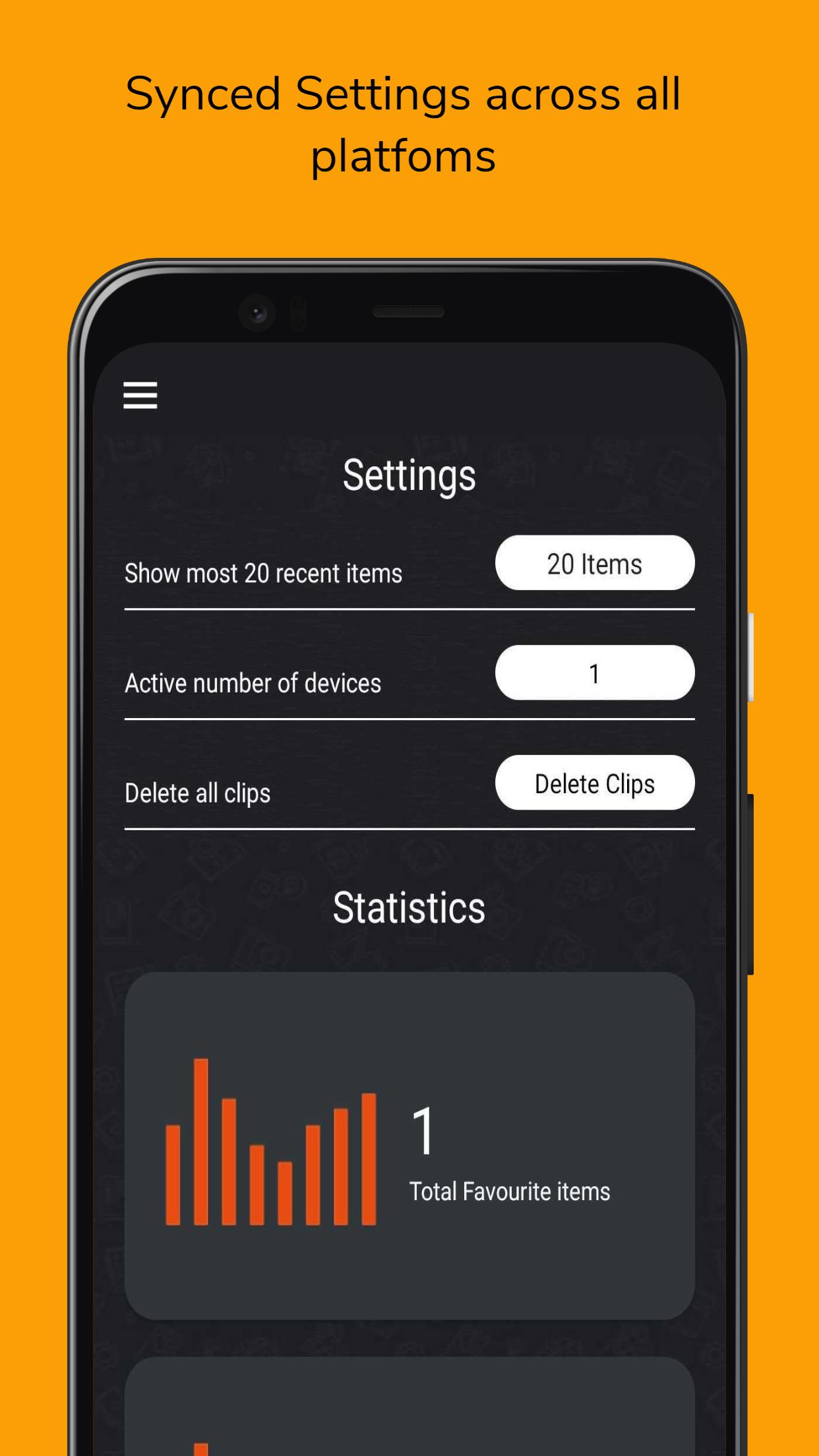
View all the items which you have recently sent and received from other devices. You can also mark your sent and received items as favorites.
Support Us:
You can email us to give your valuable feedback and suggestions as we are always open to them. Please rate our app. If you like it, do share it with your friends and family.
Accessibility Permission:
Google made certain privacy-related improvements to Android 10 and above that prevented background reading and monitoring of the system clipboard. In terms of privacy, this is good, however since Google has not released any alternative, after this privacy change Copy Paste app is not working as it formerly did. We need this accessibility permission to Auto Copy content with Accessibility Service in background.
Latest Version
1.0.16Uploaded by
Lucas Rian
Requires Android
Android 7.1+
Category
Free Productivity AppContent Rating
Everyone
Security Report
Report
Flag as inappropriateLast updated on Mar 18, 2024
Bug Fixes and App Improvments







APKPure - A multi-platform app store primarily focused on Android, providing extensive app-related content. Discover the app you want easier, faster, and safer, with quick and efficient downloads and installations.


![Text Scanner [OCR] APK](https://image.winudf.com/v2/image1/Y29tLnBlYWNlLlRleHRTY2FubmVyX2ljb25fMTU2MjQ4NTkyMl8wNDg/icon.png?w=102&fakeurl=1)